NotebookLM Google ka free AI research tool hai jo tumhare notes, PDFs, aur slides se seedha padhai material bana deta hai - summaries, flashcards, quizzes, aur audio podcasts jaisa Audio Overview bhi. Free plan hi zyadatar students ke liye kaafi hai, aur paid plan $7.99 per month se shuru hota hai agar limits chhoti lage.
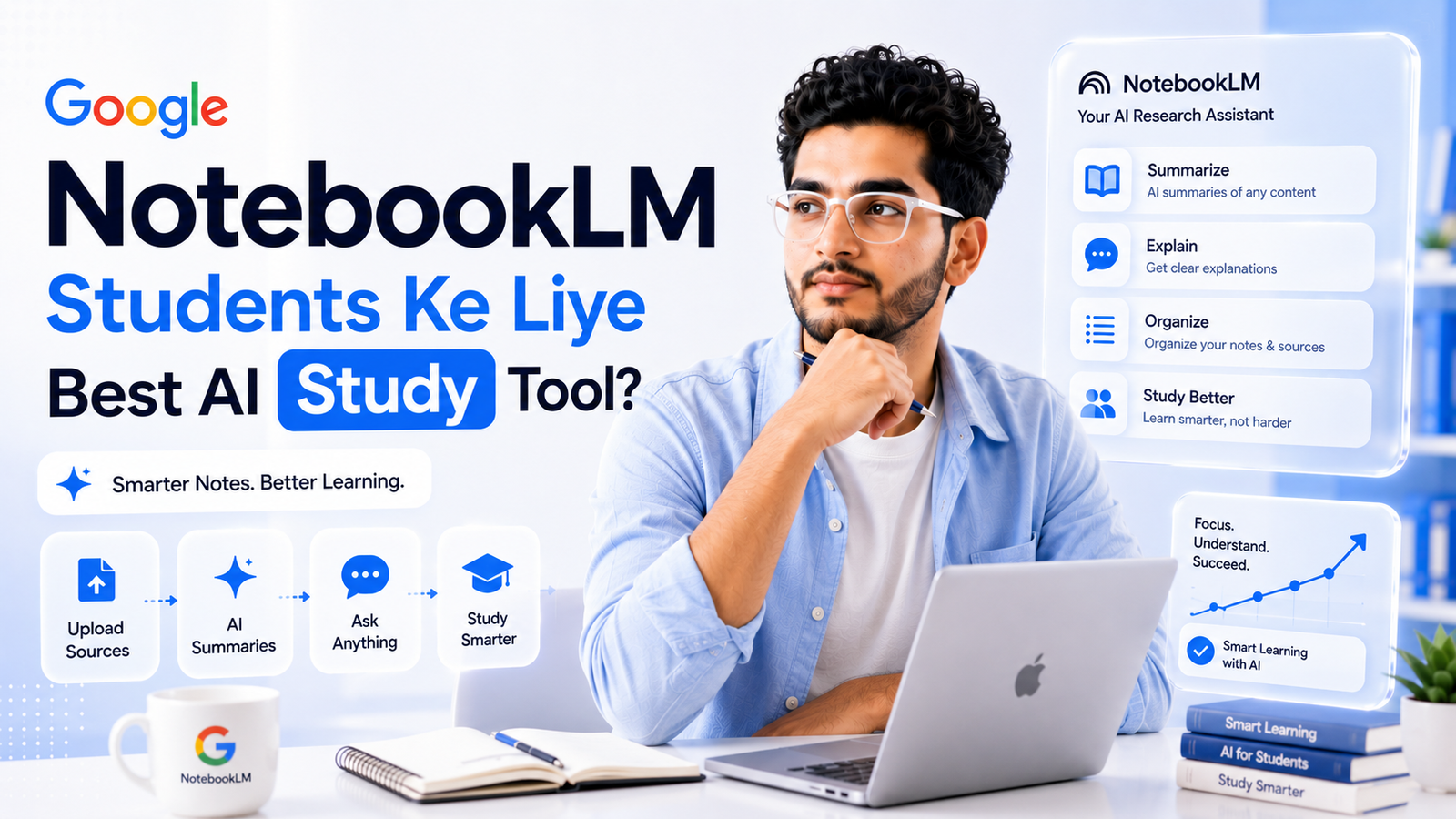
Exam se ek raat pehle 200 pages ka notes revise karna kisi ke bas ki baat nahi hoti. Ye exact problem hai jo NotebookLM solve karta hai, aur genuinely surprising baat ye hai ki iska sabse powerful version completely free hai.
Idea simple hai. Apna material upload karo - PDF, Google Doc, slides, ya YouTube video ka link - aur NotebookLM sirf usi content se answers, summaries, aur study material generate karta hai. Koi random internet se galat information nahi aati, sab kuch tumhare hi sources se cited hota hai. Is guide me dekhenge ki isse actually kaise use kare padhai ke liye.
NotebookLM Kya Hai?
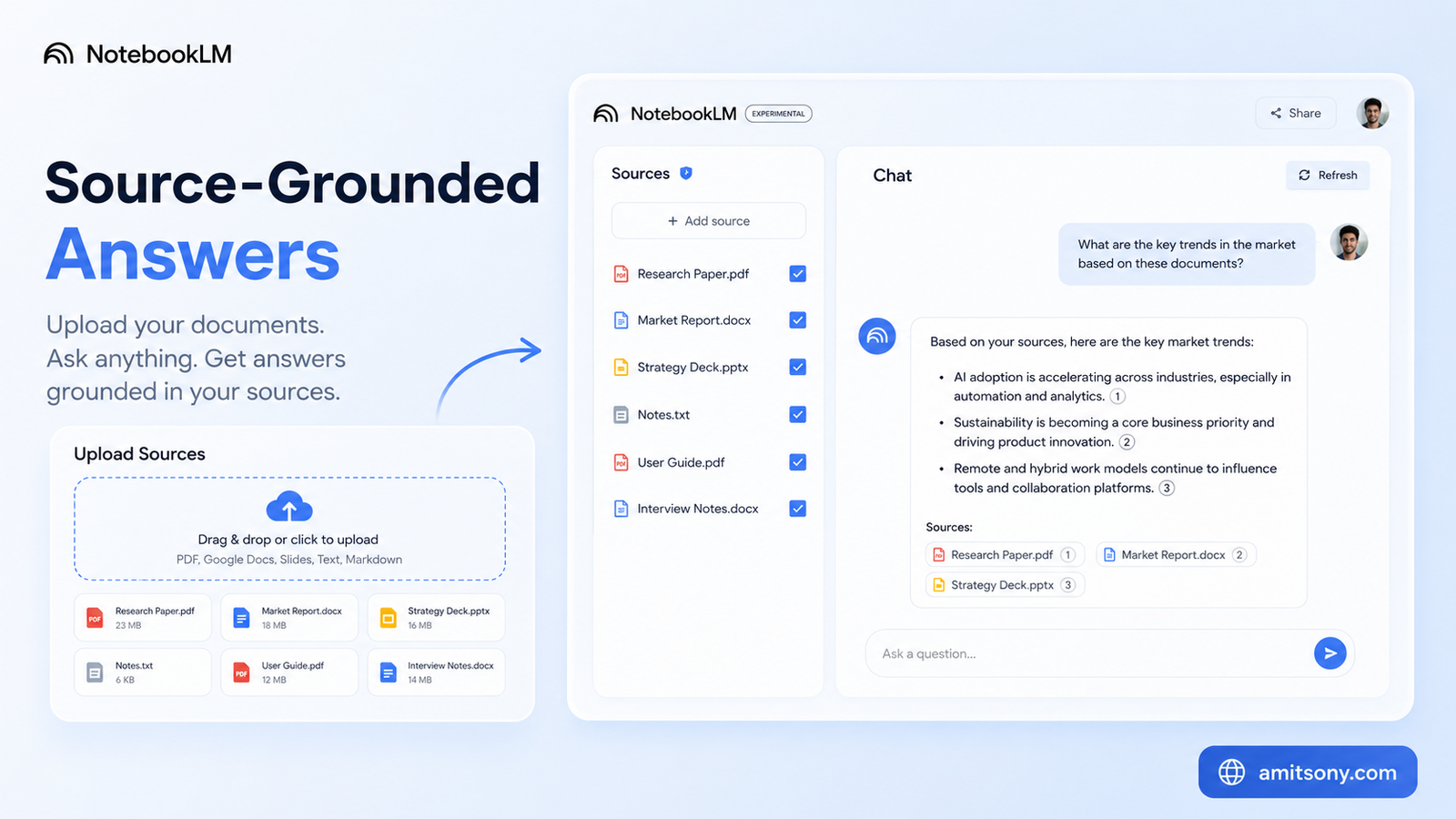
NotebookLM Google ka AI research aur note-taking tool hai. Tum apne documents upload karte ho, aur ye unhe padh kar tumhare sawalo ka jawab deta hai, sirf usi content ke against, na ki poore internet se guess karke.
Ye difference genuinely important hai. ChatGPT ya normal chatbot se poochoge to wo apni general training se answer dega, jo kabhi kabhi galat ya outdated ho sakta hai. NotebookLM sirf tumhara upload kiya material padhta hai, aur har answer ke saath exact source citation deta hai, matlab tum verify kar sakte ho kaha se aaya.
June 2026 me ek update aaya jisme NotebookLM Google Search se bhi naye sources discover karke add kar sakta hai. Lekin core purpose wahi hai - ye ek synthesis tool hai, real-time search engine nahi. Tumhara apna material hi iska main focus rehta hai.
NotebookLM Padhai Ke Liye Itna Useful Kyu Hai?
Sabse bada fayda hallucination-resistance hai. Normal AI chatbots kabhi kabhi confidently galat information de dete hai. NotebookLM sirf tumhare uploaded material se answer deta hai, isliye exam-relevant facts galat hone ka risk bahut kam ho jata hai.
Studying time bhi dramatically kam ho jata hai. Ek 100-page chapter ko manually padhne ke bajaye, NotebookLM usse minutes me summarize, structure, aur key points nikal deta hai. Ye padhai ko replace nahi karta, bas faster starting point deta hai.
Multiple formats me same content milna bhi genuinely helpful hai. Ek hi source se tum summary bhi padh sakte ho, quiz bhi de sakte ho, aur audio discussion bhi sun sakte ho jab hands-free revision karna ho, jaise commute karte waqt.
Free Plan Me Students Ko Kya Milta Hai?
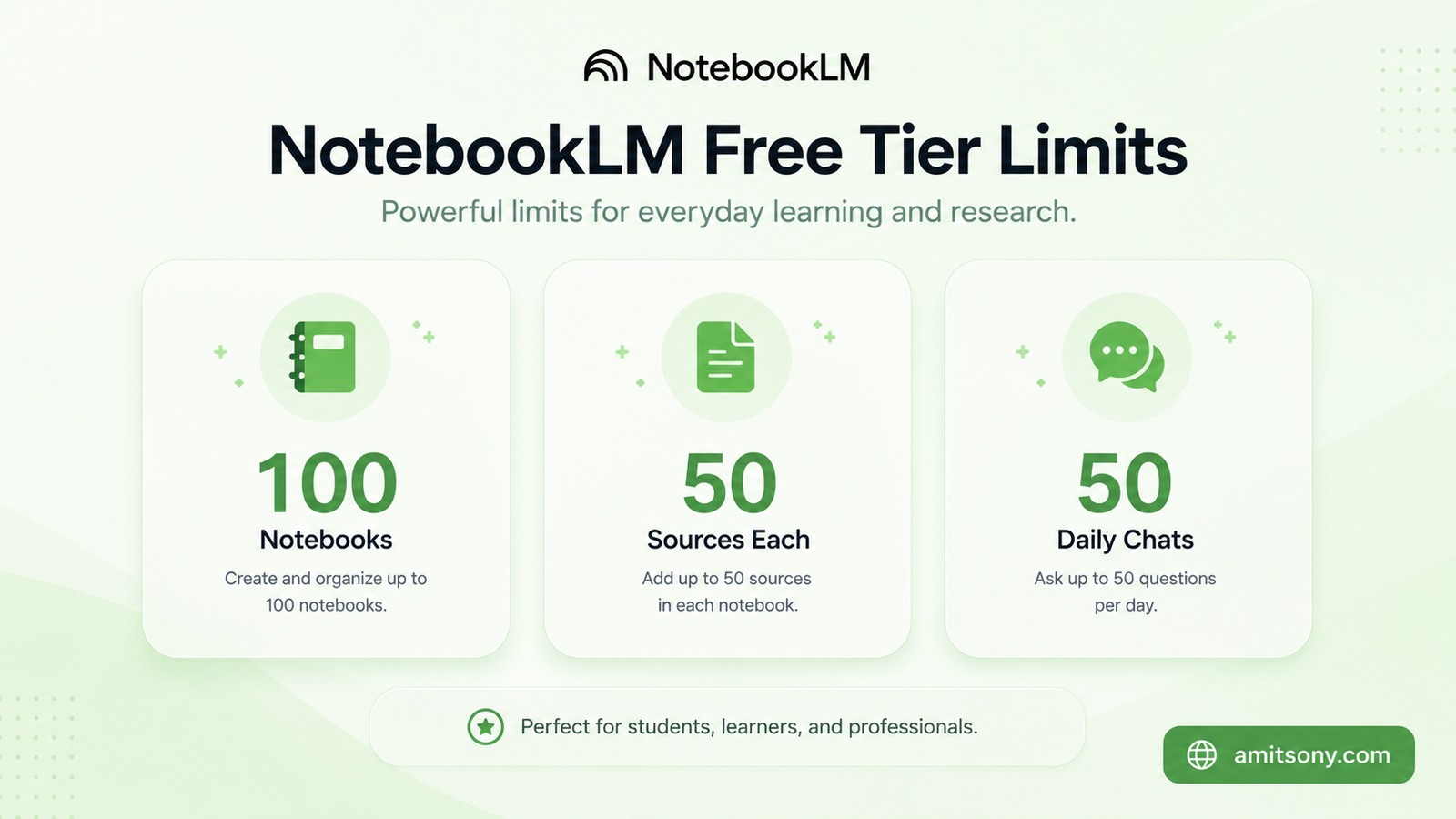
Honestly, free tier genuinely capable hai. 100 notebooks, har notebook me 50 sources, aur 50 daily chats milte hai, bina ek rupaya kharch kiye.
Sabse achi baat ye hai ki free version me exact wahi Gemini 3 model chalta hai jo paid tiers me chalta hai. Matlab answer quality me koi farak nahi, sirf usage limits kam hai.
Zyadatar students ke liye ye limits kabhi hit hi nahi hote. Ek semester me 50 sources ek notebook me daalna, ya din me 50 baar chat karna, casual study use ke liye genuinely zyada hai. Do hafte track karo apna usage, tabhi pata chalega paid plan ki actually zarurat hai ya nahi.
Audio Overviews Se Revision Kaise Kare?
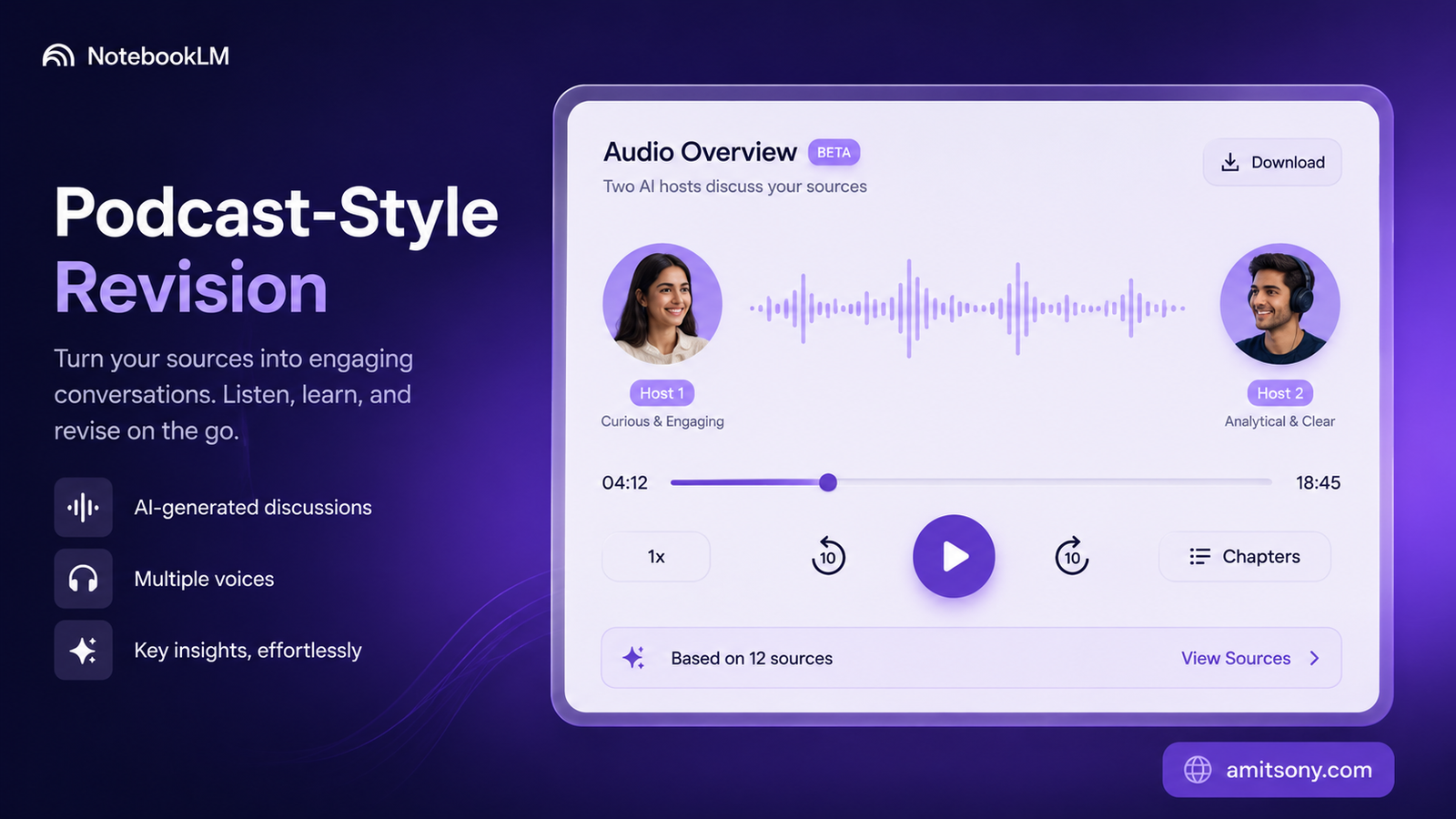
Ye NotebookLM ka sabse famous feature hai. Apne notes upload karo, aur ye do AI hosts ke beech ek natural, podcast-style conversation generate kar deta hai jo tumhare material ko discuss karta hai, bilkul real podcast jaisa sunta hai.
Revision ke liye ye genuinely game-changer hai. Jab aankhein thak jaye ya travel kar rahe ho, Audio Overview sunkar bhi same content absorb ho jata hai, bina screen dekhe.
Interactive Mode bhi ek useful feature hai. Audio chalte waqt tum beech me interrupt karke sawaal pooch sakte ho, aur hosts usi context me jawab dete hai. Ye passive listening ko active revision session me badal deta hai.
Cinematic Video Overviews bhi ab available hai, jo same idea ko visual format me leke aata hai, complex diagrams ya processes explain karne ke liye especially useful.
Study Guide, Flashcards Aur Quiz Kaise Generate Kare?
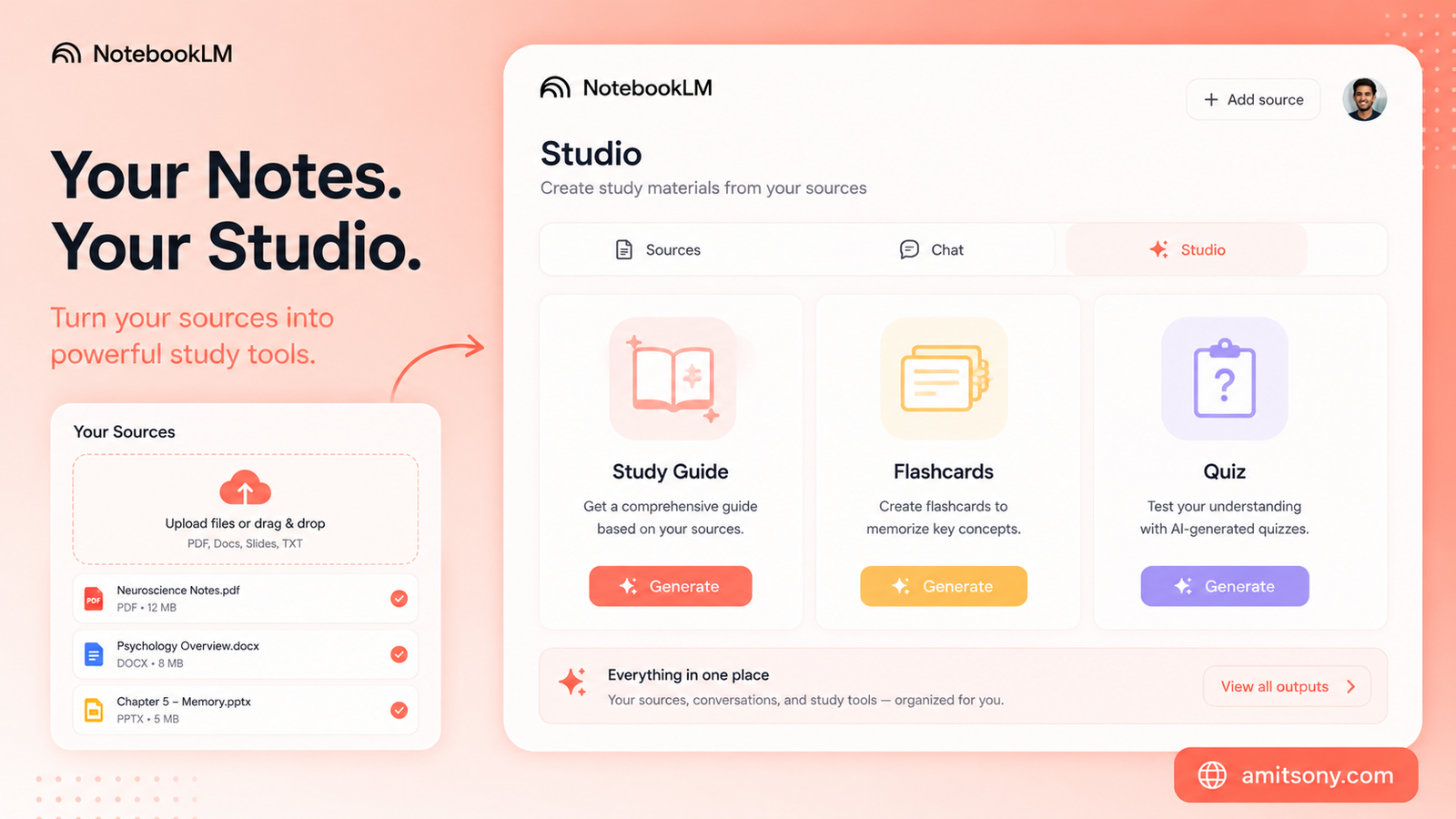
Studio panel ke andar, ek click me Study Guide ban jata hai jo tumhare uploaded material ke important topics ko structured format me organize kar deta hai. Ye normal summary se zyada detailed hota hai, exam preparation ke hisaab se design kiya gaya.
Flashcards bhi automatically generate ho jate hai key terms aur concepts ke against. Manually flashcards banane me ghanto lagte the, ab ye seconds me ban jate hai.
Quiz feature genuinely test karne layak hai apni understanding. NotebookLM tumhare hi material se sawaal banata hai, matlab practice questions exactly wahi topics cover karte hai jo actually tumhare syllabus me hai, generic internet questions nahi.
FAQ feature ek aur underrated cheez hai. Ye un sawalo ki list generate karta hai jo tumhe khud kabhi sochne me nahi aate, lekin exam me aa sakte hai. Briefing Doc feature detailed summary deta hai jo normal summarization se kaafi zyada thorough hota hai.
Mind Map Aur Timeline Feature Kis Kaam Aata Hai?
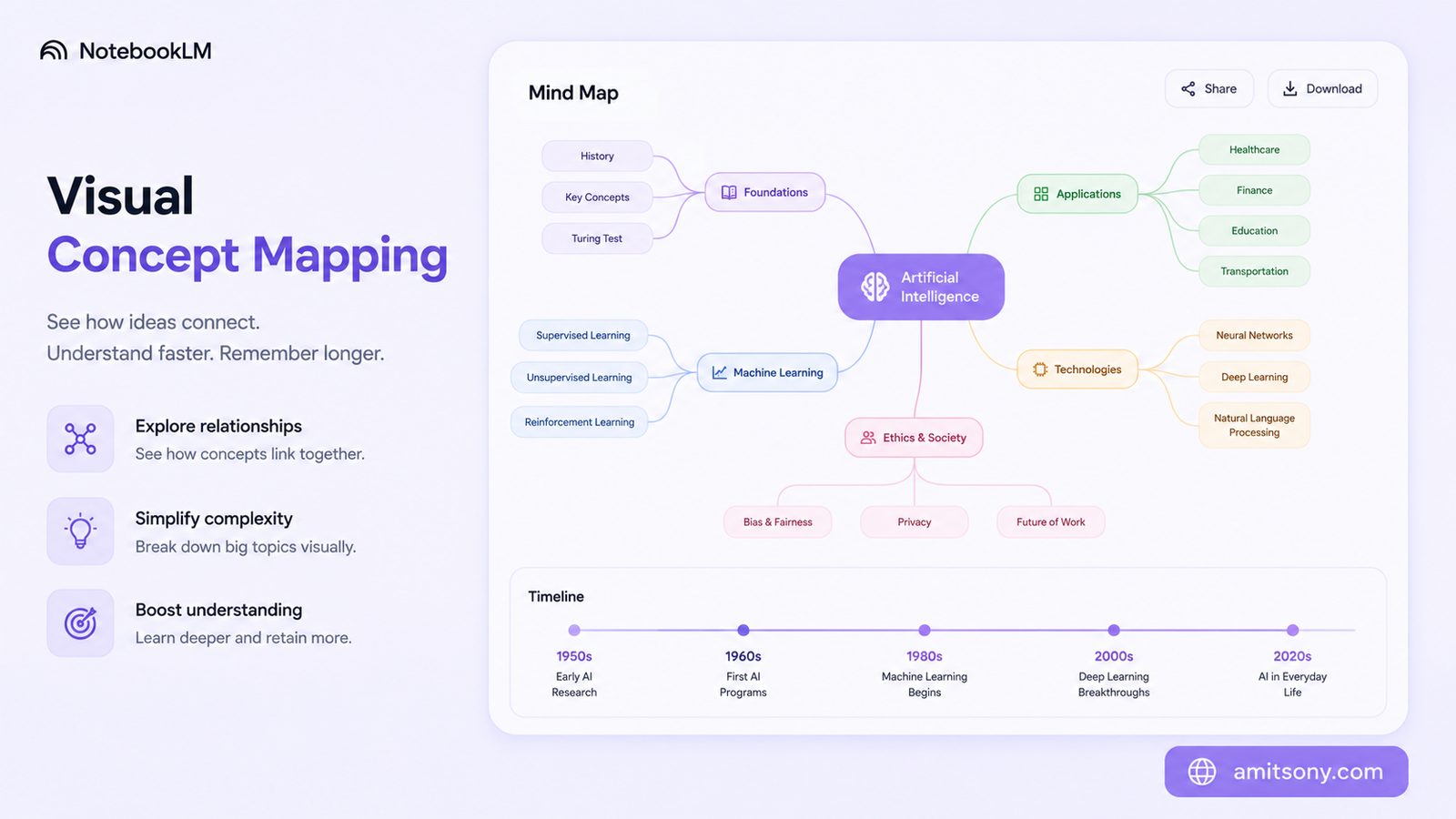
Mind Map feature complex topics ko visual, connected structure me tod deta hai. History, science, ya kisi bhi subject jisme concepts ek doosre se related ho, us case me relationships dekhna reading se zyada clear hota hai.
Timeline feature specifically un subjects ke liye best hai jaha events ki chronology important hai, jaise history ya political science. Agar tumhare documents me alag-alag time periods spread hai - kuch 1800s ka, kuch 1900s ka - NotebookLM automatically inko ek organized timeline me arrange kar deta hai.
Ye dono features especially useful hai jab last-minute revision karna ho aur poora chapter dobara padhne ka time na ho. Ek glance me poora structure samajh aa jata hai.
Step By Step — NotebookLM Kaise Use Kare?
Step ek, apne Google account se notebooklm.google.com par login karo. Koi separate signup nahi chahiye, existing Google account hi kaafi hai.
Step do, apna naya notebook banao aur sources upload karo. PDFs, Google Docs, slides, website links, ya YouTube videos tak - sab kuch supported hai. Ek notebook me relevant material hi rakho, mixed unrelated documents confuse kar sakte hai.
Step teen, chat panel me directly sawaal poocho jaise tum kisi tutor se poochte ho. "Chapter 3 ka main argument kya hai" ya "in dono theories me farak batao" jaise specific sawaal best results dete hai.
Step chaar, Studio panel explore karo. Yahi se Audio Overview, Study Guide, Flashcards, Quiz, aur Mind Map sab generate hote hai, apni zarurat ke hisaab se select karo.
Step paanch, agar group study kar rahe ho, notebook share kar do classmates ke saath. Sabko same source-grounded material milta hai, alag-alag notes se confusion nahi hoti.
Kab Paid Plan Lena Chahiye?
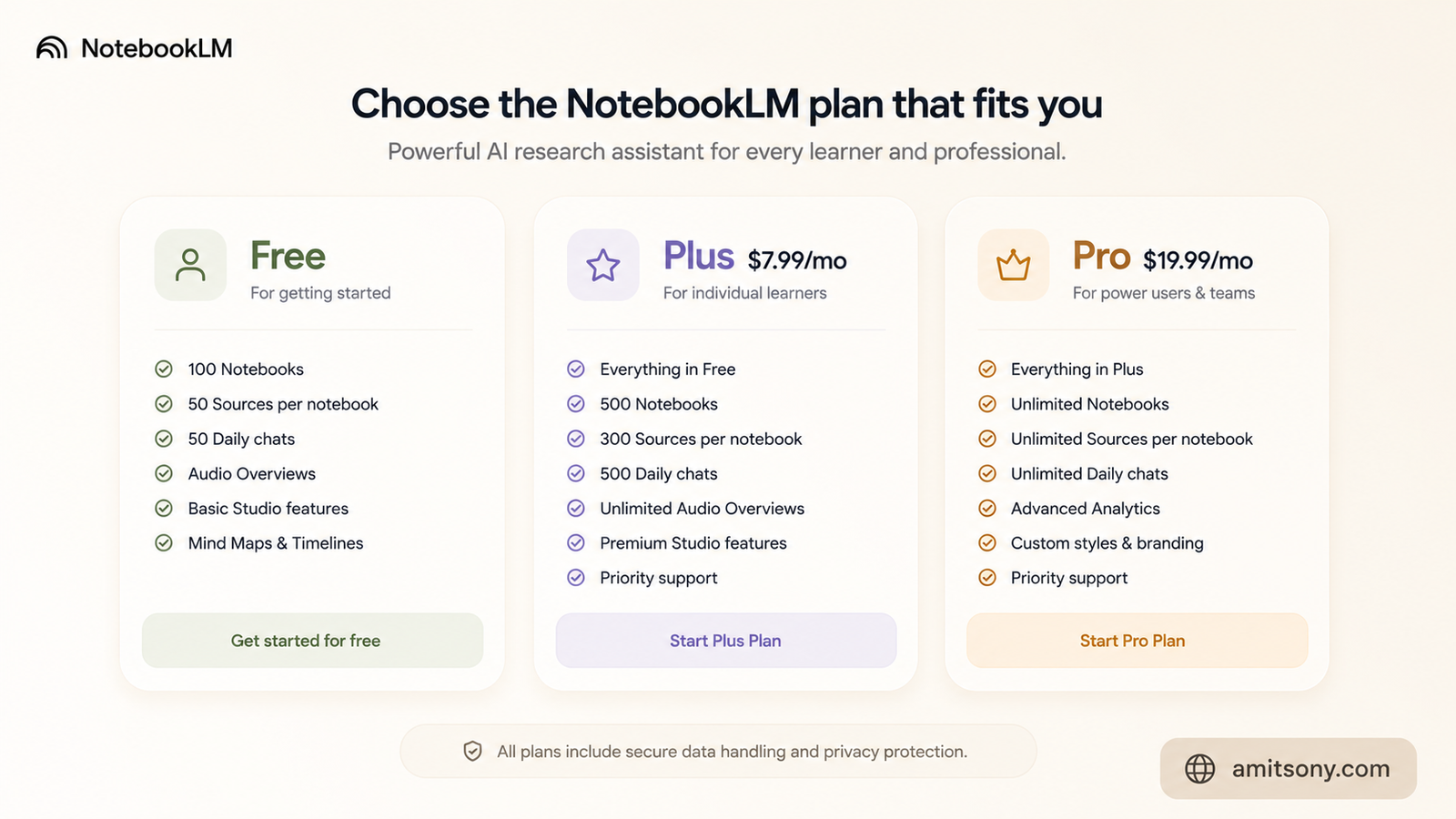
Agar free limits genuinely tight lagne lage, kai paid options hai. Plus plan $7.99 per month Google AI Plus ke through milta hai, jisme 200 notebooks, 100 sources per notebook, aur 200 daily chats milte hai, plus 200GB cloud storage.
Pro plan $19.99 per month ka hai, jisme aur zyada limits aur Gemini Pro access milta hai. Ultra plans $99.99 per month se lekar $200 per month tak jate hai, jo watermark-free exports aur large-scale Deep Research chahne wale heavy users ke liye hai.
Sabse important baat US students ke liye - agar tum 18+ ho aur eligible .edu email hai, student discount $9.99 per month ka milta hai 12 months ke liye, jo Pro tier ke features deta hai bahut kam price par. Kuch universities Google Workspace for Education ke through NotebookLM already free provide karti hai, apne institution ki IT team se check karo pehle kuch bhi pay karne se.
Honestly, casual se moderate use ke liye free tier hi enough hai zyadatar students ke liye. Paid plan tab lo jab genuinely daily limits hit ho rahe ho, sirf features achhe lagne ki wajah se nahi.
Frequently Asked Questions
NotebookLM kya hai simple words me?
Ye Google ka free AI tool hai jo tumhare apne documents se summaries, flashcards, quizzes, aur audio discussions bana deta hai, sirf tumhare uploaded material ke against.
Kya NotebookLM completely free hai?
Haan, free tier genuinely capable hai - 100 notebooks, 50 sources per notebook, aur 50 daily chats bina kisi payment ke.
NotebookLM aur ChatGPT me kya farak hai?
NotebookLM sirf tumhare uploaded sources se answer deta hai citations ke saath, jabki ChatGPT apni general training se broader answers deta hai.
Audio Overview kya hota hai?
Ye ek AI-generated podcast-style conversation hai jo do hosts ke beech tumhare uploaded material ko discuss karta hai, revision ke liye useful.
Kya students ke liye koi discount hai?
Haan, US students 18+ eligible .edu email ke saath $9.99 per month ka discounted Pro plan le sakte hai 12 months ke liye.