None of these three is genuinely an all-in-one replacement for the other two. Higgsfield leads for cinematic, camera-directed video and consistent UGC-style characters, OpenArt gives the most image credits per dollar plus custom model training, and Krea wins for real-time, brush-driven creation with the broadest raw model library. Pick based on whether your actual output is video, high-volume images, or live iterative sketching.
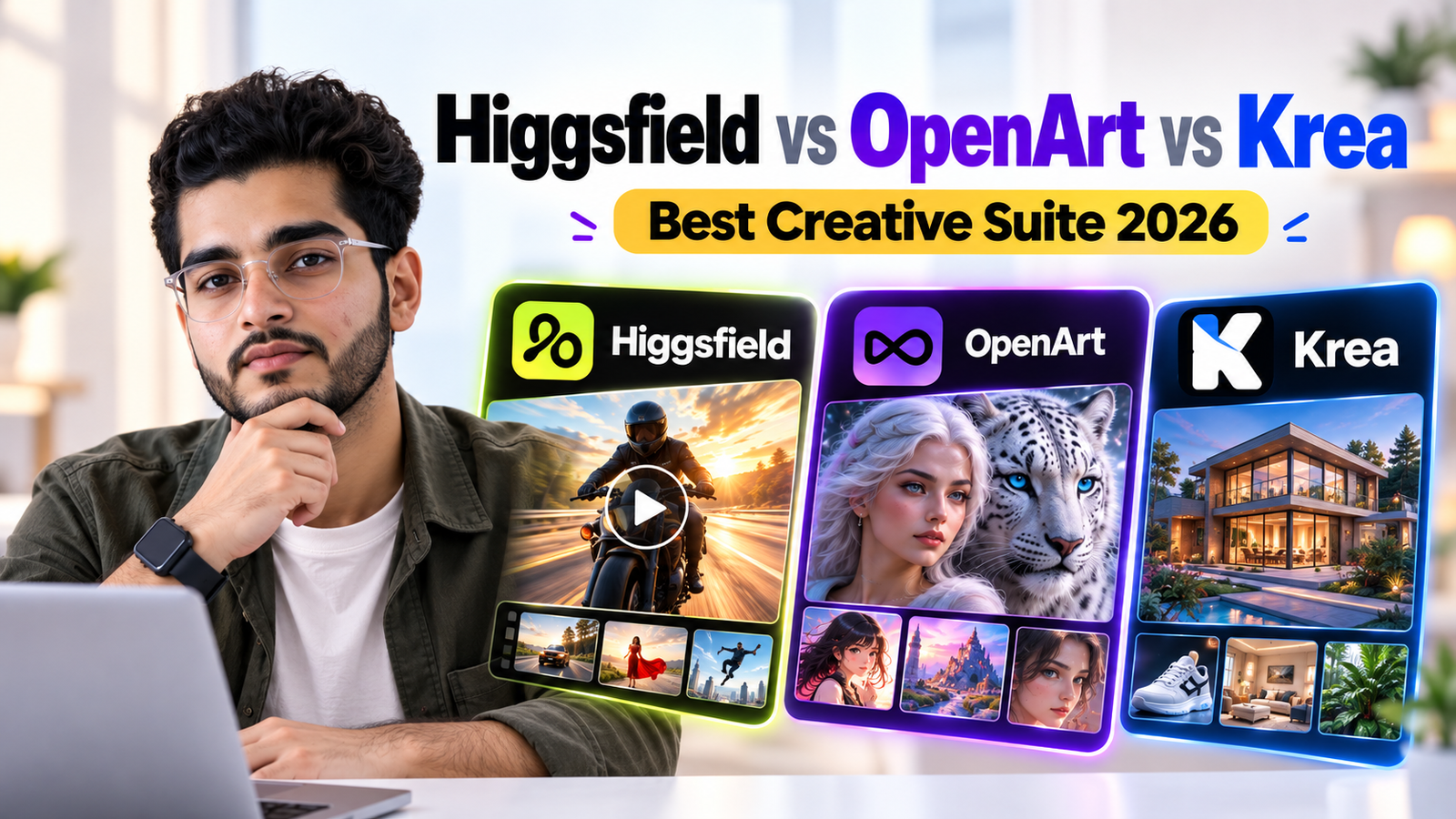
Search for any two of these three tools together and you'll mostly find comparison pages published by one of the companies being compared, OpenArt's own blog ranking OpenArt first, a Higgsfield-adjacent site ranking Higgsfield first. The pattern repeats enough that it's worth reading past the headlines.
What actually holds up across genuinely independent sources is a three-way specialization, not a single winner. This guide covers what each tool is actually built around, where the real costs diverge once you look past the sticker price, and which one fits a specific kind of creative work.
What Actually Separates These Three Platforms?
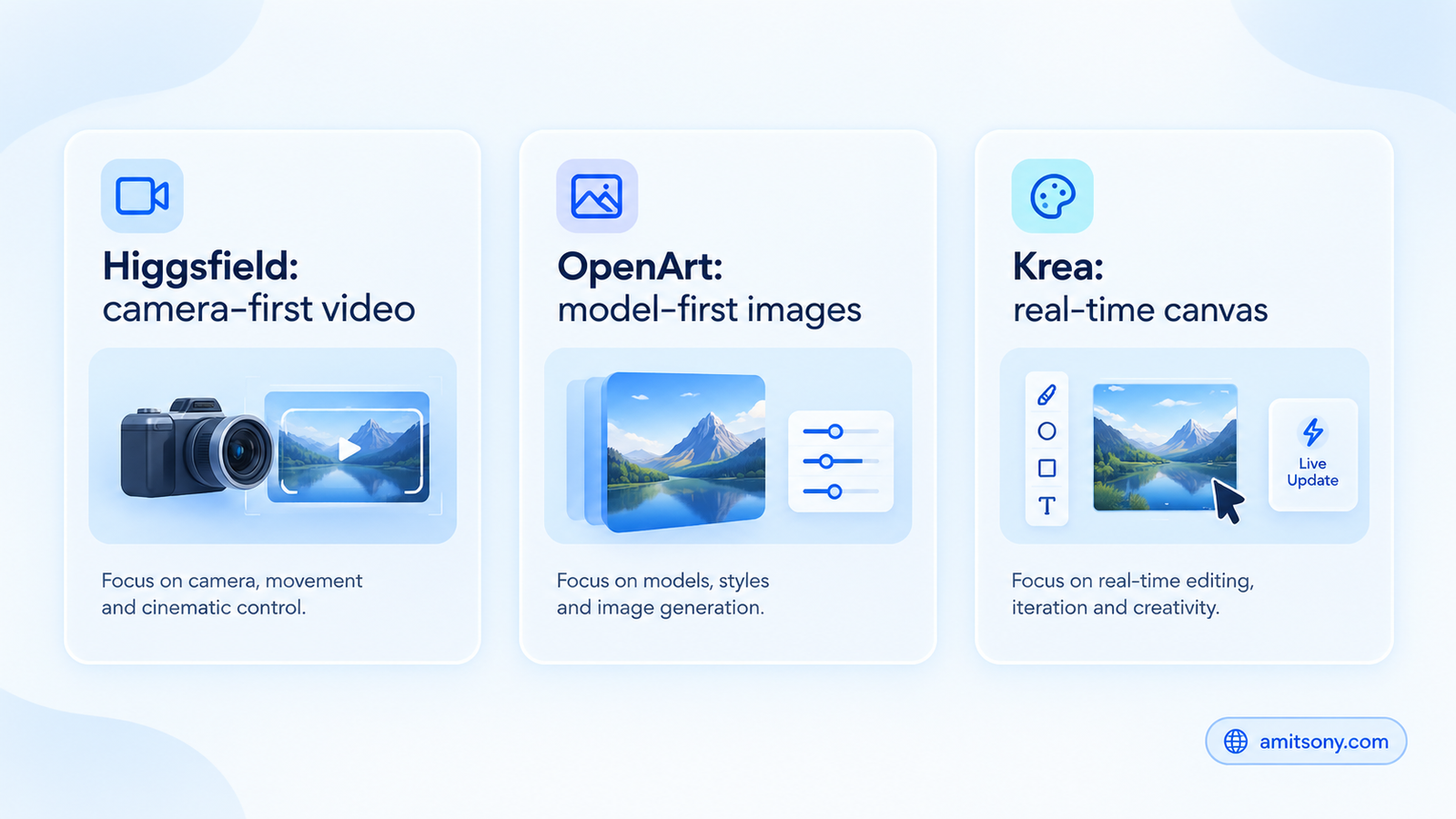
Higgsfield is built camera-first: director-style controls over shot, lens, lighting, and motion, aimed at short cinematic clips and marketing video where consistent characters matter more than raw creative range.
OpenArt is built model-first: a wide library spanning Stable Diffusion, DALL-E, Flux, and custom-trained models, aimed at high-volume image generation and artistic exploration rather than any single aesthetic.
Krea is built interaction-first: a real-time canvas where the image updates as you sketch or type, sub-50ms rendering, aimed at iterative, exploratory creation rather than a one-shot prompt-and-wait workflow.
Which Tool Is Best for Cinematic, Camera-Directed Video?
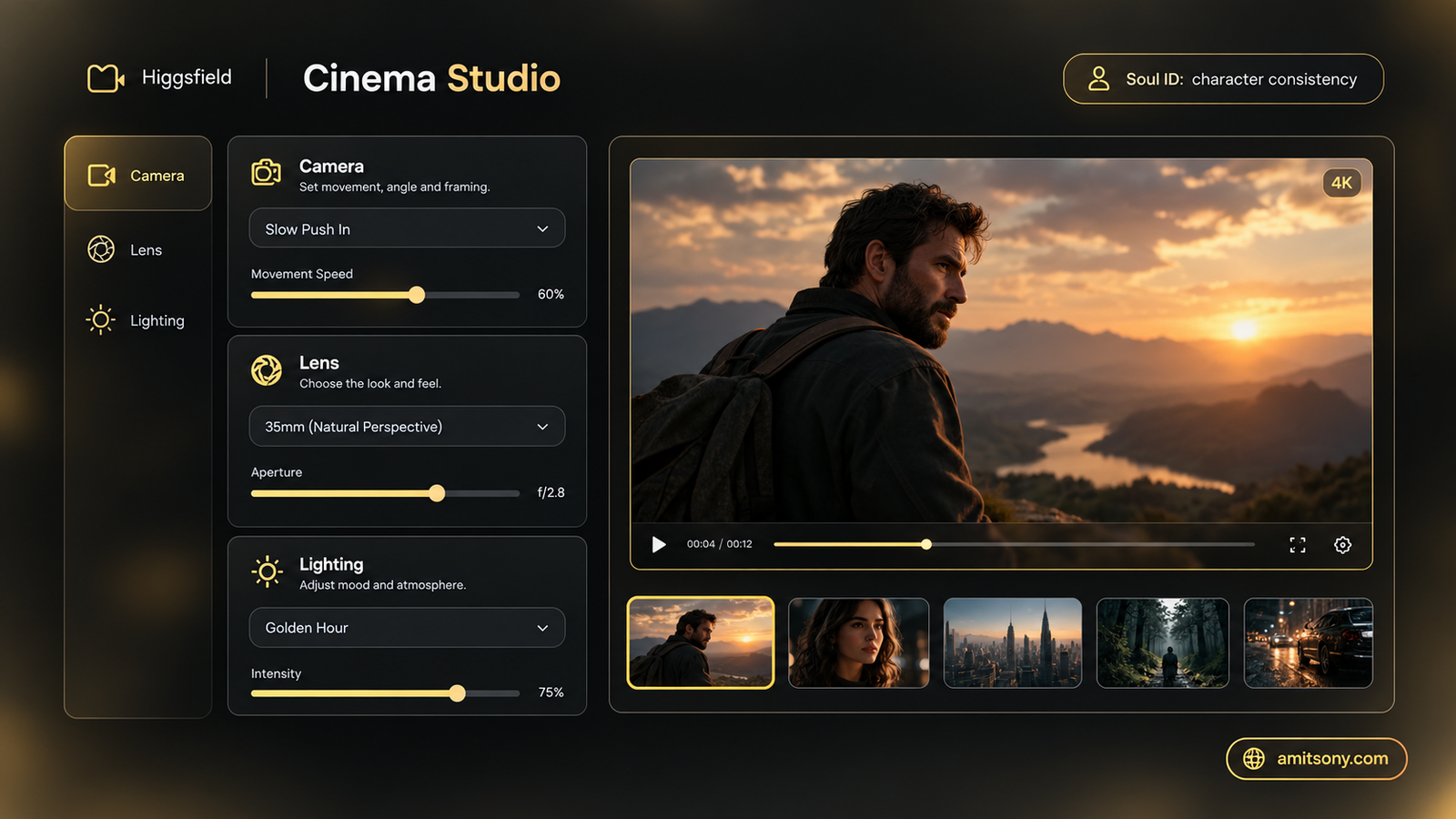
Higgsfield Cinema Studio exposes camera, lens, lighting, color, and cast controls before you even generate, closer to directing a shot than typing a description and hoping. Its Soul ID system is consistently cited as best-in-class for keeping a character's identity consistent across multiple generated clips.
Starter runs roughly $15/month for around 200 credits, Plus around $49/month for roughly 1,000 credits, and Ultra near $99/month for around 3,000 base credits. Those numbers shift by region and promotional offer, so treat them as a starting reference rather than a locked quote.
The tradeoff shows up fast if you're not doing video: a designer exploring general image styles will burn through Higgsfield's credits quickly while barely touching the video features that justify the price.
Which Tool Gives the Most Value for Image Generation?
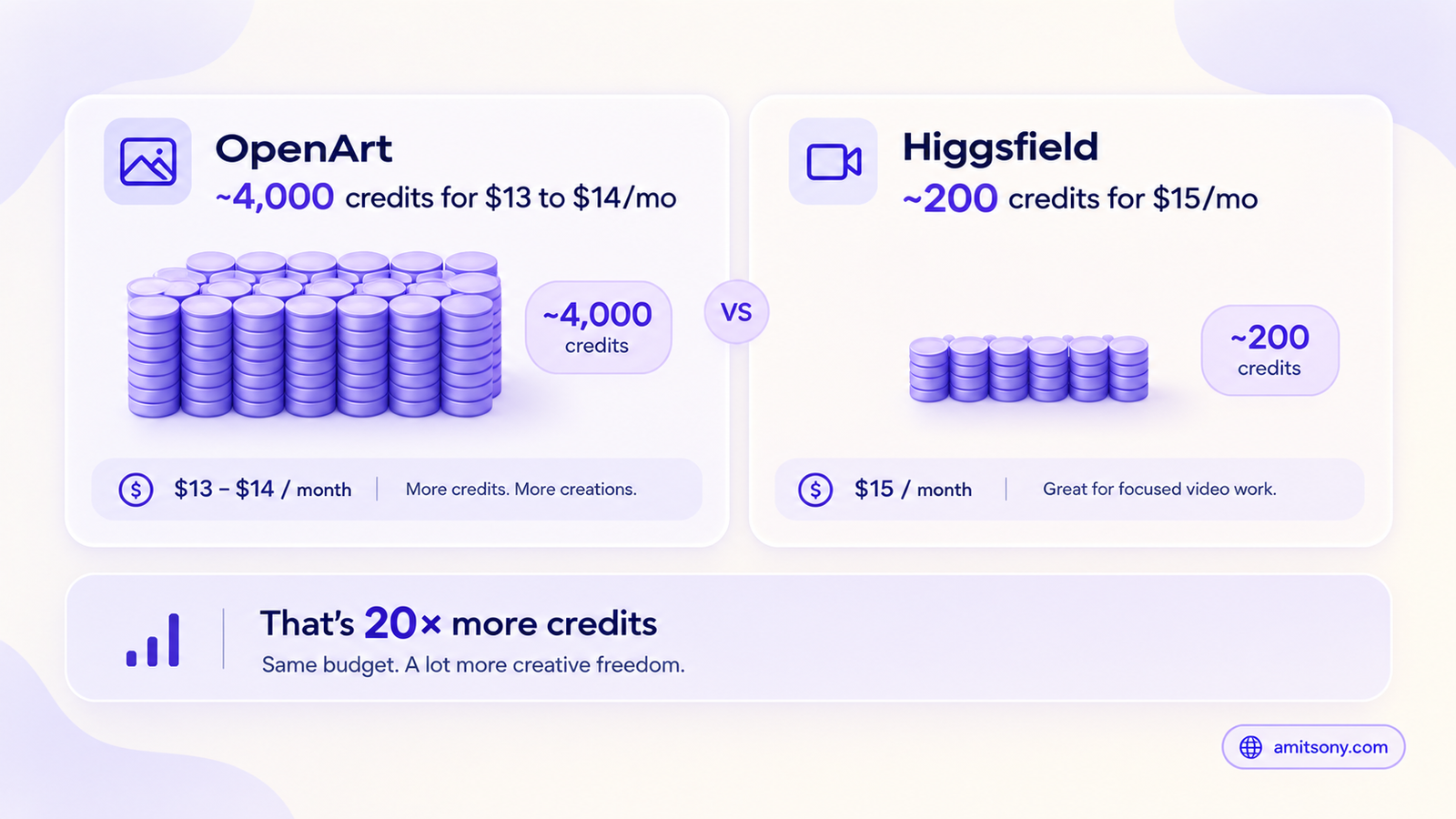
OpenArt consistently delivers more raw generation volume per dollar than Higgsfield across comparable tiers, commonly cited around $13 to $14/month for roughly 4,000 credits on annual billing, scaling up through higher tiers for teams that need real volume.
Custom LoRA model training is a genuine differentiator here, neither Higgsfield nor Krea offers it. If your workflow needs a model trained on a specific character, product, or art style, OpenArt is the only one of the three that supports that directly.
It's the stronger pick for image-first work: concept art, marketing visuals, product photography, mixed-media storytelling, anywhere model variety and volume matter more than directed camera motion.
Which Tool Is Best for Real-Time, Brush-Driven Creation?
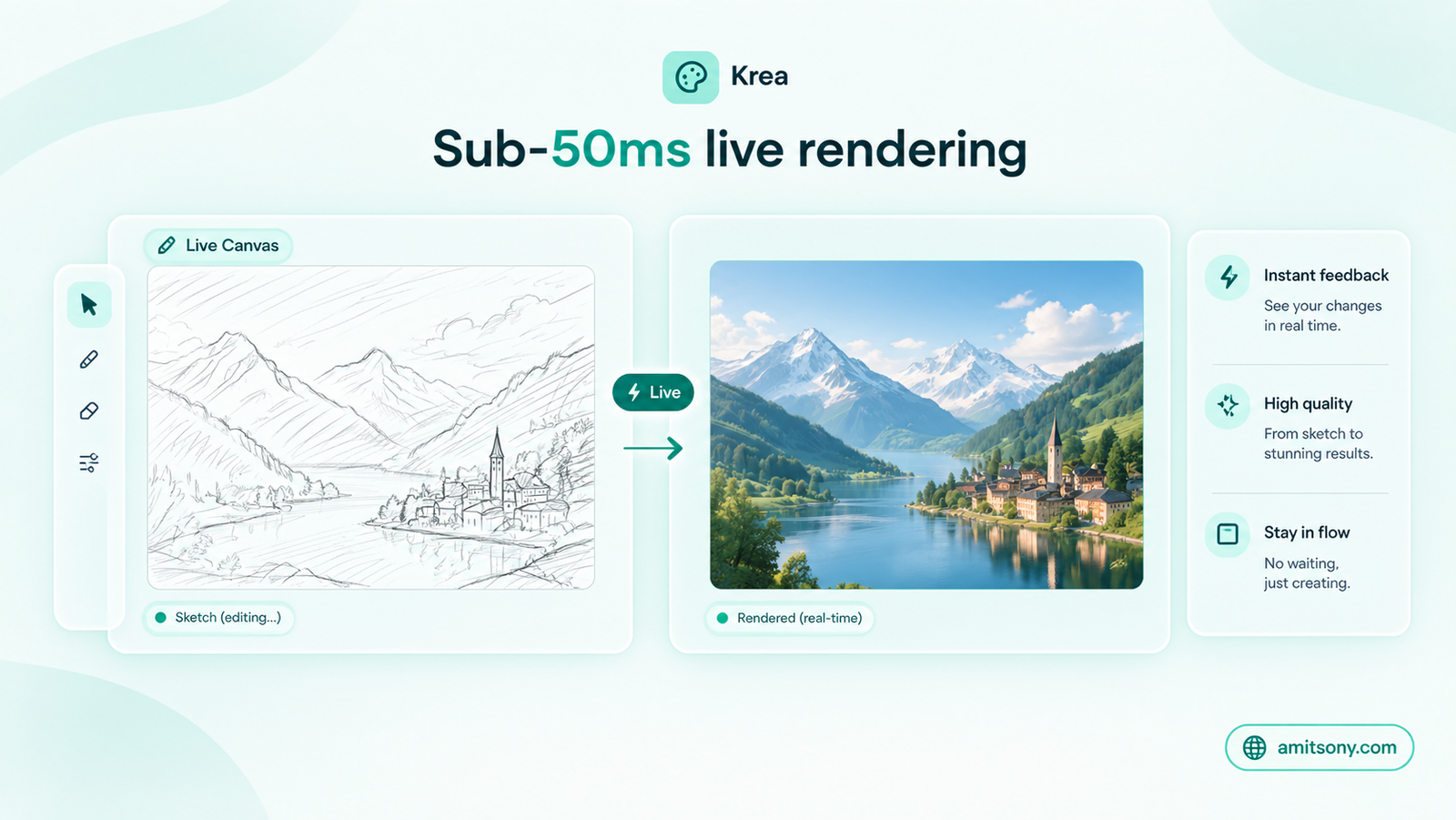
Krea real-time canvas is the clearest technical differentiator of the three, images render live as you sketch or adjust a prompt, sub-50ms, rather than the generate-and-wait cycle every other tool here uses. It also carries the broadest raw model library among the three, 64 or more including Flux, Veo, and Ideogram, accessible from one interface.
The free tier gives 100 compute units a day, but commercial use is blocked entirely until you upgrade, worth knowing before building a free workflow around it for anything you intend to sell or publish commercially. Basic runs around $9/month, Pro near $35/month, scaling to Max around $105/month and Business near $200/month.
The right pick specifically for an iterative, exploratory process, sketching toward a final image through many small live adjustments, rather than crafting one perfect prompt and generating once.
How Do the Real Costs Compare Once You Account for Credits-Per-Dollar?
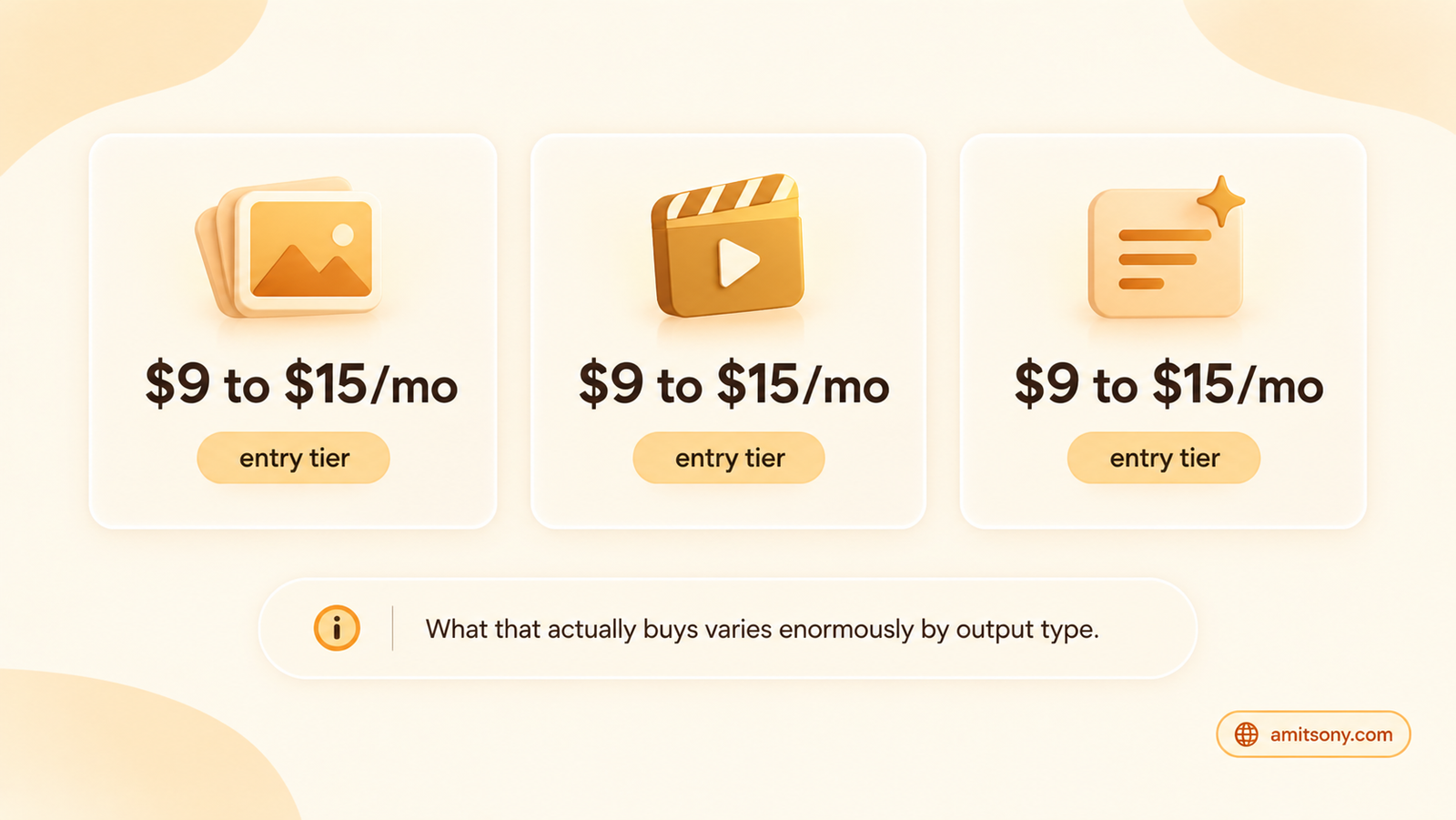
Headline entry prices look deceptively close, all three land somewhere between $9 and $15 a month at the bottom tier. The real difference shows up in what that money actually buys: OpenArt's roughly 4,000 credits dwarfs Higgsfield's roughly 200 at a similar price point, because video generation costs meaningfully more compute per output than a still image, and Higgsfield's pricing reflects that.
Krea's free tier looks generous on paper, 100 units daily, but the commercial-use restriction means it's genuinely a trial tier, not a usable free plan for anyone publishing or selling output.
Top-up credit packs exist on both Higgsfield and Krea for overflow usage, while OpenArt leans more toward a recurring add-on subscription model instead, worth checking which billing pattern actually fits how your usage spikes.
Can Any One of These Actually Replace the Other Two?
Not cleanly. Higgsfield doesn't offer custom model training or a real-time canvas, so a designer who needs either will hit a wall fast. OpenArt's video capability doesn't match Higgsfield's camera-direction depth for anyone doing serious cinematic or ad work. Krea's camera motion control is comparatively limited, relying on whichever underlying video model you've selected rather than Higgsfield's purpose-built presets.
Some teams genuinely run two of these in parallel, OpenArt for image volume and concept work, Higgsfield specifically when a project needs directed video, rather than forcing one tool to do a job it wasn't built for.
Which Tool Should You Actually Pick?
Cinematic video, consistent characters, marketing clips: Higgsfield
High-volume images, custom model training, broad style range: OpenArt
Live, iterative, sketch-driven creation: Krea
Running both image and video workflows at real scale: Expect to pay for more than one of these rather than finding a single tool that covers everything equally well
Closing: Pick based on what you're actually producing most often, not which platform's comparison page you read first, since several of the loudest "versus" articles in this category were written by one of the companies being compared.
Frequently Asked Questions
Is Higgsfield or OpenArt better value for money?
OpenArt delivers significantly more credits per dollar for image generation, but Higgsfield's pricing reflects video generation's higher compute cost, so "better value" depends on whether you're making images or video.
Does Krea's free plan allow commercial use?
No. Krea's free tier gives 100 compute units a day but blocks commercial use entirely, you need a paid plan to use outputs commercially.
Which of the three supports custom model training?
Only OpenArt offers custom LoRA model training among these three. Neither Higgsfield nor Krea currently offers this.
What makes Krea different from the other two?
Its real-time canvas, images render live as you sketch or adjust a prompt, sub-50ms, rather than the generate-and-wait cycle both Higgsfield and OpenArt use.
Can one of these three tools fully replace the other two?
Not cleanly. Each has a real capability gap the others don't fill, custom training, camera-directed video, or real-time canvas, so many serious workflows end up using more than one.