Gamma remains the top all-around pick for fast, polished decks, though its PowerPoint export loses formatting. Beautiful.ai enforces brand consistency best for teams, and Plus AI skips the export problem entirely by working inside PowerPoint and Google Slides directly. Canva has the strongest free tier. One heads up: Tome, often still recommended, shut down its presentation product in 2025.

If a list like this one still recommends Tome, close the tab, it shut down its presentation product back in 2025 and pivoted into sales automation software, the brand was later sold off entirely. A surprising number of roundups published this year never updated that fact.
The tools that actually matter now split into two real categories: standalone AI generators that build a deck from scratch in a new format, and add-ons that work inside PowerPoint or Google Slides you already use. Both have real trade-offs nobody puts on the pricing page, we're covering those here.
Wait, Is Tome Still a Real Option in 2026?
No. Tome discontinued its AI presentation product in 2025, confirmed across multiple independent sources, and the company pivoted entirely into sales automation tools. The Tome brand itself was reportedly sold to AngelList afterward.
If you've still got old Tome decks sitting around, most former users migrated to Gamma or Beautiful.ai, both of which produce similar narrative-driven, web-native decks with active development behind them.
This matters beyond trivia. Several comparison articles published in 2026 still list Tome as a live recommendation, which tells you how much AI-tool content gets published without anyone actually checking.
Which AI Presentation Maker Is Best Overall?
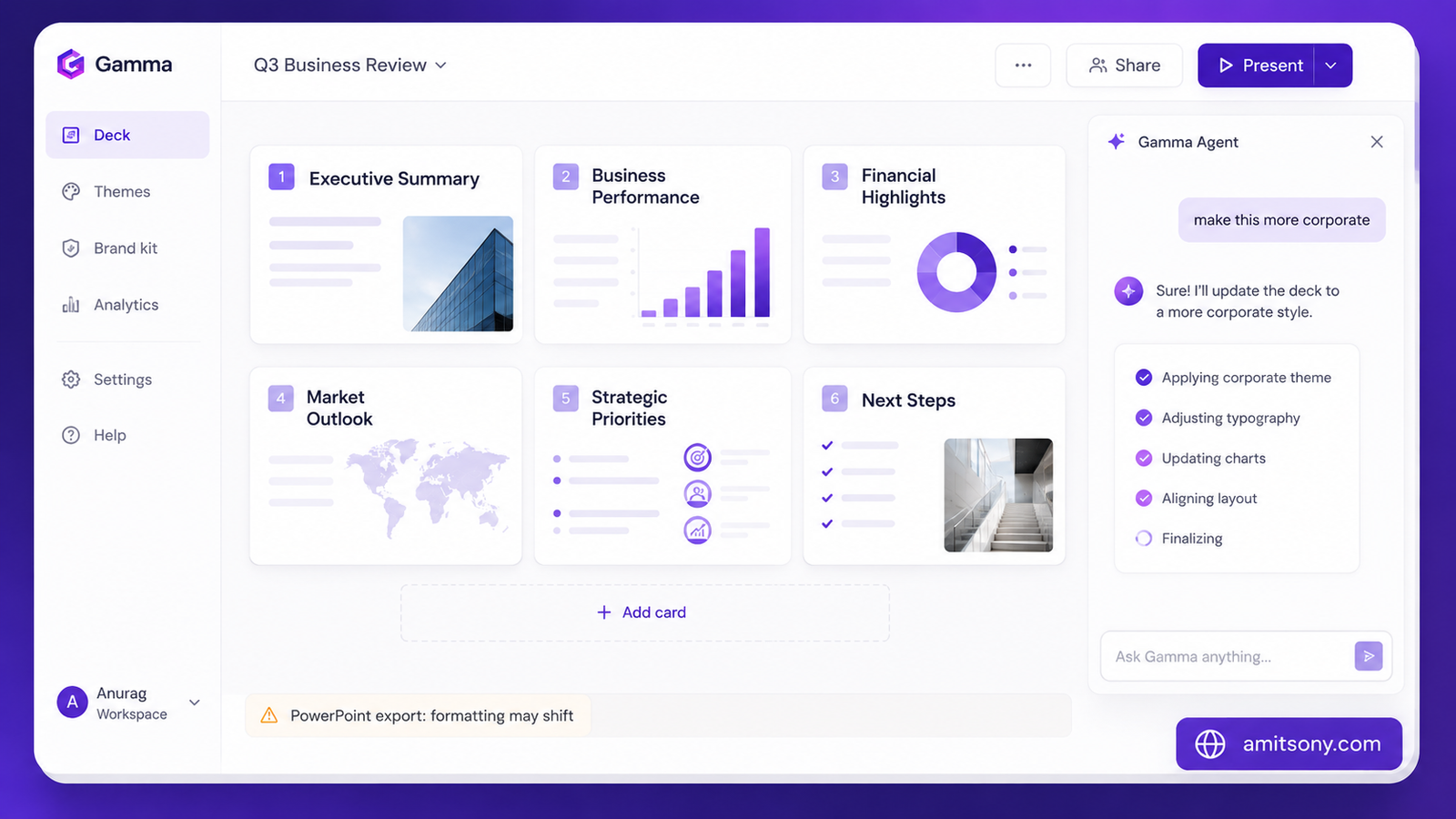
Gamma builds decks as scrollable web cards rather than fixed slides, and it's genuinely the category benchmark for prompt-to-polish speed, type an outline and get a designed, web-native deck in about a minute. The 2026 Gamma Agent update lets you make deck-wide edits with one instruction, "make this more corporate," instead of clicking through slide by slide.
Pricing has shifted multiple times this year, so treat any single number with a little skepticism, but the current shape is roughly: Free with 400 one-time credits that don't renew monthly, Plus around $8 to $12/m, Pro around $18 to $25/mo, and Ultra at $100/month for power users generating high volume. Team and Business plans run $20 to $40/month for a seat..
Gamma also added native image generation in March 2026, letting you create brand-specific charts, social graphics, and infographics inside the same workspace instead of switching to a separate design tool.
The complaint that shows up in nearly every independent review is PowerPoint export. Gamma's card-based format doesn't translate cleanly to .pptx, layouts flatten and fonts substitute on export. If your deck has to leave Gamma's own viewer, test that early.
Still the right starting point for most people. Just don't assume the export will look identical to what you built.
Which Tool Is Best If You Need Strict Brand Consistency?
Beautiful.ai takes a different approach entirely, it's a design enforcement tool built around 300+ Smart Slide layouts, so elements automatically resize and realign as you edit. Less creative freedom than Gamma, more guaranteed consistency across a large team of non-designers.
There's no permanent free plan, access starts with a 14-day trial that requires a credit card and auto-charges if you forget to cancel. Pro runs $12/mo billed annually or $45 for a single month with no commitment. Team runs $40/mo annually, and larger organizations can move to flat SMB pricing starting around $6,000/year.
One real gotcha worth knowing: long-time customers have reported paying as much as $50/month for years while new signups get the same plan at $12/month, worth checking your own billing if you've had an account a while.
The right pick for sales and marketing teams standardizing decks across many hands. Skip it if you want creative flexibility, the guardrails that create consistency also limit what you can build.
Which Tool Works Best If You Don't Want to Leave PowerPoint or Google Slides?

Every tool above generates its own file format that then has to export into PowerPoint, with formatting loss along the way. Plus AI skips that problem entirely by working as a native add-on inside PowerPoint and Google Slides, the deck it generates already is a real .pptx or Google Slides file, shareable and editable without anyone needing a Plus AI account.
Pricing across sources ranges $10 to $15/mo for the Basic plan billed annually, scaling to $30/mo for Teams with custom branding. There's no free plan, just a 7-day trial with 1,000 credits that requires a card upfront.
Worth knowing: most AI actions consume credits, and heavy users hit monthly caps fast enough to need an upgrade. Also, uninstalling the add-in does not automatically cancel your billing, that has to be done separately through the account settings.
The obvious choice if switching tools entirely isn't an option, government, enterprise, or education environments locked into Microsoft 365 or Google Workspace especially.
Which Tool Has the Best Free Option?
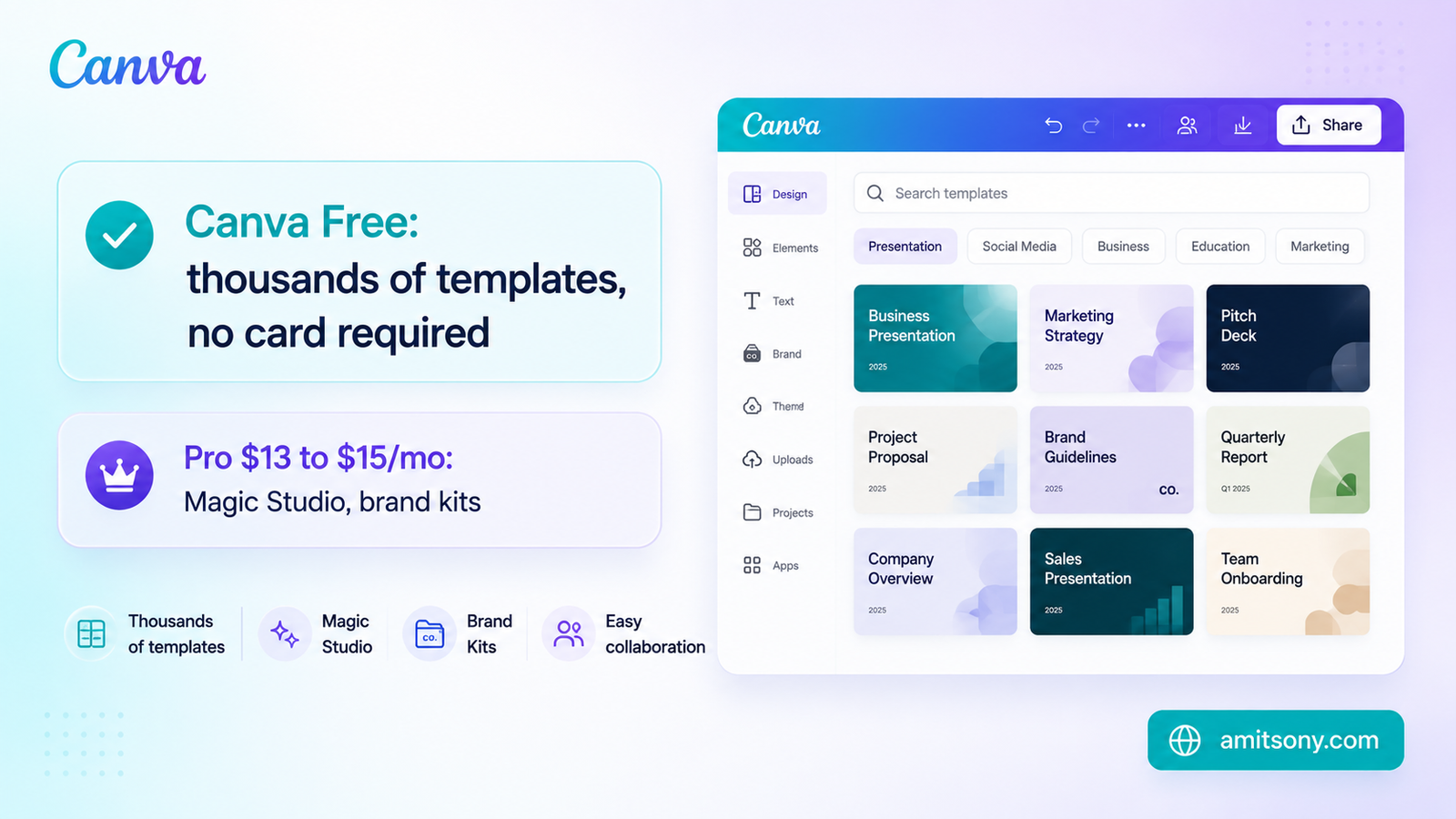
Canva free tier is the most usable in this entire category, thousands of presentation templates, Magic Design generating a starting deck from a prompt, and no forced credit card to try it. It's the tool most people already have muscle memory for.
Pro runs $13 to $15/month depending on region and billing cycle, unlocking Magic Studio's deeper AI features, brand kits, and background removal. The trade-off against Gamma or Beautiful.ai: the AI generation itself is shallower, less tailored narrative structure, more template-assembly.
Start here if budget is the main constraint or you already use Canva for other design work. Move to Gamma or Beautiful.ai specifically once narrative structure or brand enforcement becomes the actual bottleneck.
Frequently Asked Questions
Is Tome still a good AI presentation tool in 2026?
No. Tome shut down its AI presentation product in 2025 and pivoted to sales automation software. Most former users moved to Gamma or Beautiful.ai.
What's the best free AI presentation maker?
Canva has the most usable free tier overall, no credit card required and thousands of templates, though Gamma's free plan also works well for a handful of one-time decks.
Does Gamma export cleanly to PowerPoint?
Not reliably. It's the most common complaint in independent reviews, layouts flatten and fonts substitute when Gamma's card-based format converts to .pptx. Test with a real deck before relying on it.
What's the difference between Gamma and Plus AI?
Gamma builds decks in its own web-native format that you then export. Plus AI works as an add-on directly inside PowerPoint or Google Slides, so there's no export step or format loss at all.
Is Beautiful.ai worth it over Gamma?
Only if brand consistency across many team members matters more than creative flexibility. Beautiful.ai's Smart Slide layouts enforce a consistent look; Gamma gives more design freedom but less structure.