The strongest free AI stack in 2026 is ChatGPT for everyday tasks, Claude for long documents, Gemini for Google Workspace users, Perplexity for cited research, Leonardo AI for images, Canva for design, Grammarly for writing checks, and CapCut for video editing. None of them require a credit card to start.
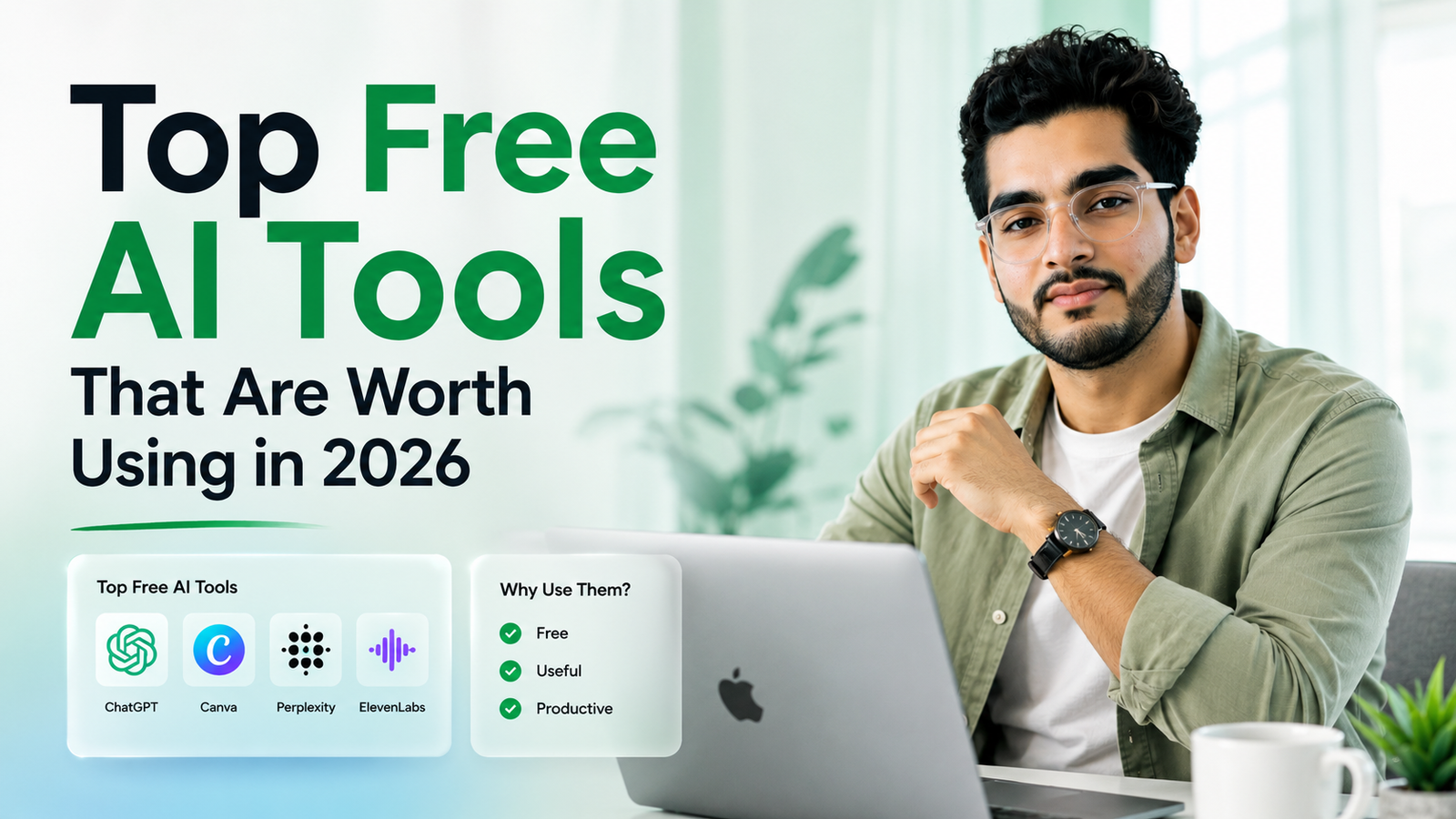
Nobody needs to pay for AI right now, and that's not an exaggeration. The free tiers in 2026 aren't crippled trials designed to push you toward a paywall in week two, several of them are genuinely good enough to be someone's only tool.
The catch is that no single free tool does everything well. This list breaks down which one to reach for depending on the task, what the free tier actually gives you, and where the real limit sits before you'd need to pay.
What Makes a Free AI Tool Actually Worth Using in 2026?
The bar used to be low. A free tier meant a watered-down model with a tiny message cap, just enough to get you curious about the paid version.
That's shifted. Real usage limits still exist, but the underlying models on free tiers are close to what paying users get, not a stripped-down version from two generations back. The difference between free and paid is mostly about volume and priority access now, not raw capability.
The tools worth your time also need to survive daily use without friction, a generous limit that resets, no forced credit card at signup, and an interface that doesn't bury the good features behind an upgrade prompt every third click.
Which Free AI Chatbot Should You Use for Everyday Tasks?
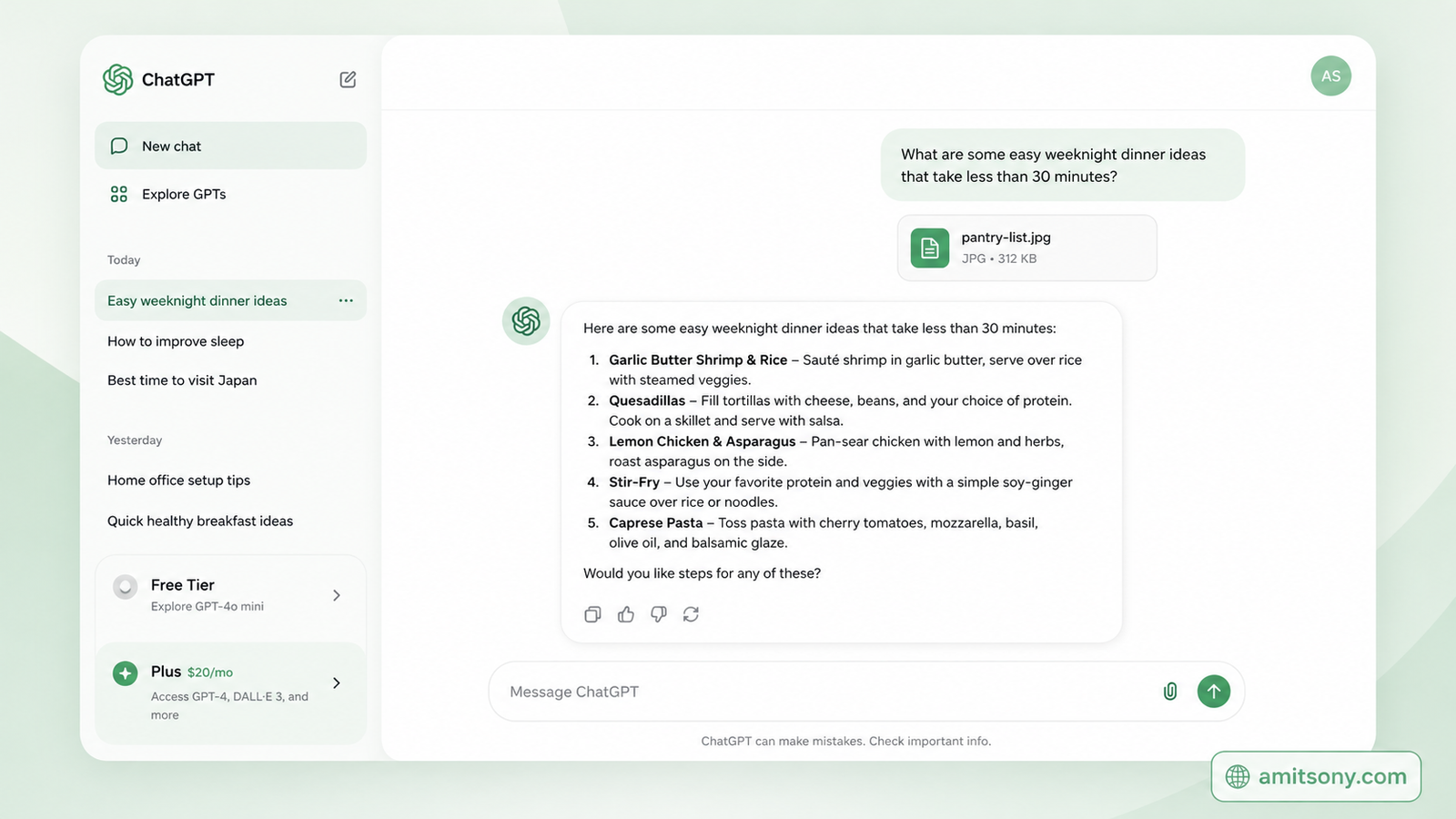
ChatGPT remains the default answer, and the free tier has genuinely improved. You get a rate-limited but real version of OpenAI's current model, with basic image generation, web browsing, and file uploads built in, not locked behind a paywall.
The rate limit is the real constraint, expect something in the range of a few dozen messages every few hours before you hit a cooldown. For most people asking quick questions throughout the day, that's rarely a problem. For heavy daily use, Plus at $20 per month removes the ceiling and adds priority access during busy periods.
Start here if you only install one AI tool. It's the most versatile single option on this list, and everything else on here fills in a specific gap it doesn't cover as well.
Which Free AI Tool Is Best for Long Documents and Writing?
Claude is the one people reach for when a document is too long or too nuanced for a quick chatbot answer. The free tier includes a genuinely usable daily message allowance, the exact number shifts a bit with server demand, along with the Artifacts feature that renders code, documents, and visualizations in a side panel next to your conversation.
What sets it apart for writing specifically is tone. Claude's output tends to read less like an obvious AI draft and more like something a careful human wrote on a first pass, which means less time spent rewriting the parts that sound robotic.
The free Projects feature lets you organize related conversations together, useful if you're working through a long report or a multi-part research task over several days instead of one sitting. Claude Pro runs $20 per month if you need higher limits.
Which Free AI Tool Is Best If You Live in Google's Ecosystem?
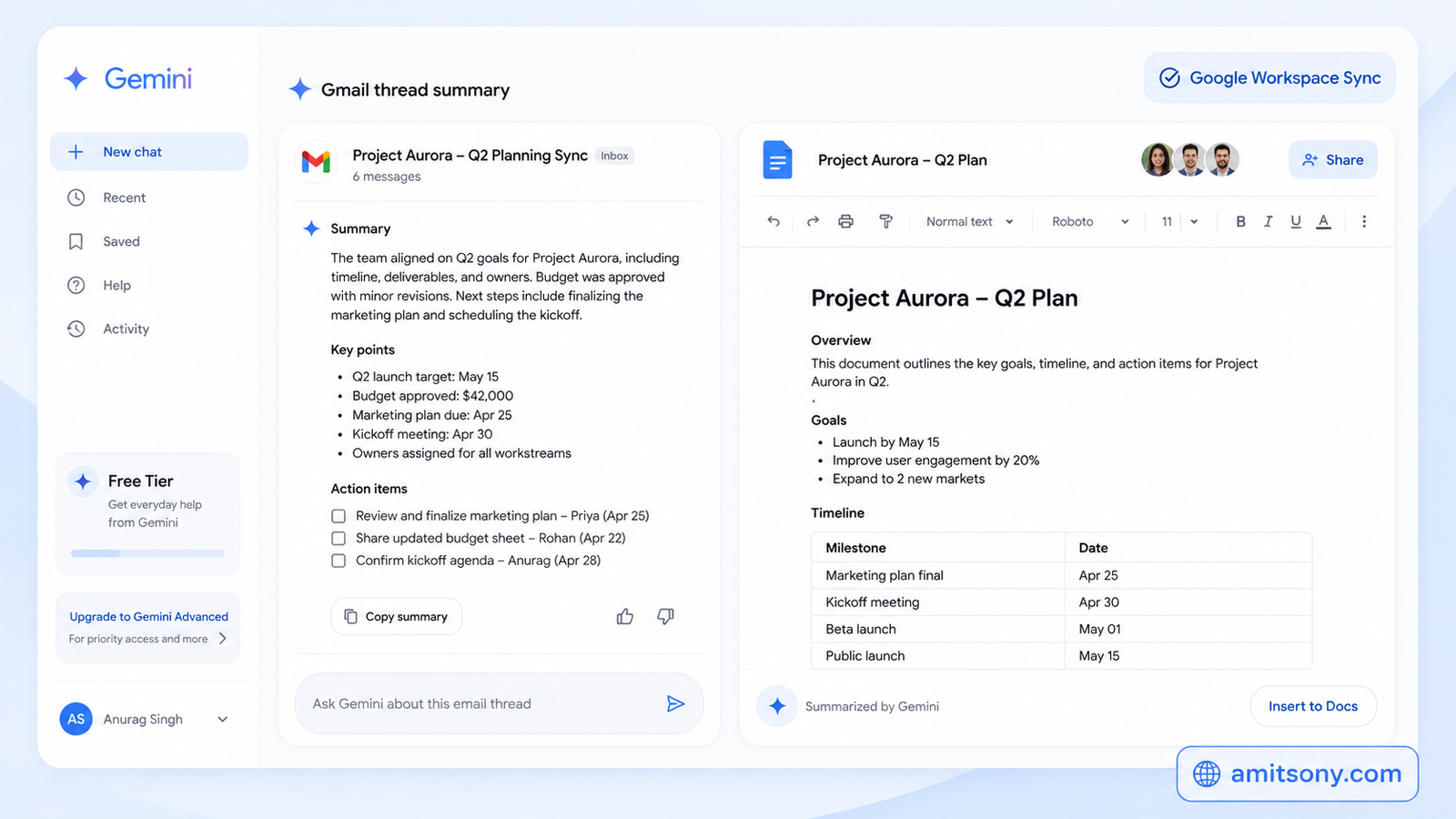
Gemini's biggest advantage isn't the model itself, it's what it plugs into. Free access includes direct integration with Gmail, Docs, and Sheets, so you can summarize an email thread or draft a spreadsheet formula without copying anything between tabs.
The free tier runs on Google's faster, lighter model rather than the top-tier reasoning version, so don't expect it to win head-to-head against ChatGPT or Claude on genuinely hard reasoning problems. What it does have is a context window most other free tiers can't match, useful for dropping in a huge document and asking questions across all of it at once.
Google AI Pro at roughly $20 per month unlocks the stronger reasoning model along with higher daily limits, worth it once Gemini becomes your daily driver rather than an occasional tool.
Which Free AI Tool Is Best for Research You Can Actually Trust?
Perplexity behaves more like a search engine than a chatbot. Ask it something and it pulls from live web data, then gives you a direct answer with sources attached, so you can actually verify where a claim came from instead of taking a chatbot's word for it.
This matters most for anything time-sensitive, current events, recent product releases, or facts that could have changed since a chatbot's training cutoff. The free tier covers this well for regular use, no credit card required to get started.
Students and analysts lean on this one specifically because the citations save the extra step of re-searching everything a chatbot tells you, just to double-check it's actually true.
Which Free AI Tool Is Best for Generating Images?
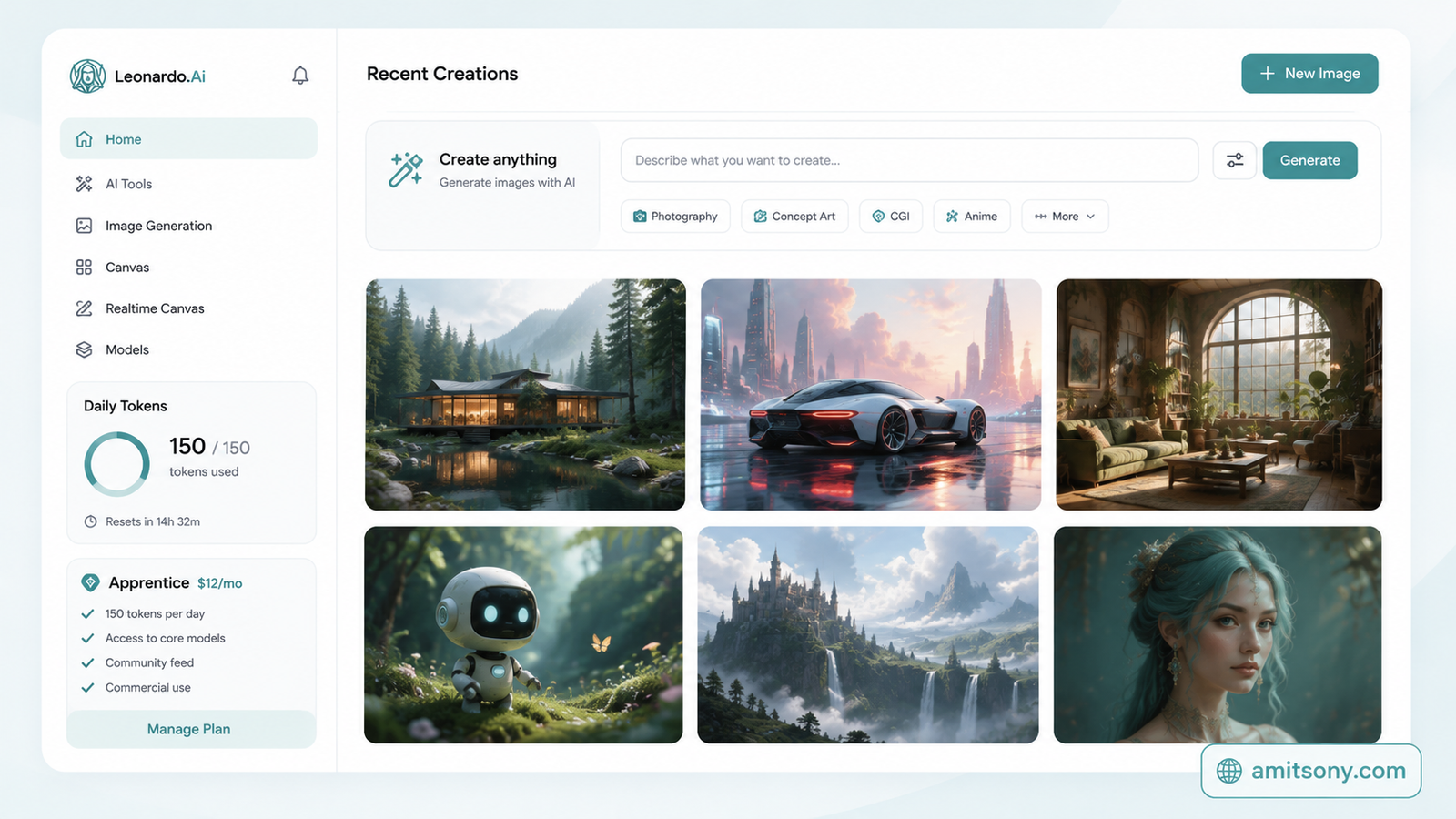
Leonardo AI gives away more than any other major image generator right now. The free plan resets with 150 fast tokens every day, which typically works out to somewhere between 30 and 75 images depending on the model and settings, no expiry date on the plan itself.
Compare that to Midjourney, which has no free tier at all, and Leonardo's daily reset is a genuinely different offer, not just a smaller taste of the paid product.
The tradeoff is privacy. Free-tier images are public, and other users can view or remix what you create, so this isn't the tool for anything sensitive or client-facing. Once that matters, Apprentice at $12 per month unlocks private generations.
Which Free AI Tool Is Best for Quick Design Work?
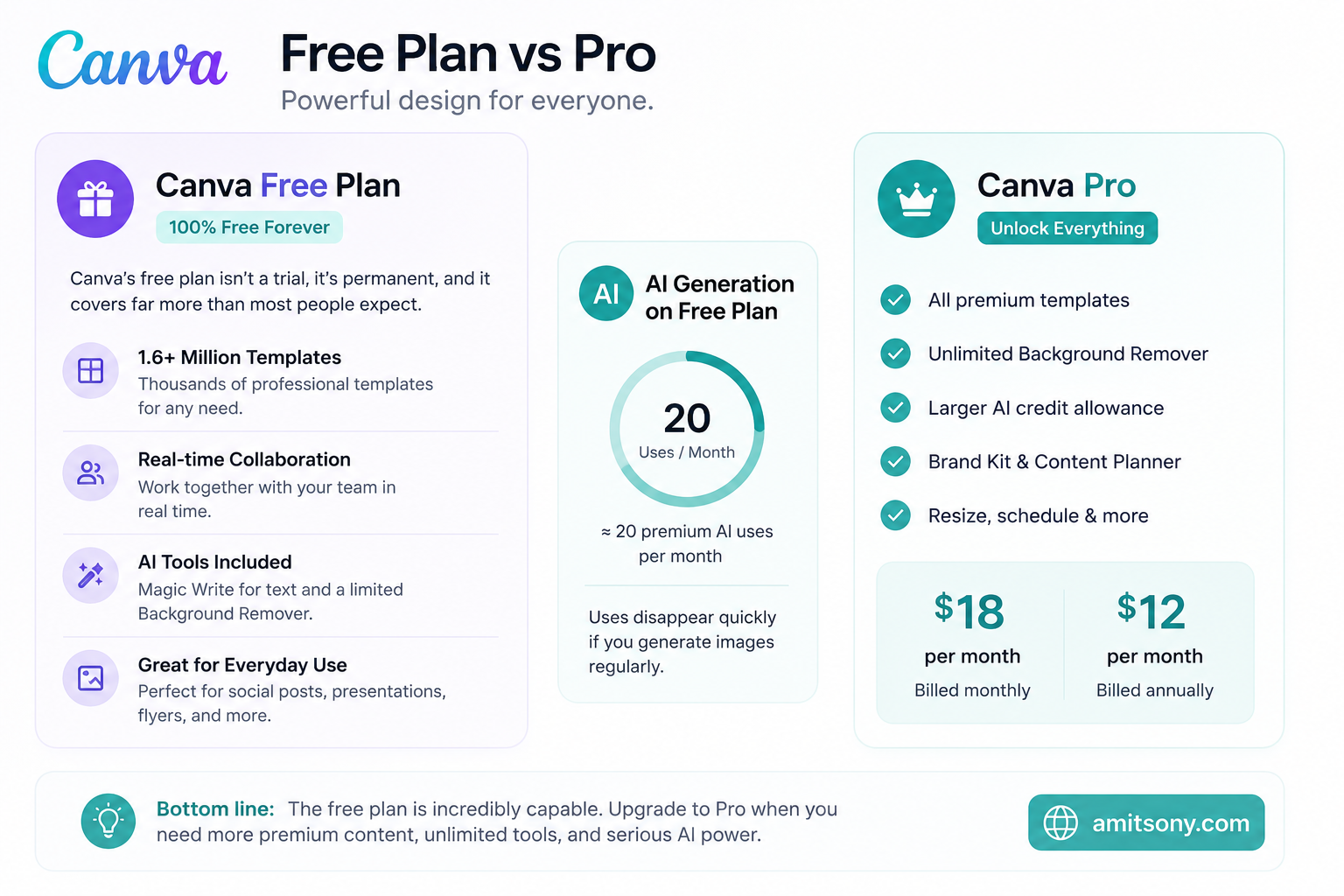
Canva's free plan is not a trial, it's permanent, and it covers far more than most people expect. Over 1.6 million templates, real-time collaboration, and a set of AI tools including Magic Write for text and a limited Background Remover, all included at no cost.
The AI generation specifically is capped, the free plan gives around 20 premium AI uses a month, which disappears fast if you're generating images regularly. For occasional social posts, presentations, and flyers, the free plan genuinely holds up without ever feeling like a demo.
Once premium templates, unlimited background removal, and a real AI credit allowance start mattering, Pro runs $18 per month, or about $12 per month billed annually.
Which Free AI Tool Catches Your Writing Mistakes in Real Time?
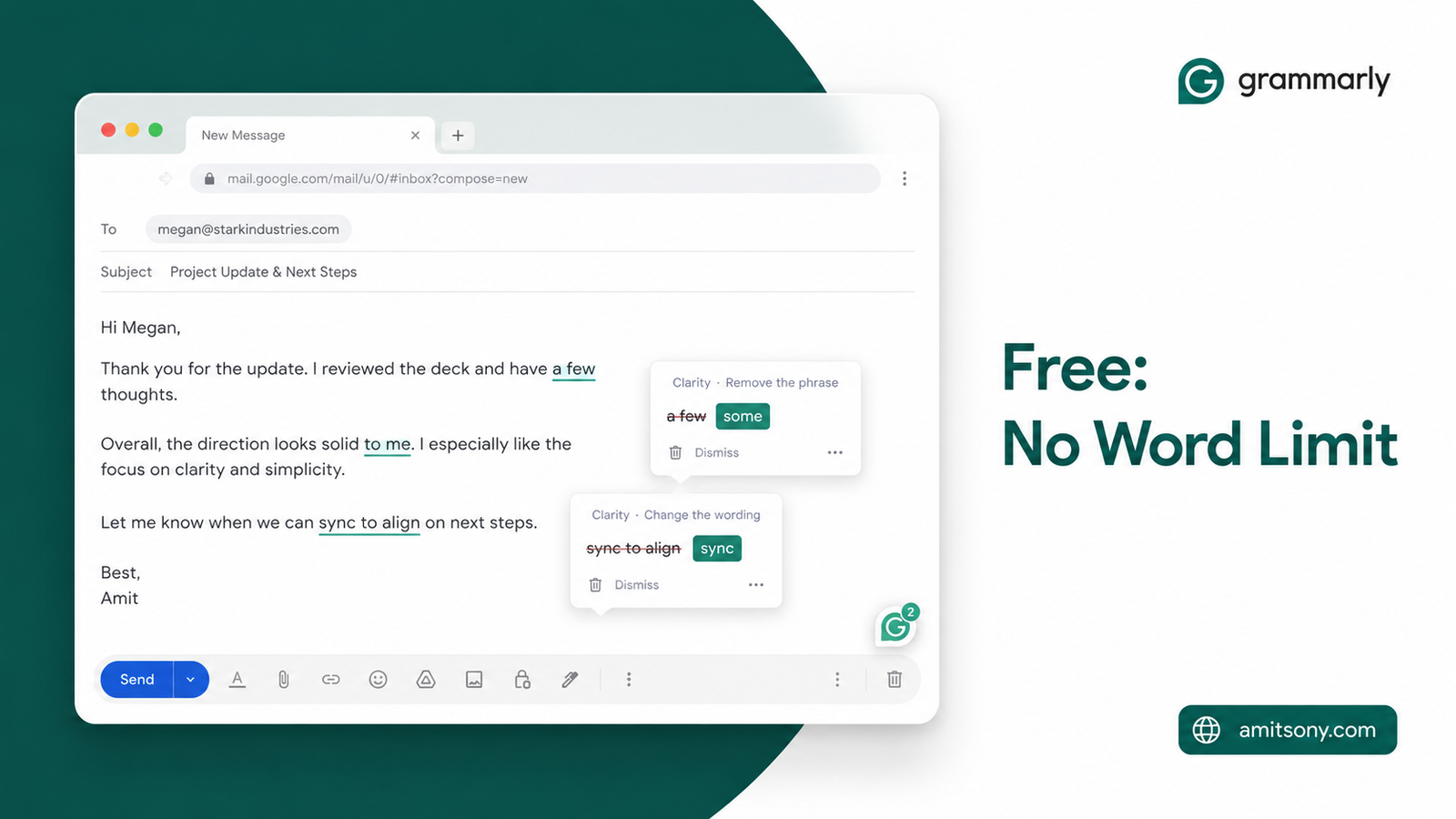
Grammarly's free tier does one job and does it everywhere. Real-time grammar, spelling, and punctuation checking across your browser, email, and documents, with no word limit on how much it'll review.
It's not flashy, and it won't rewrite your tone or restructure an argument the way a chatbot would. That's actually the point. It sits quietly in the background catching small errors before they go out in an email or a client message, which is a different job than drafting content from scratch.
If you're already using ChatGPT or Claude to draft something, running it through Grammarly afterward as a final pass catches the small slips those tools sometimes leave behind.
Which Free Tool Is Best for Editing Short Videos?
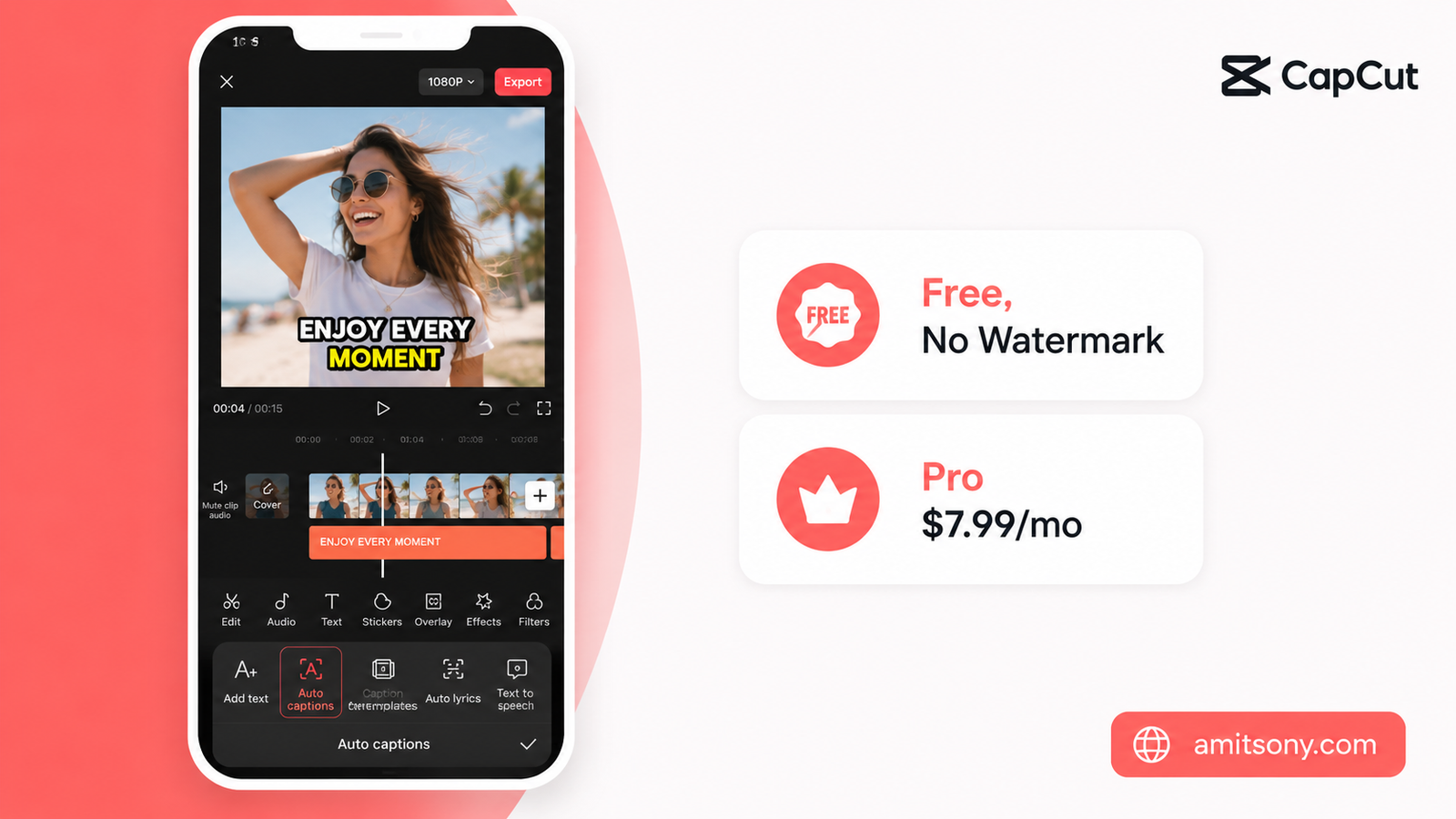
CapCut's free version is comprehensive enough that most people never feel a real reason to upgrade. Auto-captions, background removal, trending templates, and a script-to-video feature all ship in the free tier, no watermark forcing your hand.
It's built for fast, social-first editing, Shorts, Reels, and TikTok-style cuts, not deep multi-track professional editing. If that's the kind of content you're making, it genuinely competes with paid editors twice its price.
Pro runs $7.99 per month and adds advanced effects and extra export options. Skip it unless you're hitting a specific feature wall, the free plan covers the vast majority of what casual and semi-professional creators actually need.
So Which Free AI Tools Should You Actually Install?
Don't install all eight at once, that's how half of them end up forgotten in a month. Start with ChatGPT or Claude as your daily driver, add Perplexity the first time a chatbot gives you an answer you can't verify, and grab Leonardo AI or Canva only when a project actually needs visuals.
The honest verdict: this combination costs $0 and genuinely handles most of what people pay for elsewhere. Upgrade only when you hit a specific, repeated wall, not because a tool's pricing page made the free plan sound smaller than it is.
Frequently Asked Questions
Is ChatGPT's free plan actually usable for daily work?
Yes, it covers most everyday writing, research, and quick coding questions, the main limitation is a rate limit that resets every few hours rather than a capability cap.
Which free AI tool is best for images without watermarks?
Leonardo AI's free plan gives 150 tokens daily with no watermark, though images are public unless you upgrade to a paid plan for privacy.
Do I need a credit card to try any of these tools?
No, every tool on this list offers a genuinely free tier that doesn't require payment information to start.
What's the difference between Claude and ChatGPT's free tiers?
Claude tends to produce more natural, less obviously AI-sounding writing, while ChatGPT offers broader features like image generation and web browsing on its free plan.
Is Canva's free plan enough for a small business?
For occasional social posts and simple marketing materials, yes, but frequent AI image generation or premium templates will hit the free plan's limits quickly.