Midjourney still wins on artistic style, Adobe Firefly is the safest pick for commercial work, and Leonardo AI gives the most generous free tier. For photorealism go with Google's Nano Banana Pro, for text inside images use Ideogram, and for full control without a subscription, Flux 2 is the open-weight option worth learning.
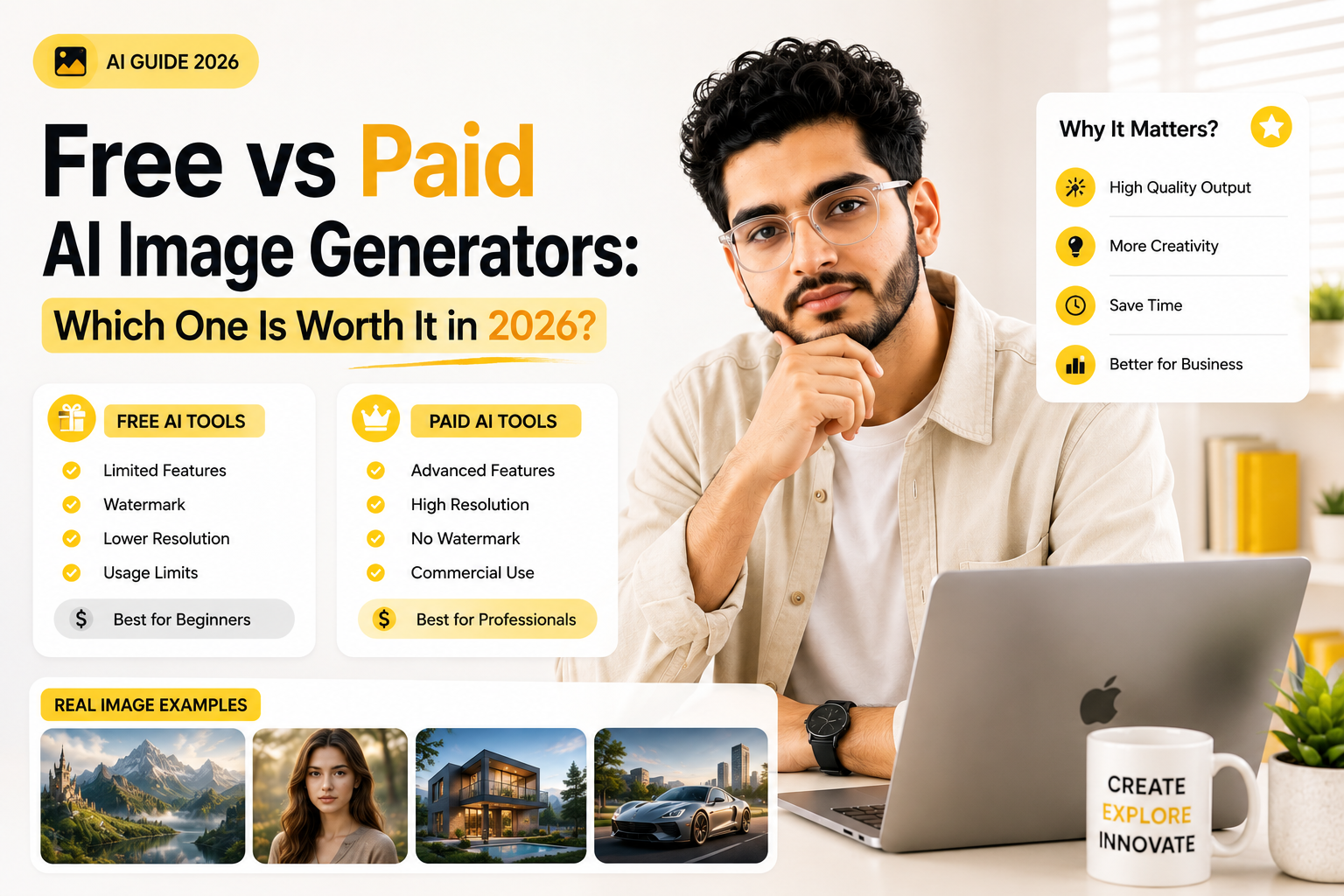
There are now more than 15 AI image generators worth your attention, and every single one claims to be "the best." That word has basically lost meaning in this space.
What actually matters is picking the right tool for the image you need right now. A poster with readable text needs a different model than a product photo, and a product photo needs a different model than a stylized illustration for a blog header. This guide breaks down which tool wins at what, what it actually costs, and where the free tiers are genuinely usable versus just a taste before the paywall.
What Actually Makes an AI Image Generator Worth Paying For in 2026?
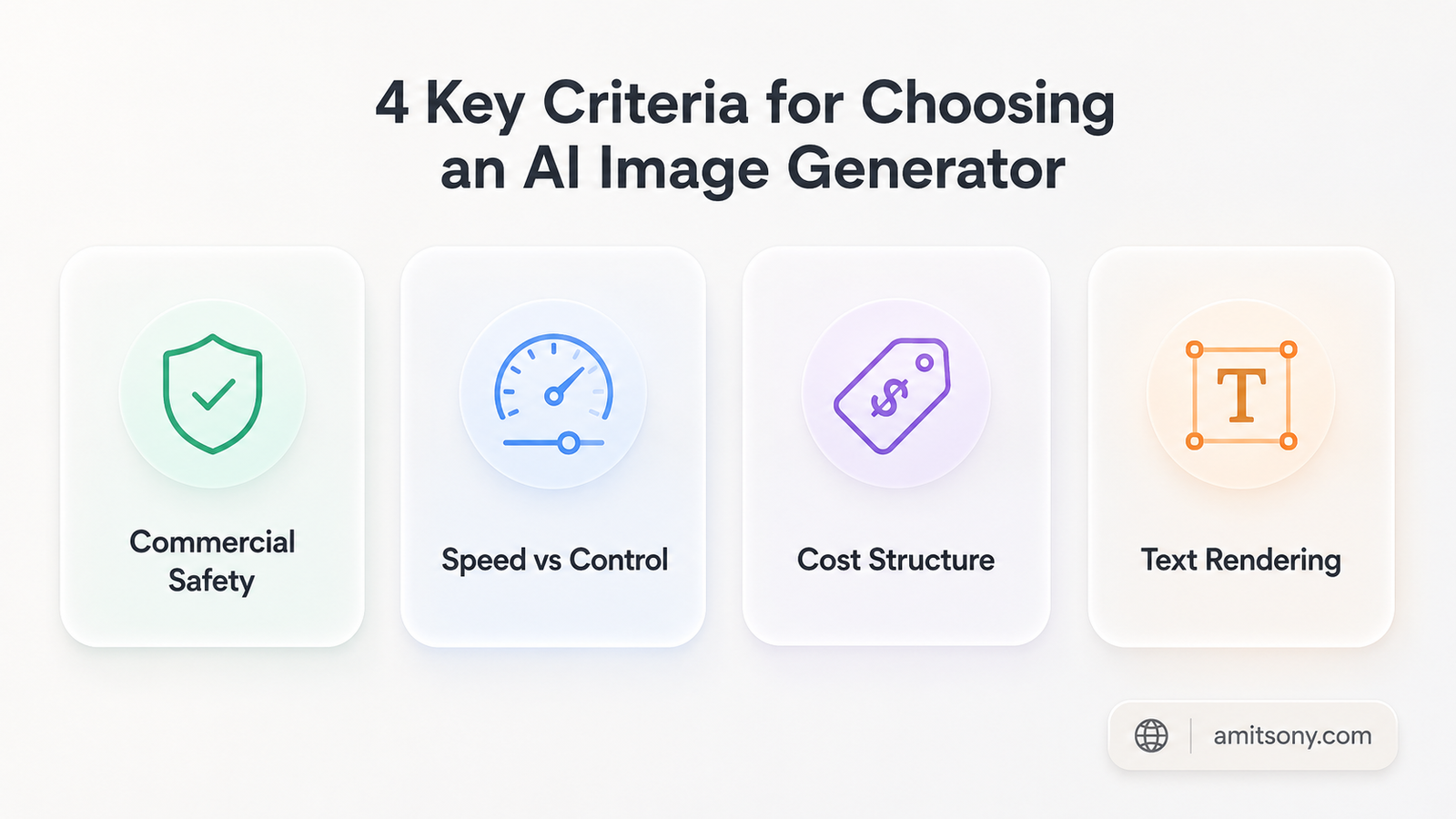
Quality alone doesn't decide this anymore. Most of the major models can produce a clean, believable image on a good prompt, so the gap between them has moved somewhere else.
Commercial safety is the first real differentiator. Some models are trained on scraped web images, which means using the output for client work or ads carries some legal uncertainty. Others are trained only on licensed content, which matters a lot more the moment money is involved.
Speed and control matter next. A model that takes 10 seconds but nails your exact prompt beats a "prettier" model that needs six retries to get the composition right. And then there's cost structure. Some tools charge a flat subscription, some charge per image through an API, and mixing the two up is how people blow past their budget without noticing.
Text rendering used to be the industry's biggest weakness. It still trips up several models, so if your image needs a readable word, a logo, or a label, that's its own decision entirely, separate from general quality.
Which AI Image Generator Has the Best Artistic Quality?
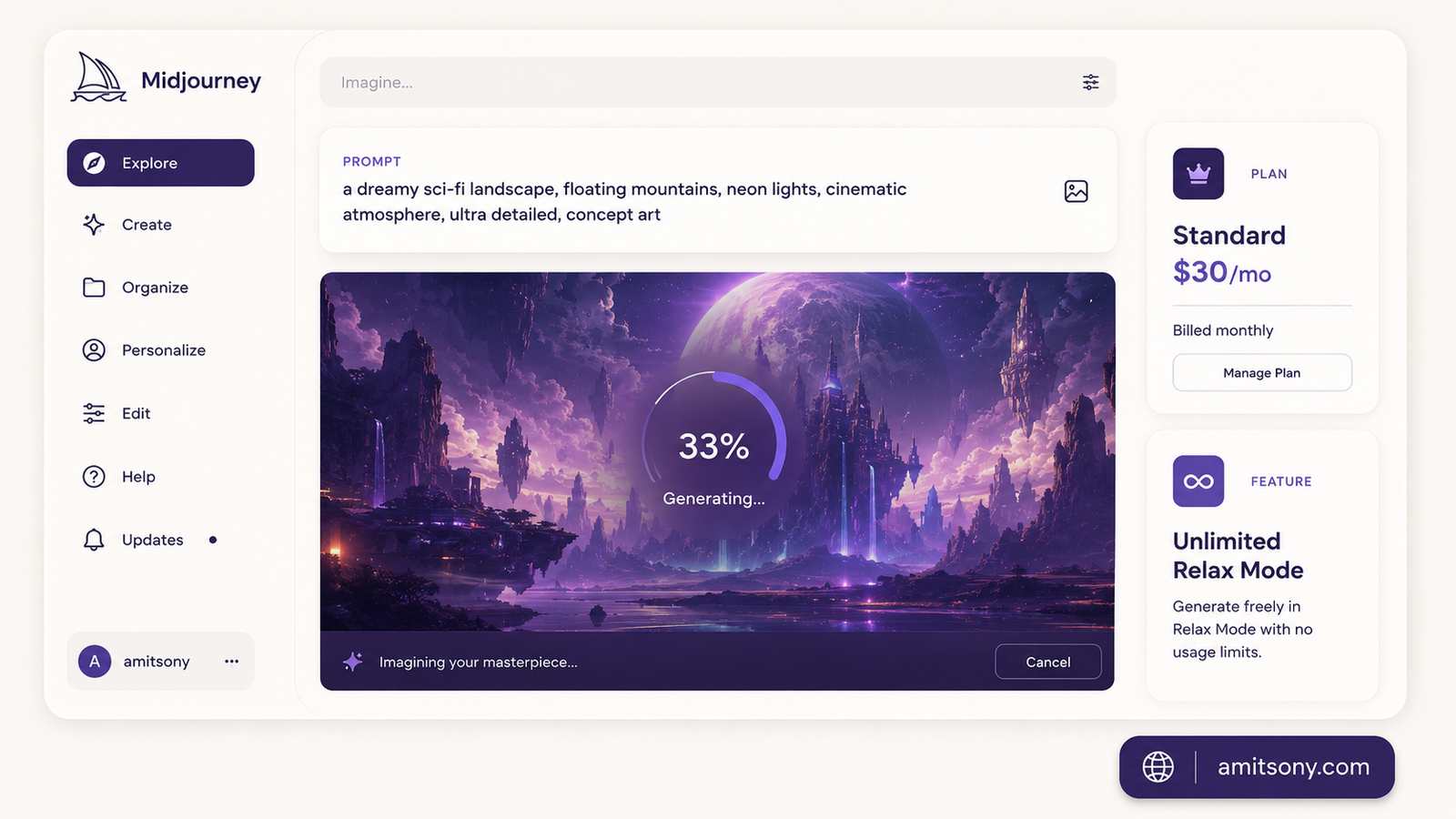
Midjourney has held this spot since 2022, and honestly, nothing has knocked it off yet. V7 is the current default model, with V8.1 rolling out as an alpha update that adds faster generation and stronger detail retention.
There's no free trial anymore. You're paying from day one, and the pricing runs Basic at $10 per month, Standard at $30 per month, Pro at $60 per month, and Mega at $120 per month. Annual billing knocks 20% off any tier.
Here's the part that trips people up. You're not buying a number of images, you're buying GPU time. Basic gives you roughly 3.3 fast hours, which works out to around 200 images before you're stuck waiting or paying $4 per extra hour. Standard adds unlimited Relax mode, which is genuinely the sweet spot for most people since it queues jobs for free instead of eating your fast hours.
My honest take: skip Basic unless you're just testing the waters. You'll burn through it in a week if you use Midjourney seriously, and three separate reports of new users hitting the wall within 10 days back this up. Standard at $30 per month is where 80% of users should actually land.
One more thing worth knowing before you commit. Every image you generate is public by default, visible on Midjourney's Explore page and your profile. Stealth mode, which hides that, only unlocks on Pro and above.
Which AI Image Generator Is Safest for Commercial Work?
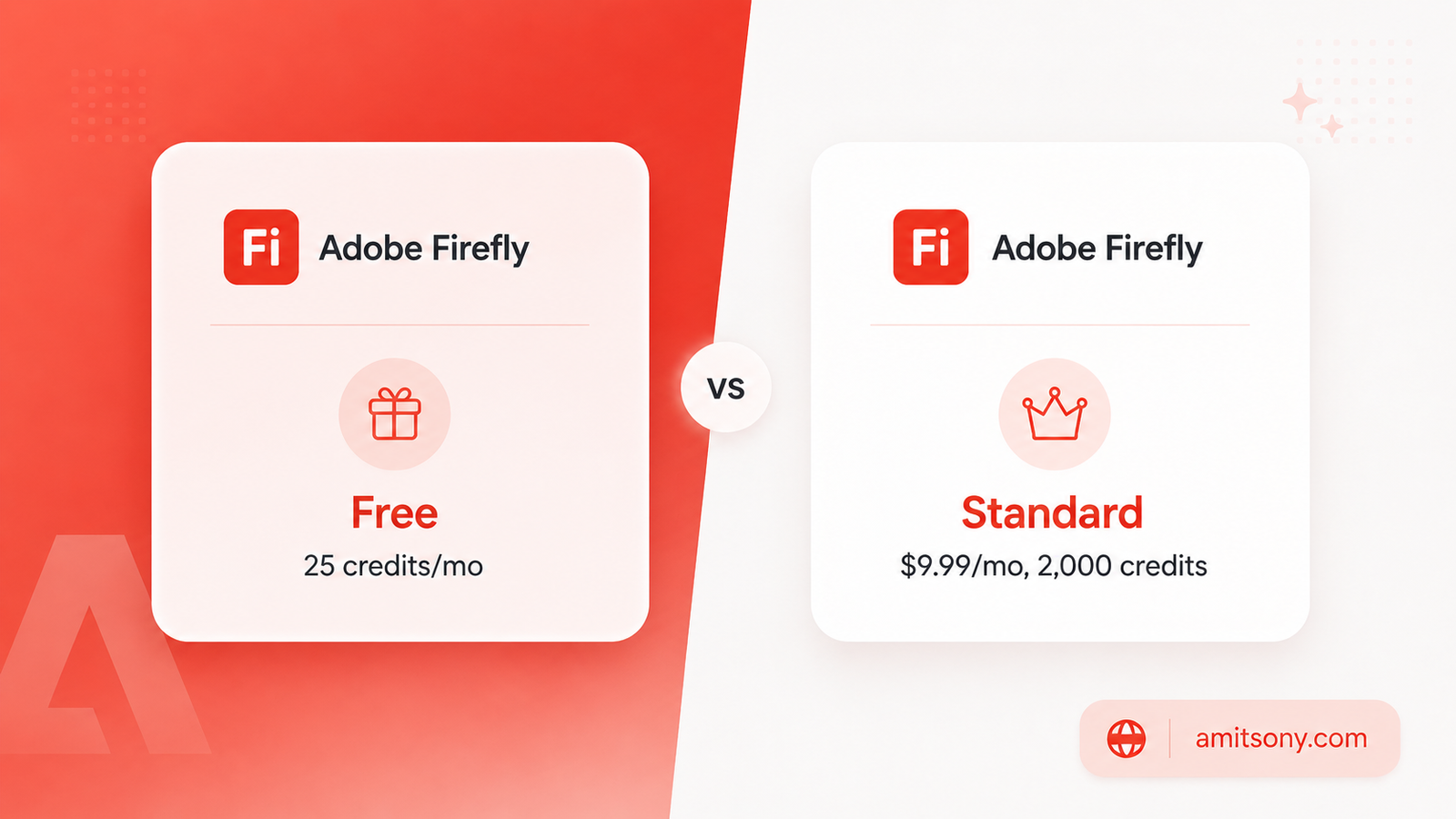
If you're generating images for a client, an ad campaign, or anything a legal team might one day ask about, Adobe Firefly is the one answer that keeps coming up.
The reason is training data. Firefly is built exclusively on Adobe Stock's licensed library, openly licensed content, and public domain material. No web-scraped images. That's what lets Adobe offer IP indemnification, meaning they'll cover legal defense costs if a generated image ever triggers a copyright claim. Midjourney, Flux, and most others simply cannot offer that guarantee.
Pricing starts genuinely free, with 25 generative credits per month for basic image generation, no credit card required. The Standard plan runs $9.99 per month for 2,000 credits and unlocks unlimited standard generations like text-to-image and Generative Fill. Premium goes up to $199.99 per month for 50,000 credits, aimed at agencies doing heavy video and translation work too.
Worth knowing before you rely on it: image quality still trails Midjourney and Flux for pure aesthetic punch. Firefly's strength is legal safety and Photoshop integration, not winning a beauty contest. If a client dispute over image rights is a real risk for your business, that trade-off is worth it. If you're just making mood boards for yourself, it's overkill.
Which AI Image Generator Gives You the Most for Free?
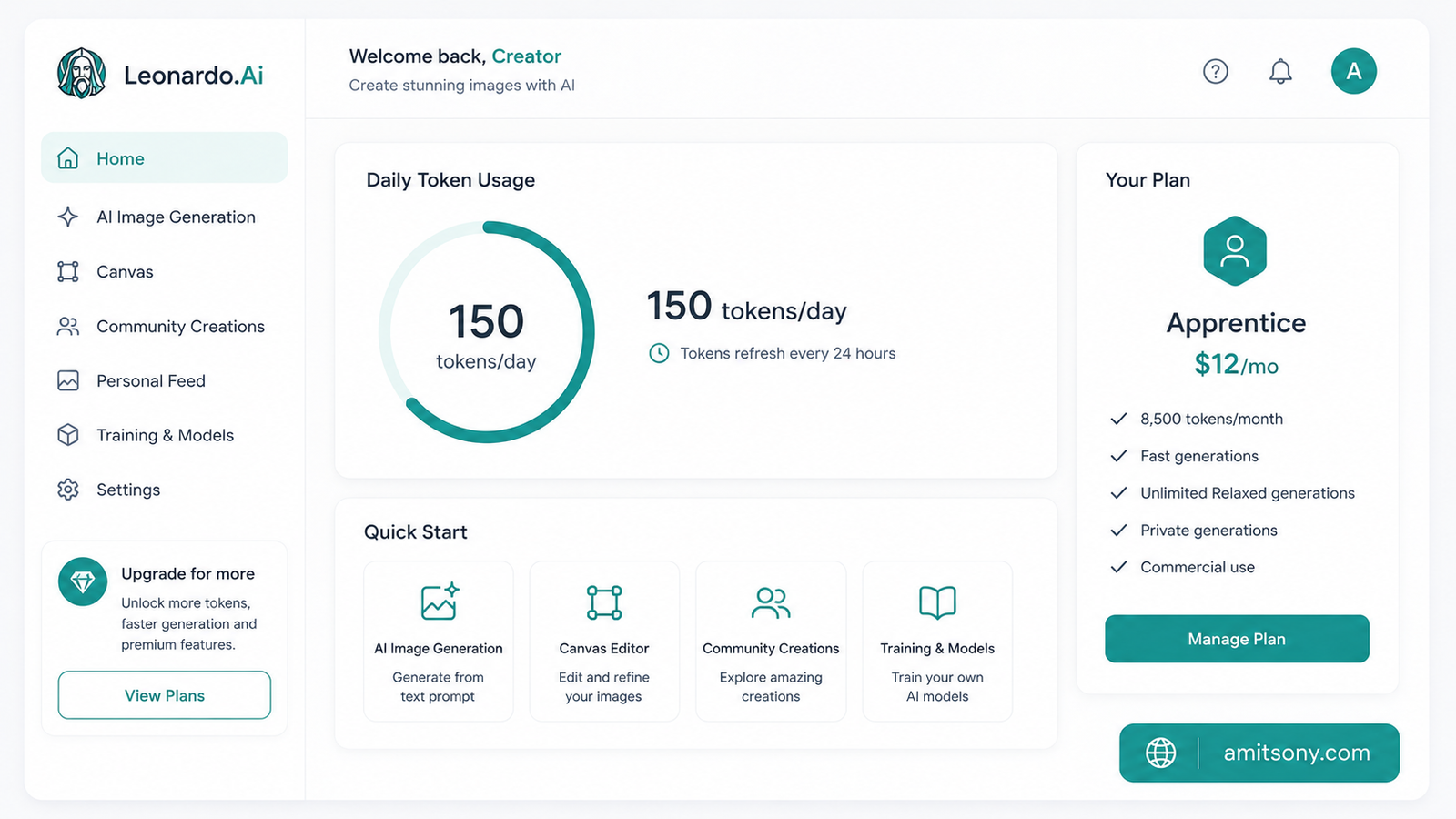
Leonardo AI is the answer here, and it's not close. The free plan gives 150 fast tokens every single day, no expiry date on the plan itself, which is rare among the major players.
That daily allowance translates to roughly 30 to 75 images a day depending on the model and settings you pick, since one image typically costs between 2 and 5 tokens. For comparison, Midjourney has zero free tier at all.
The catch, and there always is one: free-tier images are public. Leonardo retains rights to reproduce and use them, and other users can view and remix your creations. That's a real problem if you're testing something for client work. You also don't get the Consistent Character Engine or custom model training on the free plan.
Once you actually need privacy, the first paid tier, Apprentice, is $12 per month for 8,500 tokens, plus private generations and one LoRA training slot monthly. Artisan runs $30 per month for 25,000 tokens, and Maestro tops out at $60 per month for 60,000 tokens.
Verdict: for personal projects, social content, or just learning how to prompt, Leonardo's free tier alone beats paying for Midjourney's Basic plan. Just don't put anything commercially sensitive through it while you're still on free.
Which Tool Actually Gets Text Right Inside an Image?
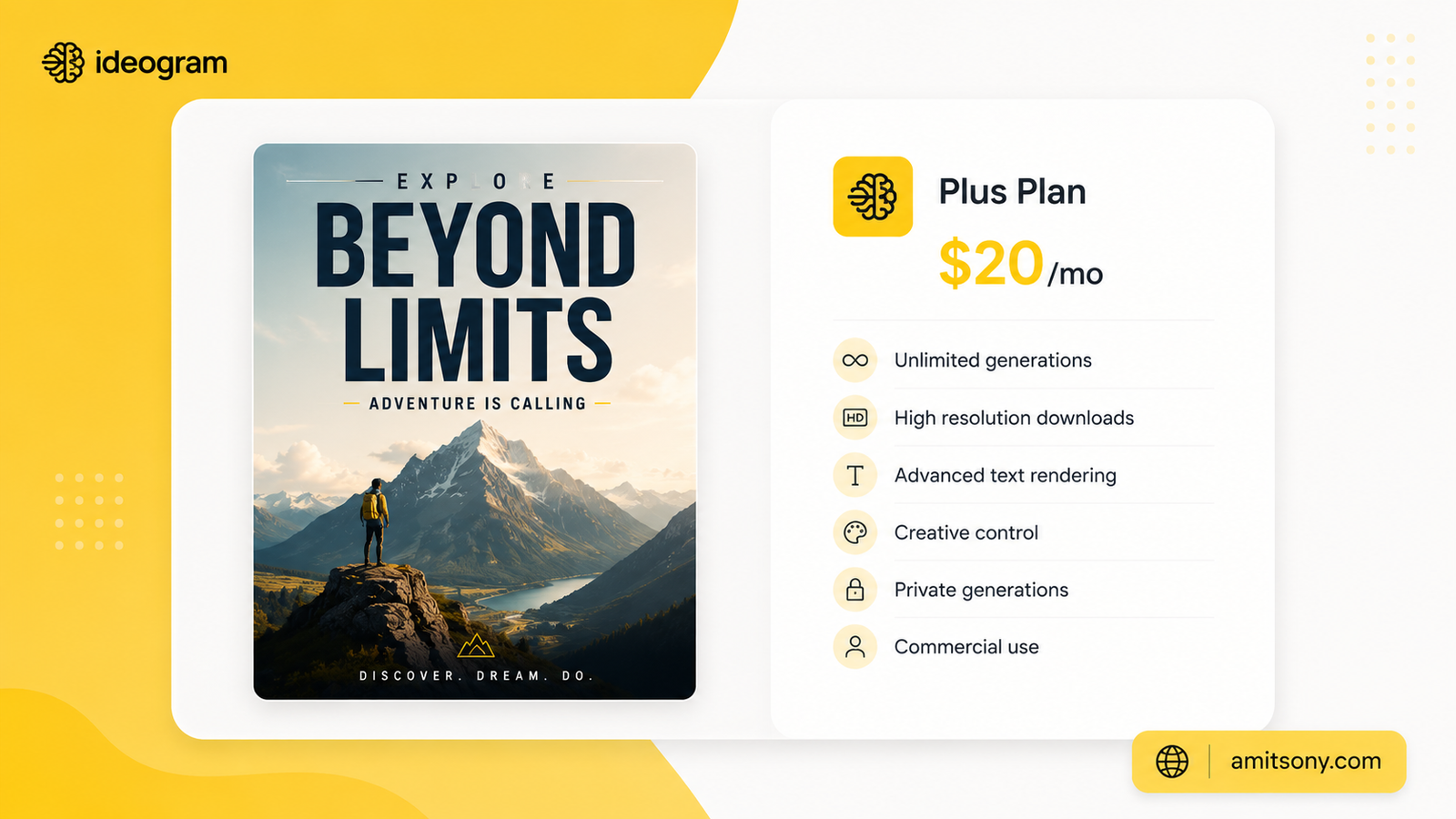
Most AI image generators still mangle text. Letters melt, spelling goes sideways, and kerning looks like it was done by someone who's never seen an alphabet. Ideogram is the one tool that consistently doesn't do this.
If you need a poster, a book cover, a sticker, a thumbnail with a caption, or anything where a viewer actually has to read a word inside the image, start here. It's not trying to be a general-purpose art generator, and it doesn't need to be.
The free plan is real but tight, somewhere around 10 credits a week depending on which report you check, plus a short queue wait before generation starts. For anything regular, the Plus plan runs $20 per month, or $15 per month billed annually, and gives you 1,000 monthly priority credits.
Don't waste time trying to force Midjourney or Flux to spell correctly for you. It's not their strength, and you'll burn more time re-rolling than you'd spend just switching tools for this one job.
Which AI Image Generator Is Easiest for Complete Beginners?
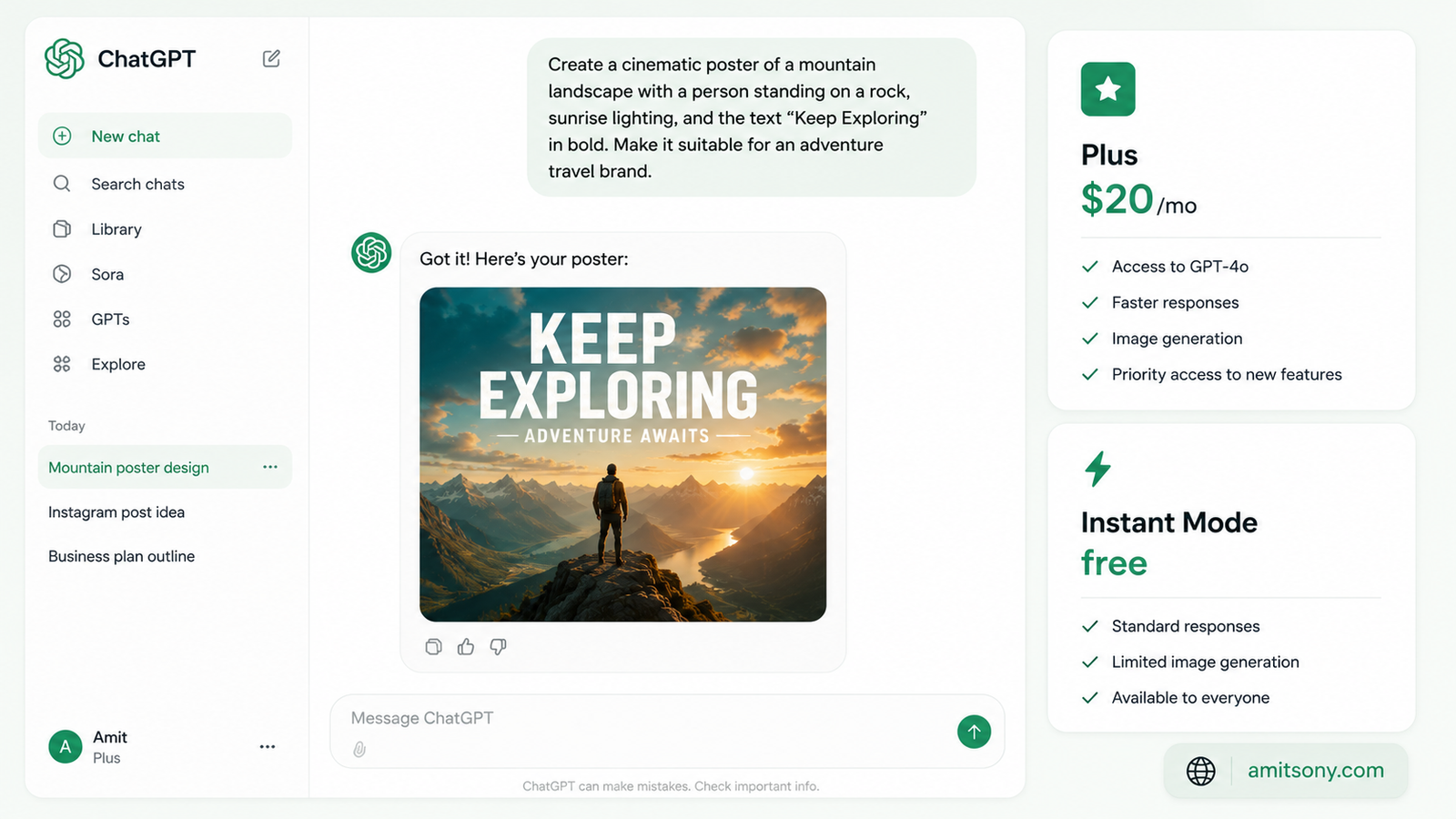
If prompt engineering sounds intimidating, ChatGPT's image generator, currently running on the GPT Image 2 model, is the easiest on-ramp available. You just describe what you want in plain conversation, and you can keep refining it by chatting, saying things like "make it warmer" or "move the subject to the left."
GPT Image 2 replaced the older GPT Image 1.5 and DALL-E lineup in April 2026. Instant Mode is available to every ChatGPT user, including the free tier, though free accounts hit a rate limit every few hours. Plus at $20 per month unlocks Thinking Mode, which reasons through complex layouts and keeps characters consistent across up to 8 images. Pro at $200 per month is really only worth it if you're generating at serious volume with priority access.
If you're a developer instead, the API bills per token rather than per image. A standard 1024x1024 image runs roughly $0.006 at low quality, $0.053 at medium, and $0.211 at high quality, based on OpenAI's own calculator. Edits that include a reference image cost more, sometimes 2 to 3 times the baseline, because reference images are always processed at high fidelity.
Honest comparison: Midjourney rewards you for learning prompt craft and punishes you if you don't. ChatGPT's image tool does the opposite, it meets you where you are through conversation. If you've never touched an AI image tool before, start here, not with Midjourney.
Which Tool Wins on Photorealism and 4K Output?
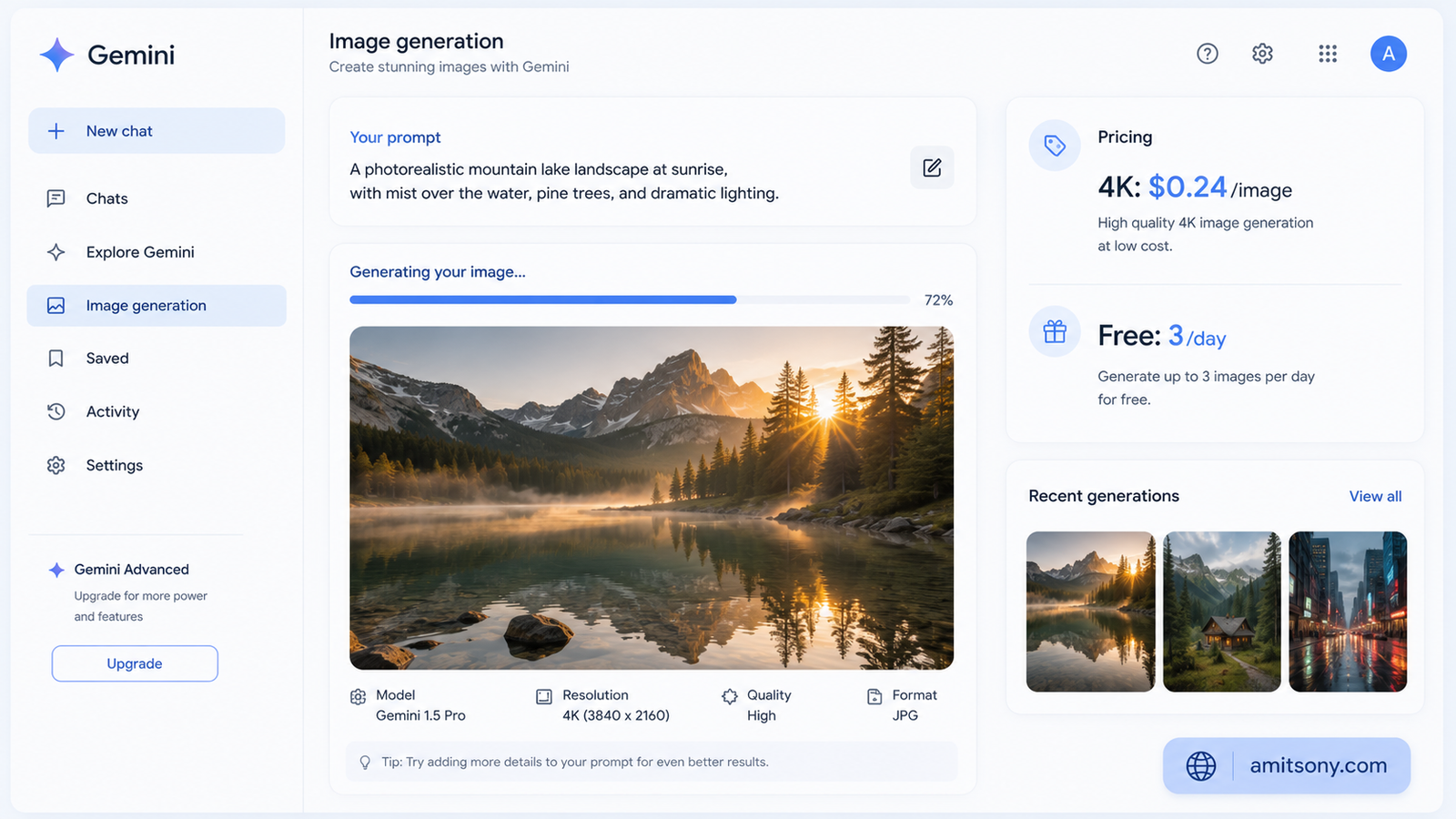
Google's Nano Banana Pro, built on Gemini's image generation model, is the current leader for photorealistic detail and true 4K resolution. It "plans" a scene before rendering it rather than just diffusing pixels, which is part of why it handles complex, multi-object scenes and character consistency so well.
The free tier through the Gemini app gives you roughly 3 images a day at lower resolution, watermarked, and it downgrades automatically to the lighter Nano Banana model once you hit that cap. To get real 2K or 4K output regularly, Google AI Pro runs about $20 per month and bumps your daily quota up considerably.
For developers, the API is priced per resolution rather than a flat rate: roughly $0.13 per image at 1K to 2K resolution, and $0.24 per image at full 4K. There's a Batch API that cuts both of those numbers in half if your workload isn't time-sensitive.
Where this one actually shines is grounding. It can pull from real-world knowledge for accurate depictions of specific landmarks or objects, something purely diffusion-based models tend to guess at instead of know.
Which AI Image Generator Is Best for Developers Who Want Control?
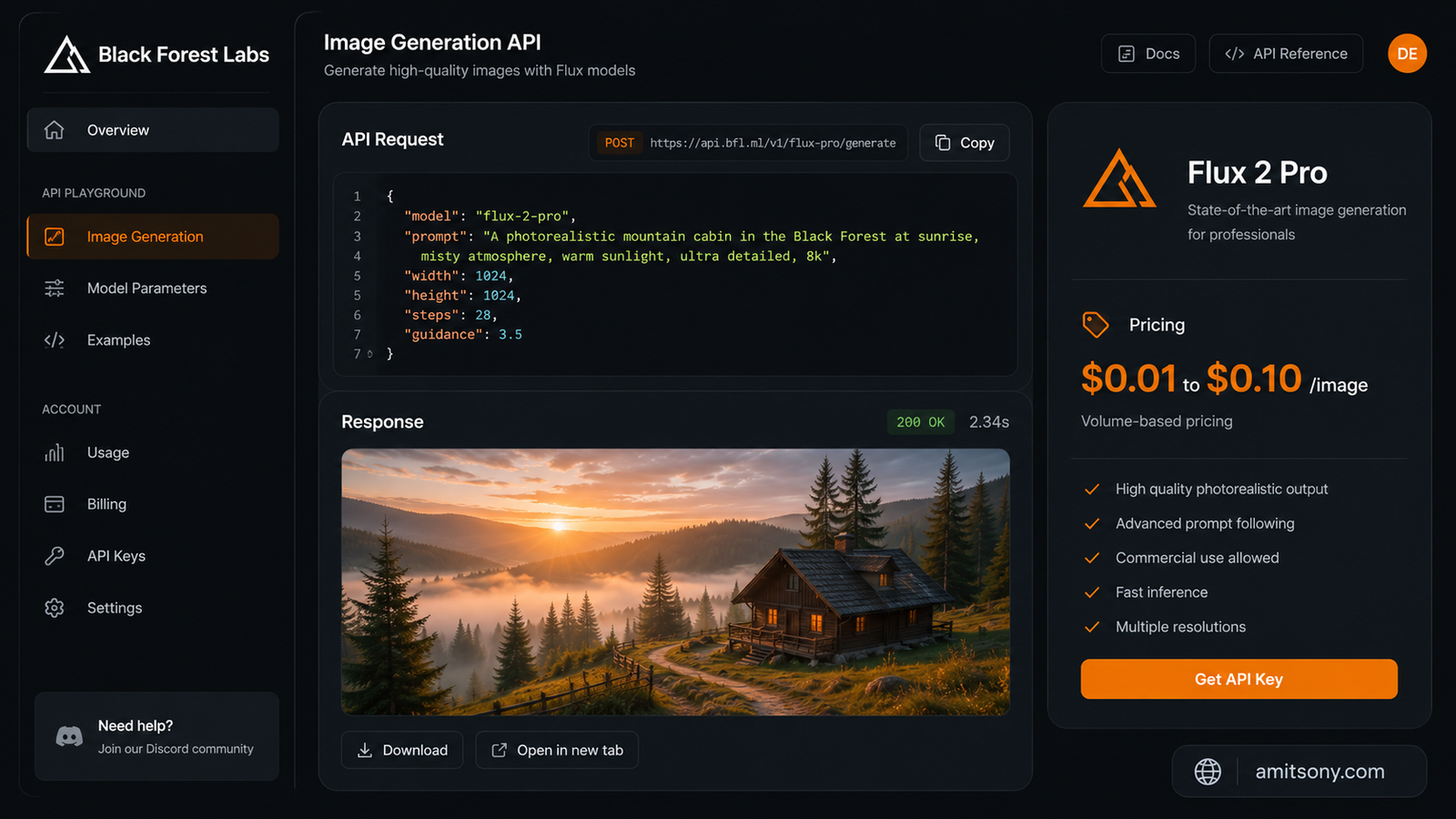
Flux 2 from Black Forest Labs is the open-weight answer, and it's genuinely competitive with the closed models on raw photorealism now, not just a budget fallback.
Because it's released openly, you can self-host it for free if you've got the GPU to run it, subject to the license terms. Most people instead access it through hosted platforms like fal.ai or Replicate, where per-image API pricing typically runs $0.01 to $0.10 depending on the specific variant and provider. It ships in several variants including Pro, Dev, Max, Flex, and Klein, so you pick based on speed versus quality needs.
The appeal here isn't a slicker interface, it's freedom. No content policy layered on top of a hosted chat product, no public gallery, and full customization through LoRAs and fine-tuning if you go the self-hosted route. That flexibility is exactly why teams generating high volumes of near-identical product shots often land on Flux instead of paying per-seat for Midjourney.
Skip this one if you just want to type a prompt and get a pretty picture in a browser tab. Flux rewards technical users who are comfortable picking a hosting provider and variant. If that's not you, a subscription tool will get you there faster.
So Which One Should You Actually Pick?
Stop reading feature lists and start with what you're actually making. That's the honest answer, and it applies more in 2026 than it ever did.
For artistic, stylized work, pay for Midjourney and don't look back. For anything with a client's name attached, Adobe Firefly's indemnification is worth the lower aesthetic ceiling. For learning the ropes without spending a cent, Leonardo AI's daily token reset beats every other free tier on this list.
If a project needs a single feature more than general quality, chase that feature specifically. Ideogram for text, Nano Banana Pro for photorealistic 4K, Flux 2 if you want to self-host. Trying to make one tool do everything is usually how people end up disappointed with all of them.
Frequently Asked Questions
Is there a completely free AI image generator with no catch?
Leonardo AI's free plan is the most generous, with 150 tokens daily and no expiry, though free-tier images are public and owned by Leonardo.
Which AI image generator is safest for commercial and client work?
Adobe Firefly, since it's trained only on licensed content and includes IP indemnification that most other tools don't offer.
Why does AI-generated text inside images still look wrong sometimes?
Most models are diffusion-based and treat letters as shapes rather than language, which is why Ideogram, built specifically for legible text, performs so much better here.
Is Midjourney still worth paying for in 2026?
Yes, if artistic and cinematic quality matters more to you than price, since it still leads most side-by-side quality comparisons for stylized work.
What's the cheapest way to try a top-tier AI image generator?
ChatGPT's free tier gives you limited access to GPT Image 2 with no cost, and Google's Gemini app gives roughly 3 free Nano Banana Pro images a day.