Top 10 Best Cursor AI Alternatives for Coding easy in 2025
1. GitHub Copilot
What is it?
GitHub Copilot is the industry-leading AI coding assistant created by GitHub and OpenAI. It integrates directly into VS Code, JetBrains, and Visual Studio.
Features
- Autocompletes full lines or functions.
- “Copilot Chat” for debugging, refactoring, and learning.
- Deep integration with GitHub repositories.
Pricing
- Free (for students)
- Pro – $10 /month
- Business – $19 /month
Comparison with Cursor
| Feature | GitHub Copilot | Cursor AI |
|---|---|---|
| Type | AI assistant inside IDE | Full AI-native editor |
| Offline Mode | ❌ | ✅ (Limited) |
| Price | $10 /mo | $20 /mo |
| Ecosystem Fit | GitHub / VS Code | Standalone, VS Code based |
2. Tabnine
What is it?
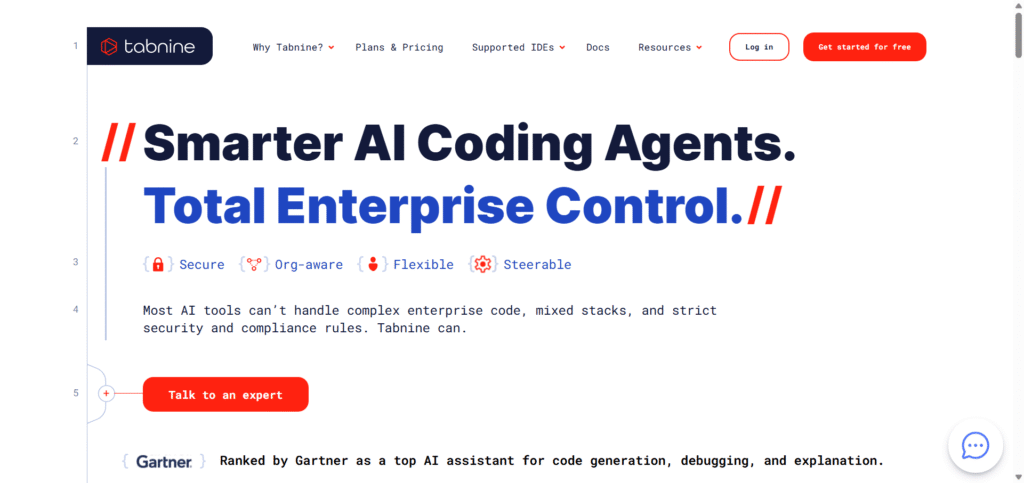
Tabnine is an AI code completion tool that emphasizes privacy and self-hosting, ideal for enterprise or security-sensitive teams.
Features
- Local LLM deployment for privacy.
- Context-aware code suggestions.
- Team workspace support.
Pricing
- Free basic plan
- Pro – $12 /month
- Enterprise – Custom pricing
Comparison with Cursor
| Feature | Tabnine | Cursor AI |
|---|---|---|
| Privacy | ✅ Self-host | Cloud-based |
| Focus | Autocomplete | Full IDE assistant |
| Team Support | ✅ | ✅ |
| Price | $12 /mo | $20 /mo |
3. Replit Ghostwriter
What is it?
Replit Ghostwriter is an AI–powered coding assistant built directly into the Replit cloud IDE. It helps you write, refactor and understand code by using natural-language commands and real-time suggestions.
Replit itself is a browser-based development environment supporting many languages and instant deployment.
Key Features
- Autocomplete & Generate Code: Ghostwriter can complete lines or functions, and even generate entirely new code blocks from your prompts.
- Explain & Transform Code: Highlight existing code and ask Ghostwriter to explain it, or transform/refactor it.
- Multi-Language Support: The Replit IDE supports over 50 programming languages, making Ghostwriter versatile across stacks.
- Cloud Collaboration & Deployment: Since it’s browser-based, you can work anywhere, share projects and deploy instantly.
Pricing (Free or Paid)
- Free “Starter” plan: gives access to Replit IDE and limited AI features.
- Paid “Core” plan: around $15-$20 USD/month (billed annually) with full Ghostwriter access, AI-Agent features, $25/month compute credits, unlimited public/private projects.
- Team/Enterprise: Higher tier plans (e.g., Teams ~$35-$40/user/month) with collaboration, private deployment, custom support.
Comparison with Cursor AI
Here’s a quick comparison between Ghostwriter/Replit and Cursor AI to help you see where each sits:
| Feature | Replit Ghostwriter | Cursor AI |
|---|---|---|
| Platform | Cloud browser-based IDE (Replit) | AI-native code editor (VS Code based) |
| Best for | Beginners, prototyping, multi-language, browser access | Deep local development, large codebases, advanced workflows |
| Price (approx) | ~$15-$20/month for full plan | (~$20/month and up) |
| Deployment & collaboration | Instant deployment, real-time collaboration built-in | Focused on editor, less emphasis on “cloud deploy from the same tool” |
| Offline / local dev | Requires internet & cloud environment | Better local environment support |

4. Windsurf (Standalone)
What is it?
Windsurf is an AI-first IDE that lets developers code faster with agentic commands and multi-model support (OpenAI, Claude, Gemini).
Features
- Codebase memory and rules.
- Prompt credits system.
- AI workflow automation.
Pricing
- Free plan available
- Pro – $15 /month
- Teams – $30 /month
Comparison with Cursor
| Feature | Windsurf | Cursor AI |
|---|---|---|
| Focus | AI IDE with memory | Editor with agent mode |
| Price | $15 /mo | $20 /mo |
| Integration | Multiple LLMs | OpenAI only (for now) |
5. Bito AI
What is it?
Bito goes beyond code generation — it helps review, refactor, and improve existing code bases.
Features
- Code review & test suggestions.
- Chat-based code explainer.
- Team dashboards.
Pricing
- Free plan available
- Pro – $15 /month
Comparison with Cursor
| Feature | Bito | Cursor AI |
|---|---|---|
| Focus | Code review | Code generation |
| Collaboration | ✅ | ✅ |
| Price | $15 /mo | $20 /mo |
6. UI-Bakery AI
What is it?
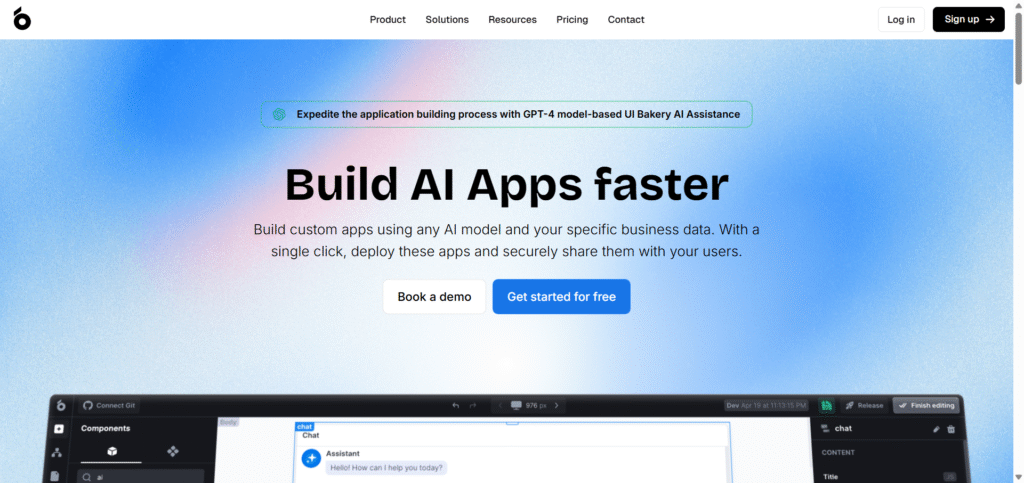
UI Bakery is a low-code platform with AI app generation. It creates full frontend and backend apps from text prompts.
Features
- Drag-and-drop interface.
- AI turns plain language into ready-to-deploy apps.
- Connects to databases and APIs.
Pricing
- Free trial available
- Pro – $10 to $20 /month
Comparison with Cursor
| Feature | UI Bakery | Cursor AI |
|---|---|---|
| Goal | App builder | Code editor |
| Coding Knowledge | Low | High |
| Price | $10 – $20 | $20 |
| Best for | Non-coders | Developers |
7. Void AI
What is it?
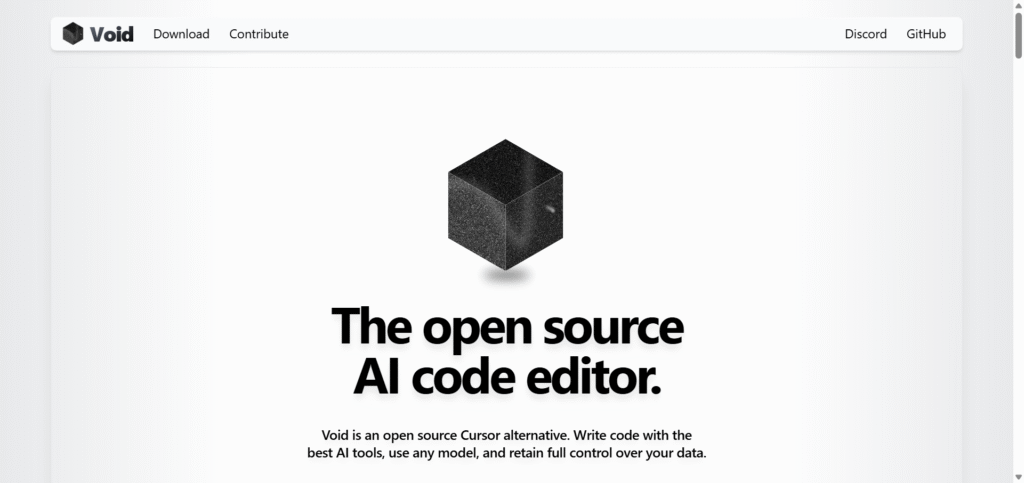
Void is an open-source, privacy-first AI coding assistant that you can self-host locally.
Features
- Offline LLM support (no cloud).
- Extensible via plugins.
- Supports Python, JS, Rust and more.
Pricing
Completely Free (Open Source)
Comparison with Cursor
| Feature | Void AI | Cursor AI |
|---|---|---|
| Hosting | Self-hosted | Cloud |
| Price | Free | $20 /mo |
| Privacy | Full local | Limited |
| Ideal for | Privacy focused devs | General users |
8. Zed Editor
What is it?
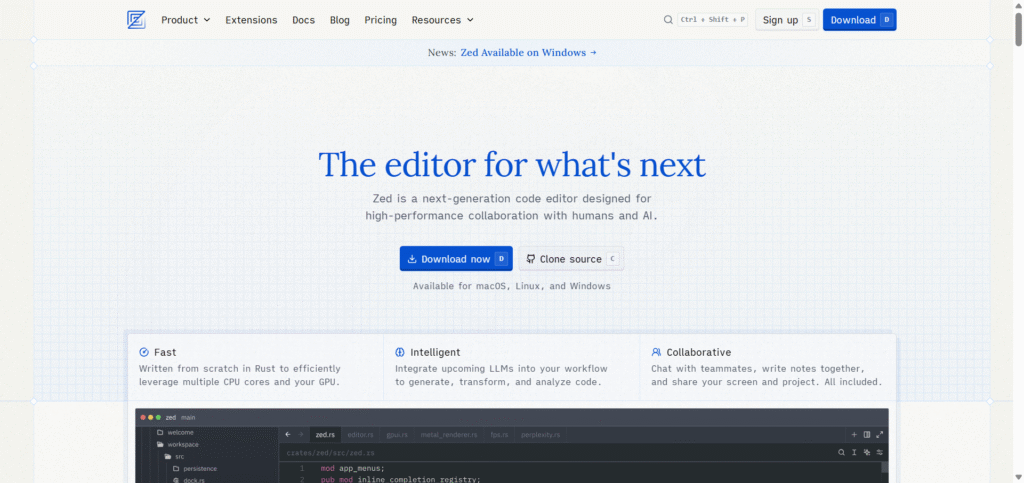
Zed is a lightweight, open-source text and code editor with built-in AI support and real-time collaboration.
Features
- Lightning-fast performance.
- AI suggestions and code actions.
- Collaborative editing like Google Docs for code.
Pricing
Free (Open Source)
Comparison with Cursor
| Feature | Zed Editor | Cursor AI |
|---|---|---|
| Speed | Very fast | Moderate |
| Collaboration | ✅ Real-time | Limited |
| Price | Free | $20 /mo |
9. Continue.dev
What is it?
Continue.dev is an open-source VS Code extension that adds AI code generation and chat to your existing IDE.
Features
- Free and extensible.
- Works with OpenAI, Claude, Gemini models.
- Prompt engineering friendly.
Pricing
Free (Open Source)
Comparison with Cursor
| Feature | Continue.dev | Cursor AI |
|---|---|---|
| Type | VS Code extension | Standalone IDE |
| Models | Multiple LLMs | OpenAI only |
| Price | Free | $20 /mo |
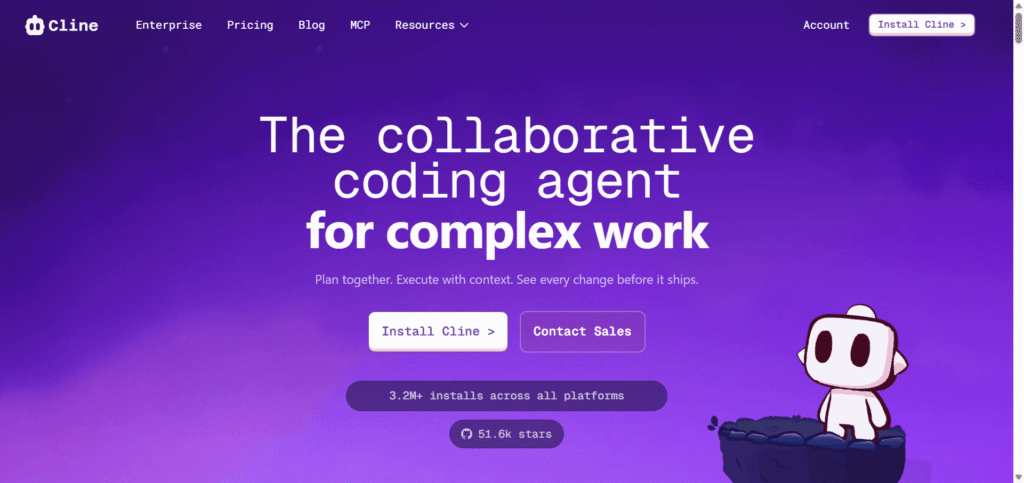
10. Cline AI
What is it?
Cline is a lightweight AI coding assistant that runs on top of VS Code and other editors, offering smart completion and chat.
Features
- Code completion & generation.
- Multi-model AI support.
- Simple setup for beginners.
Pricing
- Free version available
- Premium – $9 to $15 /month
Comparison with Cursor
| Feature | Cline | Cursor AI |
|---|---|---|
| Type | VS Code plugin | AI editor |
| Ease of use | Very easy | Moderate |
| Price | $9 – $15 | $20 |
| Best for | Beginners | Power users |
Final Conclusion
If you want an AI coding companion similar to Cursor AI, your choice depends on needs:
Best overall replacement: GitHub Copilot or Windsurf
For privacy/security: Tabnine or Void AI
For no-code app building: UI Bakery AI
For open-source freedom: Continue.dev or Zed Editor
For budget users: Cline or Codeium