
10 AI Tools for Journalists (2026): Report Smarter & Faster
By: Amit Sony
Author & Researcher
Release : min read
Table of Content:
- Perplexity AI — Real-time research with cited sources
- Otter.ai — Interview transcription & searchable archive (95%+ accuracy)
- Google Pinpoint — Search thousands of documents for investigation (FREE)
- Claude — Long-form research analysis & writing assistant
- Google NotebookLM — AI that researches from YOUR sources only (FREE, zero hallucination)
- Descript — Edit audio/video by editing text (revolutionary for broadcast)
- Ground News — Media bias analysis across 50,000+ sources
- InVID-WeVerify — Deepfake detection & visual verification (FREE plugin)
- Grammarly — Writing polish under deadline pressure
- ChatGPT — Versatile newsroom assistant for daily tasks
73% of global news organisations have adopted AI technology. The three most common AI uses among journalists are transcription (49%), translation (33%), and grammar checking (30%). And investigative reporters using Google Pinpoint search through thousands of leaked documents in hours — work that previously took weeks.
Journalism in 2026 is faster, more competitive, and more demanding than ever. You’re expected to break stories, verify facts, transcribe hours of interviews, write publishable copy, create social media versions, produce video content — and do it all before the deadline hits. Meanwhile, misinformation spreads in minutes, deepfakes are getting harder to spot, and newsrooms are operating with smaller teams and tighter budgets.
AI doesn’t replace the journalist. It never will. Reporting, ethical judgment, source relationships, and storytelling are irreducibly human. But AI eliminates the mechanical burden — transcribing a 90-minute interview, searching through 10,000 leaked documents, fact-checking a claim across multiple sources, or editing audio from a noisy press conference. These are the tasks that consume your day but don’t require your judgment.
The tools below are used by reporters at organisations ranging from the BBC and Reuters to independent investigative teams. Some are purpose-built for journalism. Others are general tools that journalists have adapted to their workflows. All of them will give you back hours every week.
1. Perplexity AI — Real-Time Research with Cited Sources
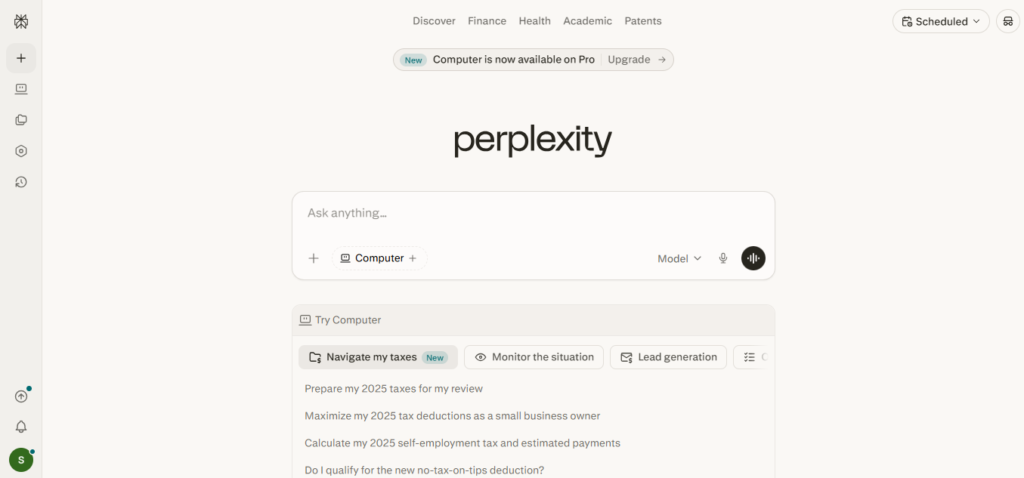
Perplexity AI has become the most popular research tool in journalism. Unlike ChatGPT, which can confidently state incorrect information, Perplexity provides real-time web results with source citations for every claim. Reporters can verify statements, research background context, explore unfamiliar topics, and ask follow-up questions — all while seeing exactly where the information comes from.
What it does:
- AI-powered search that provides direct answers with source citations
- Real-time web results — not training data from months ago
- Conversational follow-up questions to go deeper on any topic
- Summarises long articles and complex topics in plain language
- Cross-references information from multiple sources automatically
- Compares different angles on the same story
- Handles complex, multi-layered research queries
- Free tier with generous daily usage
- Pro version for deeper research capabilities
- Works in multiple languages
Pricing: Free tier available. Pro at ~$20/month.
Best for: Every journalist — for background research, quick fact verification, context building, and exploring unfamiliar topics. If you’re covering a story about semiconductor policy and need to understand the global supply chain in 15 minutes, Perplexity gives you a sourced briefing faster than any traditional research method. Always verify critical facts independently before publishing.
2. Otter.ai — AI Interview Transcription & Meeting Notes
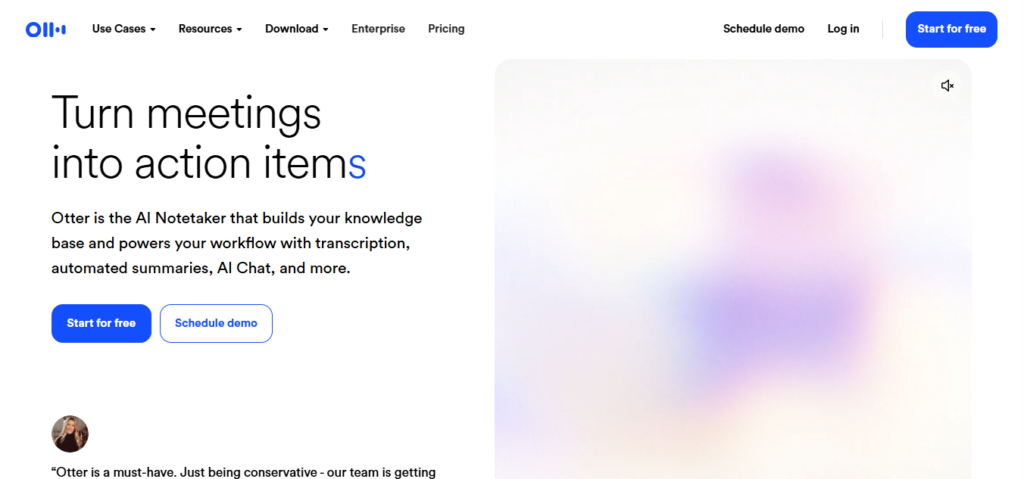
Otter.ai is the transcription tool most recommended for journalists. It transcribes interviews in real-time with speaker identification, generates AI summaries with key points highlighted, and creates a searchable archive of all your conversations. Six months later, you can search “What did the minister say about the budget?” across all your recorded interviews and find the exact quote in seconds.
What it does:
- Real-time transcription with 95%+ accuracy on clear audio
- Speaker identification — learns voices over time for better attribution
- AI-generated summaries with key points and action items highlighted
- Searchable transcript archive — find any statement across all interviews
- OtterPilot — auto-joins Zoom/Google Meet/Teams calls and transcribes
- Live collaboration — colleagues can highlight and comment during interviews
- Custom vocabulary for industry-specific terms and names
- Export transcripts in multiple formats (TXT, DOCX, PDF, SRT)
- Mobile app for field recording — critical for on-the-ground reporting
- 20% student/teacher discount with .edu email
Pricing: Free (5 hours live transcription, 3 file uploads). Pro at ~$100/year ($8.33/month). Business at $30/user/month.
Best for: Every reporter who conducts interviews. If you currently spend 3 hours transcribing a 1-hour interview, Otter does it in real-time. The searchable archive is invaluable for investigative work where you need to cross-reference statements made months apart. Caution: check privacy policies before recording sensitive sources — consider offline transcription tools for highly confidential material.
3. Google Pinpoint — Investigative Research on Thousands of Documents
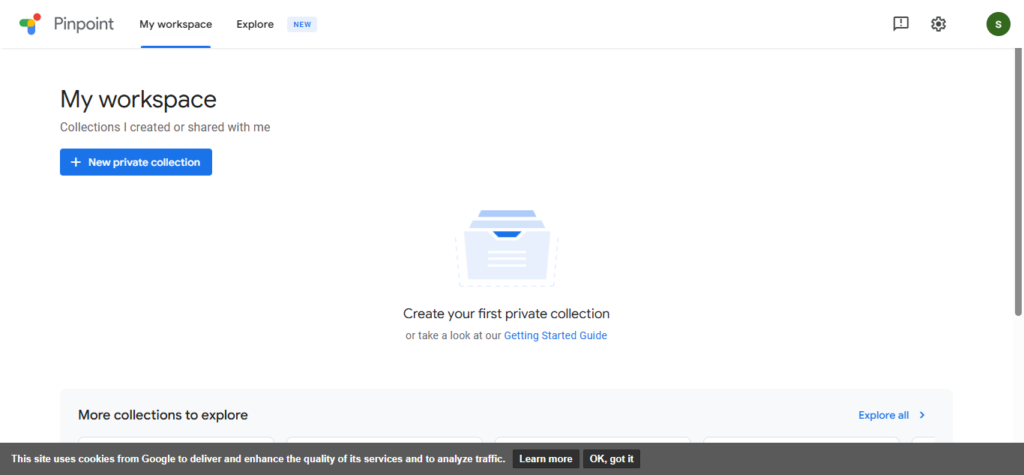
Google Pinpoint is a specialised research tool built by Google specifically for journalists. Upload thousands of documents — PDFs, emails, images, audio recordings — and Pinpoint’s AI analyses everything, identifying names, facts, dates, and themes. It transcribes audio, reads handwritten notes, and lets you search the entire collection using Google’s search technology. Essential for investigative reporting involving document leaks or FOIA/RTI requests.
What it does:
- Upload and search through thousands of documents, emails, images, and audio files
- AI identifies and extracts key names, dates, organisations, and themes automatically
- Transcribes audio and video content for searchable text
- Reads handwritten notes using OCR technology
- AI-powered question answering across your entire document collection
- Works in multiple languages
- Entity recognition — highlights people, places, and organisations across documents
- Timeline generation from extracted dates
- Completely free for journalists and academics
- Part of Google’s Journalist Studio suite
Pricing: Completely free for journalists and academics.
Best for: Investigative journalists working with large document collections — leaked files, RTI responses, court records, financial documents. If you’ve received 5,000 pages of documents and need to find every mention of a specific person or transaction, Pinpoint does in minutes what would take a team of reporters weeks. This is the tool that makes investigative journalism possible for small newsrooms.
.
4. Claude — Long-Form Research Analysis & Writing Assistant
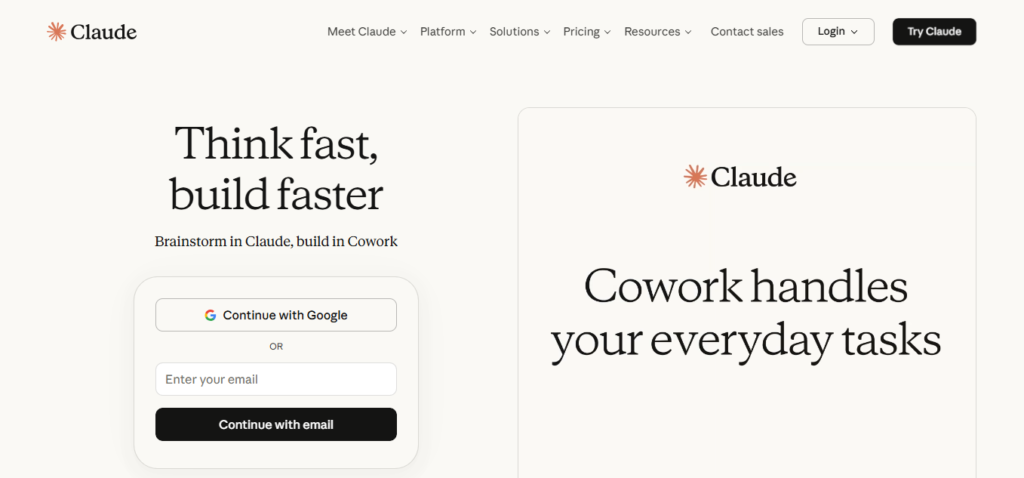
Claude has become the preferred AI writing assistant for journalists who work on long-form stories, features, and investigative pieces. Its massive context window allows you to upload entire transcripts, reports, and research documents — then ask analytical questions across all of them. Columbia Journalism Review testing found that Claude performs well at keeping facts accurate and consistent, making it reliable for background analysis.
What it does:
- Massive context window — upload entire interview transcripts, reports, and research documents
- Analytical questions across uploaded materials — “What contradictions exist between these two statements?”
- Writing assistance — structure drafts, improve clarity, tighten prose
- Summarise lengthy documents, reports, and meeting transcripts
- Generate alternative headlines, social media captions, and platform-specific versions
- Multilingual support — translate sources and draft in multiple languages
- Style and bias checking — identify loaded language in your own drafts
- Background briefing generation from raw research materials
- Handles nuanced, complex analysis better than most AI models
- File upload for PDFs, documents, and images
Pricing: Free tier available. Pro at ~$20/month.
Best for: Long-form journalists, feature writers, and investigative reporters who work with large volumes of research material. If you have 200 pages of transcripts and court documents and need to identify patterns, contradictions, or key quotes, Claude handles this analytical work exceptionally well. Use it as your research analyst, not your writer — your voice and reporting should remain your own.
5. Google NotebookLM — AI That Researches From YOUR Sources Only
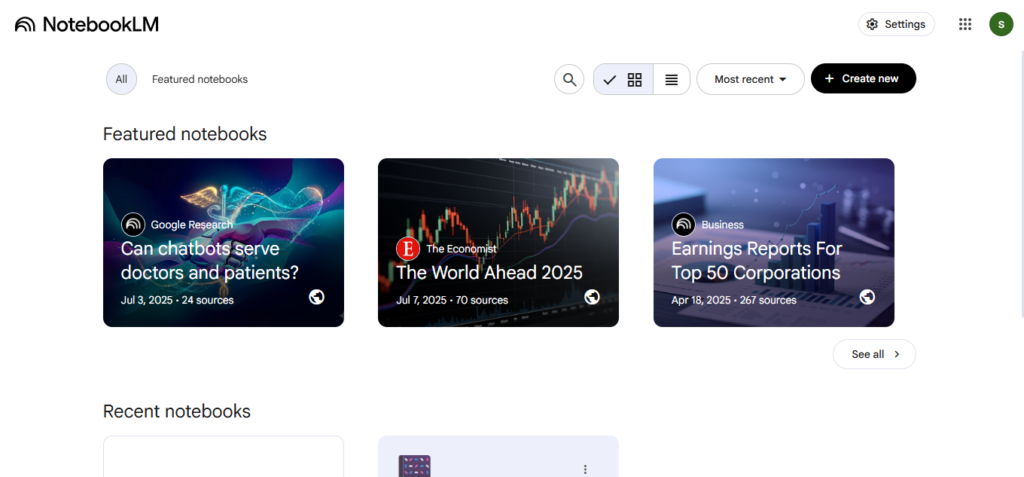
NotebookLM works exclusively with your uploaded materials — not the general internet. This is critical for journalists: every answer is grounded in your sources with citations, eliminating the hallucination risk that makes other AI tools dangerous for reporting. Upload your interview transcripts, research PDFs, and source documents, and NotebookLM answers questions strictly from that material.
What it does:
- Upload PDFs, documents, articles — AI analyses and answers from your materials only
- Zero hallucination risk — every answer cites the specific source document and passage
- Cross-reference information across multiple uploaded documents
- Generate summaries, FAQs, and briefing documents from your research
- Audio overviews — podcast-style summaries of uploaded content
- Identify themes, contradictions, and patterns across source documents
- Citation for every claim — know exactly where information comes from
- Free to use with a Google account
- Ideal for building story timelines from multiple source documents
Pricing: Free with a Google account.
Best for: Reporters who need to analyse source documents without risking AI-generated misinformation. If you’re working on a story with 15 different source documents and need to find connections between them — or check whether two sources contradict each other — NotebookLM is the safest AI tool for this purpose.
6. Descript — AI Audio & Video Editing by Editing Text
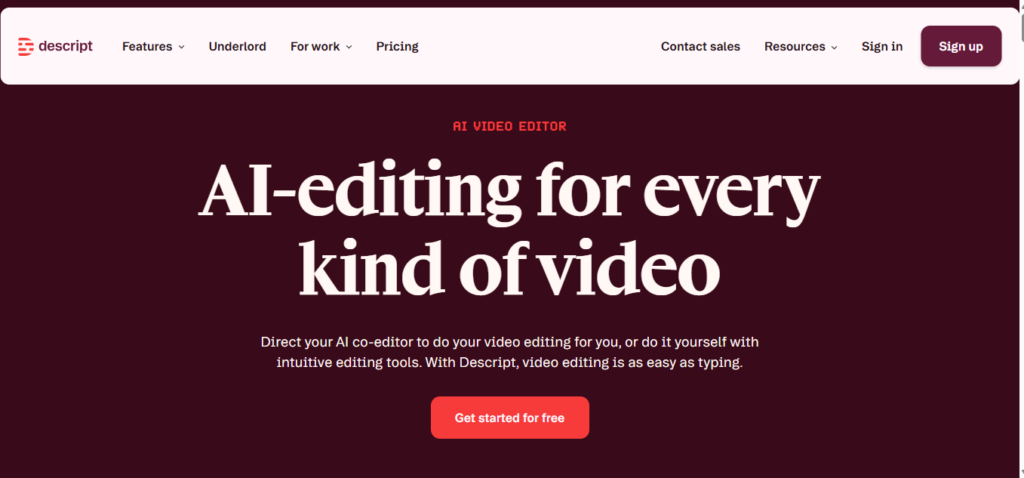
Descript fundamentally changed how journalists edit audio and video. Instead of working with a traditional timeline, you edit the transcript — delete a sentence from the text, and Descript removes it from the audio/video automatically. This makes editing a 60-minute interview package as easy as editing a Google Doc. Plus: automatic filler word removal, AI noise reduction, and screen recording.
What it does:
- Text-based audio and video editing — edit media by editing the transcript
- Delete filler words (um, uh, like) automatically
- Studio Sound — AI noise reduction that cleans up field audio
- Overdub — AI voice cloning for correcting small mistakes without re-recording
- Screen recording with automatic transcription
- Multi-track editing for complex audio packages
- Automatic speaker identification and labelling
- Export in multiple formats for broadcast, podcast, and web
- Collaboration features for newsroom teams
- Templates for recurring content formats
Pricing: Free (1 hour transcription, watermarked exports). Creator at $15/month. Pro at $30/month.
Best for: Broadcast journalists, podcast producers, and multimedia reporters who edit audio and video regularly. If you produce interview packages, news podcasts, or video stories, Descript’s text-based editing workflow is genuinely revolutionary — editing that used to take hours on a timeline takes minutes by editing text. Studio Sound is invaluable for cleaning up noisy field recordings.
7. Ground News — Media Bias Analysis & Coverage Comparison
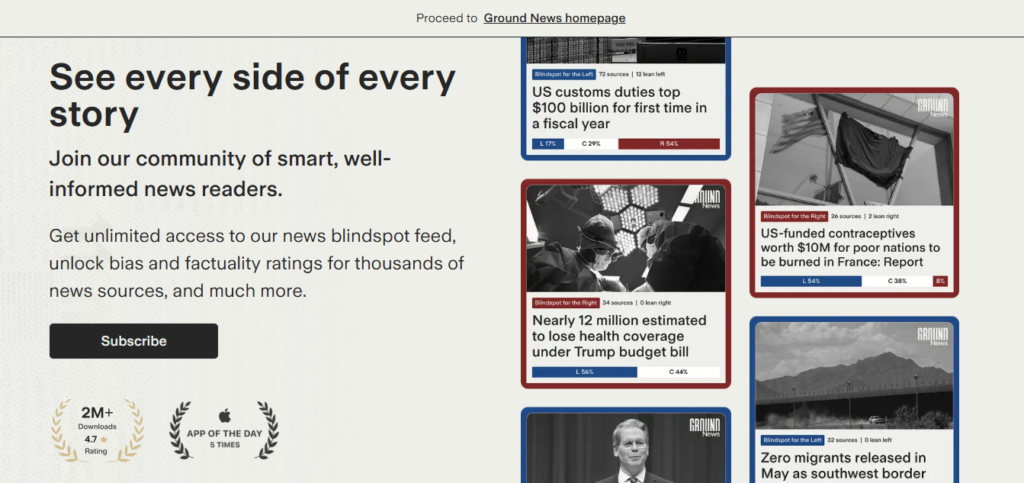
Ground News shows you how the same story is covered by different media outlets across the political spectrum. For journalists, this is invaluable: understand the full landscape of coverage on any topic, identify angles competitors are missing, detect bias in your own framing, and discover sources you wouldn’t find in your usual reading. It tracks over 50,000 news sources worldwide.
What it does:
- Shows how the same story is covered across left, centre, and right-leaning outlets
- Tracks 50,000+ news sources worldwide
- Blind Spot feature — shows stories covered by one side but ignored by the other
- Ownership and funding information for news sources
- Factuality ratings for news outlets
- Comparison of headlines and framing across outlets
- Trending stories across the political spectrum
- Mobile app for daily news briefing
- Community context and reader perspectives
Pricing: Free basic access. Premium plans from ~$10/month.
Best for: Reporters who want to ensure comprehensive coverage and understand how stories are framed across the media landscape. Also excellent for editors assessing their own outlet’s coverage gaps and identifying under-reported angles.
8. InVID-WeVerify — Deepfake Detection & Visual Verification
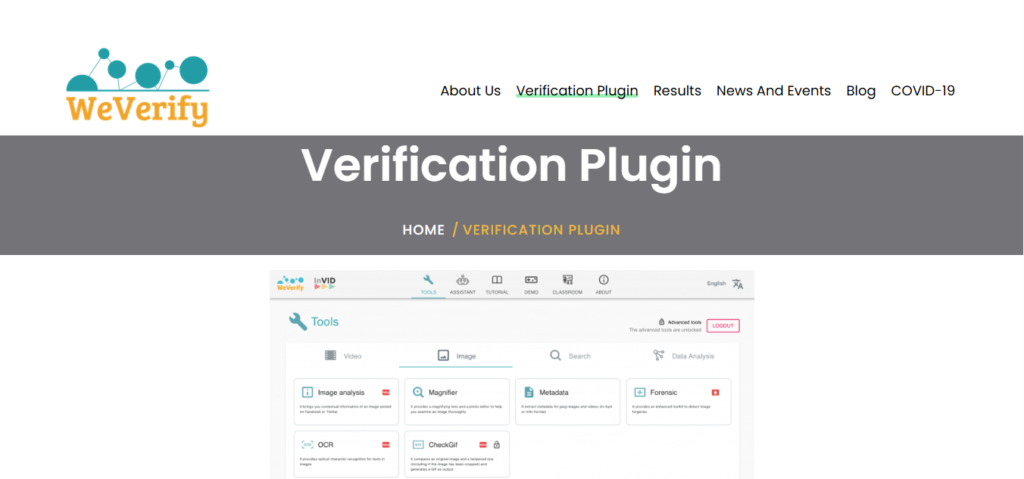
In an era of deepfakes and AI-generated misinformation, visual verification has become essential. InVID-WeVerify is a free browser plugin that helps journalists detect fake multimedia content — identifying face swaps, image manipulation, contextual misuse, and synthetic media. Backed by EU research initiatives and used by verification teams worldwide.
What it does:
- Video and image verification — detect manipulation and editing
- Reverse image search across multiple engines simultaneously
- Video fragment analysis — break down videos into key frames
- Metadata extraction from images and videos (EXIF data, geolocation)
- Forensic analysis — detect pixel inconsistencies and editing artefacts
- Contextual verification — check if an image is being used out of context
- Integration with Google, Yandex, Bing, and TinEye reverse search
- Free browser plugin (Chrome and Firefox)
- Developed by the EU-funded WeVerify project
Pricing: Completely free.
Best for: Every journalist who publishes images or video — particularly those covering breaking news, conflicts, or viral social media content. Before publishing any user-generated image or video, run it through InVID-WeVerify. In a world where deepfakes can be created in minutes, this free plugin is your first line of defence against publishing manipulated content.
9. Grammarly — AI Writing Polish for Deadline Pressure
Under deadline pressure, even experienced journalists make errors. Grammarly catches these in real-time as you write — typos, convoluted sentences, passive voice, unclear attribution. It works inside every app you use (CMS, email, Google Docs, social media), and its AI features now include full paragraph rewriting and tone adjustment.
What it does:
- Grammar, spelling, and punctuation correction in real-time
- Clarity and conciseness suggestions — eliminates wordy sentences
- Tone detection — formal, confident, friendly, diplomatic
- Full paragraph rewriting with AI
- Plagiarism detection against billions of web pages
- Works everywhere — CMS, Google Docs, email, social media, browser
- GrammarlyGO — generate text, rewrite, and adjust tone inline
- Readability scoring
Pricing: Free (basic corrections). Premium at ~$12/month.
Best for: Every journalist — non-negotiable. Under deadline pressure, when you’re filing at 11 PM after a 14-hour day, Grammarly is the safety net between your draft and your editor’s inbox. At $12/month, it catches errors that would otherwise reach publication.
10. ChatGPT — The Versatile Newsroom Assistant
ChatGPT is the most widely used AI tool in newsrooms — not for writing stories, but for the dozens of supporting tasks that consume hours. Generate interview questions for an unfamiliar beat, summarise a 50-page policy document, draft social media versions of your article, create RTI request templates, brainstorm story angles, or translate a source’s statement.
What it does:
- Generate interview question banks for any topic or beat
- Summarise lengthy reports, policy documents, and press releases
- Draft social media versions of articles for different platforms
- Create RTI/FOI request templates
- Brainstorm story angles and investigative leads
- Translate content between languages for international stories
- Draft pitch emails to editors and sources
- Explain technical topics in simple language
- Generate headlines and sub-headlines for testing
Pricing: Free version available. Plus at ~$20/month.
Best for: Every journalist for daily workflow assistance. The key rule: use ChatGPT for supporting tasks, never for generating facts or quotes for publication. Every factual claim must be independently verified. Used responsibly, it saves 1–2 hours daily on tasks that don’t require journalistic judgment.
Quick Comparison: Which Tool Should You Try First?
| Your Biggest Challenge | Start With This |
|---|---|
| Background research takes too long | Perplexity AI |
| Transcribing interviews manually | Otter.ai |
| Investigating large document collections | Google Pinpoint (free) |
| Analysing multiple research sources | Claude or NotebookLM |
| Editing audio/video from the field | Descript |
| Understanding media bias on a story | Ground News |
| Verifying images and video authenticity | InVID-WeVerify (free) |
| Catching errors under deadline pressure | Grammarly |
| Daily newsroom tasks and brainstorming | ChatGPT |
The Free Journalist’s AI Toolkit (₹0/month)
- Perplexity AI (free tier) — Research with citations
- Google Pinpoint (free) — Document investigation
- Google NotebookLM (free) — Source-grounded analysis
- InVID-WeVerify (free) — Image and video verification
- Grammarly (free) — Basic writing polish
- ChatGPT (free) — General assistance
- Otter.ai (free, 5 hours) — Interview transcription
This stack covers research, transcription, document analysis, fact-checking, verification, and writing quality — all for ₹0.
The Golden Rule for AI in Journalism
AI assists your workflow. It never replaces your judgment.
AI can transcribe an interview — but it can’t assess whether the source is credible. AI can summarise a document — but it can’t identify why a particular omission matters. AI can generate headlines — but it can’t weigh the ethical implications of a framing choice.
The journalists who thrive in 2026 use AI to handle the mechanical 40% of their job — so they can dedicate 100% of their creative and ethical energy to the 60% that matters: finding the story, building trust with sources, and telling it in a way that serves the public.
Last Updated: April 2026 · Prices and features are subject to change — always verify on the official website. AI-generated content should never be published as reporting without independent verification.
Suggested Resources
Get Connected
Interested Working With me? Let's connect!
Interested Working With me? Let's connect!
Grow Your Business with Our Digital Marketing Agency Don’t miss our future updates!