Wix Harmony is the strongest all-rounder with its Aria AI agent, Framer wins for designers who want visual control, and Lovable actually builds a working web app instead of a static site. Hostinger is the cheapest option, and Durable still generates a business site in under a minute. Pick based on whether you need a website or a working product.

Ask three people what an AI website builder does in 2026 and you'll get three different answers. Some mean a drag-and-drop tool with AI text suggestions bolted on. Others mean typing one sentence and watching a full working web app appear, database and all. Both exist now, and they solve completely different problems.
This guide sorts through both categories honestly, including which tools are genuinely fast, which ones hide real costs behind a cheap sticker price, and which ones only make sense once you already know what a website is supposed to do for your business.
Why Does "AI Website Builder" Mean Something Different in 2026?
Wix rebuilt its entire flagship editor around this shift. Wix Harmony launched January 21, 2026, merging the old prompt-based AI builder with Wix's classic drag-and-drop editor into one hybrid tool, so you can generate with AI and then manually fix whatever it got wrong.
At the same time, a newer category of tool skipped websites entirely and started generating working software. Lovable went from zero to roughly 8 million registered users in under two years by letting people describe an app in plain English and get a real React frontend with a working database attached.
That split matters when you're picking a tool. A restaurant needing a menu and a contact page has completely different requirements than a founder needing a functioning booking system with user accounts. Confusing the two categories is how people end up paying for far more than they need, or far less.
Which AI Website Builder Is Best Overall?
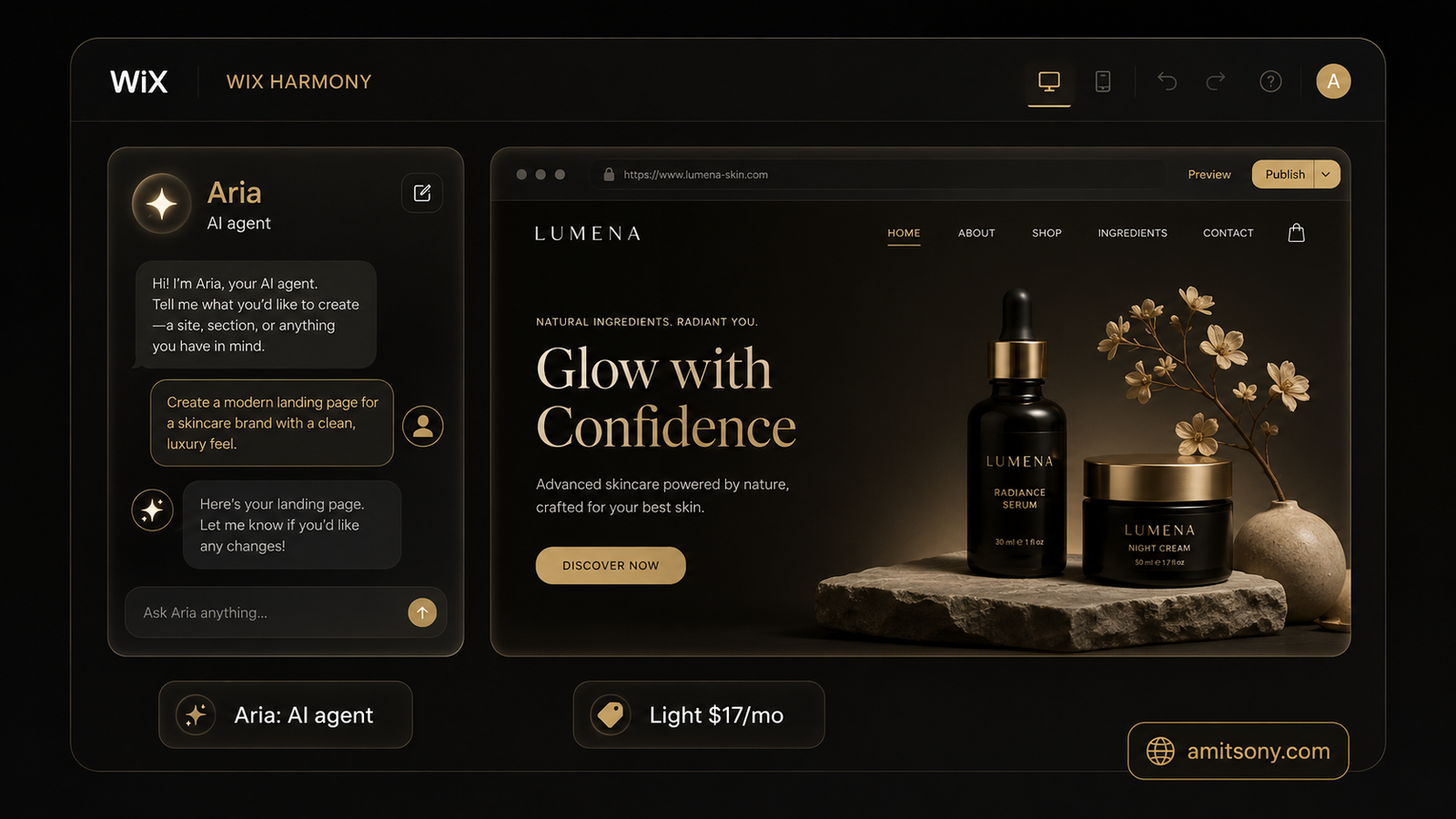
Wix has been the default recommendation for years, and Wix Harmony is the reason it still holds that spot in 2026. Aria, its AI agent, builds full pages and sections from a written prompt, then hands control back to you on the same canvas, no switching tools mid-project.
The free plan includes Harmony at zero extra charge, though it keeps Wix branding, ads, and a wixsite.com subdomain. Paid plans start at Light for $17/month billed annually, climbing to Business Elite at $159/month for large stores and unlimited storage.
The catch that doesn't make the marketing page: heavier AI usage on some plans draws from a credit pool, and power users have reported running into limits faster than expected once they lean on Aria for repeated edits rather than one-time generation.
For most small businesses, this is still the safest starting point. It has the widest template library, the most mature app ecosystem, and Aria genuinely speeds up the first draft. Just don't assume every AI edit stays free forever.
Which Tool Is Best for Designers Who Want Full Visual Control?
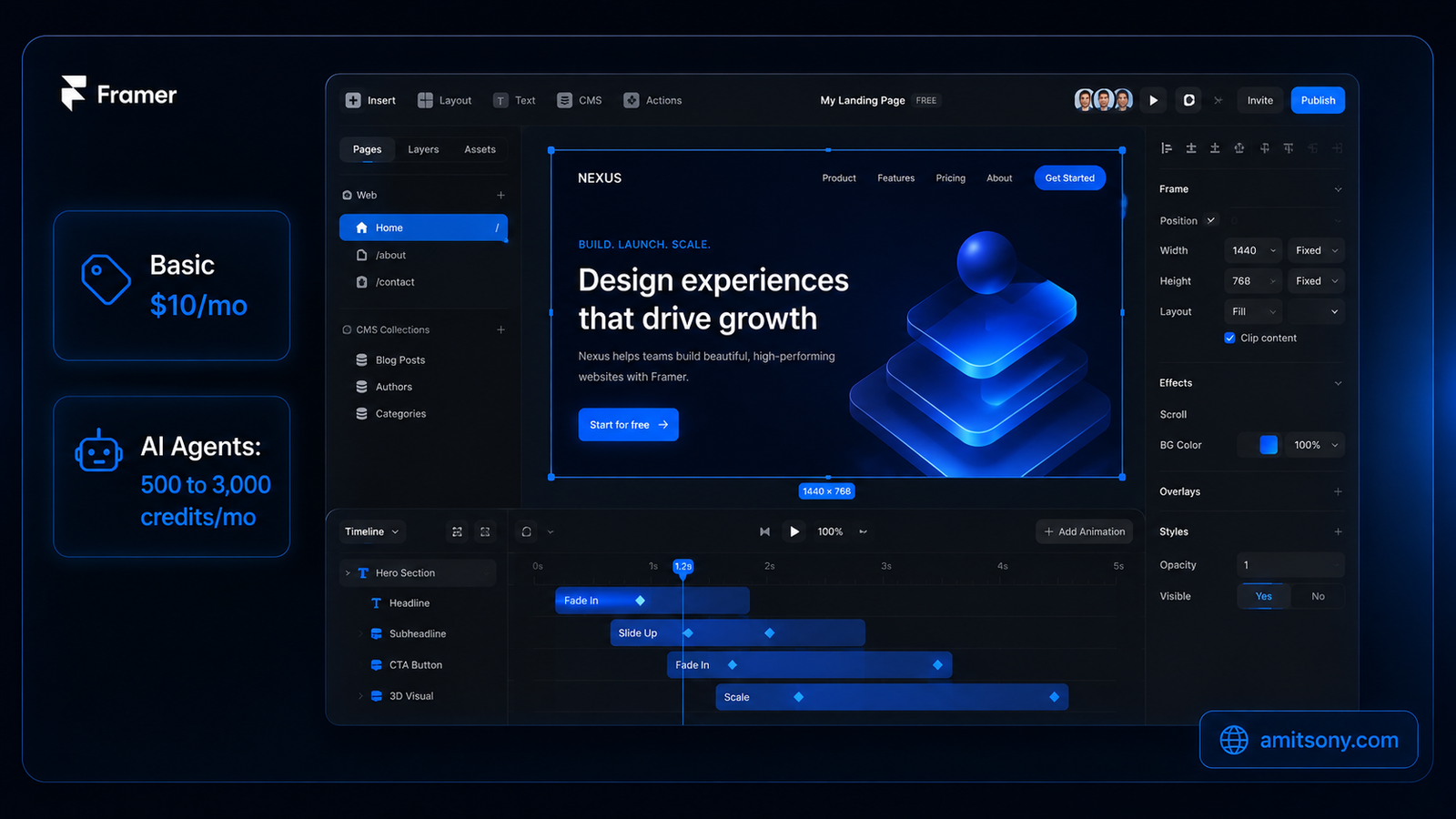
Framer treats a website like a design file. The canvas mirrors a design tool more than a website builder, and its scroll-linked animations and physics-based interactions can produce results that look custom-built even though nobody wrote a line of code.
Pricing runs Free at $0, Basic at $10/month, Pro at $30/month, and Scale at $100/month, all billed annually. Framer's own AI layer, called Agents, runs on a separate credit pool: Free workspaces get 500 credits a month, Basic gets 1,000 per paid site, Pro gets 3,000.
Watch for the extras. As of May 2026, adding a second editor to your workspace costs $20/month per seat on every paid plan, and translating your site into another language adds a recurring per-language fee. Neither shows up in the headline price.
If your site's visual polish matters more than speed, Framer beats Wix on pure design quality. It's the wrong pick if you're a solo operator who just wants a page live today, the learning curve is real.
Which Platform Actually Builds a Full Web App, Not Just a Site?
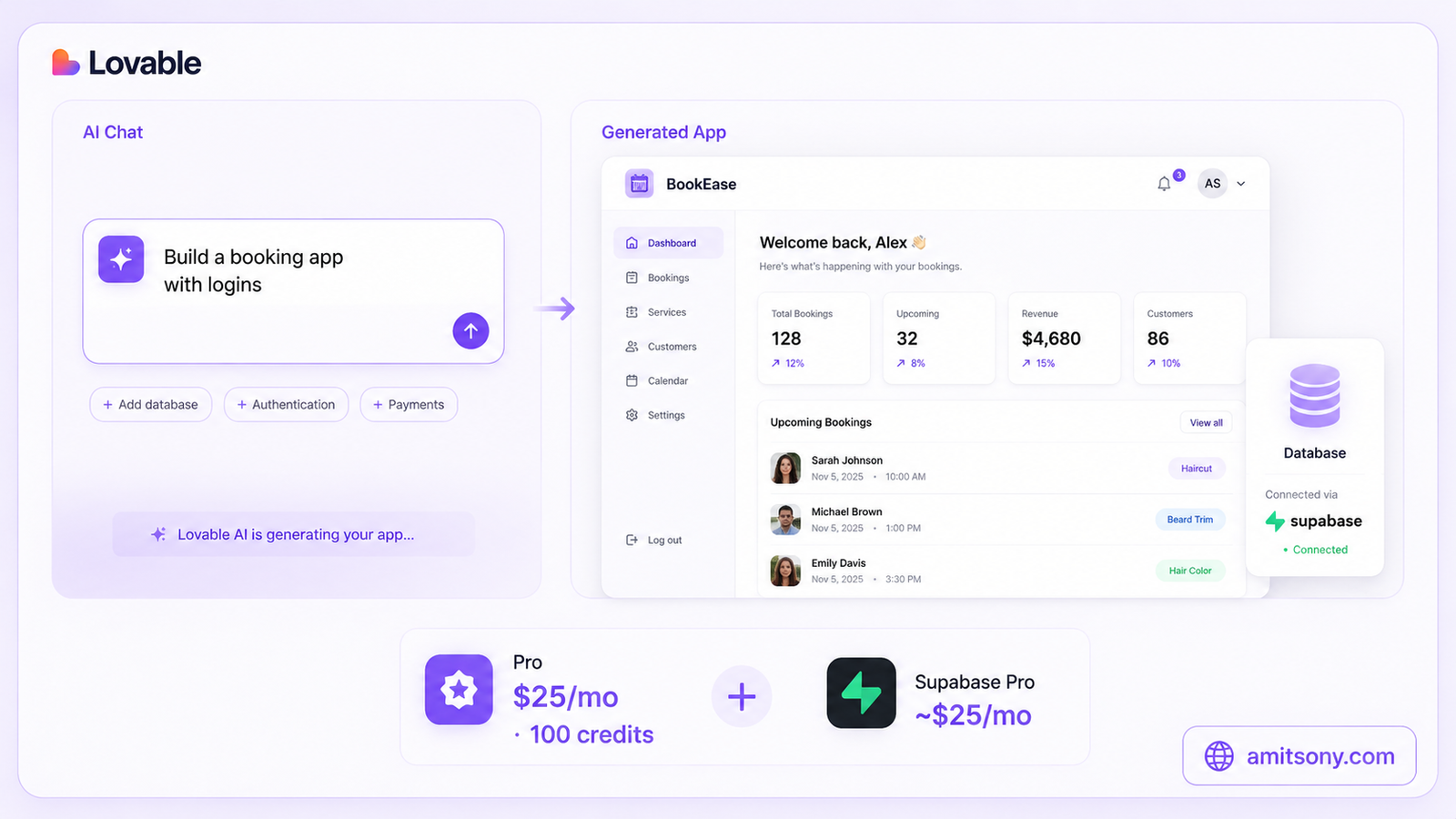
Lovable doesn't generate a static website, it generates a working React application with a Supabase backend, authentication, and a real database, all from a plain-English description. That's the difference between a brochure site and an actual product with logins and saved data.
The free plan gives 5 credits a day, capped near 150 a month, enough to test the tool but not to ship anything real. Pro costs $25/month for 100 credits, and Business runs $50/month with SSO. Every message you send burns credits based on complexity, a small style tweak costs less than building a full page from scratch.
Here's the part most reviews skip: Lovable's own hosting covers the frontend, but a real product usually needs Supabase's paid tier too once you're past a prototype, adding roughly $25/month on top. A working small SaaS on Lovable realistically runs $65 to $75 a month, not the $25 sticker price.
This is the right tool if you're building a product, not a brochure. If all you need is a page with your business hours and a contact form, Lovable is genuinely overkill.
Which Builder Gives You Real Code You Can Export?
Webflow is the only mainstream option here that hands you clean, exportable HTML, CSS, and JavaScript instead of locking your site inside its own platform. Its AI Site Builder is still in beta, generating a starting layout you then refine visually.
The free tier gives you a webflow.io subdomain and 2 static pages, enough to test the workflow. Basic starts at $15/month billed annually for a real site, and Premium runs closer to $25/month once you need the CMS for a blog or dynamic content.
Webflow's AI guidance is genuinely the weakest of the AI-first tools here, it's really a professional visual builder with AI features added on rather than the other way around. Choose it specifically because you might need to export the code someday, not because you want the fastest AI experience.
Which AI Website Builder Is Cheapest for a Small Business?
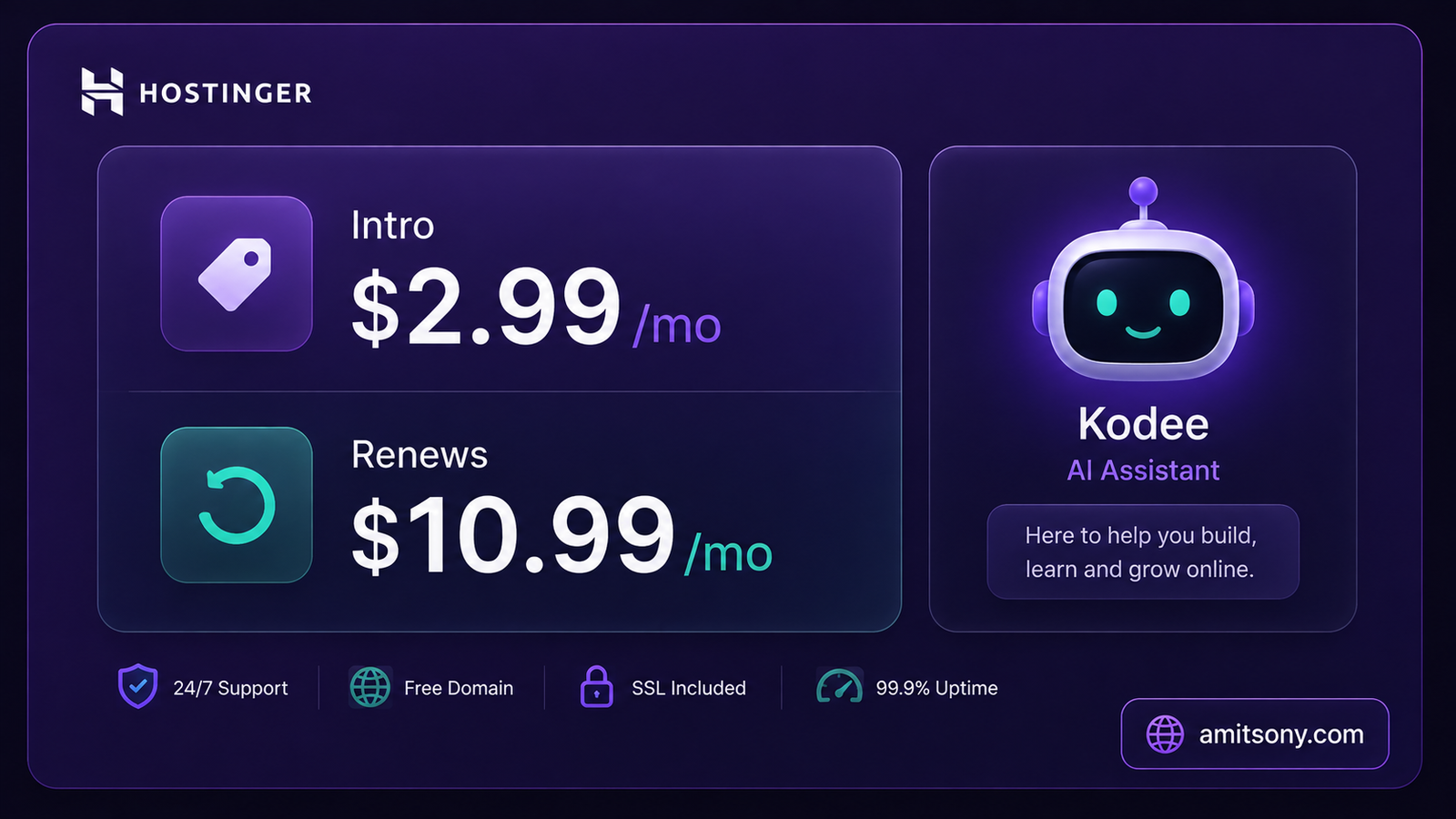
Hostinger AI builder skips template browsing entirely. Describe your business, and it generates a complete site, copy, images, and layout included, in seconds, alongside AI tools for logos, SEO, and even heatmaps to see where visitors click.
The intro pricing is genuinely the cheapest on this list, starting around $2.99/month on a long-term plan. The catch is the renewal price: once that introductory term ends, the same plan jumps to roughly $10.99/month, which is worth calculating before you commit to 48 months upfront.
Good enough for a first business site or a portfolio where design isn't the differentiator. Skip it if you expect real growth, storage and product limits get tight fast on the cheapest tier.
Which Tool Actually Builds a Site in Under a Minute?
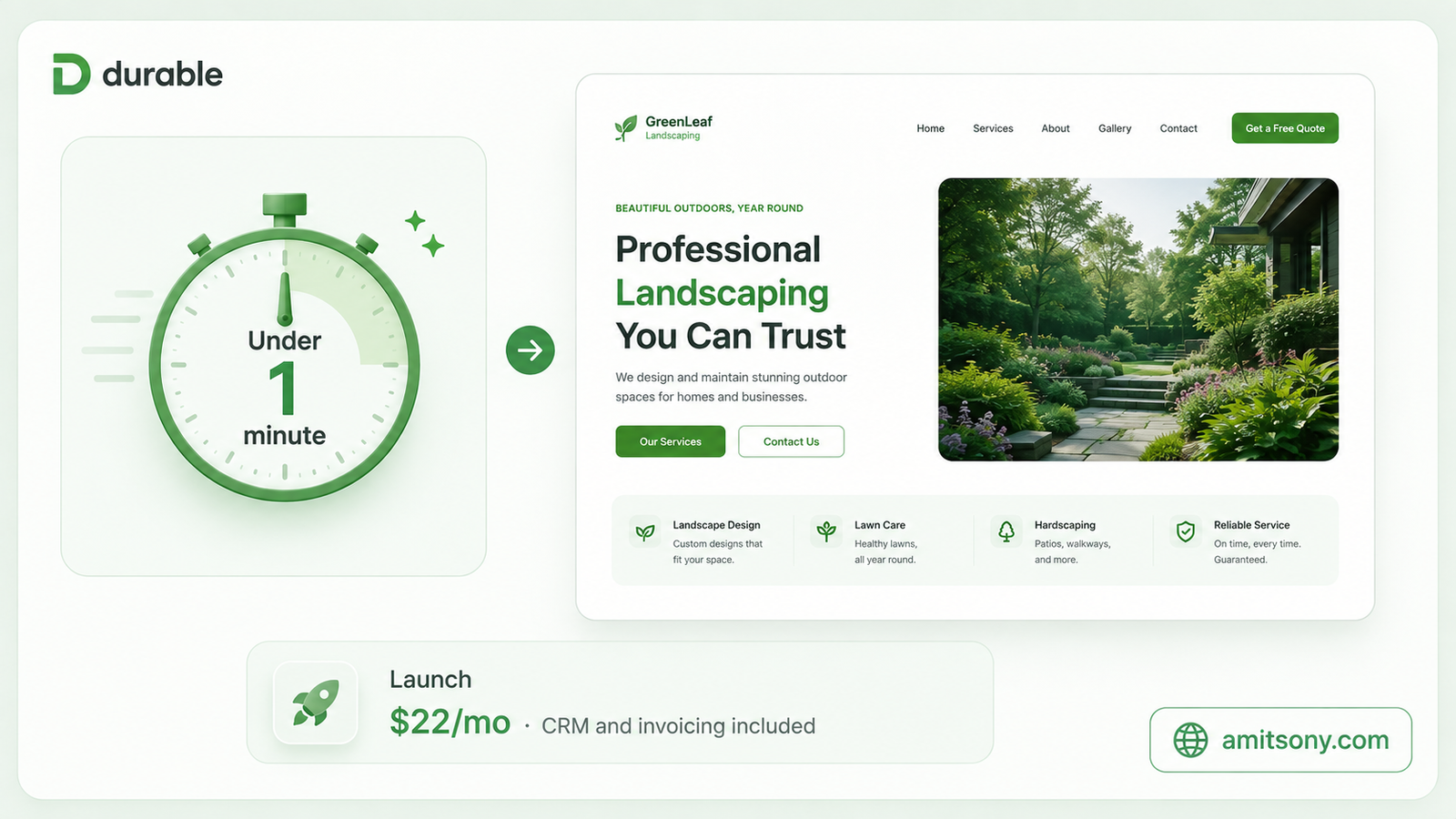
Durable whole pitch is speed. Enter your business type and location, and it generates a complete site with copy, images, layout, and contact forms in under a minute, genuinely faster than every other tool on this list.
It bundles more than a website too, CRM, invoicing, bookings, and payment acceptance all live in the same dashboard. Pricing runs Free to trial, then Launch at roughly $22/month billed annually, and Grow at about $85/month annually for teams that need more contacts and automation.
Choose Durable if you're a solo service business, a consultant, coach, or contractor who needs something live today and doesn't care about pixel-level design control. The templates stay fairly rigid, so don't expect Framer-level customization.
How Do You Actually Pick the Right AI Website Builder?
Best all-rounder for most small businesses: Wix Harmony
Best for design-heavy, visual work: Framer
Best for building an actual product, not a brochure: Lovable
Best if you might need to export code: Webflow
Best on price for a first site: Hostinger
Fastest to a live site: Durable
None of these need a developer to get you live today. The real decision is whether you're building a website or building software, get that answer right first, and the rest of the choice gets a lot easier.
Frequently Asked Questions
What's the fastest AI website builder in 2026?
Durable generates a complete site with copy and images in under a minute, faster than any other tool on this list, though customization stays fairly limited.
Is there a truly free AI website builder?
Wix Harmony, Framer, Lovable, and Webflow all offer usable free tiers, though each keeps branding, a subdomain, or a credit cap that pushes serious users toward a paid plan.
What's the difference between Lovable and a website builder like Wix?
Wix builds a website, pages, text, images, layout. Lovable builds a working application with a real database and user logins, which most small businesses don't actually need.
Which AI website builder is cheapest?
Hostinger's intro pricing starts around $2.99/mo on a long-term plan, though it renews near $10.99/mo once the introductory term ends.
Can I export my site's code from an AI website builder?
Webflow is the clearest option here, giving you real HTML, CSS, and JavaScript you can take elsewhere. Most other tools on this list keep your site locked to their own hosting.