
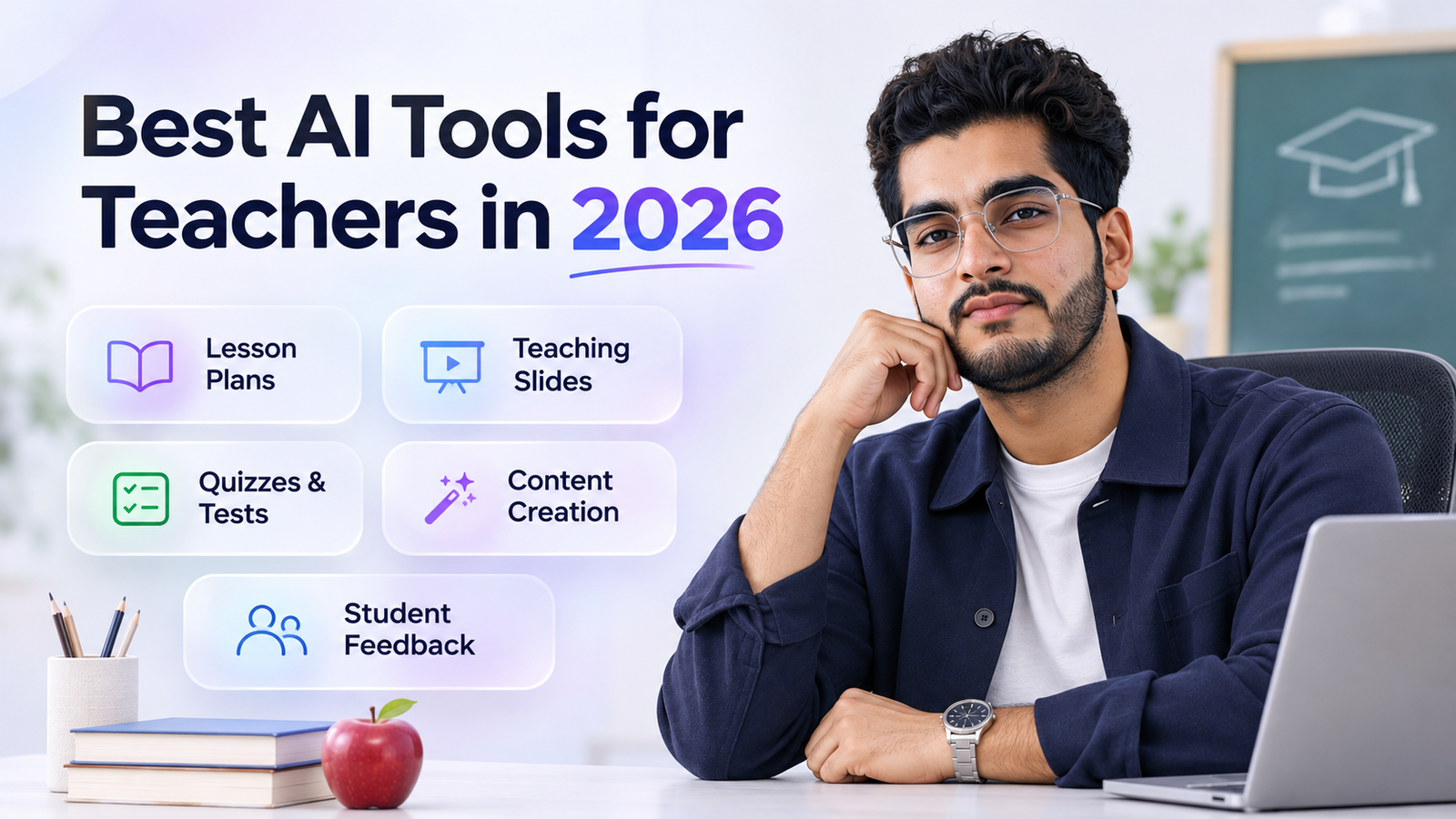
The best AI tools for teachers in 2026 are MagicSchool for lesson planning, Khanmigo as a free planning assistant, Brisk for feedback inside Google Docs, Diffit for leveled texts, and ChatGPT or Claude for open-ended help. Most have free plans, but keep student names out of consumer tools and never grade from AI detector scores.
Teachers do not have an idea shortage. They have an hour shortage. Planning, differentiating, marking and writing parent emails eat evenings that should belong to you.
AI can give a good part of that time back, and many of the best tools are now free. This guide sorts them by job, with current prices, honest verdicts and the privacy and integrity rules that matter in a classroom.
How can AI actually save teachers time in 2026?
AI is strongest at the first draft of anything repetitive. Lesson outlines, exit tickets, rubrics, quiz questions, reading passages at different levels, feedback comments and parent updates all start faster when AI writes the rough version.
It is weakest where your judgement matters. It does not know your class, your pacing or which student needs a quiet word. A generated plan may also miss your curriculum standards or contain a factual slip.
So use a simple rule. AI drafts, you decide. If you would not be comfortable signing your name under it, it does not go to students.
Which AI tools are best for lesson planning?
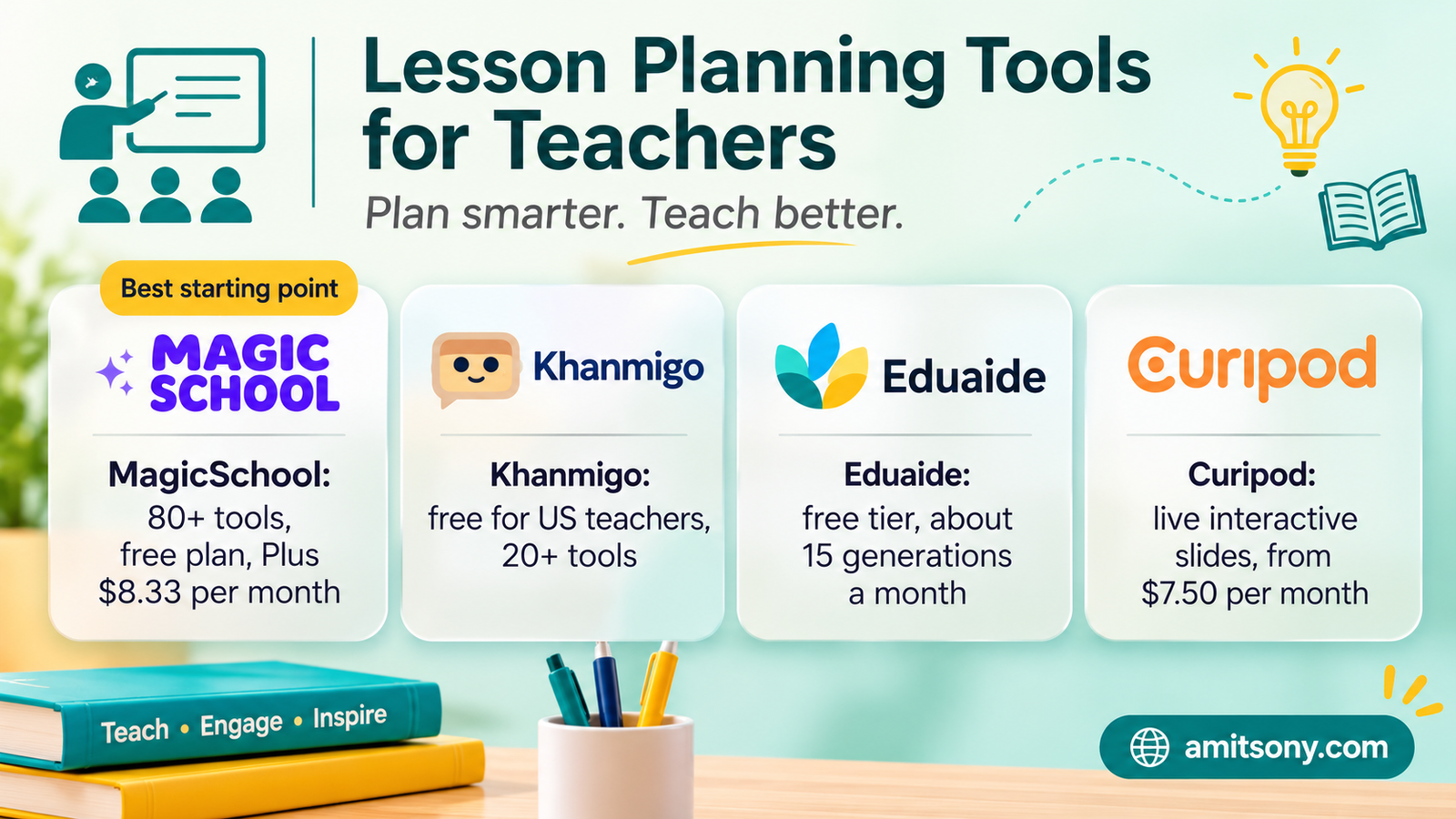
MagicSchool is the broadest platform, with 80+ teacher tools covering lesson plans, rubrics, quizzes, IEP drafts and report card comments. The free plan includes the tools with usage limits. Paid Plus costs about $8.33 per month billed annually, around ₹730, or $12.99 billed monthly, around ₹1,140.
Khanmigo from Khan Academy gives teachers a free toolkit of 20+ tools for lesson hooks, rubrics, exit tickets and progress summaries. It is free for US teachers, and parents or learners pay about $4 per month for the student tutor.
Eduaide has a free tier of roughly 15 generations a month, and paid plans reported near $9.99 per month. Curipod builds interactive live lesson slides with student responses, from about $7.50 per month.
My verdict: start with MagicSchool's free plan for breadth, add Khanmigo if you are in the US, and use Curipod only if you run live, participation-heavy lessons. Do not pay for three planners that do the same job.
Which free AI assistants can teachers use for open-ended help?
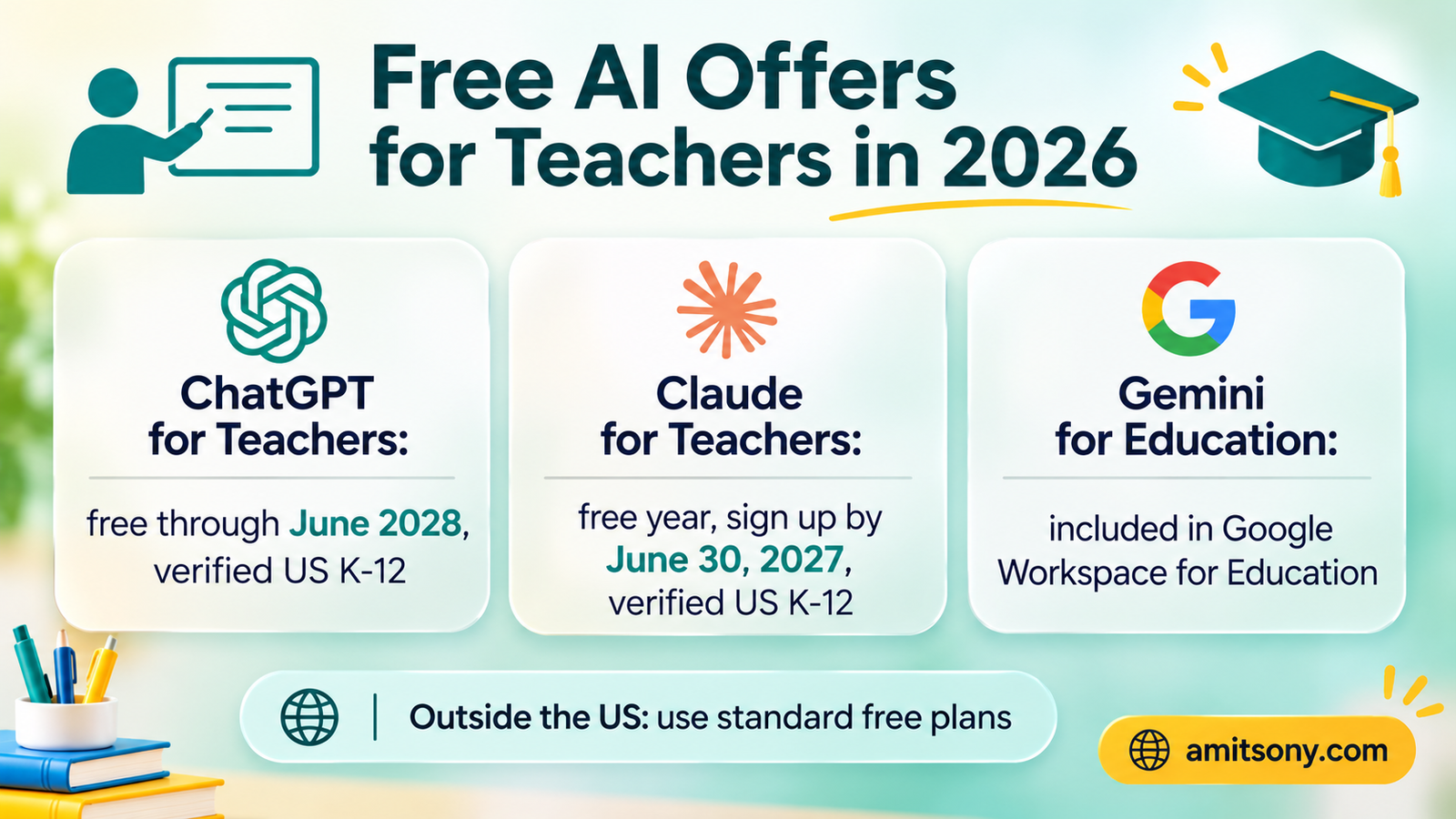
Three big assistants now have education offers, and the details differ. Check your country first, because the premium offers are tied to US schools.
ChatGPT for Teachers is free for verified US K-12 educators through June 2028, verified through SheerID. It excludes students, supports file uploads, search and custom GPTs, and keeps workspace data out of model training by default. OpenAI says it may adjust pricing after that date.
Claude for Teachers launched on July 14, 2026. Verified US K-12 educators who sign up by June 30, 2027 get a full year of premium access free, with lesson-planning skills and standards mapping. Anthropic says the data is not used for model training.
Gemini for Education is already included in Google Workspace for Education at no extra cost, and Gemini in Classroom arrived on August 10, 2026. Gemini Notebook , the renamed NotebookLM, is useful because it answers only from the documents you upload, such as your syllabus or a set of readings.
Teaching outside the US? The premium teacher plans are not open to you, but the standard free plans of these assistants still work for planning and drafting. Free tiers of MagicSchool, Brisk and Diffit have no US requirement, though limits apply. Kuraplan also says it is free with no US verification, but check its terms yourself.
My verdict: new teachers should start with whichever free assistant their school already allows. The differences between them matter less than building a habit.
Which AI tools help with grading and feedback?
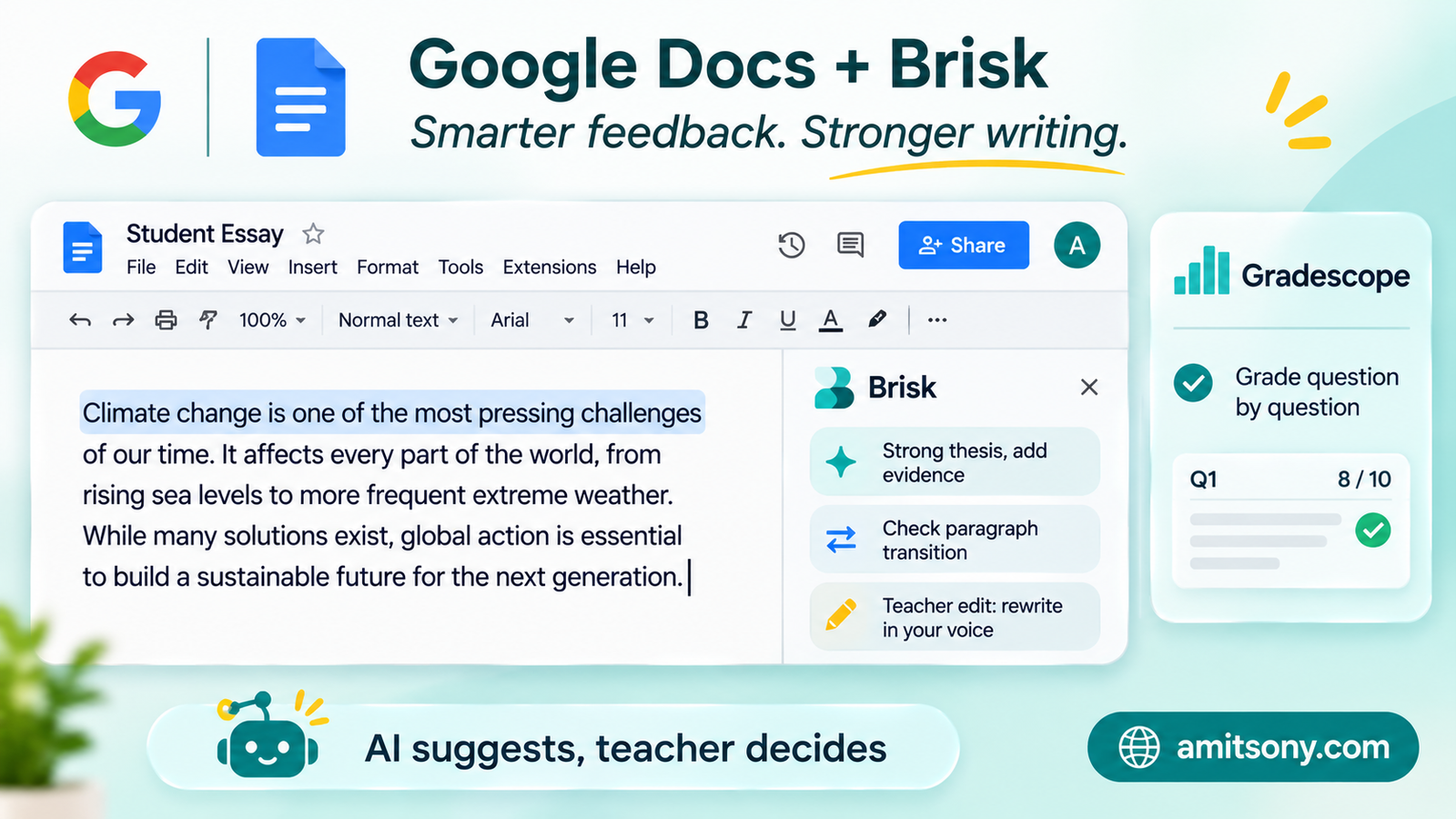
Brisk Teaching is a Chrome extension that works inside Google Docs and Slides. It drafts comments on student writing, generates rubrics and adjusts reading levels. Core tools are free for individual teachers, and the Pro plan is about $9.99 per month or $99.99 per year, around ₹880 and ₹8,800.
Gradescope is built for grading written work and exams at scale. It groups similar answers and lets you grade question by question with dynamic rubrics. It is free for individual instructors, and institutional pricing is quote-based.
MagicSchool also offers rubric and writing-feedback tools, and Gemini in Classroom can turn an uploaded file into a rubric at no extra cost.
Keep one rule firm. AI suggests, you grade. Read each student's work yourself, edit every comment, and never let an AI score go into the gradebook unreviewed. Marking carries real consequences for students, and AI can be inconsistent and overconfident.
A good workflow: build a comment bank in your own words, let AI match comments to common errors, then adjust each one. That keeps your voice in the feedback.
Which AI tools help with differentiation and classroom materials?
Diffit takes any article, video or topic and rewrites it at different reading levels, with vocabulary lists and questions. Paid plans are about $14.99 per month or $149.99 per year, roughly ₹1,320, but the free plan has limited exports. It is the strongest option for mixed-ability classes.
Canva for Education is free for verified K-12 teachers and includes AI design tools. Use it for worksheets, slides, posters and visual explainers.
My verdict: Diffit pays for itself only if you differentiate every week. Otherwise, the free plan and a general assistant can do most of the job.
Should teachers use AI detectors to catch cheating?
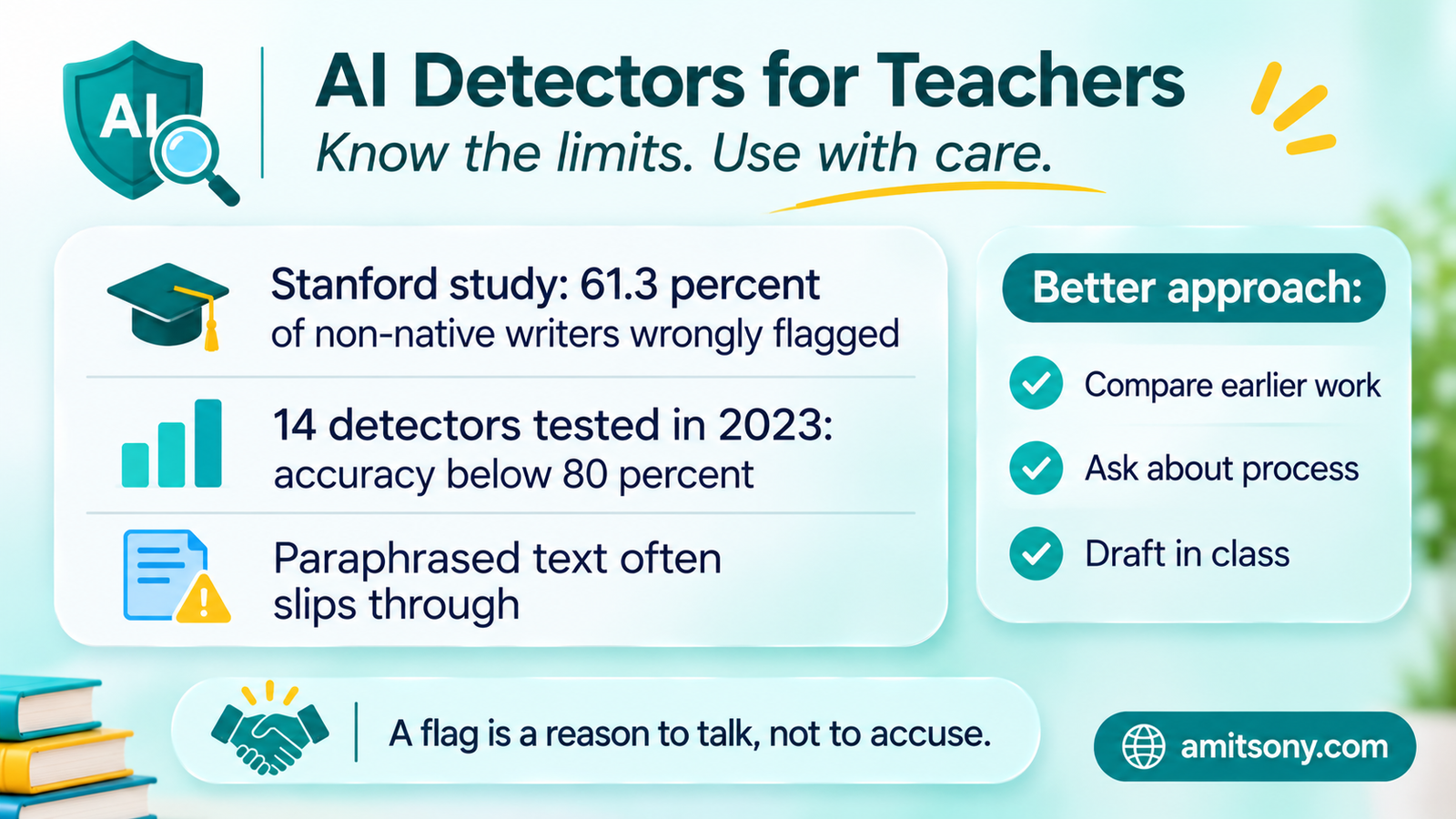
Not as proof. Detectors give a probability, and it is easy to treat it like a verdict.
A well-known Stanford study ran seven detectors on essays by non-native English speakers and found an average false positive rate of 61.3 percent, meaning most human-written essays were wrongly flagged. A 2023 study of 14 detectors found accuracy below 80 percent, and paraphrased or edited text slips past many of them.
Vendors claim much lower error rates, but those come from their own tests. Real classrooms include English learners, neurodivergent writers and hybrid human and AI drafts, which are exactly the cases where detectors struggle.
A better approach: compare the work with the student's earlier writing, ask them to explain their process, and design assignments with drafts, in-class writing or oral follow-ups. Treat a detector flag as a reason to talk, never to accuse.
Also avoid pasting identifiable student work into third-party checkers. Some university guidance warns this can create a privacy problem.
How do you protect student privacy when using AI?
Treat student data like a medical record. Do not paste names, IEP or health details, behaviour notes or grades into consumer chatbots.
Use placeholders. Write "Student A, reads two grades below level, strong in maths" instead of a name and a diagnosis. The advice still works and no one can be identified.
Prefer education-grade accounts where they are available. ChatGPT for Teachers and Claude for Teachers both say workspace data is not used for model training, and Gemini for Education keeps data out of model training for school accounts. Your district may also have signed a data privacy agreement, so check its approved-tools list before you sign up for anything.
In the US, laws such as FERPA and COPPA apply. Elsewhere, your national data protection rules apply. This is general information and not legal advice, so ask your school's data lead when in doubt.
How can a teacher get started with AI in one week?
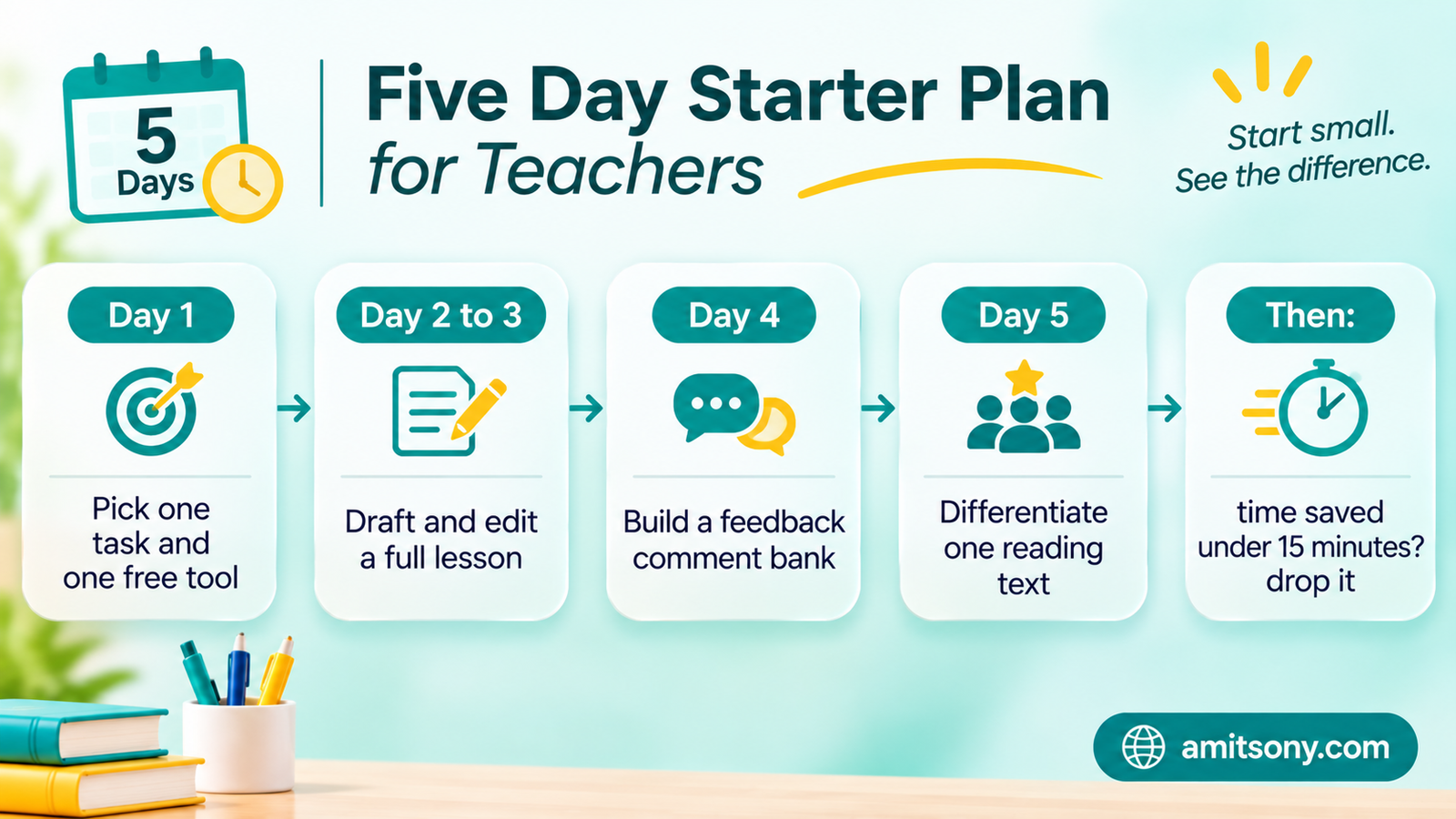
Pick one task, not ten. The most common wins are exit tickets, lesson hooks, differentiated reading passages and feedback comments.
Day one, choose one free assistant and write a short prompt that includes your grade level, subject, standard and time available. Day two and three, draft one full lesson and edit it heavily. Day four, build a feedback comment bank in your own words. Day five, create a differentiated version of one reading text.
Note how long each task took before and after. If AI saves less than 15 minutes on a task, drop it. If it saves more, keep the prompt in a document and reuse it.
The whole starter stack can cost nothing. A free assistant, MagicSchool's free plan and Canva's free education plan cover most needs. Paid plans start around $8 to $10 per month, or roughly ₹700 to ₹880, and only make sense once you hit the free limits.
Finally, tell students how AI is allowed in your class. A one-page policy that says what is allowed, what must be disclosed and what counts as cheating prevents most arguments later.
Frequently Asked Questions
What are the best AI tools for teachers in 2026?
MagicSchool for planning, Khanmigo for free teacher tools, Brisk for feedback, Diffit for leveled texts and ChatGPT, Claude or Gemini for open-ended help.
Are AI tools for teachers free?
Many are. MagicSchool, Brisk and Diffit have free plans, Khanmigo is free for US teachers, and ChatGPT for Teachers is free for verified US K-12 educators through June 2028.
Can AI grade student work?
It can draft comments and group answers, but a teacher should review every grade. Do not enter AI scores into the gradebook unchecked.
Are AI detectors reliable?
No. They can wrongly flag honest students, especially English learners, so they should never be the only evidence.
Is it safe to put student names into ChatGPT or Gemini?
Avoid it. Use placeholders instead of names and check your school's approved-tools list.