Photoroom is the most used all-rounder for background removal and brand kits, Pebblely generates lifestyle backgrounds fastest from one photo, and Claid handles high-volume catalogs and fashion shoots at scale. Pixelcut suits mobile-first budget sellers, and Canva works best when you need a finished ad or banner, not a clean product shot. AI cuts per-image cost by 80 to 95%.

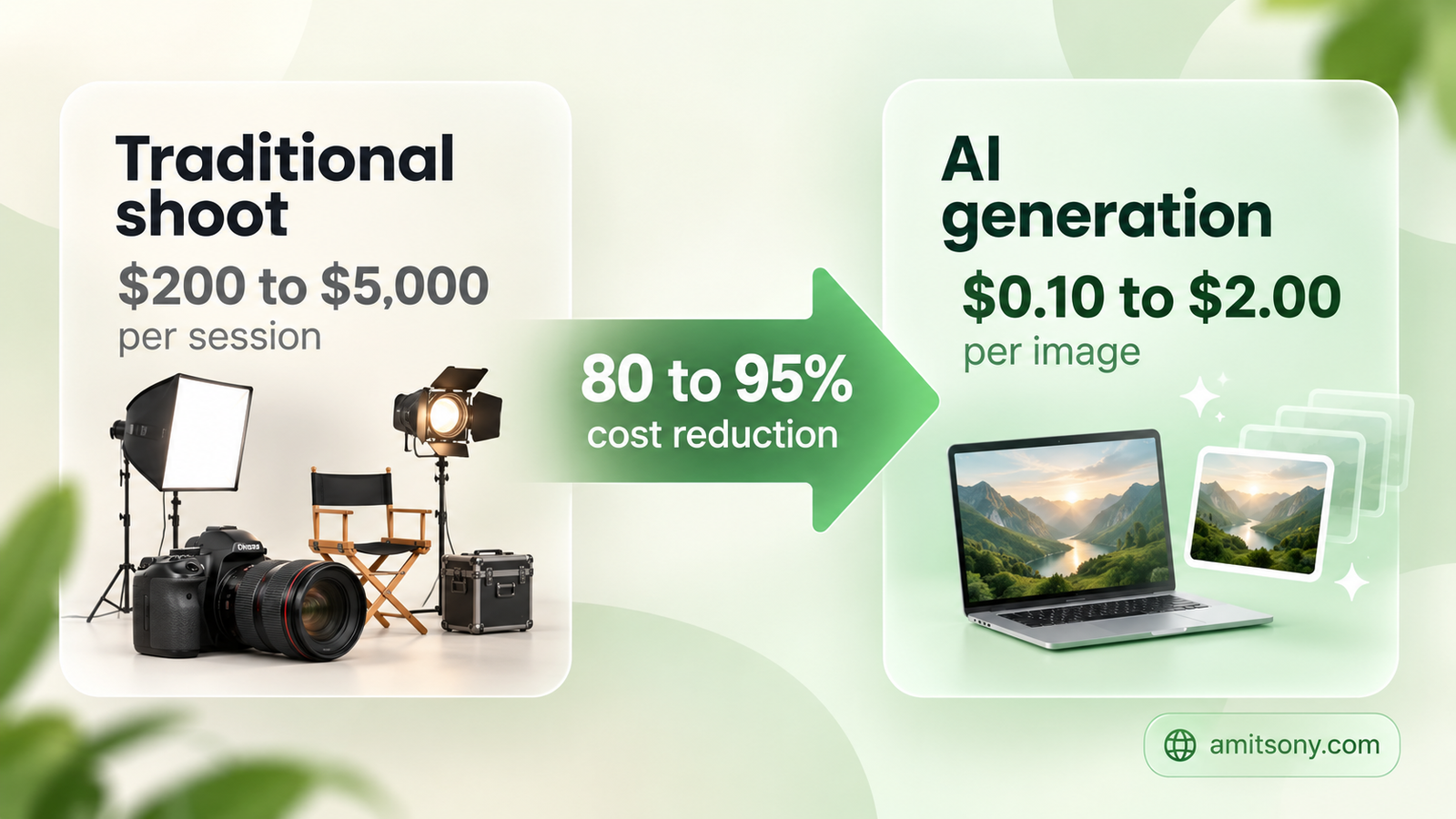
A traditional product photoshoot runs $200 to $5,000 or more per session, studio time, a photographer, physical samples, post-production. AI product photography tools generate comparable quality for $0.10 to $2.00 per image, an 80 to 95% cost reduction that compounds fast once a catalog hits hundreds of SKUs. With global online sales projected at $6.8 trillion in 2026 and 2.77 billion people shopping online, image quality has become a real competitive lever, not a nice-to-have.
The space has split into distinct lanes rather than one universal winner: quick background editors, lifestyle scene generators, enterprise catalog platforms, and full marketing-asset design tools. This guide covers the strongest option in each lane.
Why Are E-commerce Brands Switching to AI Product Photography?
Traditional photography starts over every time something changes, a new season, an updated background trend, a different angle a marketplace suddenly requires. AI tools generate unlimited scenes, angles, and lighting setups from a single product shot instead, without booking a studio again.
The catch experienced sellers keep repeating: AI product photography still works best with human review layered on top, not as a fully hands-off pipeline. Distorted geometry, wrong color shades, and unreadable labels are common enough failure modes that a quick visual check before publishing genuinely matters.
Which Tool Is Best for Quick Background Removal and Brand Kits?
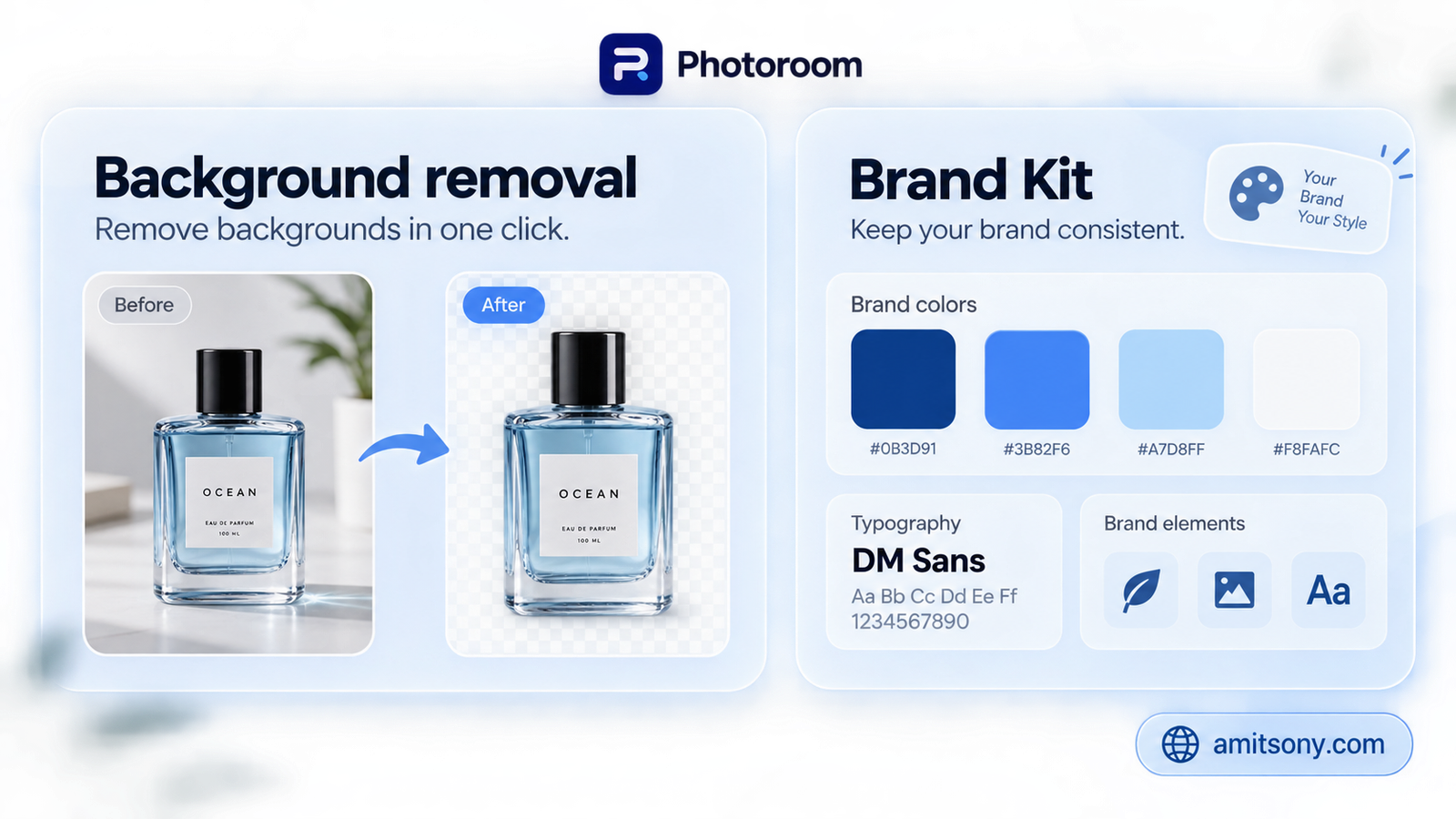
Photoroom shows up across nearly every independent comparison in this space, and for good reason: broad, dependable background removal, brand kits for consistent styling, batch workflows for catalog volume, and editing that works the same on mobile and desktop.
It's the default recommendation for small sellers who need quick, clean edits without learning a complex tool, and it scales up reasonably well once volume grows.
Start here if you're not sure which lane you need yet. Photoroom covers the widest range of everyday product-photo tasks without forcing you into one narrow workflow.
Which Tool Generates the Fastest Lifestyle Backgrounds?
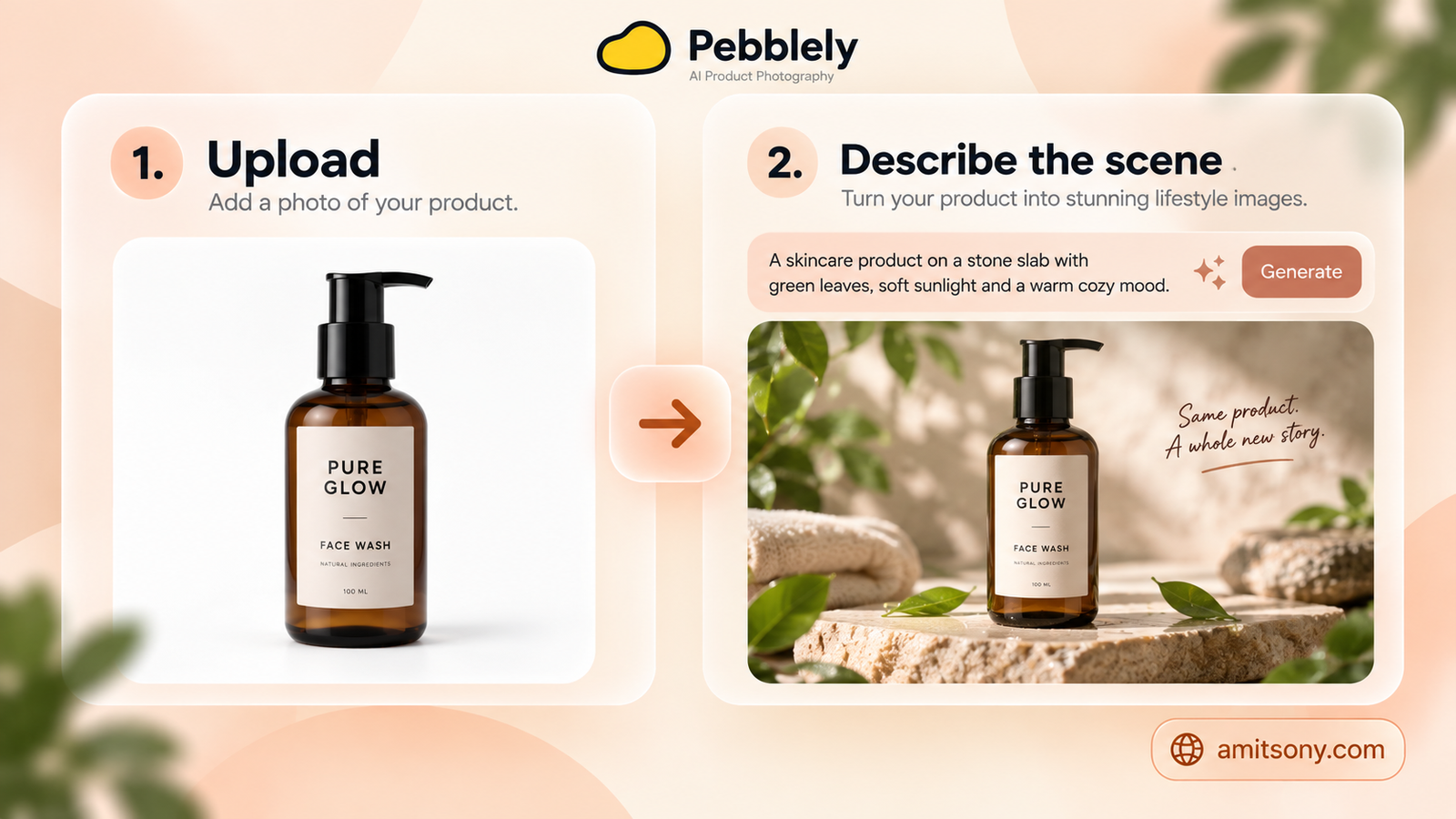
Pebblely entire pitch is speed: upload one product photo, describe the scene you want, get a marketing-ready image with a generated background and environment around your actual product. Its workflow got simplified again in 2026 to just those two steps.
It's built specifically for marketing images rather than deep catalog management, seasonal campaign shots, social posts, quick creative variations, not a full enterprise pipeline.
The right pick when you need a handful of scroll-stopping lifestyle images fast, not when you're managing thousands of SKUs with strict consistency requirements.
Which Tool Handles Enterprise-Scale Catalogs and Fashion Shoots?
Claid is built as an integrated ecommerce photo studio rather than a single-purpose editor, one workspace covering catalog cleanup, background and shadow correction, and AI scene generation, with an API for teams that want to automate the whole pipeline.
Fashion and apparel sellers specifically benefit from its virtual model and outfit composition features, generating on-model shots from flat-lay or ghost-mannequin photos without booking an actual model or studio.
This is the tool for catalogs measured in hundreds or thousands of SKUs where consistency and automation matter more than any single hero image. Overkill for a five-product Etsy shop.
Which Tool Is Best for Mobile-First, Budget Sellers?
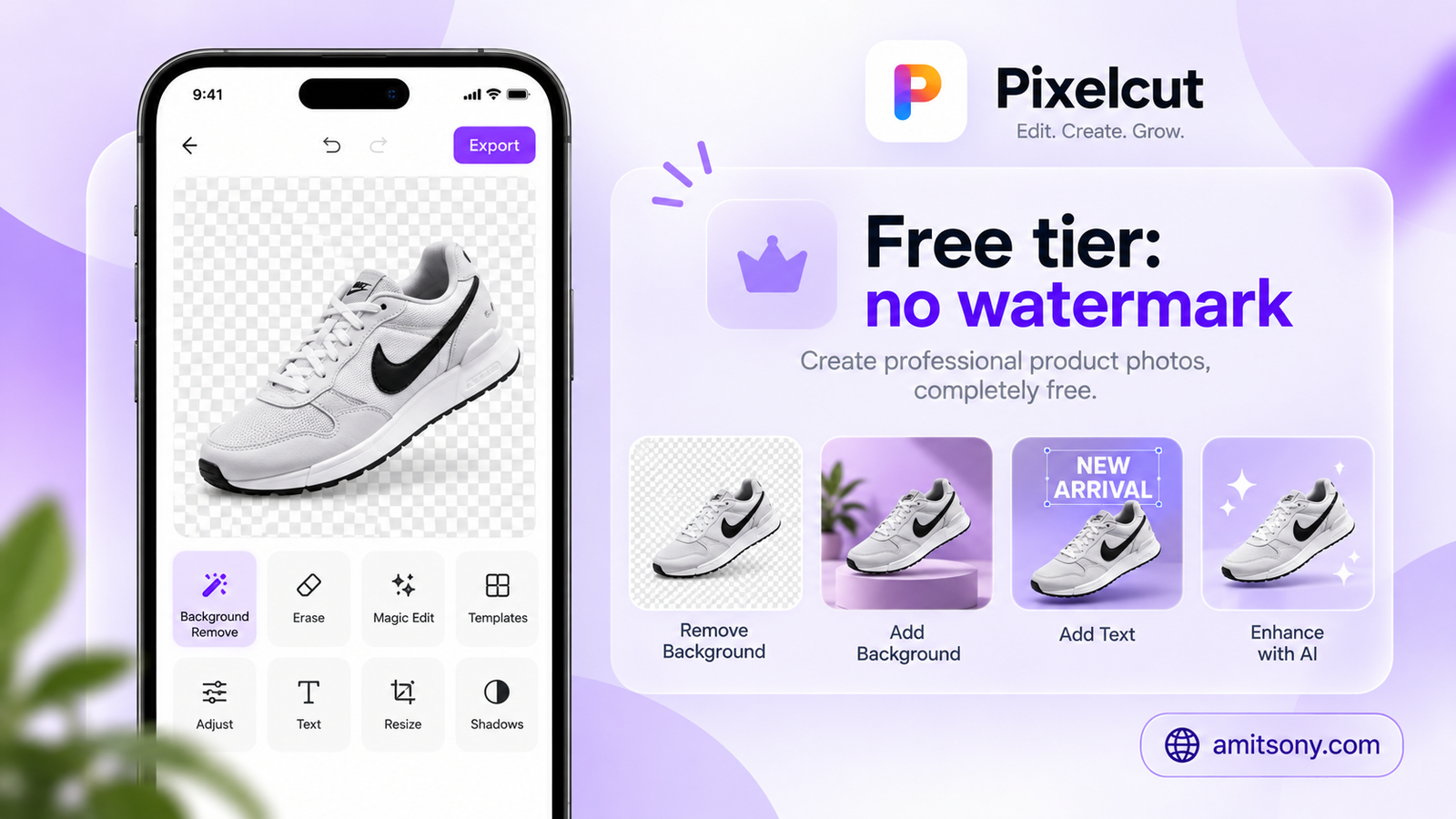
Pixelcut whole workflow assumes you're working from a phone, quick background swaps, creator-style templates, and editing that doesn't demand a desktop session to get a usable result.
Its free tier includes basic editing with no watermark, a genuinely useful detail for sellers just testing whether AI product photography is worth adopting at all before paying for anything.
Good enough for a small seller's day-to-day listing photos. Not the tool to reach for once you need enterprise-level catalog consistency.
Which Tool Should You Use When You Need a Full Marketing Asset, Not Just a Photo?
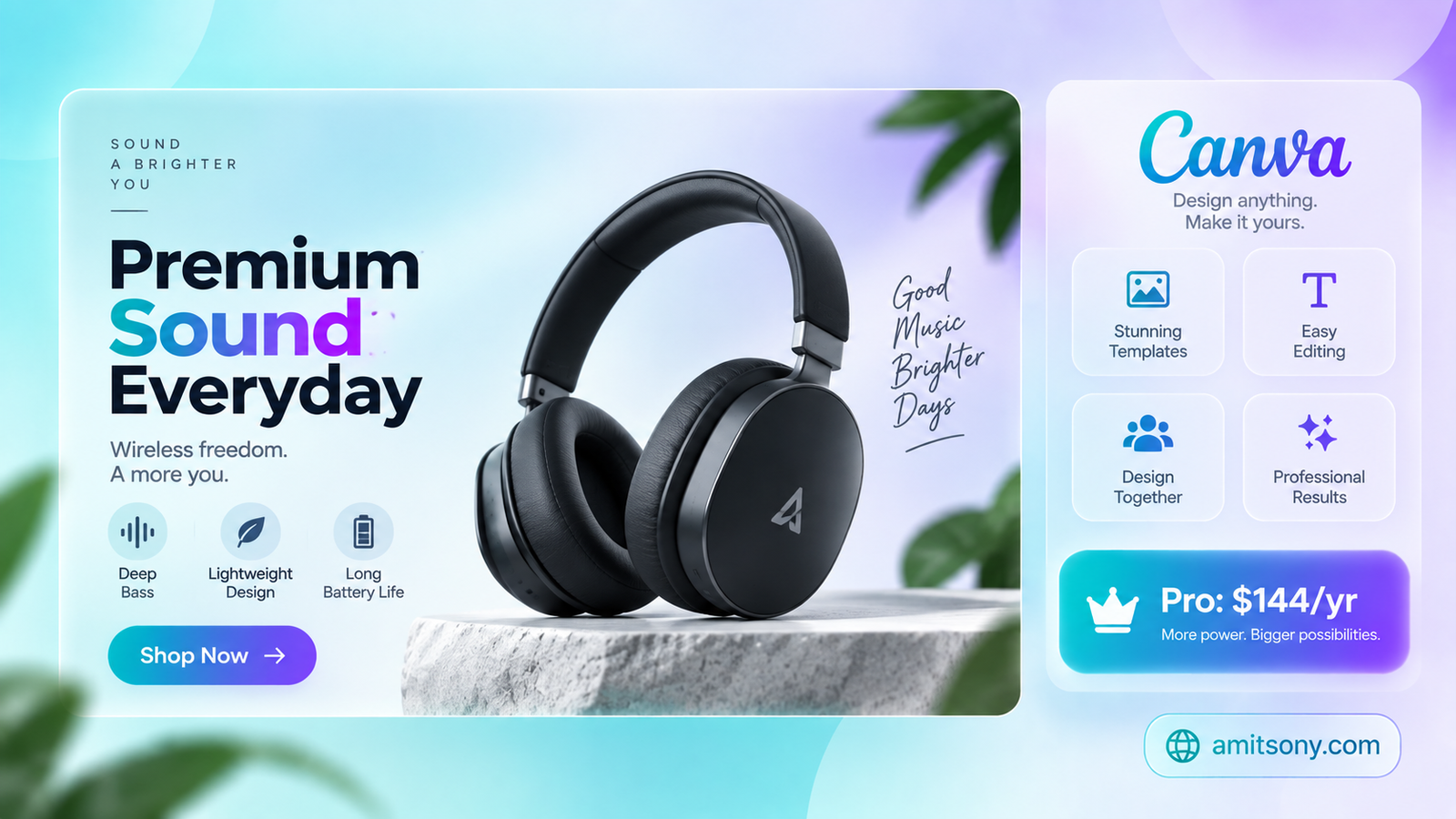
Canva earns its place on this list for a specific reason: when the actual deliverable is a designed asset, an ad, a banner, a social post, a marketplace graphic, rather than a standalone product photograph, its AI backgrounds, Magic Edit, and Brand Kit tools combine the photo work with layout and copy in one editor.
Free includes a limited AI allowance. Pro runs $144 per year for one person, and Business runs $250 per person per year for teams needing shared brand controls.
Use Canva specifically when the product photo is one ingredient in a bigger design, not the finished deliverable itself. For a clean standalone product shot, a dedicated tool from this list will get there faster.
How Do You Actually Quality-Check AI Product Images Before Publishing?
Remove the background first, then apply a style-consistent set of backgrounds or prompts, using tools that adapt lighting and shadow direction to actually match the product rather than pasting it onto a mismatched scene.
Zoom in specifically on labels, stitching, and texture before anything goes live. Reject images with unreadable text, distorted product geometry, or an incorrect color shade, these are the failure modes that show up most often and matter most to a buyer deciding whether to trust the listing.
Test any new tool on your 5 to 10 hardest products first, items with complex patterns, printed text, reflective surfaces, or transparent packaging make the best stress test before you commit a whole catalog to one platform.
Which Tool Should You Actually Pick?
Best all-round starting point: Photoroom
Fastest lifestyle backgrounds from one photo: Pebblely
Best for enterprise catalogs and fashion shoots: Claid
Best free, mobile-first option: Pixelcut
Best when the deliverable is a full ad or banner: Canva
Pick based on the lane your actual workflow lives in, quick edits, lifestyle scenes, catalog scale, or finished marketing assets, rather than trying to find one tool that wins every category at once.
Frequently Asked Questions
How much does AI product photography cost compared to traditional shoots?
Traditional shoots run $200 to $5,000 or more per session. AI tools generate comparable quality for roughly $0.10 to $2.00 per image, an 80 to 95% cost reduction.
What's the best free AI product photography tool?
Pixelcut offers basic editing with no watermark on its free tier, while Adobe Express includes a free plan with background removal and a large template library.
Which AI tool is best for fashion and apparel sellers?
Claid, through its virtual model and outfit composition features, generates on-model shots from flat-lay or ghost-mannequin photos without booking a real model or studio.
Can AI product photos be used for large catalogs with hundreds of SKUs?
Yes, tools like Claid and Photoroom both offer batch workflows and API automation built specifically for catalog-scale operations rather than one-off images.
Do AI product images need human review before publishing?
Yes. Common failure modes include distorted product geometry, wrong color shades, and unreadable labels, so a quick visual check, especially zoomed in on text and texture, is genuinely necessary before publishing.