Meshy leads for a full production pipeline, texturing, rigging, animation, and export in one place. Tripo offers the best speed and value for fast iteration. Rodin produces the best raw visual quality but its geometry often needs cleanup. Hunyuan3D, Tencent's open-source model, tops independent benchmarks on both looks and clean mesh, and it's genuinely free to self-host.
Text-to-3D generation matured fast in 2026, type a sentence and get a usable mesh in under a minute. It's also a category where nearly every comparison article online is published by one of the tools being compared, which makes an honest read harder to find than the technology itself.
This guide leans on tools that show up as genuine recommendations across multiple unrelated sources, plus one specific technical distinction almost every roundup glosses over: a gorgeous-looking render and a clean, usable mesh are not the same thing, and the gap between them is where a lot of these tools quietly differ.
What Should You Actually Judge a Text-to-3D Tool On?
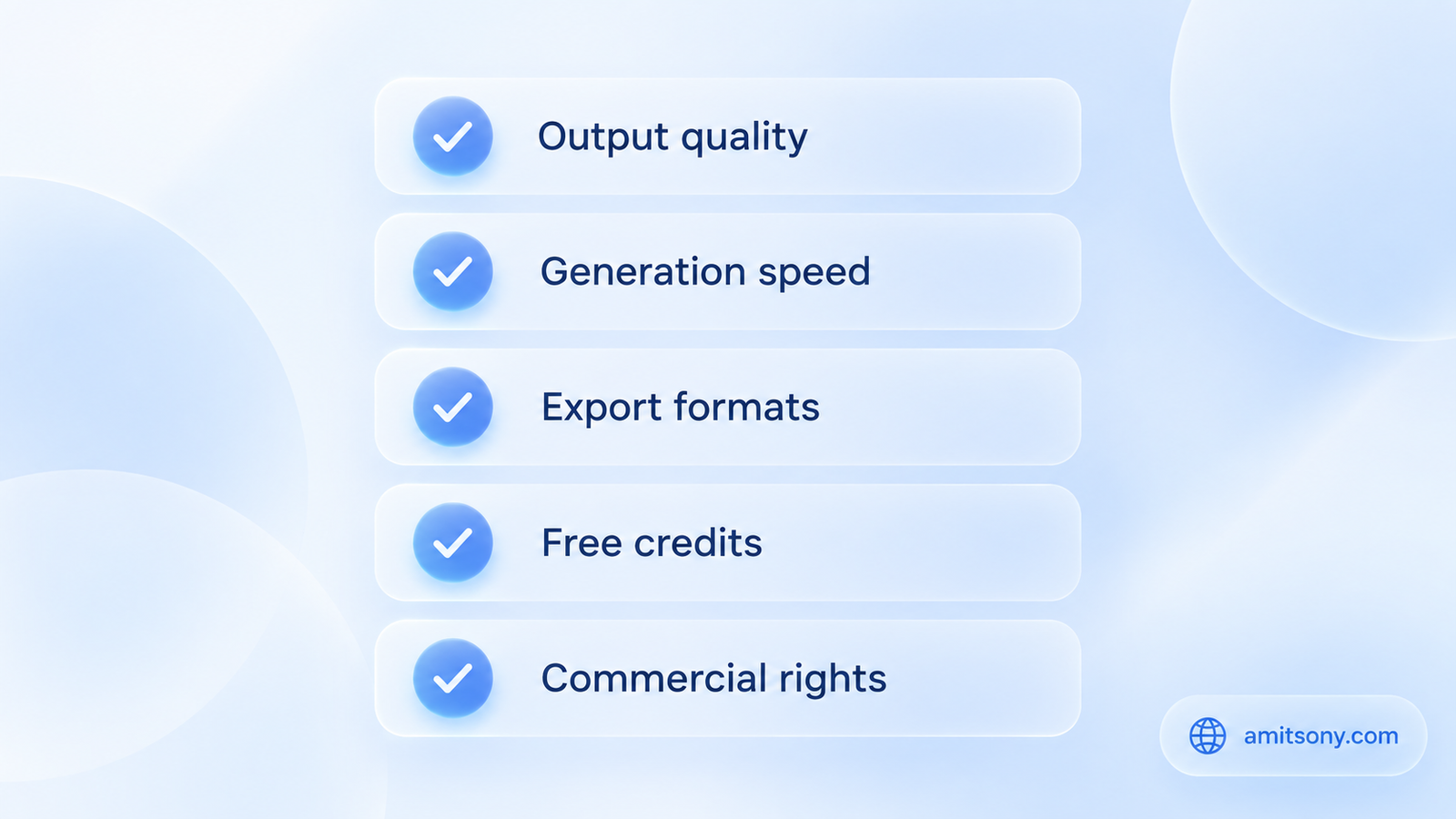
Five criteria matter more than any single demo video: output quality, generation speed, export format support, free credit allowance, and commercial usage rights. Most roundups mention all five, few actually weight them against each other.
Speed varies more than people expect. Tripo can produce a usable model in 20 to 60 seconds, sometimes as fast as 8 seconds for simple objects, while Rodin's higher-fidelity output takes 60 to 180 seconds. Neither speed is wrong, they're built for different moments in a workflow, fast iteration versus a final hero asset.
Why Do "Gorgeous" Renders Sometimes Turn Into Unusable Meshes?
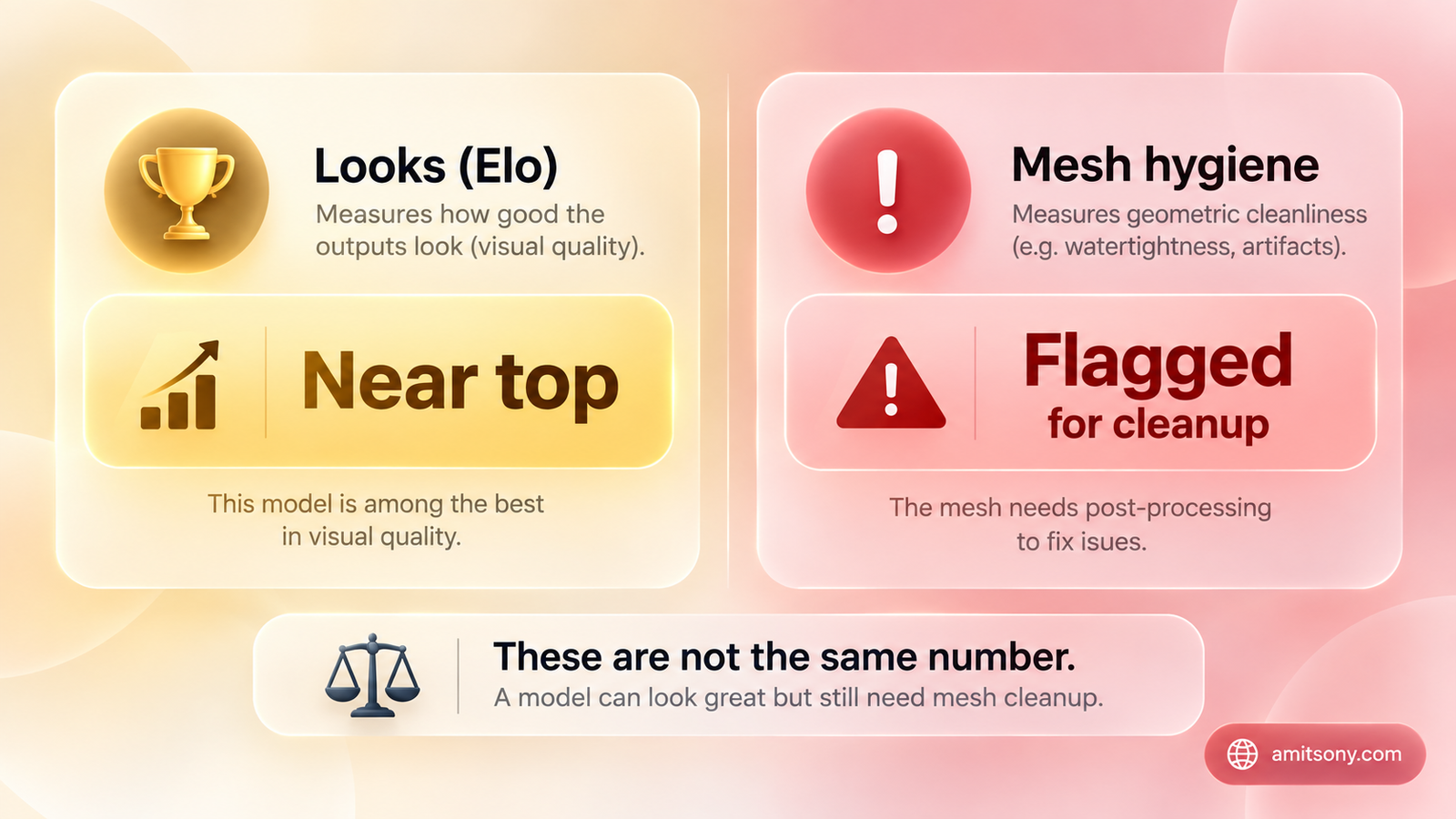
One of the more rigorous independent benchmarks in this space scores tools on two separate axes: an Elo-style "looks" score based on visual quality, and a separate mesh hygiene score measuring whether the underlying geometry is actually clean and usable.
The gap between those two numbers is the real story. Rodin's Deemos model scores near the top on looks, genuinely gorgeous renders, but its mesh score gets flagged for cleanup issues, and that gap widens further specifically in text-to-3D mode compared to image-to-3D, since there's no reference image anchoring the geometry.
A model that looks stunning in a marketing screenshot and a model you can actually drop into a game engine or 3D print without hours of cleanup are genuinely different outcomes. Always check for a mesh-quality or topology score separately from a visual-quality score before trusting a tool for production work.
Which Tool Is Best for a Full Production Pipeline?
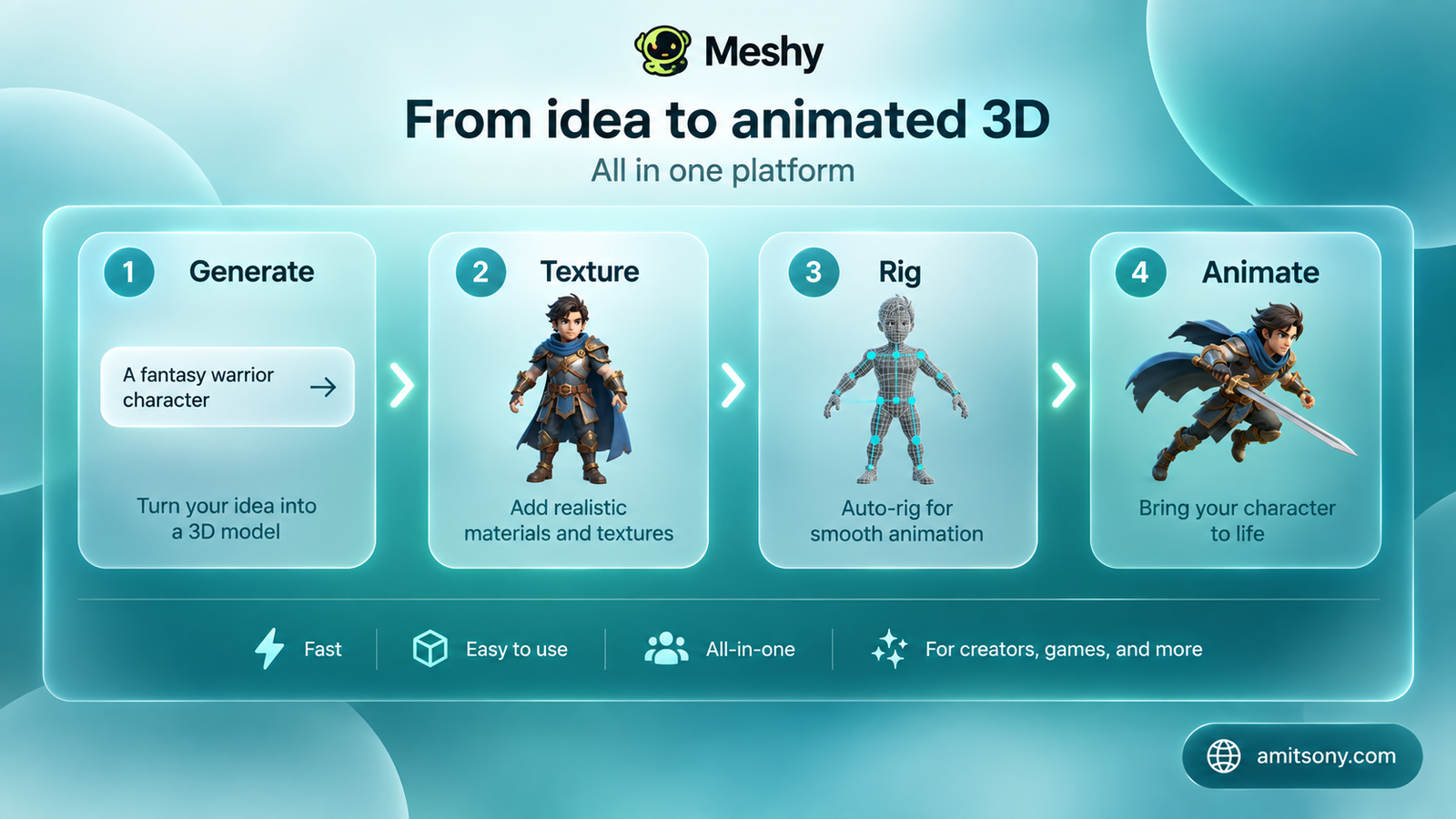
Meshy shows up consistently as the strongest option when you need more than a raw mesh, texturing, rigging, and animation tools live inside the same platform, plus a dedicated Blender plugin for teams that don't want to leave their primary workspace.
The free tier is capped at 200 credits and doesn't include rigging or animation, features that require a paid plan. Export support covers the formats most game engines and 3D printers actually expect.
The right pick if your workflow needs an asset to go from concept to game-ready or print-ready without hopping between three separate tools.
Which Tool Is Best for Speed and Value?
Tripo consistently comes up as the most-recommended all-around tool, specifically because of its combination of clean hard-surface geometry, fast generation, and the lowest entry price in this category, around $24/month for the base paid tier.
It specializes particularly well in hard-surface objects, weapons, vehicles, mechanical props, and automatically optimizes topology for game engines, a genuine time-saver for game developers specifically.
Start here if you're not sure which tool fits your workflow yet. It's the safest general-purpose default in this category.
Which Tool Gives the Best Raw Visual Quality?
Rodin, from Deemos, wins on pure visual fidelity more often than any competitor in side-by-side comparisons, particularly for photorealistic, real-world object prompts. Pricing runs around $99/month, noticeably higher than Tripo or Meshy's base tiers.
Remember the looks-versus-mesh distinction from earlier: Rodin's strength is specifically the rendered appearance, and geometry cleanup is a genuinely more common extra step here than with Hunyuan3D or Tripo.
Worth the premium specifically for hero assets and client presentations where visual impact matters most. Budget extra time for mesh cleanup if the model needs to go into a real production pipeline afterward.
Which Tool Tops Independent Benchmarks on Both Looks and Clean Geometry?
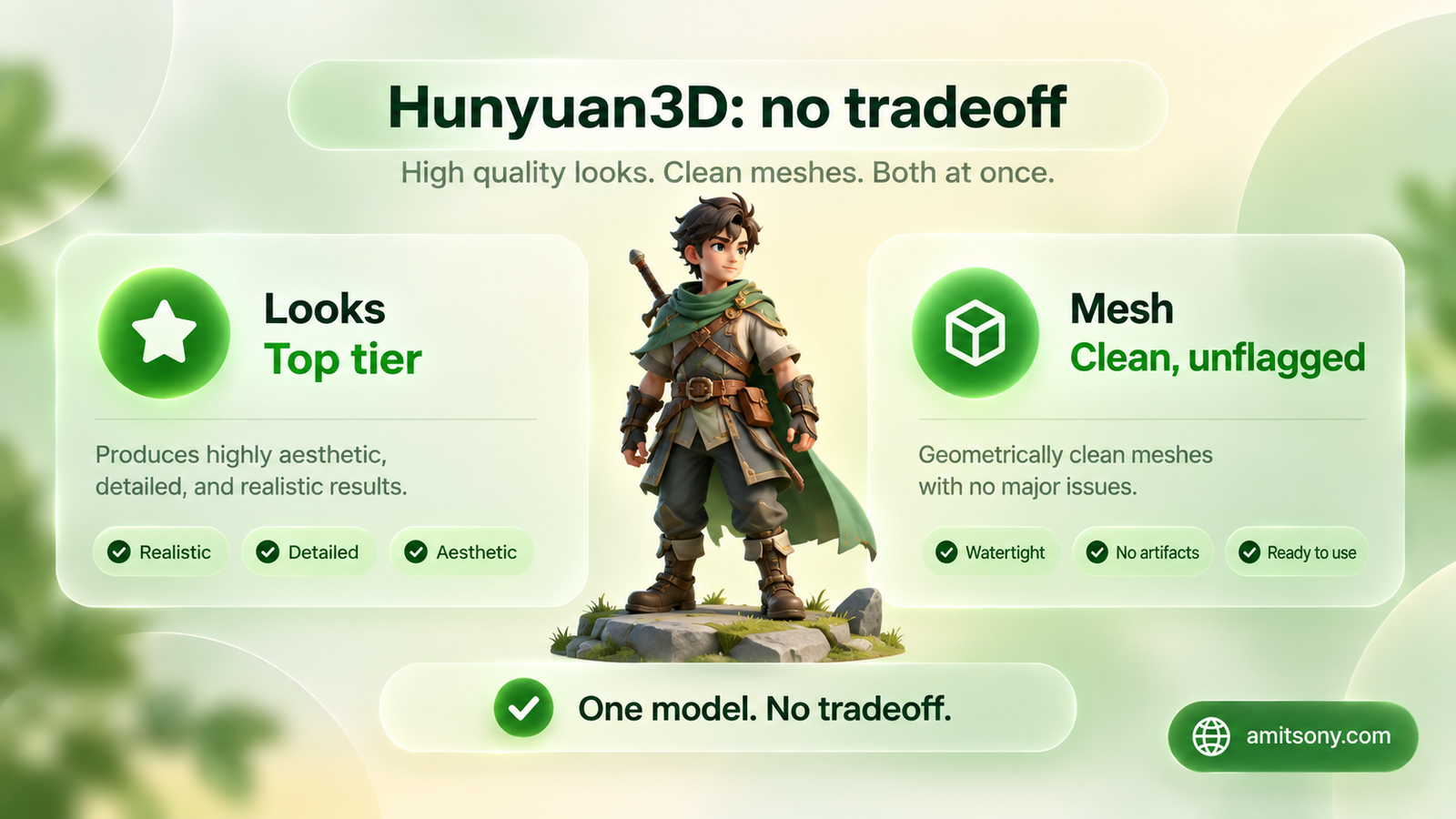
Tencent's Hunyuan3D is the one model that avoids the looks-versus-mesh tradeoff entirely in independent testing, ranking at or near the top on visual quality while also producing genuinely clean, unflagged mesh output, in both image-to-3D and text-to-3D modes.
It's also fully open source, a two-stage pipeline combining shape generation with texture synthesis, described as the first fully open-source industrial-grade 3D generation system from a major lab.
If the benchmark holds up under your own testing, this is the closest thing in the category to a genuine free lunch, strong output with no mesh-quality tax to pay afterward.
Is There a Genuinely Free, Self-Hosted Option?
Hunyuan3D and Microsoft's TRELLIS.2 are both real open-source options, MIT-licensed, that rival paid tools when self-hosted through something like ComfyUI. TRELLIS.2, a 4-billion-parameter image-to-3D model built with Tsinghua University and USTC, introduces a sparse voxel structure that handles open surfaces and internal geometry with native PBR material output.
The honest catch: self-hosting needs a capable GPU and real setup effort, VRAM requirements scale from 12GB up to 32GB depending on output resolution. For zero-setup free cloud use instead, Luma Labs' Genie is commonly cited as the easiest zero-cost starting point, with lower fidelity than the self-hosted options.
How Do You Write a Prompt That Actually Works?
Start simple and let the model infer reasonable details: "wooden medieval chair" is a perfectly valid starting prompt in 2026's generation of tools. Add specifics only once you need to steer the result, "wooden medieval chair with carved dragon motifs, worn leather seat, ornate armrests."
Use text-to-3D for ideation and early concept exploration, where speed and volume matter more than precision. Switch to image-to-3D once you have a reference image and need the output to match specific styling or proportions exactly.
Quick Verdict
Tripo is the safest general starting point on price and speed. Meshy wins once your workflow needs the full pipeline, not just a mesh. Rodin buys the best raw visual quality at a real cost premium and a real mesh-cleanup tax. Hunyuan3D is the one to actually test first if free and clean-geometry both matter to you.
Frequently Asked Questions
What's the best AI text-to-3D generator overall?
There's no single universal winner. Tripo offers the best value and speed, Meshy the strongest full pipeline, Rodin the best raw visual quality, and Hunyuan3D the best free, open-source option with clean geometry.
Why does a 3D model look great but fail to import properly?
This usually comes down to mesh quality, not visual quality. Some tools, like Rodin, score very high on rendered appearance but lower on mesh hygiene, meaning the underlying geometry needs cleanup before it's production-ready.
Is there a truly free AI 3D model generator?
Hunyuan3D and Microsoft's TRELLIS.2 are both open-source and free to self-host, though they require a capable GPU. For a zero-setup free cloud option, Luma Labs' Genie is the easiest starting point.
Should I use text-to-3D or image-to-3D?
Text-to-3D is faster for ideation and concept exploration. Image-to-3D is more precise when you have a reference image and need the output to match specific styling or proportions.
What file formats do these tools export?
Most major tools, including Meshy and Tripo, export common formats like OBJ, GLB, and USDZ, though it's worth confirming a free tier actually includes a usable export before relying on it.