Claude for Small Business now runs whole workflows, payroll, invoicing, lead triage, inside apps you already use. QuickBooks handles bookkeeping, Zapier automates repetitive tasks, HubSpot covers CRM and marketing, and Grammarly cleans up everyday writing. Watch the pricing model closely: several of these bill per credit or per conversation, and costs can climb fast without anyone noticing.
Anthropic's own framing when it launched Claude for Small Business in May 2026 was blunt: small businesses make up nearly half the American economy but have never had the tooling that bigger companies take for granted. That gap is closing fast. Every major AI company shipped a small-business-specific product this year, not as an afterthought, but as a genuine strategic bet on where the next wave of adoption comes from.
The catch is that "AI tool for small business" now covers wildly different things, an agent that runs your whole invoicing workflow and a grammar checker with an AI upsell both get the label. This guide covers five tools that actually earn a place on a small team's toolbelt, what each does best, and where the pricing can quietly spiral.
What Should a Small Business Actually Look For in an AI Tool?
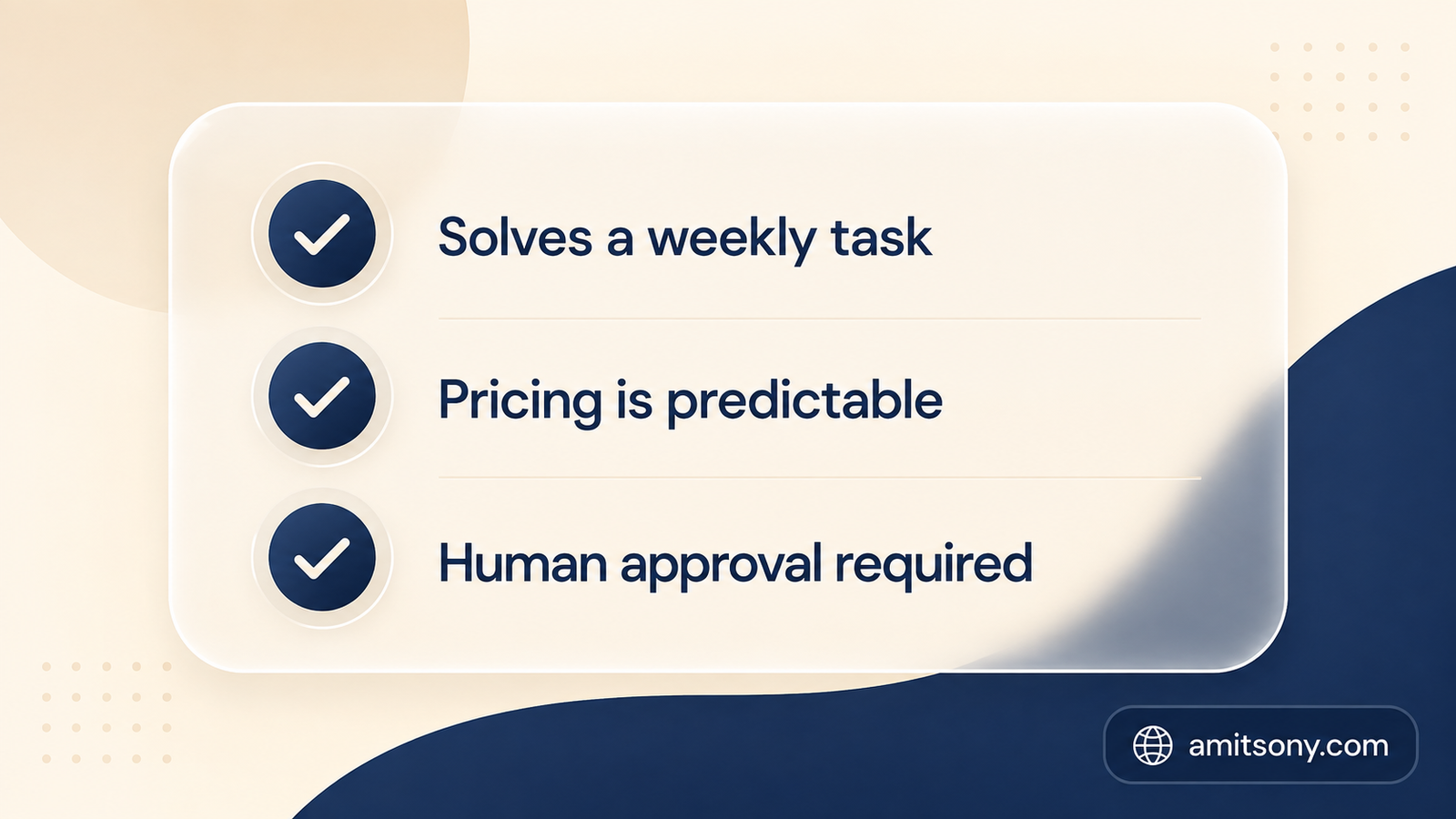
Workflow fit matters more than feature count. The right question isn't "what can this AI do," it's "does this solve a task my team repeats every single week." A tool with a hundred capabilities you never touch is worse than a narrow one you use daily.
Pricing structure deserves real scrutiny before you sign up. Several tools on this list bill per credit, per conversation, or per resolved task on top of a base subscription, HubSpot's AI agents are a clear example, and that model can turn a $20 headline price into a genuinely unpredictable monthly bill.
Human approval should stay in the loop for anything that sends money, posts publicly, or reaches a customer. The tools worth trusting are explicit about this, Claude for Small Business, for instance, requires your sign-off before any workflow actually sends, posts, or pays.
Which Tool Actually Runs Whole Workflows Instead of Just Chatting?
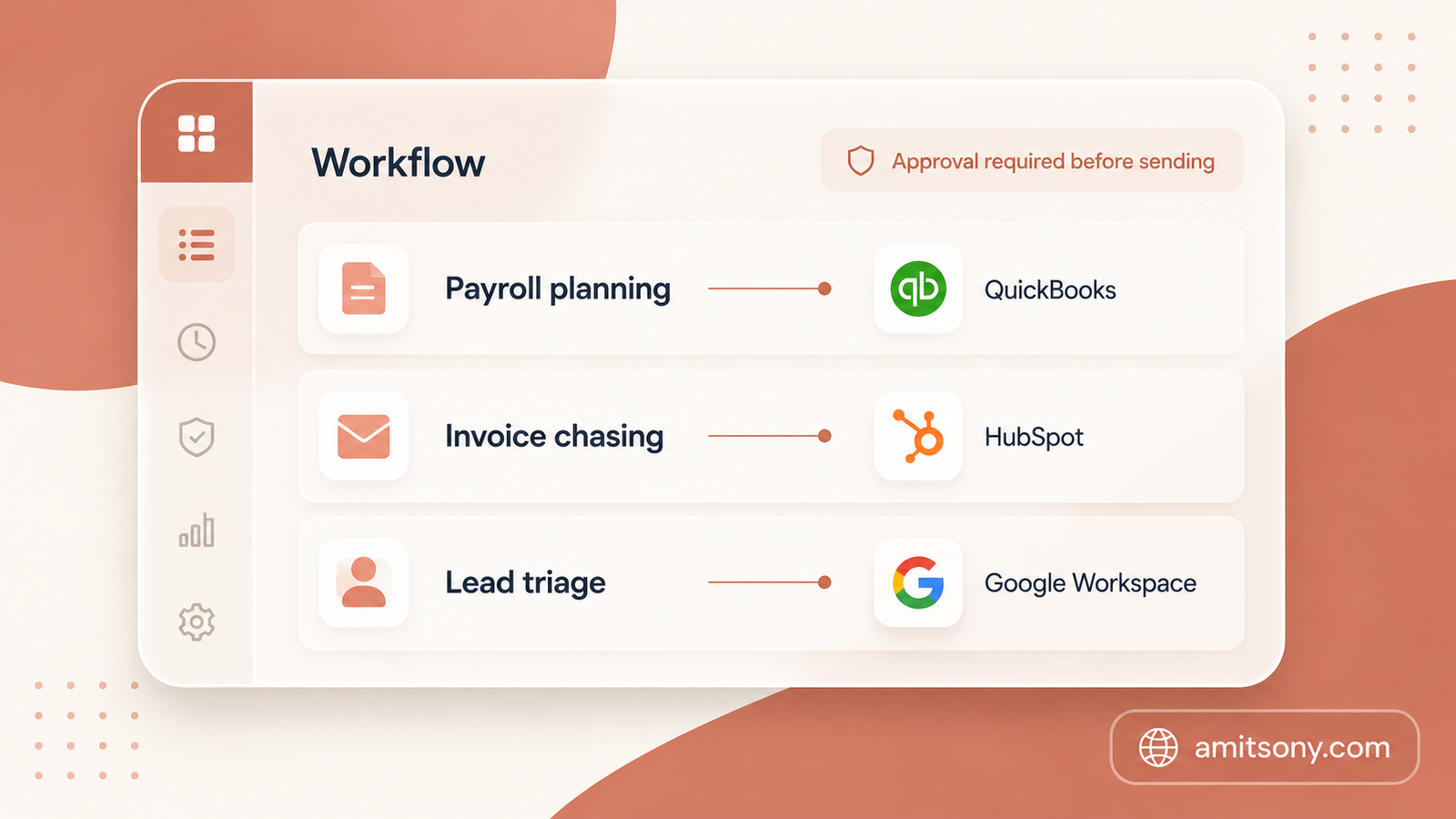
Claude for Small Businesssolutions/small-business launched on May 13, 2026 as a one-click plugin inside Claude Cowork, Anthropic's desktop app, connecting directly to QuickBooks, PayPal, HubSpot, Canva, DocuSign, Google Workspace, and Microsoft 365. Toggle it on, connect your accounts, and it ships with 15 ready-to-run workflows already built, payroll planning, month-end close, invoice chasing, lead triage, contract review, and cash-flow monitoring among them.
The pricing model is refreshingly simple: there's no extra charge for the small business package itself beyond your existing Claude subscription and whatever partner tools you already pay for. You're not paying twice for QuickBooks access, you're paying for QuickBooks and letting Claude operate inside it.
Every workflow requires you to review the plan and approve it before anything actually sends, posts, or pays, and account permissions carry over from your existing tools, so Claude can only touch what your login is already allowed to touch. Anthropic also says it doesn't train on customer data by default on Team and Enterprise plans.
This is the tool to try first if your actual bottleneck is time spent switching between apps doing the same five tasks every week, not a lack of information.
Which AI Tool Is Best for Bookkeeping and Invoicing?
QuickBooks Intuit Assist, its built-in AI layer, handles expense categorization, drafts invoice reminders, and answers plain-language questions about your books, "which customers have outstanding invoices" gets a real answer instead of a manual report pull.
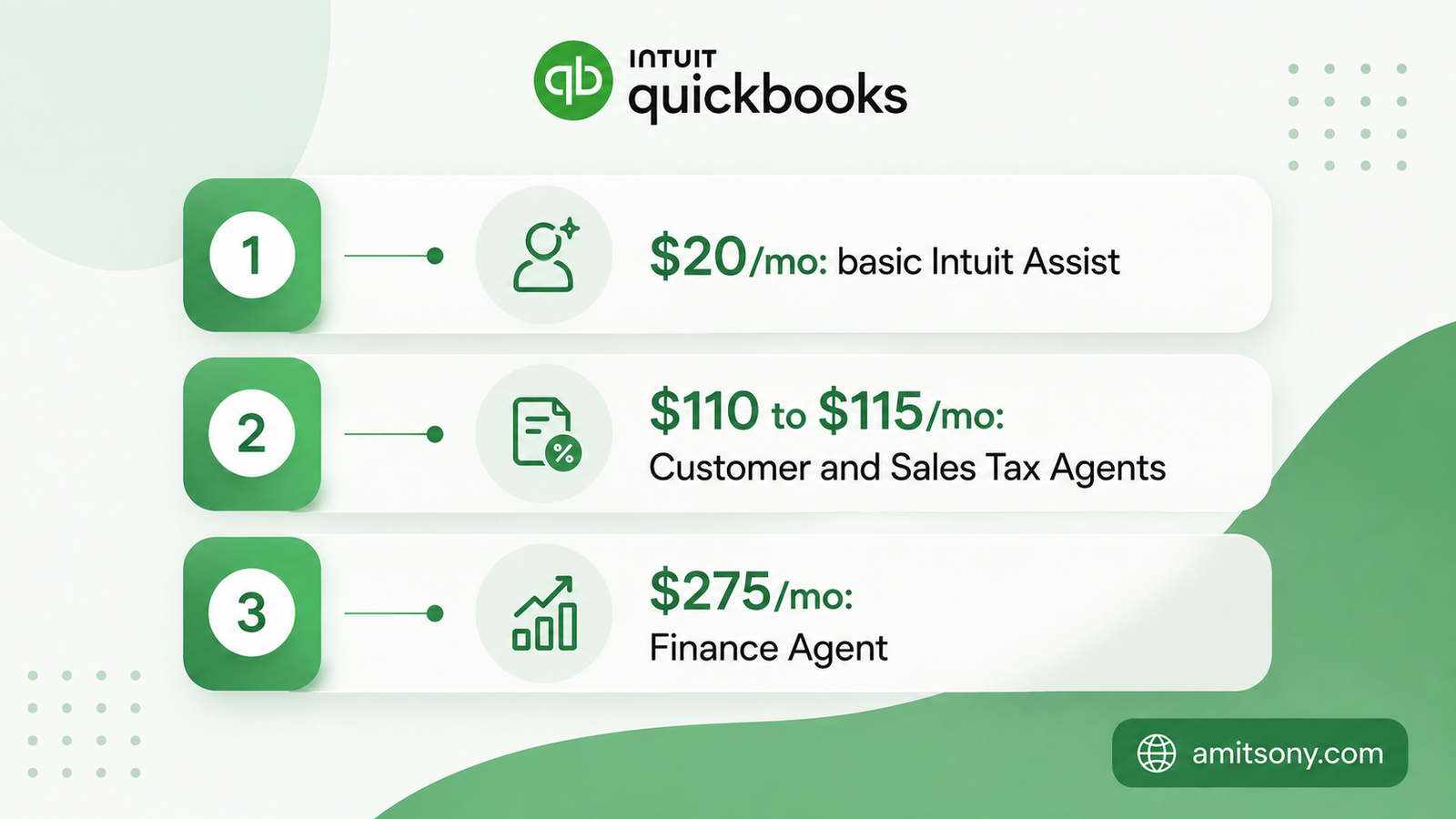
The pricing structure has a real catch worth knowing before you commit: basic Intuit Assist features come included on every plan starting around $20/month, but the more useful AI agents are tier-locked. Accounting and Payments Agents need Essentials or higher, Customer and Sales Tax Agents need Plus around $110 to $115/month, and the Finance Agent requires Advanced at roughly $275/month.
Budget for the tier the AI features you actually want require, not the advertised entry price. Most small businesses that want the useful agents end up on Plus, not the cheapest plan on the pricing page.
Which Tool Is Best for Automating Repetitive Tasks?
Zapier connects the apps you already use and automates the handoffs between them. Its 2026 AI layer lets you describe an automation in plain English, "when I get a new lead in HubSpot, summarize their LinkedIn and send me a Slack message," and it builds the workflow for you to confirm.
Free tier allows 100 tasks a month, enough to automate one or two real workflows. Starter runs $19.99/month for more tasks and multi-step automations.
Start with the single most annoying manual task you do every day, not an ambitious ten-step automation. One reliable automation beats five half-finished ones.
Which Tool Is Best for CRM and Marketing?
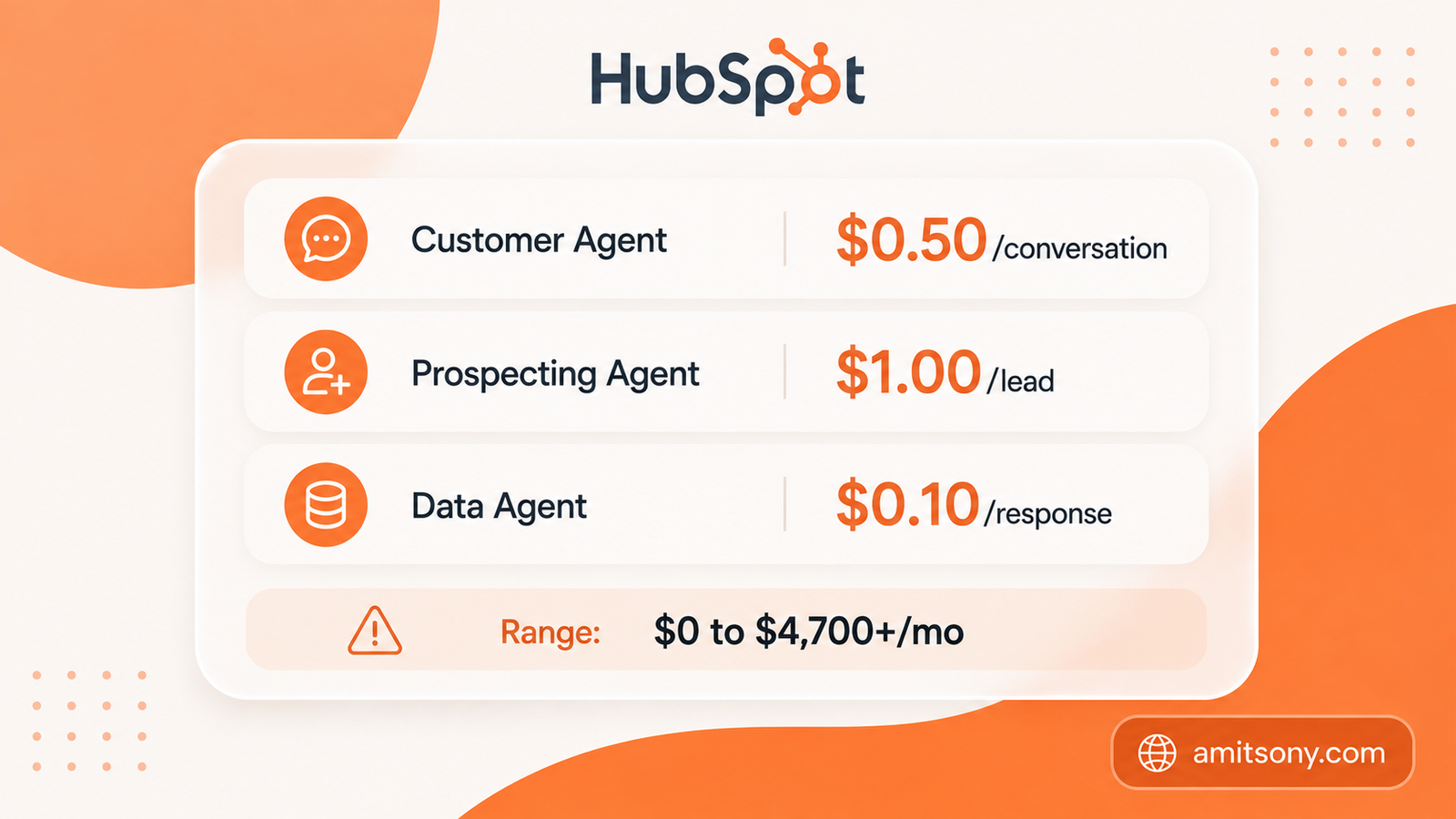
HubSpot Breeze AI covers three pieces: an assistant for drafting and summarizing, agents that handle customer conversations and lead prospecting, and Breeze Intelligence for filling in missing lead data automatically.
Pricing here needs real attention. As of April 2026, the Customer Agent costs $0.50 per resolved conversation, the Prospecting Agent costs $1.00 per recommended lead, and the Data Agent runs $0.10 per response, all stacked on top of a Hub subscription, with some agents requiring Professional or Enterprise tiers specifically. Total realistic spend ranges anywhere from $0 to reportedly over $4,700/month depending entirely on usage volume.
Genuinely powerful if you're already deep in the HubSpot ecosystem. If you're not already a HubSpot customer, the credit-based agent pricing alone makes this a harder sell than a flat-rate competitor for a small team just starting out.
Which Tool Is Best for Everyday Business Writing?
Grammarly AI layer goes beyond catching typos, it rewrites full sentences for tone and clarity, checks for AI-generated text, and enforces a consistent brand voice across email, proposals, and customer messages, useful for any small team where professional writing actually matters.
Pro runs $12/month per seat billed annually, or $30/month billed monthly, including 2,000 AI prompts a month. The free tier exists but caps out at 100 prompts, fine for occasional use, tight for daily writing work.
The most low-friction tool on this list to add. It works inside Gmail, Docs, Slack, and just about anywhere else your team already writes, no new workflow to learn.
How Do You Avoid Overspending on AI Tools?
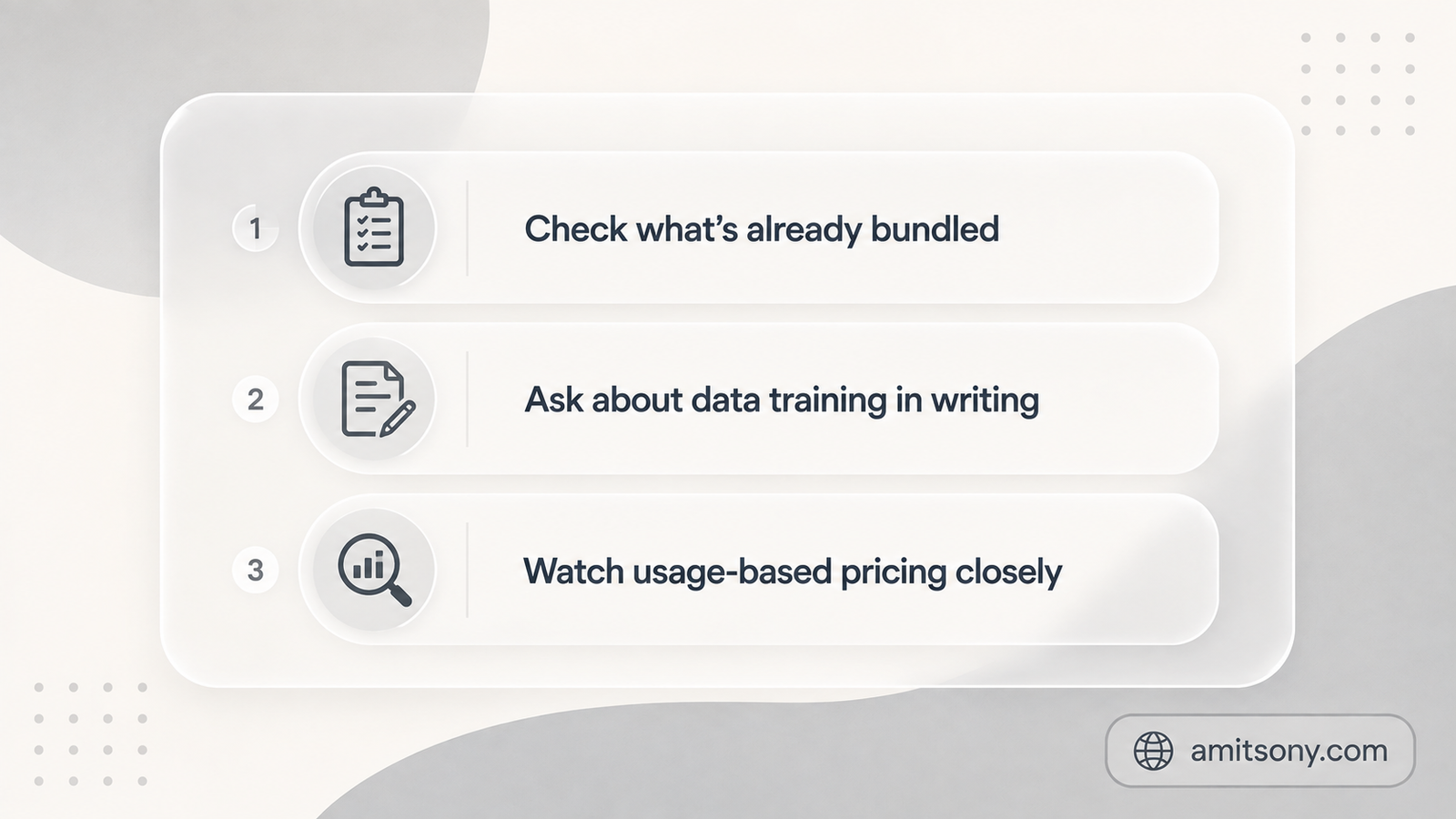
Audit what's already bundled into subscriptions you're paying for before buying anything new. Gemini often ships inside Google Workspace plans, Copilot inside Microsoft 365, and basic AI features inside QuickBooks, you may already own more than you think.
Ask every vendor directly whether your data trains their models beyond your own account, and get the answer in writing, not a verbal assurance. Half of small business owners surveyed this year named data security as their single biggest hesitation about adopting AI at all.
Watch usage-based tools closely in the first month. Credit and per-conversation pricing, like HubSpot's Breeze agents, is genuinely useful for occasional needs but can surprise you fast once a workflow runs at real volume.
Which Tools Should You Actually Start With?
Best for running whole workflows automatically: Claude for Small Business
Best for bookkeeping and invoicing: QuickBooks
Best for connecting your existing apps: Zapier
Best for CRM and marketing at scale: HubSpot
Best for everyday writing: Grammarly
Most small teams need two or three of these, not all five. Start with whichever tool removes the task you personally dread doing every week, that's a better filter than any feature comparison.
Frequently Asked Questions
Is Claude for Small Business free?
There's no extra charge for the small business package itself beyond your existing Claude subscription and the cost of any partner tools, like QuickBooks or HubSpot, you already pay for separately.
What's the cheapest way to start using AI for a small business?
Audit what's already included in tools you pay for, Google Workspace, Microsoft 365, and QuickBooks all bundle some AI features already, then add one low-cost tool like Grammarly or Zapier for the gaps.
Is HubSpot's AI pricing expensive?
It can be. Breeze AI agents bill per conversation, lead, or response on top of a Hub subscription, and realistic monthly costs range from $0 to over $4,700 depending on usage volume, so budget carefully before scaling up.
Do I need QuickBooks' most expensive plan to get AI features?
Basic Intuit Assist comes on every plan, but the more useful agents are tier-locked, Plus around $110 to $115/month unlocks Customer and Sales Tax Agents, and Advanced at roughly $275/month unlocks the Finance Agent.
What should a small business budget for AI tools overall?
It depends entirely on team size and usage, but a solo operator or 2-3 person team can often run on free tiers alone, ChatGPT, Claude, Grammarly, and Zapier all offer real free access before daily, team-wide use pushes you toward paid tiers.