Granola wins for bot-free meeting capture, Fathom has the most generous free tier with unlimited recording, and Fireflies is the cheapest pick for sales teams needing CRM sync. Notion's AI notes are genuinely good but now require the $20/month Business plan. Otter remains solid but keeps shrinking its plan limits without lowering the price.
Granola raised a Series C in March 2026 and immediately pivoted from a scrappy solo-user tool toward being an enterprise context layer, complete with an MCP integration that pipes meeting data straight into Claude and ChatGPT. Notion quietly folded its AI features into a pricier tier and killed the standalone add-on. Otter cut its Pro plan from 6,000 transcription minutes down to 1,200 without touching the price. This category moved fast in 2026, and not always in the user's favor.
This guide compares the five tools people actually ask about, what changed this year, what the real pricing looks like once you read past the homepage, and which one fits your specific workflow instead of a generic ranking.
What Actually Makes an AI Note-Taking App Different in 2026?
Two genuinely different categories get lumped under one label. Meeting notetakers, Granola, Otter, Fathom, Fireflies, exist to capture and summarize conversations happening right now. Workspace tools like Notion use AI to organize, search, and write across everything you've already saved, meetings included, but not built around them.
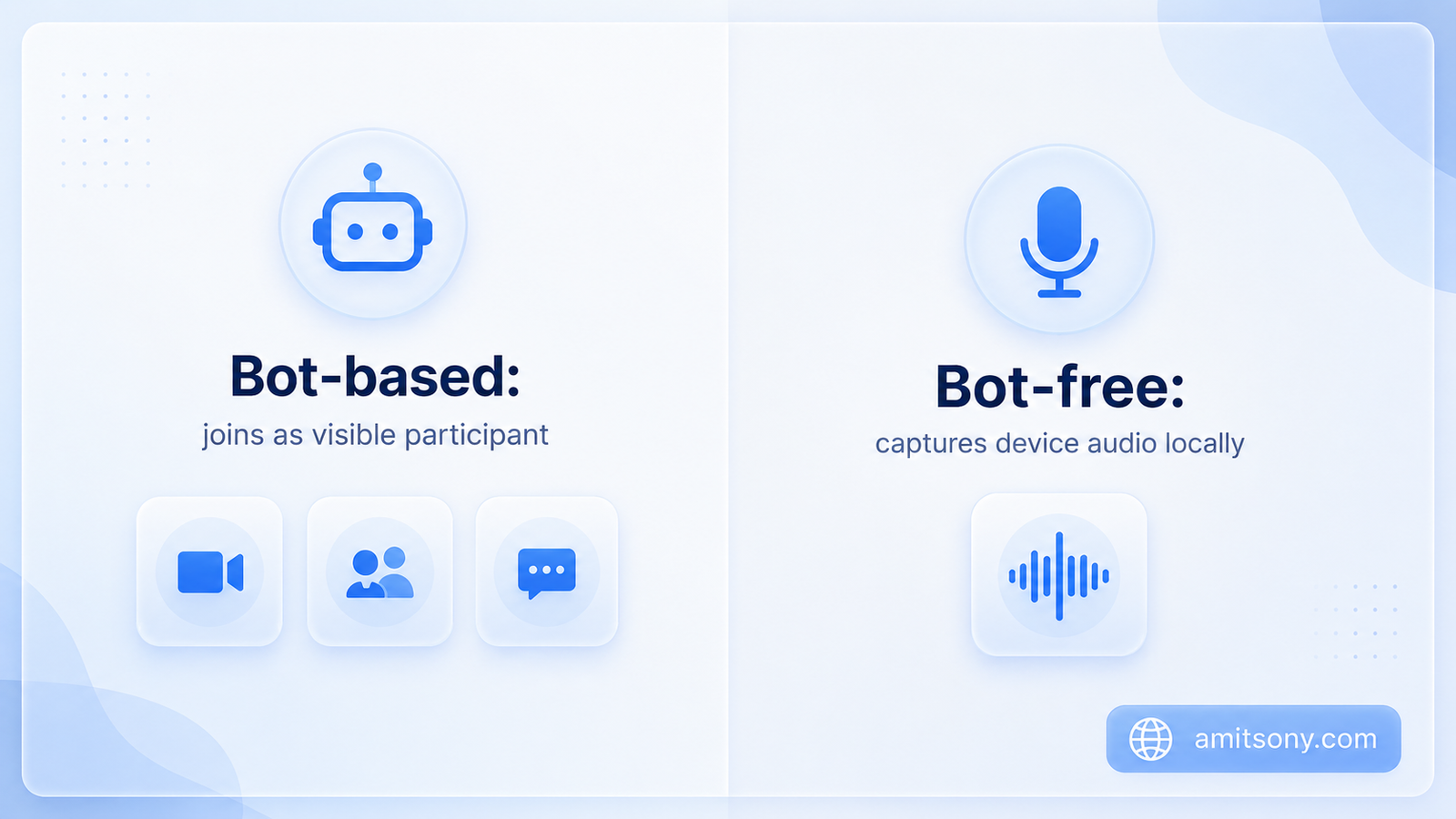
The other split is bot versus bot-free. Otter, Fathom, and Fireflies typically join your call as a visible named participant. Granola captures your device's system audio locally instead, so nobody on the call sees a bot join, which matters a lot for external client calls where a visible recording bot can feel awkward or even trigger consent concerns.
Neither approach is universally better. Bot-based tools tend to handle larger meetings and speaker attribution more reliably. Bot-free tools feel more natural but ask more of you, Granola specifically only enhances notes you're actively typing, it does very little if you sit back and let the call run.
Which AI Note-Taking App Is Best If You Want Bot-Free Meeting Capture?
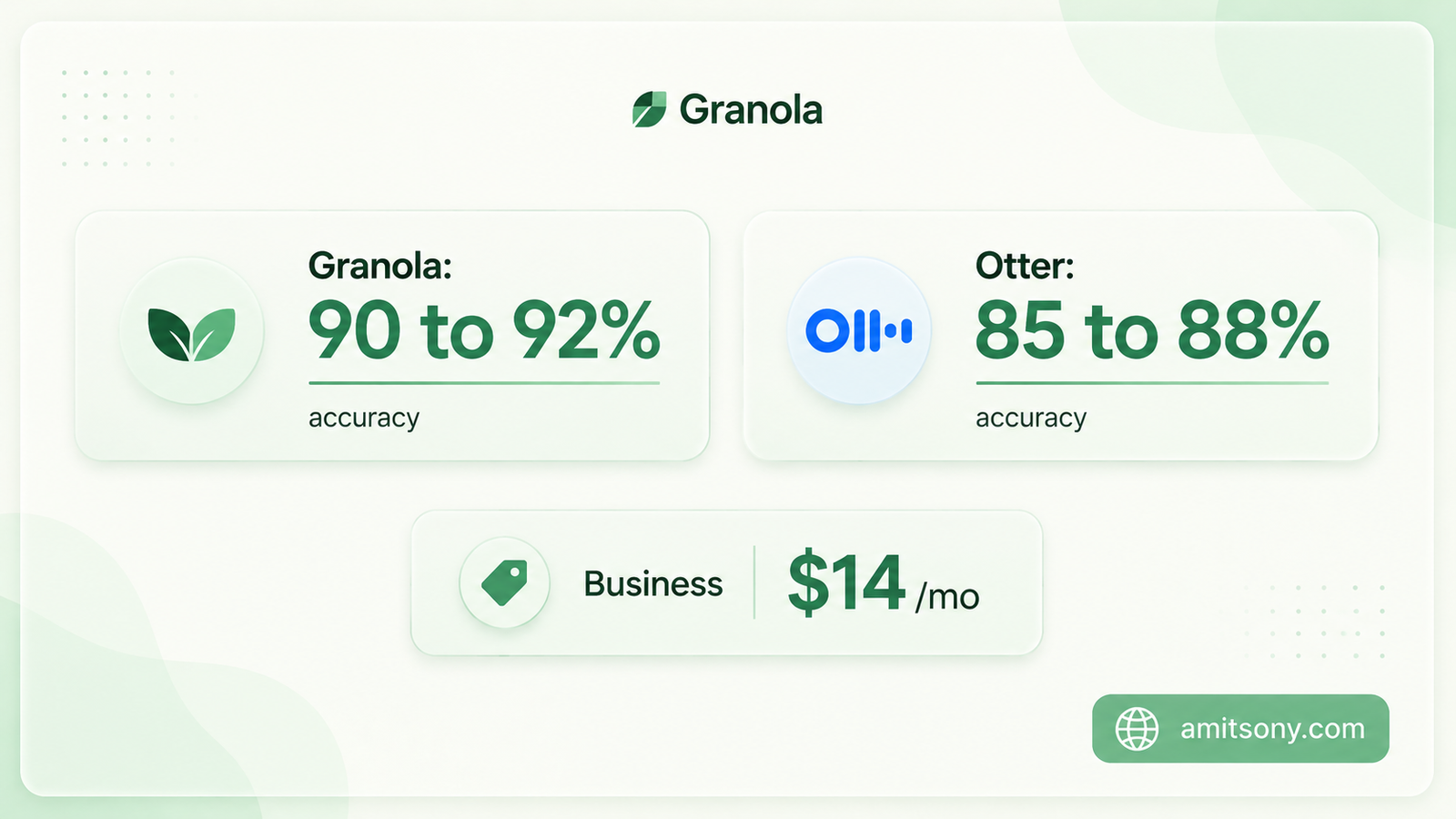
Granola whole pitch is that it never joins your call as a visible bot. It captures system audio locally from your own device, then takes the rough notes you type during the meeting and enhances them into a structured summary afterward. Independent testing puts transcription accuracy around 90 to 92%, ahead of Otter's 85 to 88%.
Pricing simplified in 2026 to three tiers: Free caps meeting history at 25 notes total, not per month, once you hit 25 they're archived rather than deleted. Business runs $14/user/month billed annually with unlimited history and integrations into Notion, HubSpot, and Slack. Enterprise runs $35/user/month for SSO and API access.
The catch that matters most: Granola enhances notes you type, it doesn't generate much from a call you silently sit through. Speaker attribution also breaks down past three participants, and the whole workflow leans heavily on Google Workspace.
Worth it specifically for people who already take rough notes during calls and want them cleaned up automatically. If you'd rather not type anything during a meeting, this isn't the right tool.
Is Notion Still Worth It Just for AI Notes?
Notion added AI Meeting Notes and a multi-step Notion Agent to its Business tier in 2026, which genuinely makes it more than a workspace with a chatbot bolted on now. It can transcribe a meeting and then automatically link the notes into your existing project databases, something none of the dedicated notetakers do as smoothly.
The pricing story changed though. Free stays at $0, Plus is $10/user/month billed annually, but the AI features, including AI Meeting Notes, now require Business at $20/user/month annually. The old $10 AI add-on that could sit on top of any plan was retired, so solo users who only wanted the AI now pay double what they used to.
Custom Agents, Notion's newer autonomous workflow feature, bill separately on top of Business at $10 per 1,000 credits, pooled across your workspace and reset monthly with no rollover.
Makes sense if you already live inside Notion as your team's knowledge base and want meeting notes to land directly in your existing pages. A poor choice if AI notes are the only reason you're paying, dedicated tools do that specific job cheaper.
Is Otter Still the Best Choice for Meeting Transcription?
Otter remains the most recognizable name in this category, and searchable transcript archives are still its strongest feature, useful for anyone who needs to find a specific thing someone said three weeks ago. It supports six languages: English, Spanish, French, German, Japanese, and Chinese Simplified.
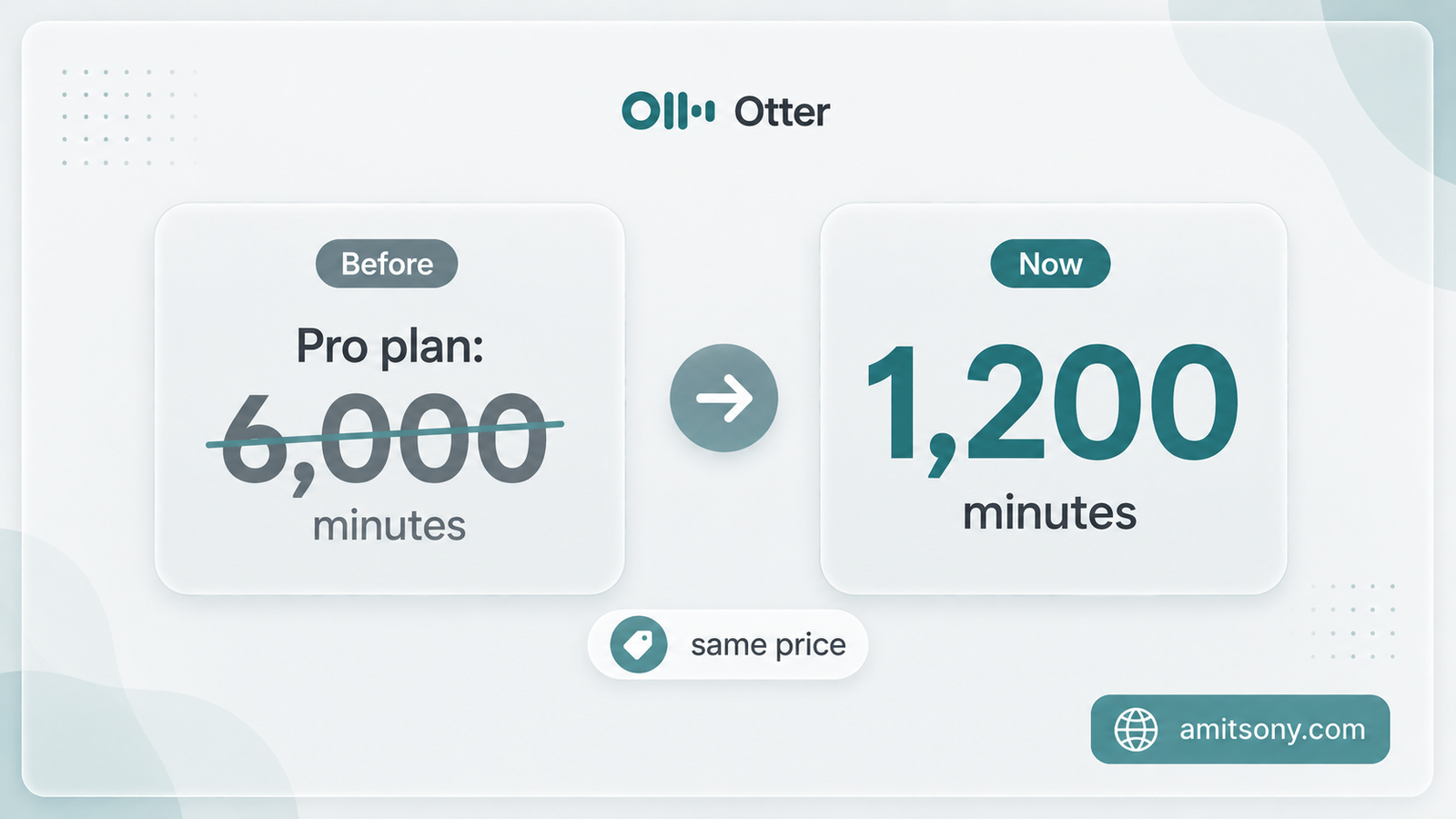
Free gives 300 minutes a month with a 30-minute cap per conversation, and only 3 file imports for the lifetime of the account, not per month, ever. Pro runs $16.99/month monthly or $8.33/month billed annually, but Otter quietly cut its included minutes from 6,000 down to 1,200 without lowering the price. Business runs $30/month monthly or $19.99/month annually with unlimited in-app meetings.
Still solid for English-heavy teams that value searchable history over anything fancy. The shrinking Pro allowance without a price cut is a real reason to check your actual usage before renewing.
Which AI Note-Taker Has the Best Free Plan?
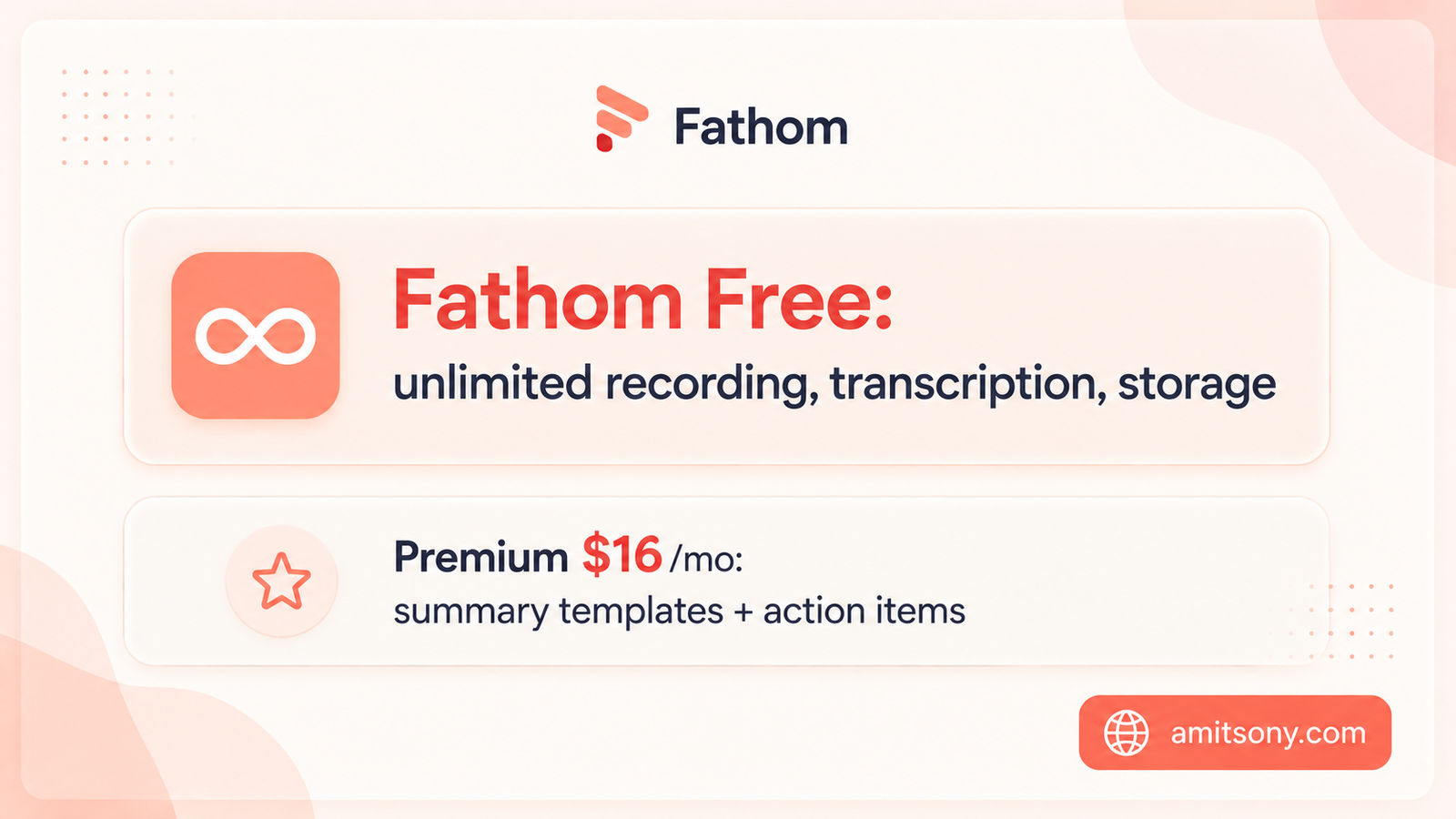
Fathom free tier is genuinely unlimited, unlimited recordings, unlimited transcription, unlimited storage, on Zoom, Google Meet, and Microsoft Teams, with no card required. Reviewers consistently call it the most generous free tier in this entire category.
Paid tiers add the features most people eventually want: Premium at $16/month annual for advanced summary templates and AI action items, Team at $15/user/month annual for CRM sync, requiring at least two seats, and Business at $25/user/month annual for admin controls.
Independent testing puts transcription accuracy around 85 to 90%, a bit below Granola's claimed numbers, though Fathom itself advertises 95%. It also joins as a visible bot, so it doesn't solve the awkward-recording-bot problem the way Granola does.
For a solo consultant or freelancer who just wants free, reliable meeting notes without a credit card, this is the easiest recommendation in the whole category.
Which Tool Is Best for Sales Teams That Need CRM Sync?
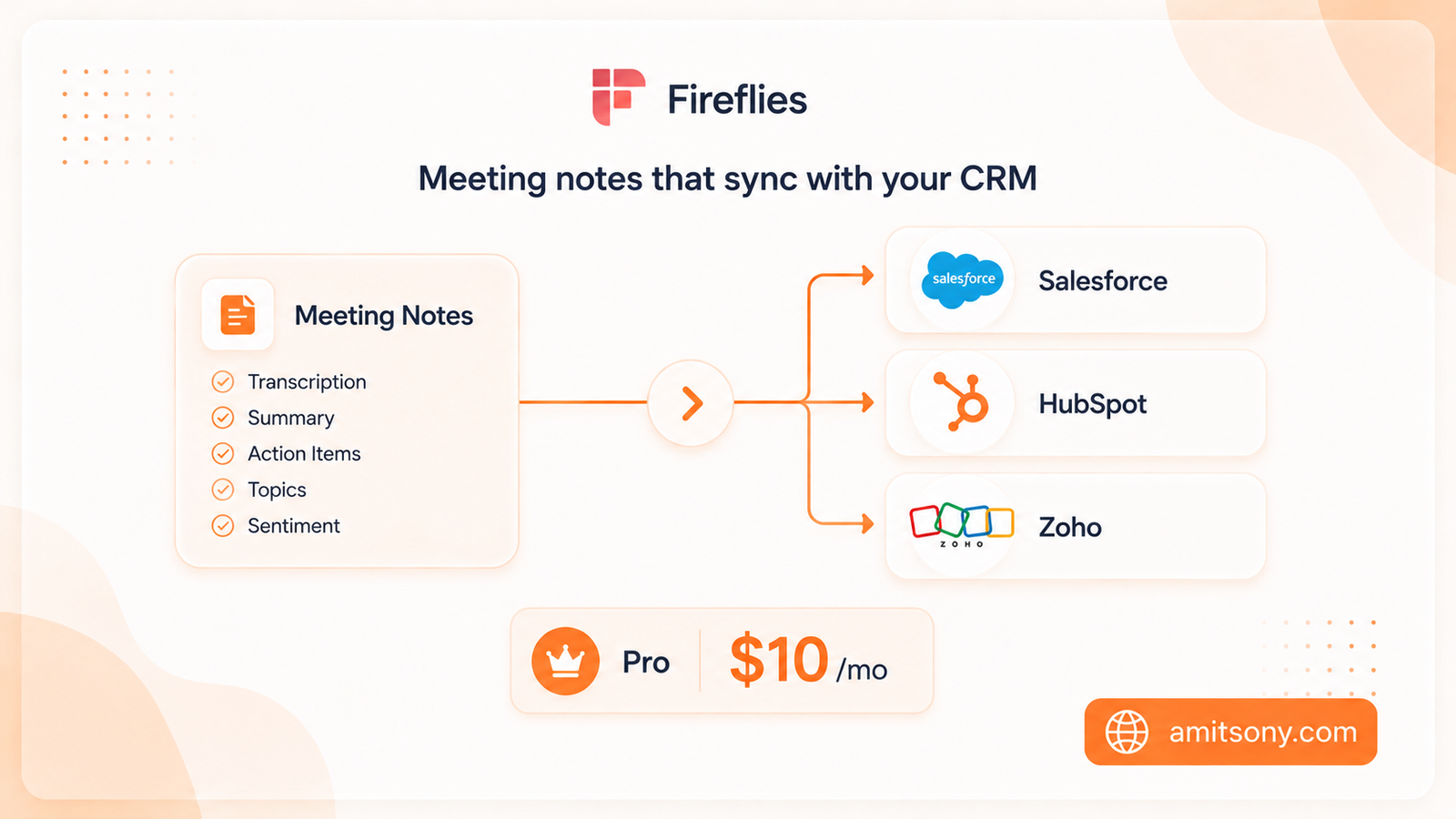
Fireflies is built around the work that happens after the meeting ends, syncing notes automatically into Salesforce, HubSpot, Zoho, and over a hundred other integrations, plus Voice Agents that can run calls on your own behalf.
Pricing undercuts every competitor on this list at the paid tier: Pro runs $10/user/month billed annually, Business runs $19/user/month annually. The free plan exists but is meter-limited, storage caps exhaust quickly for teams doing daily client calls, more of a trial than a sustainable free option.
The clear pick if your meetings feed directly into a CRM pipeline and you need that handoff automated. Overkill if you just want a personal record of your own calls.
How Do You Actually Pick the Right One?
Best bot-free capture: Granola
Best if you already live in Notion: Notion Business
Best searchable archive: Otter
Best free plan overall: Fathom
Best for sales and CRM sync: Fireflies
Run whichever tool fits your workflow on a week of real meetings before committing to an annual plan. Every one of these five changed its pricing or limits at least once already this year.
Frequently Asked Questions
What's the best free AI note-taking app in 2026?
Fathom has the most generous free tier, unlimited recordings, transcription, and storage on Zoom, Google Meet, and Microsoft Teams, with no credit card required.
Is Granola better than Otter?
Granola offers bot-free capture and slightly higher independent accuracy scores, around 90 to 92% versus Otter's 85 to 88%, but it only enhances notes you actively type, while Otter works even if you don't touch the keyboard.
Do I need Notion's Business plan to get AI meeting notes?
Yes. Notion retired its standalone AI add-on in 2025, and AI Meeting Notes now require the Business plan at $20/user/month billed annually.
Which AI note-taker is cheapest for a small sales team?
Fireflies, at $10/user/month billed annually for Pro, undercuts every other tool on this list at the paid tier and includes CRM integrations most competitors charge more for.
What's the difference between bot-based and bot-free note-taking apps?
Bot-based tools like Otter, Fathom, and Fireflies join your call as a visible participant. Granola captures system audio locally instead, so no bot appears on the call at all.