Perplexity Comet is the only one of the three that's free and works on Windows, Mac, iOS, and Android. ChatGPT Atlas has the strongest autonomous agent but is Mac-only and needs a $20 monthly ChatGPT Plus subscription for agent mode. Dia is the most polished for reading and tab management, also Mac-only, with Dia Pro at $20 a month.
Ask any of these three browsers to summarize the page you're on and they'll all do it competently. Ask one to actually book something, fill out a form, or complete a multi-step task on your behalf, and the differences between them stop being cosmetic.
That's really the split worth understanding before you pick one. This isn't Chrome with a chat sidebar bolted on, each of these three rebuilt the browser around AI from a different starting assumption, and that choice shows up in what platform you can even run them on.
What Actually Makes a Browser "AI-Powered" Now?
There are two real categories here, and mixing them up leads to disappointed expectations. Smart assistant browsers add chat, summarization, and quick answers on top of normal browsing, think Brave Leo or Copilot in Edge. Agentic browsers go further, they browse, click, and complete tasks on your behalf with minimal supervision.
Comet, Atlas, and Dia all fall into that second, more ambitious category. All three are built on Chromium underneath, which matters practically, your existing extensions and muscle memory mostly carry over regardless of which one you pick.
The honest framing for 2026: none of these fully deliver on the "browser that works the web for you" promise yet. Agentic features are the most exciting part of the pitch and also the least reliable part in daily use across all three.
Which AI Browser Works on the Most Platforms?
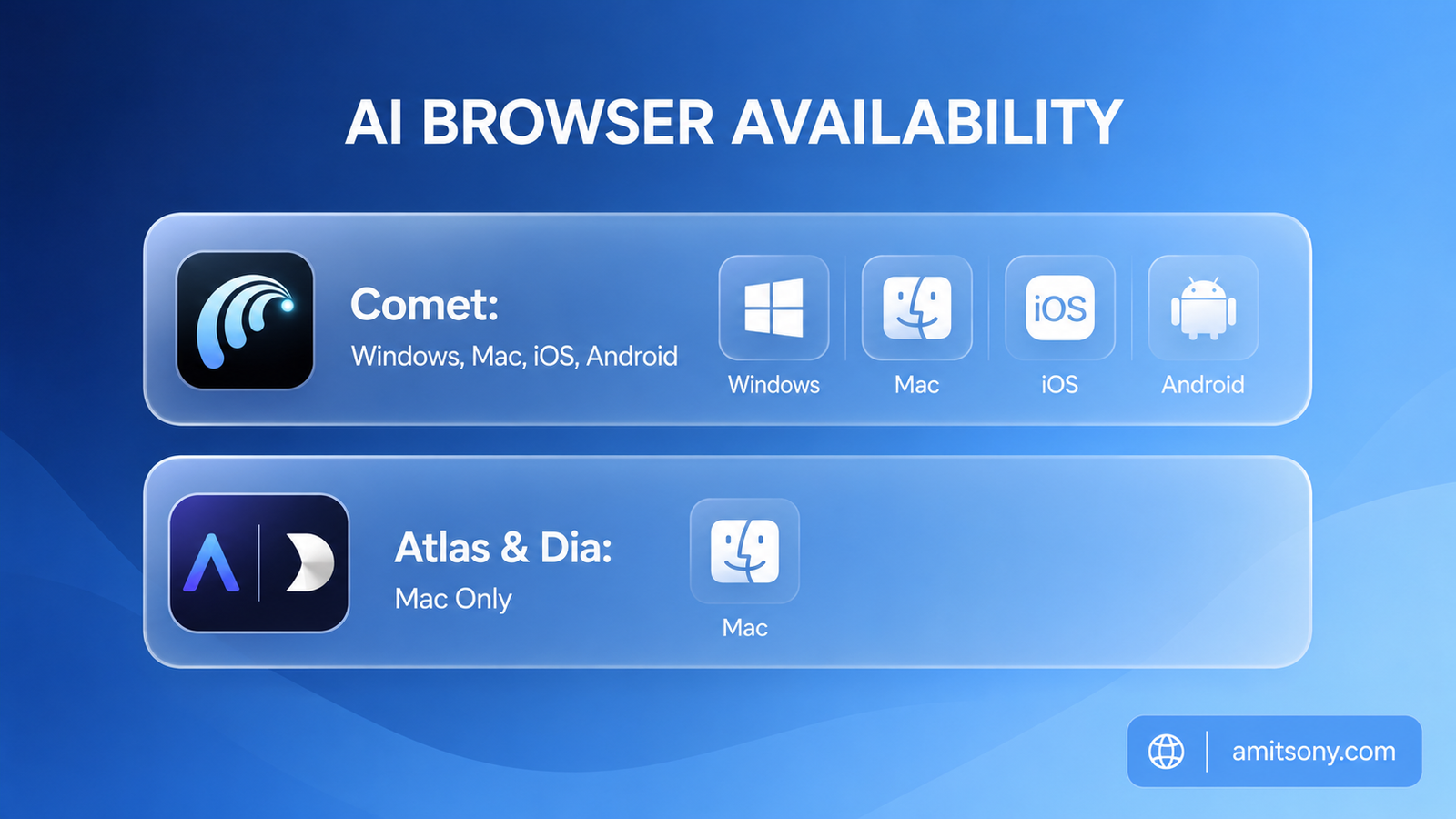
This decides the choice for a lot of people before any feature comparison even matters. Perplexity Cometcomet is the only one of the three currently available on Windows, Mac, iOS, and Android, and it launched free worldwide with no waitlist or subscription requirement.
ChatGPT Atlasatlas and Dia are both Mac-only as of mid-2026. Atlas has Windows, iOS, and Android versions publicly planned as "coming soon" with no confirmed date. Dia maintains a Windows waitlist with no announced timeline at all, and it specifically requires Apple Silicon, an M1 chip or newer, older Intel Macs aren't supported.
If you're not on a Mac, this question mostly answers itself. Comet is the only real option right now, not because it's necessarily the best of the three on features, but because the other two simply won't run on your machine.
Which AI Browser Has the Strongest Agent for Real Tasks?
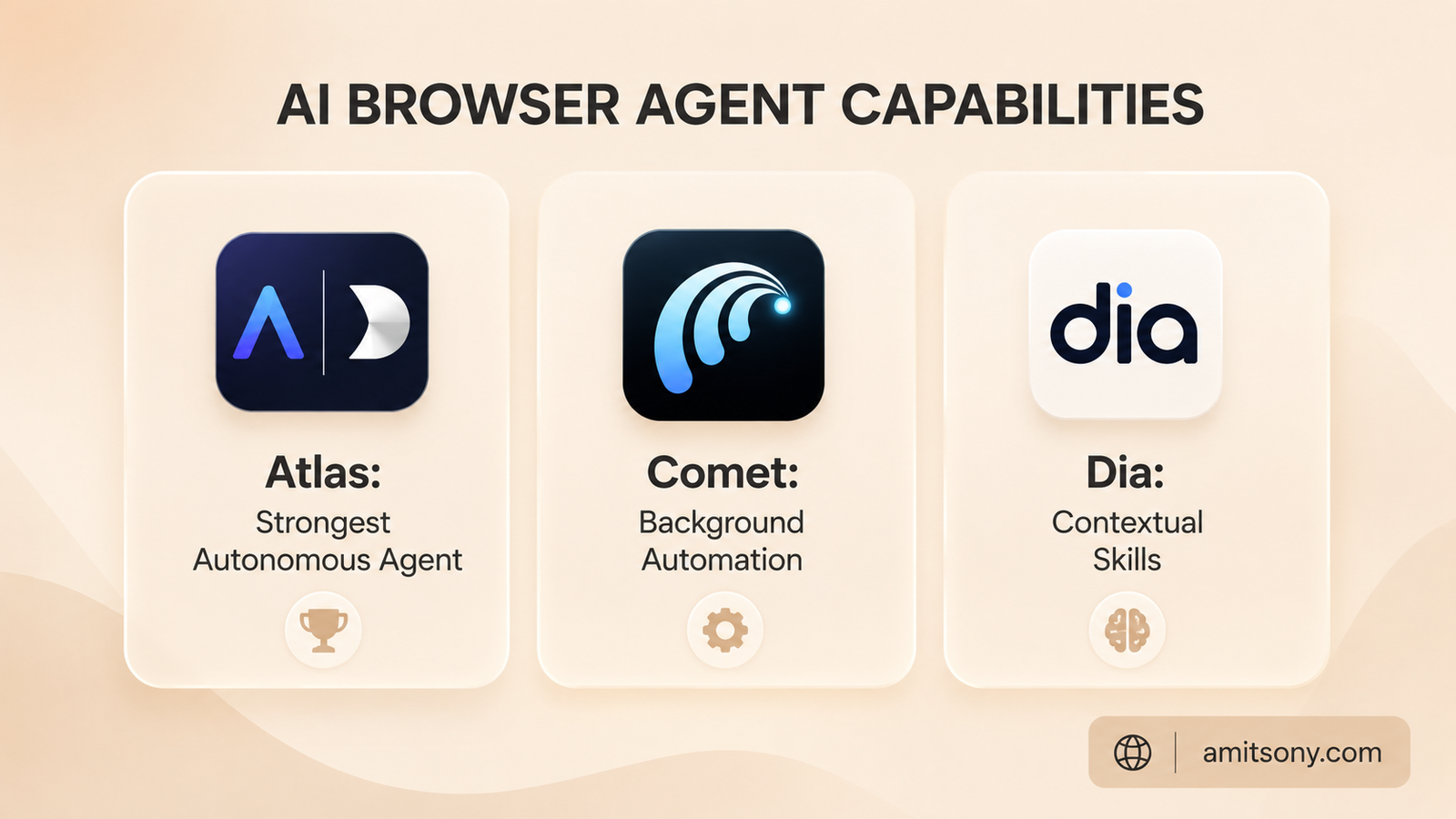
ChatGPT Atlas wins this one clearly. Its Agent Mode can navigate multi-step tasks with real autonomy, opening tabs, filling in complex forms, and completing an action you described in plain language, then handing you the result for confirmation. No Chrome extension currently replicates that level of independent task completion.
Comet's Assistant attempts similar ground, background automation, tab summarization, and multi-step research, and it can act asynchronously through a feature called Background Assistants. Reviewers consistently flag the same weak spot though, high-context tasks like booking travel or filling out complicated forms remain unreliable, and it can still hallucinate details mid-task.
Dia takes a different approach entirely rather than trying to match Atlas head-on. Its Skills feature lets you trigger saved prompt-based commands with a slash command, and an @history reference pulls in your own browsing context for more personalized results. It's less about autonomous action and more about a smarter, more contextual assistant sitting next to you as you work.
Honest verdict: if autonomous task completion is what you actually want, Atlas is currently ahead, and it's not particularly close.
Which AI Browser Is Best for Privacy and Control?
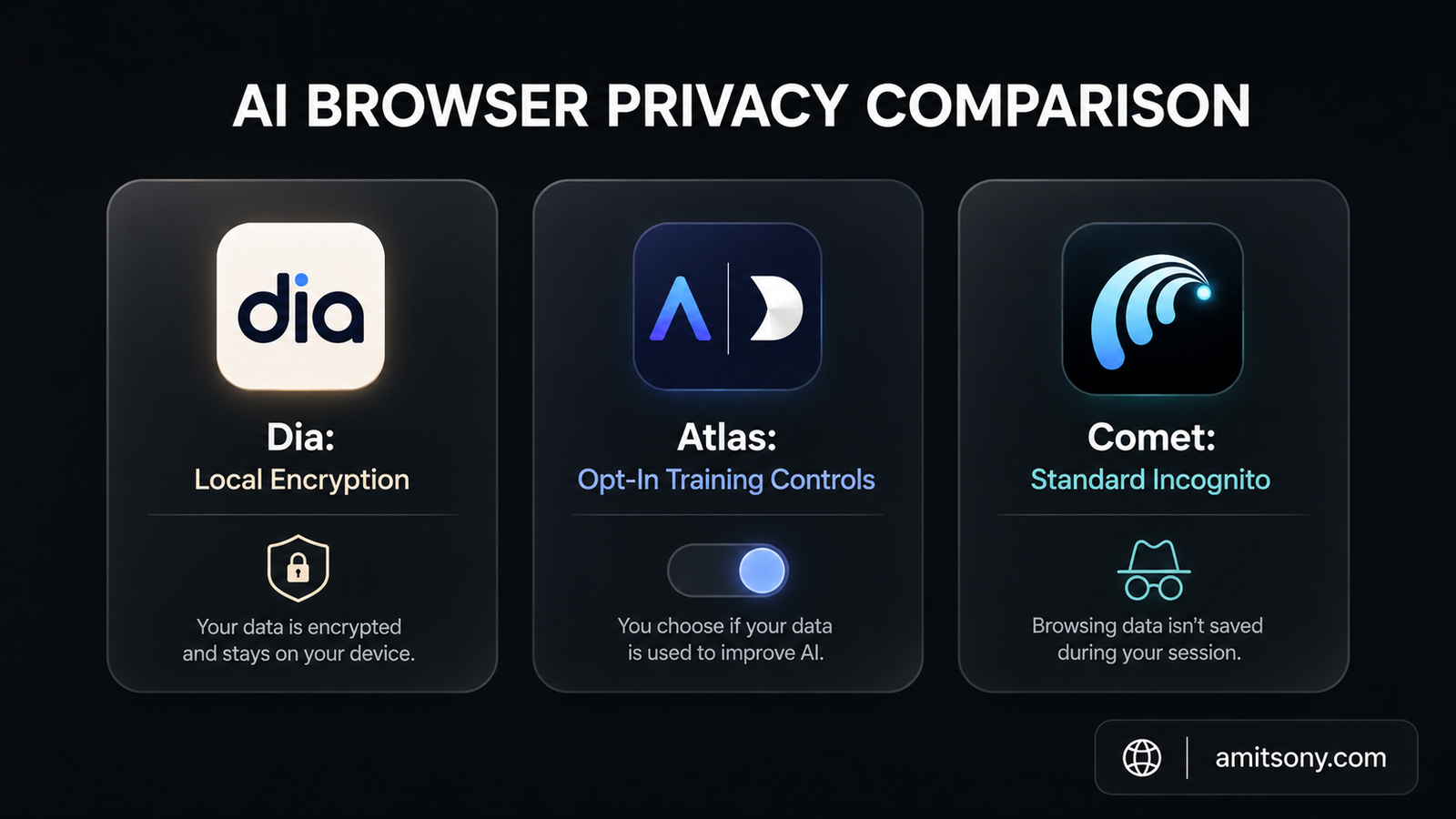
Dia positions itself most explicitly around this. It encrypts data locally and gives granular control over exactly what the AI can access on any given page, a deliberate contrast to how Comet and Atlas handle browsing data by default.
Atlas isn't careless here either. It offers incognito browsing where you're signed out of ChatGPT entirely, per-site permission controls, and an explicit opt-in toggle before any browsing content is used for model training. Browser memories, the feature that lets it recall your past browsing, can be turned off entirely, including through parental controls for younger users.
Comet's privacy story is less centrally marketed but functionally reasonable for a free, mainstream browser, standard incognito mode and account-level data controls through Perplexity's existing settings.
If privacy is your primary decision factor rather than a secondary concern, Dia is the one built around that premise from the ground up, not retrofitted onto an existing product.
How Do the Three Actually Compare on Price?
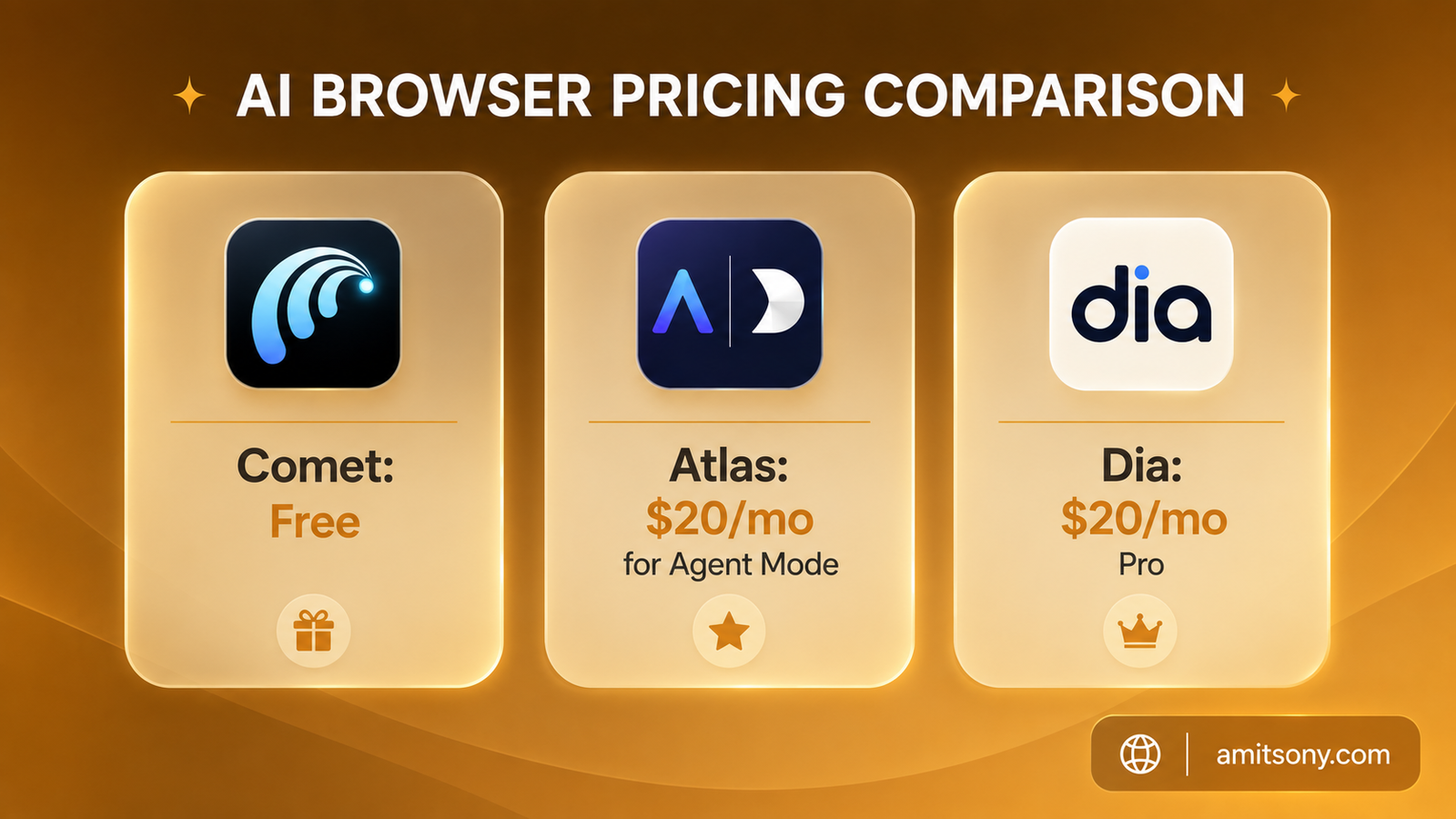
Comet is free, full stop, for the core browser experience, no subscription or invite required. An optional Comet Plus tier runs $5 per month if you specifically want access to premium publisher content through the browser, but it's not required for the AI features themselves.
Atlas is free to download and use for basic browsing and chat, but the feature people actually want it for, Agent Mode and persistent browser memories, requires a $20 per month ChatGPT Plus subscription. Without that subscription, you're mostly using a browser with a chat sidebar, not the autonomous agent it's known for.
Dia follows a similar structure. The free tier has real usage limits on its AI features, and Dia Pro at $20 per month unlocks unlimited AI chat along with full access to Skills.
Budget-wise, Comet is the only genuinely free path to serious AI browsing features right now. Both Atlas and Dia effectively cost the same $20 per month once you want the features that justify switching to them at all.
Do Your Existing Chrome Extensions Still Work?
Mostly, yes. All three browsers are built on Chromium, so the vast majority of Chrome Web Store extensions install and function normally, your password manager, ad blocker, and workflow tools should carry over without much friction.
There's one notable exception worth knowing before you switch. Atlas blocks most extensions specifically on chatgpt.com itself, even though extensions work normally elsewhere in the browser. If part of your workflow depends on a browser extension that modifies or interacts with the ChatGPT website directly, that specific combination won't work in Atlas.
Neither Comet nor Dia has a comparable restriction reported at this scale, extensions behave as expected across both.
Which One Should You Actually Install?
If you're not on a Mac, install Comet. It's the only one of the three that runs on your system at all, and the fact that it's also free and cross-platform makes this close to a default recommendation for most people regardless of platform.
If you're on a Mac and want the most capable autonomous agent, and you're already paying for ChatGPT Plus anyway, Atlas is the strongest pick specifically for getting real multi-step tasks done without babysitting each click.
If you're on a Mac, came from Arc, and care more about a smarter, more contextual daily browsing experience than about autonomous task completion, Dia is the most polished and reliable of the three in day-to-day use, according to most hands-on reviewers currently using it.
Don't treat this as a permanent decision either way. All three are shipping new features monthly, and the gaps between them, especially around reliability, are likely to look different again within a few months.
Frequently Asked Questions
Is Perplexity Comet actually free?
Yes, the core browser is free worldwide with no waitlist. An optional $5 monthly Comet Plus tier adds access to premium publisher content specifically.
Can I use ChatGPT Atlas on Windows?
Not yet as of mid-2026. Atlas is currently macOS-only, with Windows, iOS, and Android versions publicly planned but without a confirmed release date.
What's the difference between Dia and Comet?
Dia focuses on contextual, privacy-conscious browsing with Skills and tab organization, while Comet emphasizes broader automation and research, including asynchronous background tasks.
Do I need to pay to use ChatGPT Atlas?
The base browser and chat sidebar are free, but Agent Mode and persistent browser memories require a $20 monthly ChatGPT Plus subscription.
Which AI browser is best for privacy?
Dia markets itself most directly around privacy, with local data encryption and granular control over what the AI can access on any page.