Nano Banana 2 Google ka naya image generation model hai jo Gemini app ke andar chalta hai. Ye photos ko fast banata hai, text ko sahi se render karta hai, aur roughly 20 images per day free me deta hai. Zyada limit chahiye to Google AI Pro subscription $20 per month ka lena padta hai.
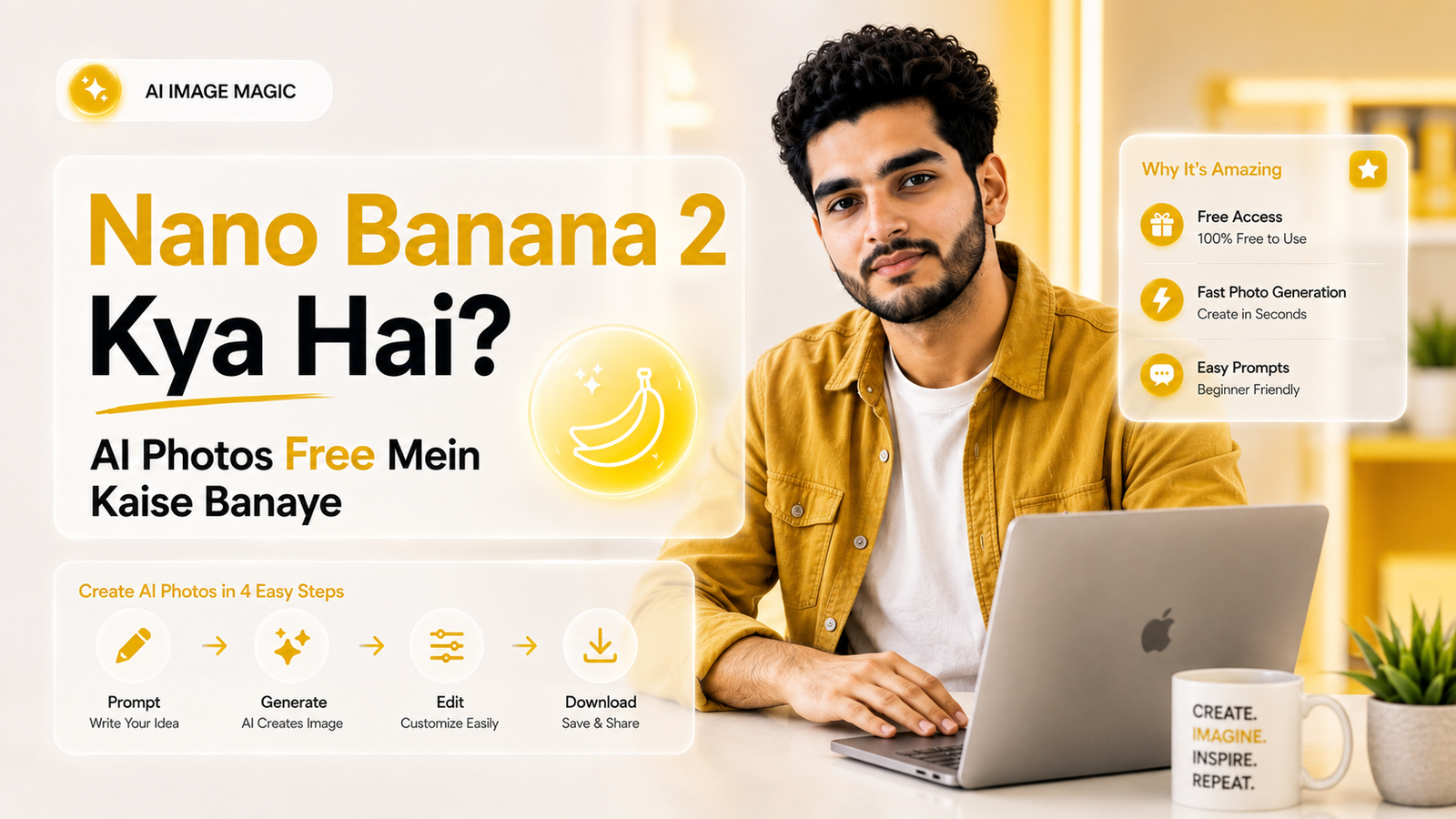
Pichle saal August me ek Google model viral ho gaya tha jo logo ke photos me saree, hairstyle aur backgrounds instantly badal deta tha. Wahi tha original Nano Banana, aur India me isne genuinely record tod diya.
Ab uska naya version aa gaya hai. Nano Banana 2 fast bhi hai aur pehle wale Pro version jitna smart bhi. Is guide me dekhenge ki ye actually kya hai, purane version se kya alag hai, aur bina ek rupaya kharch kiye isse kaise use kare.
Nano Banana 2 Kya Hai?
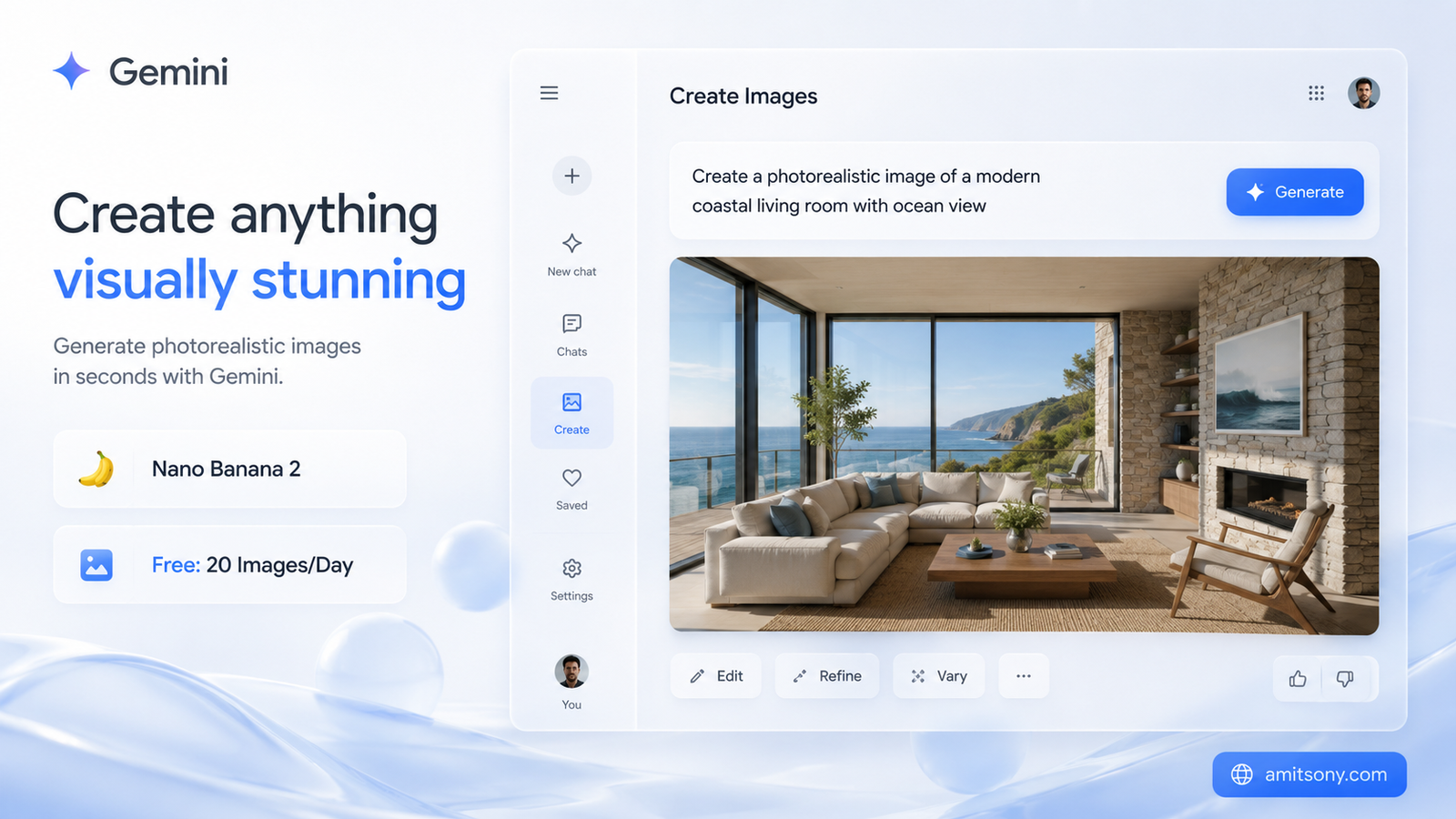
Gemini ke andar chalne wala image generation model hai, technically iska naam Gemini 3.1 Flash Image hai. Google ne ise 26 February 2026 ko launch kiya, aur ab ye Gemini app, Google Search ke AI Mode, aur Google ke video tool Flow me default ban chuka hai.
Iska core idea simple hai. Pehle Nano Banana Pro sabse smart tha lekin slow, aur regular Nano Banana fast tha lekin utna detailed nahi. Nano Banana 2 dono ka best combine karta hai, matlab Pro jaisi world knowledge aur text accuracy, lekin Flash jaisi speed.
Real-world knowledge iska sabse interesting feature hai. Ye web search se real-time information aur images pull karta hai, isliye specific landmarks, current weather, ya real objects ko accurately render kar deta hai, na ki sirf guess karke.
Text rendering bhi kaafi improve hua hai. Poster, greeting card, ya marketing mockup me likha text ab clearly readable aata hai, aur ye text ko translate karke doosri language me bhi generate kar sakta hai.
Nano Banana 2 Aur Nano Banana Pro Me Kya Farak Hai?
November 2025 me Nano Banana Pro aaya tha, jo Gemini 3 Pro par based hai aur studio-quality control deta hai. Ye complex, highly detailed tasks ke liye best hai jaha maximum accuracy chahiye.
Nano Banana 2 usse roughly 50% cheaper hai per image, aur kaafi faster bhi hai. Rapid edits aur quick iteration ke liye ye better choice hai, jabki Pro ab specialized, high-fidelity tasks ke liye reserved hai jisme text-heavy diagrams ya brand-critical work shamil hai.
Practically iska matlab ye hai ki daily use ke liye, jaise social media posts ya quick concepts, Nano Banana 2 hi kaafi hai. Google AI Pro ya Ultra subscribers three-dot menu se "Redo with Pro" select karke specific images ko Pro se dobara bhi bana sakte hai jab zyada precision chahiye ho.
Free Me Nano Banana 2 Se Photo Kaise Banaye?
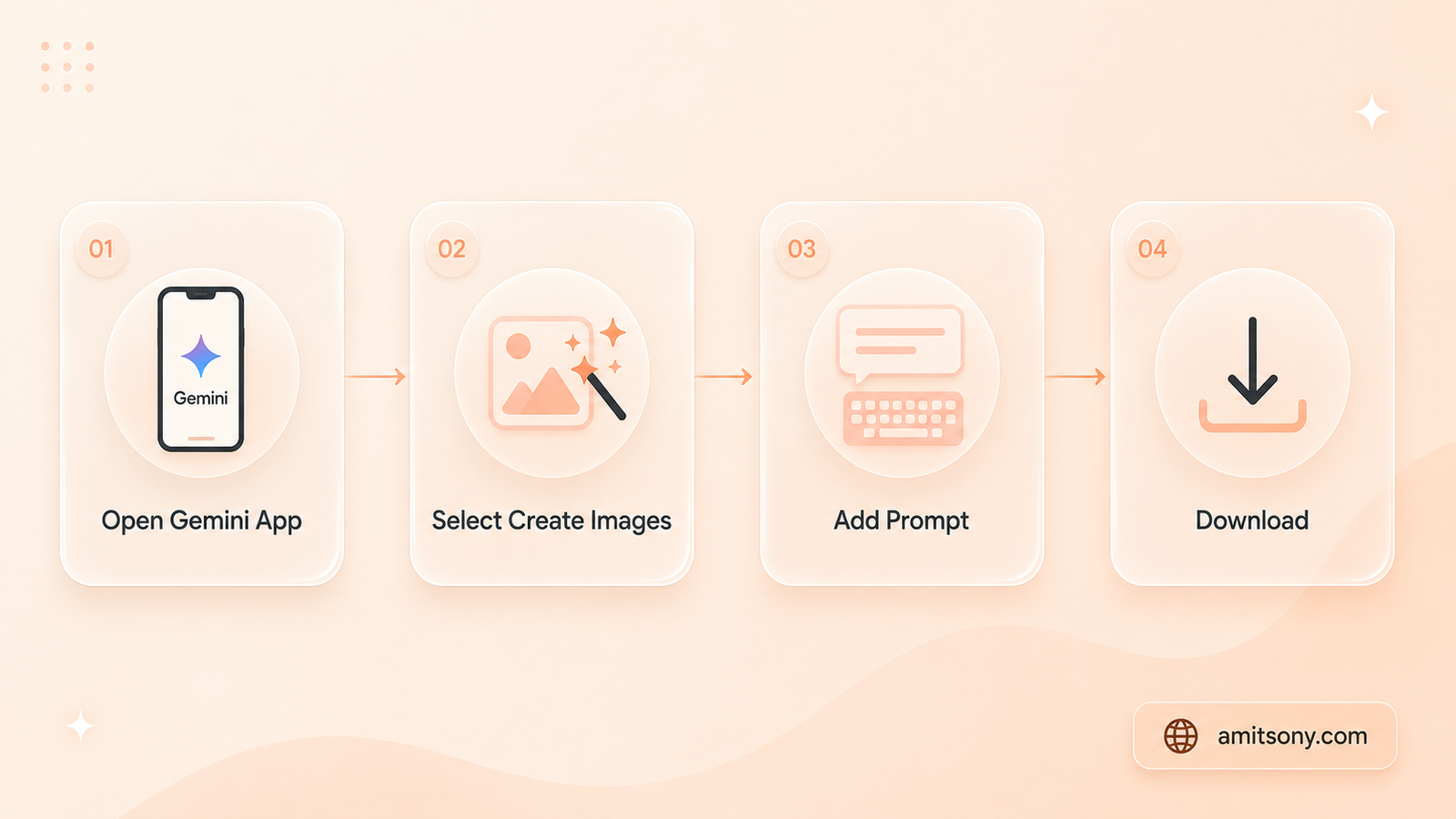
Process genuinely simple hai. Gemini app kholo, tools menu se "Create images" select karo, aur apna prompt likh do ya edit karne ke liye ek photo upload kar do.
Model menu me "Fast", "Thinking", ya "Pro" ka option milta hai. Regular use ke liye Fast sabse quick hai, jabki Thinking complex prompts ko better samajhta hai, thoda zyada time lene ke badle me.
Bas itna hi karna hai. Koi sign-up fee nahi, koi credit card details nahi. Jaha bhi Gemini app available hai, wahi Nano Banana 2 bhi automatically available hai.
Free Plan Ki Limit Kya Hai?
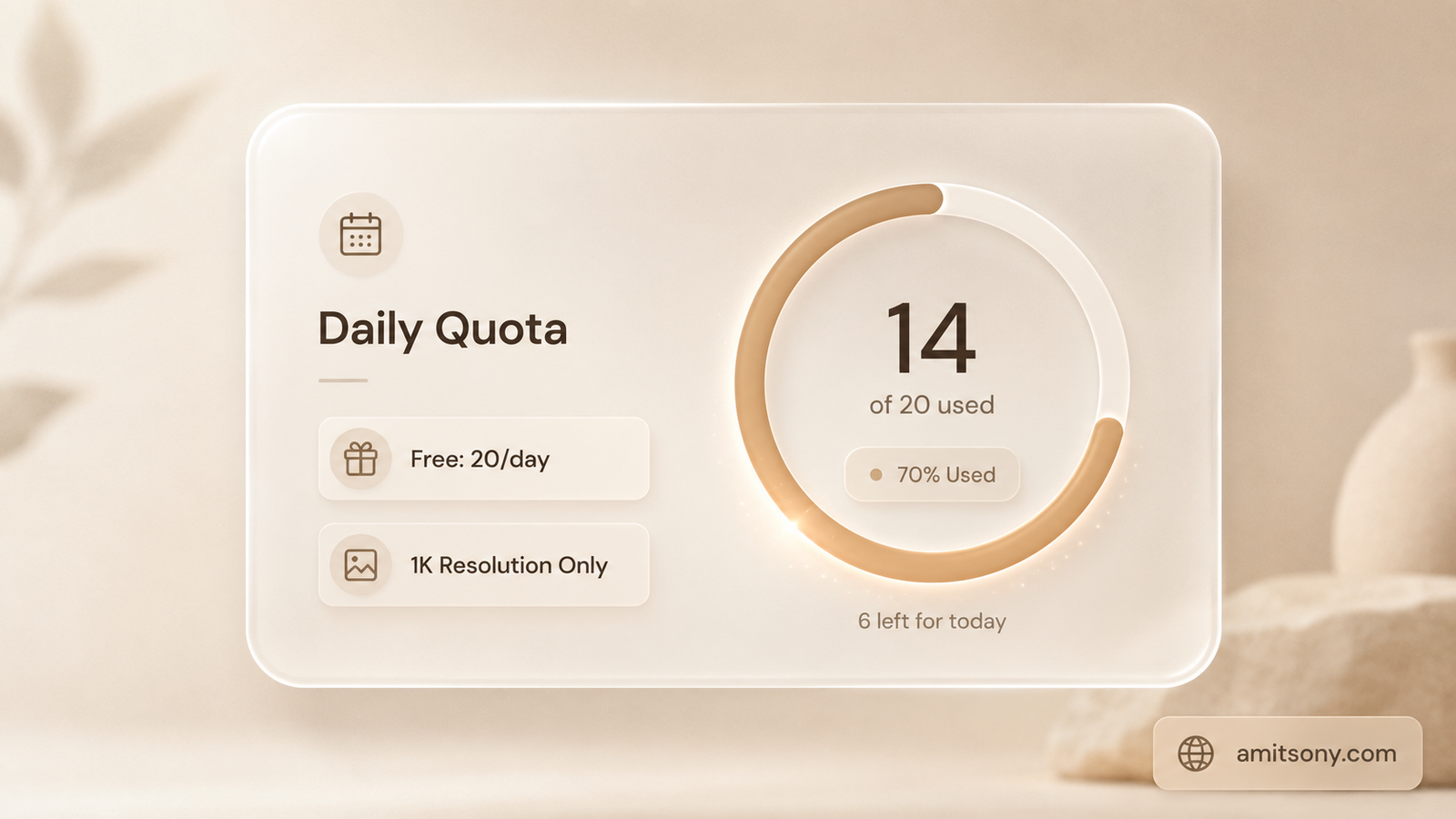
Free users ko roughly 20 images per day milti hai, resolution 1K tak capped rehta hai. Ye limit peak hours me kam bhi ho sakti hai, kabhi kabhi system automatically purane model par downgrade kar deta hai.
Honestly, ye limit 2025 ke comparison me kam hai, jab free tier roughly 100 images per day tak allow karta tha. Google ne demand badhne ke saath quota tighten kar diya hai.
Casual use ke liye - social posts, quick concepts, prompts test karna - ye 20 images kaafi hai. Lekin agar regular content banana hai, ya client work ke liye consistent output chahiye, ye limit jaldi frustrating lagega.
Better Quality Ke Liye Kaunsa Paid Plan Le?
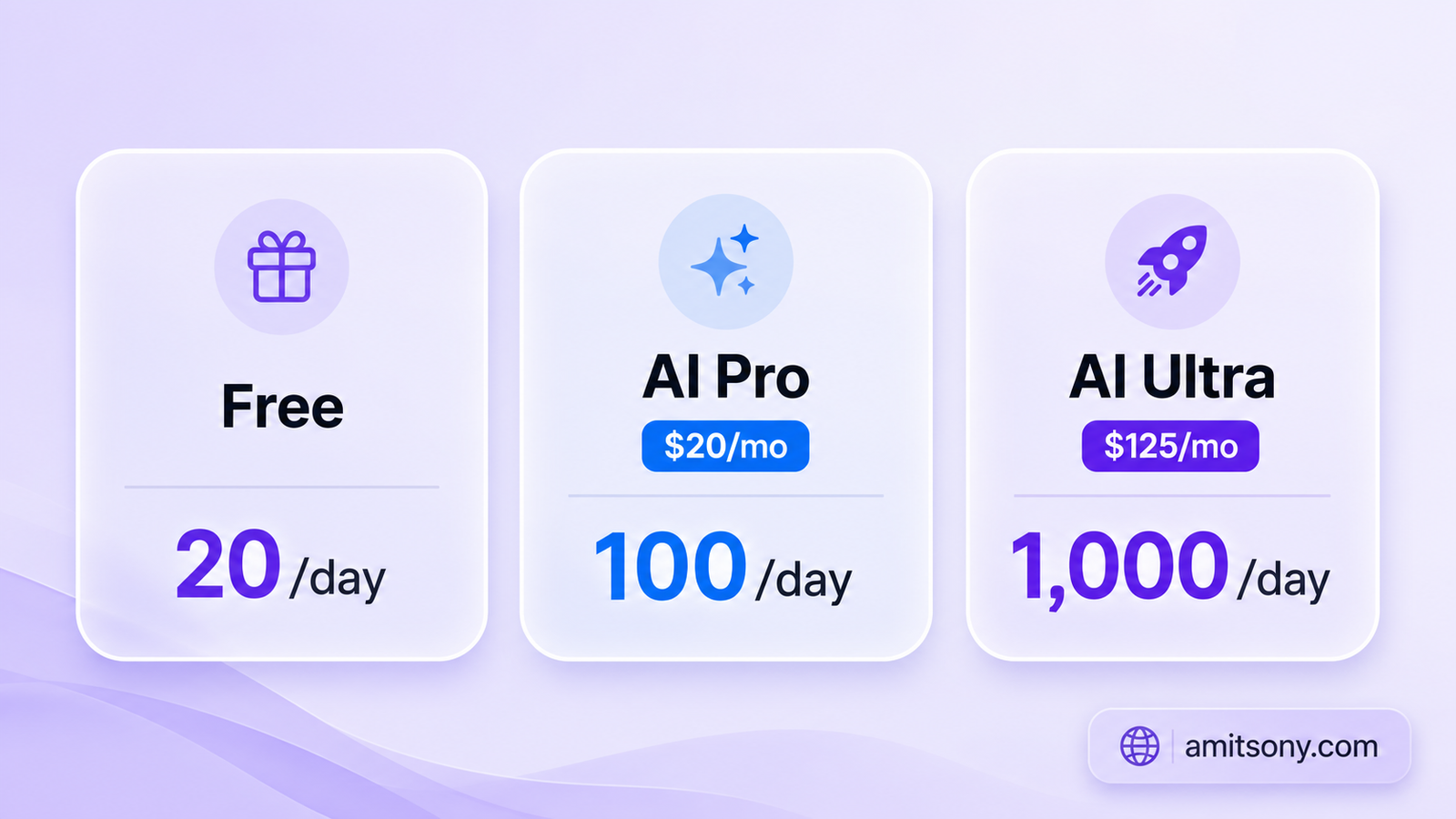
Google AI Pro roughly $20 per month ka hai aur daily quota ko 100 images tak badha deta hai, saath me 2K resolution downloads bhi unlock hote hai.
Agar tum genuinely heavy user ho, Google AI Ultra $125 per month ka hai, jisme 1,000 images per day milti hai, full 4K output, aur Thinking Mode bhi unlock hota hai jo complex architectural ya technical designs ke liye zyada accurate prompt-following deta hai.
Verdict: zyadatar casual users ke liye free tier hi test karne ke liye kaafi hai. Regular creators ke liye Pro plan sweet spot hai, kyunki 100 daily images aur 2K resolution zyadatar kaam ke liye enough hote hai bina Ultra ke high price ke.
Nano Banana 2 Se Achhi Photo Banane Ka Prompt Kaise Likhe?
Simple formula follow karo. "Ek image banao" ke baad subject, action, aur scene clearly likho, jaise "ek billi dhoop me windowsill par so rahi hai" type ka specific description.
Generic prompts generic results dete hai. "Ek ladki red dress me" likhne ke bajaye, age, pose, lighting, aur background jaise specifics add karo. Jitna detail doge, utna control milega final image par.
Editing ke liye bhi yahi rule chalta hai. Existing photo upload karo aur exactly bolo kya change karna hai - hairstyle, background, ya specific object - generic "isse better banao" jaisi instruction se model confuse ho jata hai.
Developers Ke Liye API Pricing Kya Hai?
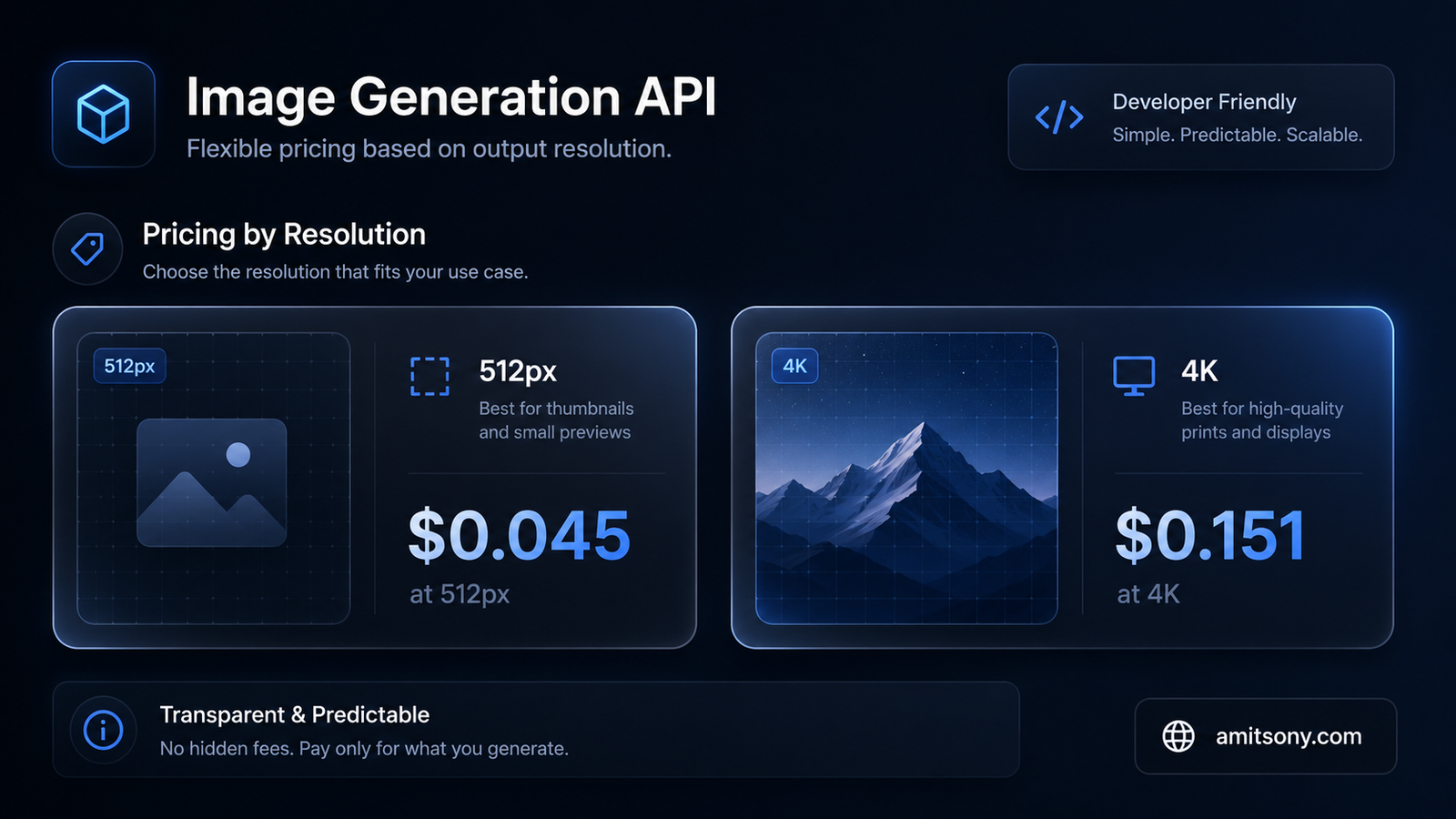
Google AI Studio ke through Nano Banana 2 API bhi available hai, lekin ye free nahi hai. Standard API pricing resolution ke hisaab se badalti hai, roughly $0.045 per image 512px par se lekar $0.151 per image full 4K par.
1K resolution, jo sabse common use case hai, roughly $0.067 per image padta hai. Batch API use karo to ye price straight 50% kam ho jata hai, matlab agar tum real-time result ki jagah asynchronous processing accept kar sakte ho, cost aadha ho jata hai.
Ek fast, sasta variant bhi hai jise Nano Banana 2 Lite bolte hai, high-volume, automated workflows ke liye specifically banaya gaya hai jaha speed aur cost sabse zyada matter karte hai.
Kya Nano Banana 2 Se Banayi Photo AI-Generated Dikhti Hai?
Har image me Google SynthID watermark automatically add karta hai, jo invisible hota hai lekin verify kiya ja sakta hai. Ye C2PA Content Credentials ke saath bhi interoperable hai, jo Adobe, Microsoft, aur OpenAI jaisi companies bhi use karti hai transparency ke liye.
Visual quality ki baat kare to, photorealistic images genuinely convincing lagti hai, especially jab specific real-world details ho jaise landmarks ya weather conditions. Lekin close inspection me, especially hands ya complex backgrounds me, kabhi kabhi small inconsistencies dikh jate hai.
Honest baat, agar content commercial use ke liye ya client ke liye ban raha hai, disclosure zaroori hai ki AI-generated hai. Watermark chhupane ki koshish mat karo, ye baad me trust issue bana sakta hai.
Frequently Asked Questions
Nano Banana 2 completely free hai?
Nahi, free hai lekin unlimited nahi. Roughly 20 images per day 1K resolution par milti hai, isse zyada ke liye paid plan chahiye.
Nano Banana 2 aur Nano Banana Pro me kaunsa better hai?
Speed ke liye Nano Banana 2 better hai, lekin complex, high-precision tasks ke liye Pro abhi bhi zyada accurate hai.
Kya Nano Banana 2 se commercial use ke liye photo bana sakte hai?
Haan, lekin AI-generated hone ka disclosure karna important hai, kyunki SynthID watermark har image me hota hai.
Free plan ki limit kab reset hoti hai?
Daily limits midnight Pacific Time par reset hote hai.
Developers ke liye kya API access separate hai?
Haan, API access consumer app se completely alag hai aur usme koi free image-generation tier nahi hai, sirf paid pricing hai.