
AI for Government Employees: Top 10 Tools Changing Work (2026)
By: Amit Sony
Author & Researcher
Release : min read
Table of Content:
- ChatGPT — Official letter drafting, policy summaries, translation (free)
- Claude — Long complex documents, noting sheets, RTI replies
- iGOT Karmayogi — Official AI training + certificates, 1.49 crore users (free)
- Microsoft Copilot — AI inside Word, Excel, Outlook (used in UP govt training)
- Google NotebookLM — Ask questions from your own circulars & rules (free)
- Google Translate / Bhashini — Hindi-English + regional language translation (free)
- Grammarly — English grammar in official correspondence
- eOffice (NIC) — Digital file & document management (free, govt provided)
- DigiLocker + UMANG — Citizen document verification (776 crore verifications, free)
- Perplexity AI — Quick research on schemes, rules, policies (cited sources)
A UP government Review Officer used AI to summarise a 25-page policy document in minutes and draft 7–8 official letters daily — cutting drafting time from 1 hour to 40–45 minutes per letter. The iGOT Karmayogi platform has now onboarded 1.49 crore government employees across India on AI and digital skills. And the government’s own National Learning Week has introduced AI tools — including Microsoft Copilot and ChatGPT — to clerks, officers, and frontline workers across departments.
If you’re a government employee or clerk in India — whether in a central ministry, state secretariat, district collectorate, tehsil office, or PSU — your daily work involves a consistent set of tasks: drafting noting sheets and official letters, summarising lengthy policy circulars, translating documents between Hindi and English, processing applications, maintaining records, attending meetings, and responding to RTI applications.
Much of this work is time-consuming, repetitive, and mechanical — exactly the kind of work that AI handles best. The same tools being used by IAS officers to draft policy briefs can be used by clerks to speed up daily noting, by patwaris to understand land record circulars, and by district office staff to handle citizen correspondence faster.
The Government of India is actively pushing AI adoption — Mission Karmayogi, iGOT platform, and the recent AI Impact Summit 2026 have all placed AI at the centre of civil service capacity building. You don’t need to wait for a training programme to start. The tools are available now, many are free, and the learning curve is smaller than you think.
1. ChatGPT — Draft Letters, Summaries & Translations in Minutes
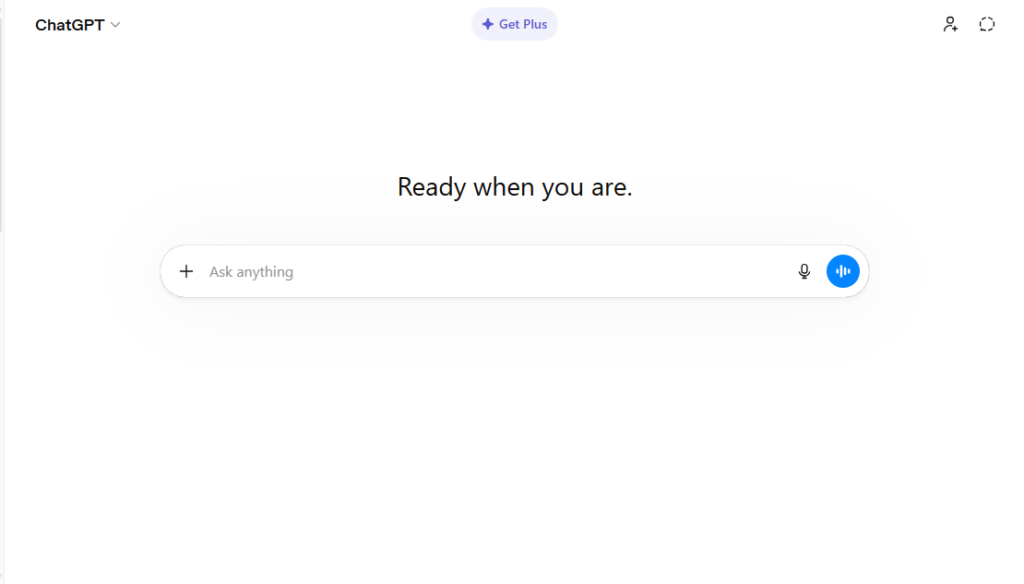
ChatGPT is the most immediately useful AI tool for daily government office work. Raghavendra Pratap Singh, a Review Officer in UP, used it to summarise dense policy documents and draft official letters — cutting his drafting time by 25%. He also used it to translate court orders from English to Hindi so he could understand and communicate them to junior officers. The free version handles all of this.
What it does for government employees:
- Draft official letters, office memos, and noting sheets from a brief description
- Summarise lengthy policy circulars, government orders, and department notices into bullet points
- Translate documents between Hindi and English — and regional languages
- Rewrite complex bureaucratic language into simple language for citizen communication
- Draft RTI (Right to Information) replies with appropriate legal framing
- Prepare agenda items for departmental meetings
- Write draft reports from raw data and field notes
- Generate FAQ responses for common citizen queries
- Create speech drafts for public functions and inaugurations
- Suggest structured formats for government presentations
Pricing: Free version sufficient for most needs. Plus plan at ~₹1,700/month for faster access.
Best for: Every government employee — from clerks to officers. The single most impactful use is official letter drafting. Give ChatGPT the subject, the recipient, the key points to cover, and the required tone — it produces a first draft in seconds. You review, edit with your professional judgment, and file. A 1-hour drafting task becomes a 20-minute review task. Start here before trying any other AI tool.
2. Claude — Superior Drafting for Long, Complex Government Documents
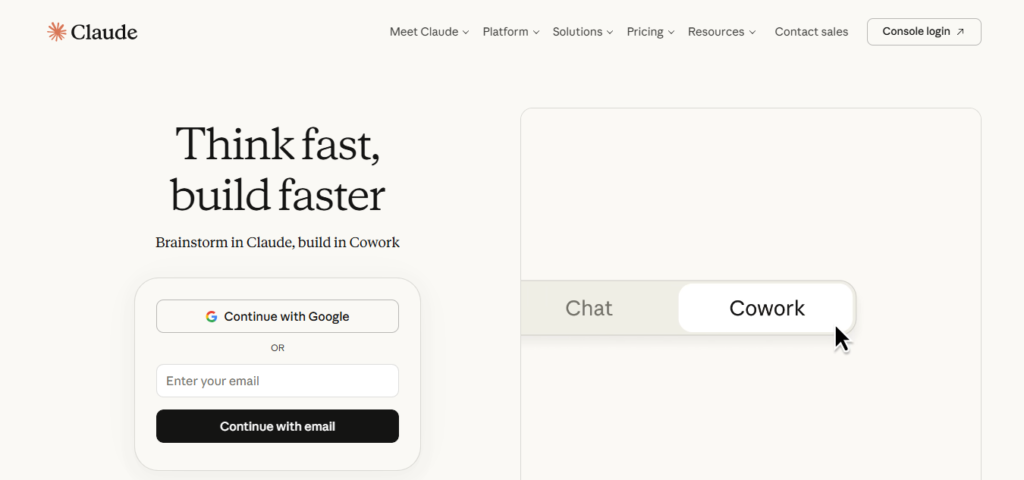
Claude is particularly well-suited for government employees who work with long documents — policy briefs, parliamentary questions, annual reports, budget notes, and court-related noting. Its 200,000-token context window means it can read and analyse an entire 50-page policy document in one session. Columbia Journalism Review testing found Claude performs better than ChatGPT for factual accuracy in document analysis — important when government noting must be precise.
What it does for government employees:
- Analyse and summarise lengthy government reports, policy documents, and circulars
- Draft formal noting sheets with accurate policy references
- Write parliamentary question replies and draft answers
- Prepare budget notes and project proposals from raw data
- Draft office orders, notifications, and gazette-worthy text
- Review and improve official documents for clarity and completeness
- Cross-reference multiple documents and identify contradictions
- Write legal-format RTI replies citing correct provisions
- Translate complex English legal/policy text into simple Hindi
- Draft department annual reports from quarterly inputs
Pricing: Free tier available. Pro at ~$20/month (~₹1,700/month).
Best for: Section Officers, Under Secretaries, and officers who handle complex, multi-page documentation. If you regularly prepare noting sheets that reference multiple circulars and need to maintain factual accuracy throughout, Claude’s long-document capability is more reliable than ChatGPT for this specific use case. Also excellent for drafting the initial version of RTI replies when the case involves multiple sections of the RTI Act.
3. iGOT Karmayogi — Official AI & Digital Skills Training (Free for All Govt Employees)
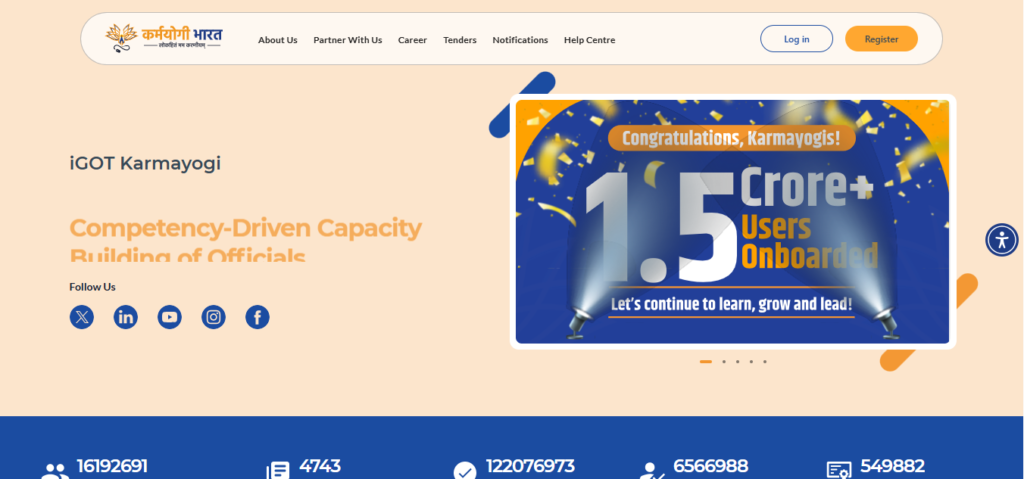
iGOT Karmayogi is the Government of India’s official digital learning platform — and every government employee should be registered on it. With 1.49 crore registered users, 4,300+ courses in 23 Indian languages, and 105 dedicated AI courses, it is the most comprehensive free training platform for civil servants. The AI Classroom launched in 2026 delivers interactive, conversational AI learning with AI Sarthi guiding personalised learning paths.
What it offers government employees:
- 105 AI and Emerging Technologies courses — from basics to governance applications
- Courses on Microsoft Copilot, generative AI, and digital productivity for government work
- Courses available in 23 Indian languages including Hindi and major regional languages
- AI Sarthi — intelligent assistant guiding personalised learning paths on the platform
- Karma Points and digital certificates for completed courses (useful for APARs)
- Functional hubs: Learn, Discuss, Network, Career, Competencies, Events
- Mobile-friendly — learn anytime, on Android or iOS
- Personalised recommendations based on your role and department
- Courses aligned with governance challenges, not generic content
- Free for all central and state government employees
Pricing: 100% free for all government employees.
Best for: Every government employee who wants to build their AI skills officially and earn recognised certificates. Complete the AI for Government Productivity course first — it directly addresses the use of AI in official workflows. The certificates can be referenced in your APAR and departmental performance reviews. Haryana has already directed all state government employees and public institutions to mandatorily complete AI skilling through iGOT.
4. Microsoft Copilot — AI Built Into Word, Excel & Outlook for Office Work
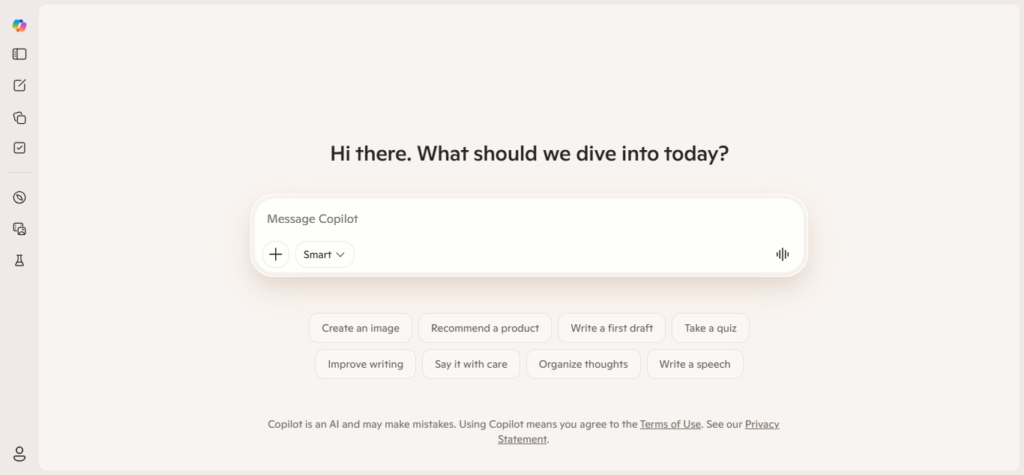
Microsoft Copilot is the AI tool being taught in government AI training programmes across India — including the UP government’s Microsoft-UPDESCO digital skills course and Mission Karmayogi’s National Learning Week. It works inside Microsoft Word (draft and edit documents), Excel (analyse data), Outlook (draft emails), and PowerPoint (create presentations) — tools already used in most government offices.
What it does for government employees:
- Draft official letters and memos directly inside Microsoft Word
- Summarise long documents uploaded to Word with one click
- Generate data summaries and charts from Excel spreadsheets — budget data, attendance, scheme progress
- Draft email replies in Outlook with appropriate formal tone
- Convert meeting notes into structured minutes of meeting format
- Generate PowerPoint presentations from a brief outline (useful for departmental reviews)
- Translate content within Office documents
- Track Changes integration — every AI edit is reviewable before accepting
- Access via browser at copilot.microsoft.com — free, no download needed
- Also available inside Microsoft Teams for meeting summaries
Pricing: Free basic access at copilot.microsoft.com. Microsoft 365 subscription (~₹5,000-10,000/year) unlocks full integration inside Word, Excel, Outlook, PowerPoint.
Best for: Government offices already using Microsoft Office — which is most central and state government departments. If your office uses Word for noting and Excel for tracking scheme data, Copilot adds AI capabilities directly to the tools you’re already in. The training conducted by Microsoft with UPDESCO focused specifically on Copilot for government work — draft a letter, summarise a circular, and generate a meeting summary — all without leaving Office.
5. Google NotebookLM — AI That Reads Your Own Circulars & Rules
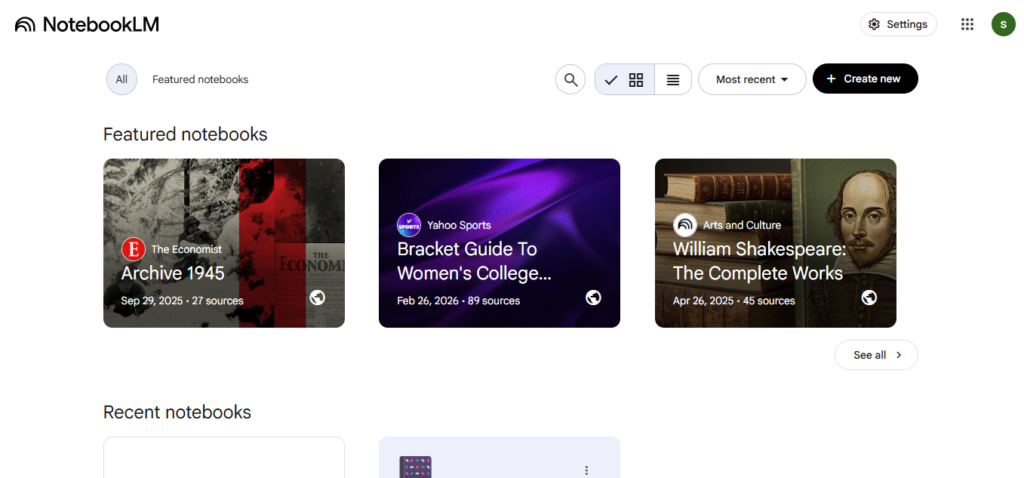
NotebookLM is Google’s AI research tool that works exclusively with documents you upload. This makes it ideal for government employees: upload your department’s service rules, a ministry circular, the RTI Act, or a scheme guideline — and ask questions. Every answer comes directly from the uploaded document, with citations. No risk of AI hallucinating incorrect rules.
What it does for government employees:
- Upload departmental circulars, service rules, scheme guidelines, and government orders
- Ask questions and get answers directly from your uploaded documents
- “Under which provision of the RTI Act can this request be denied?” — answered from the Act itself
- “What are the time limits for processing pension papers?” — answered from your service rules PDF
- Cross-reference multiple government orders to find contradictions or updates
- Generate summaries of lengthy scheme implementation guidelines
- Create FAQ documents from uploaded circulars for public communication
- Identify key points in a lengthy policy document for noting purposes
- Audio overviews — convert lengthy circulars into podcast-style summaries to listen to
- Free with a Google account
Pricing: Free with a Google account.
Best for: Government employees who frequently need to reference rules, acts, circulars, and guidelines during their work. Instead of searching through a 200-page service rule book, upload it to NotebookLM and ask your question directly. Particularly useful for dealing with RTI applications, pension cases, disciplinary proceedings, and service matter queries where the answer must be grounded in specific rules.
6. Google Translate / Bhashini — Instant Hindi-English & Regional Language Translation
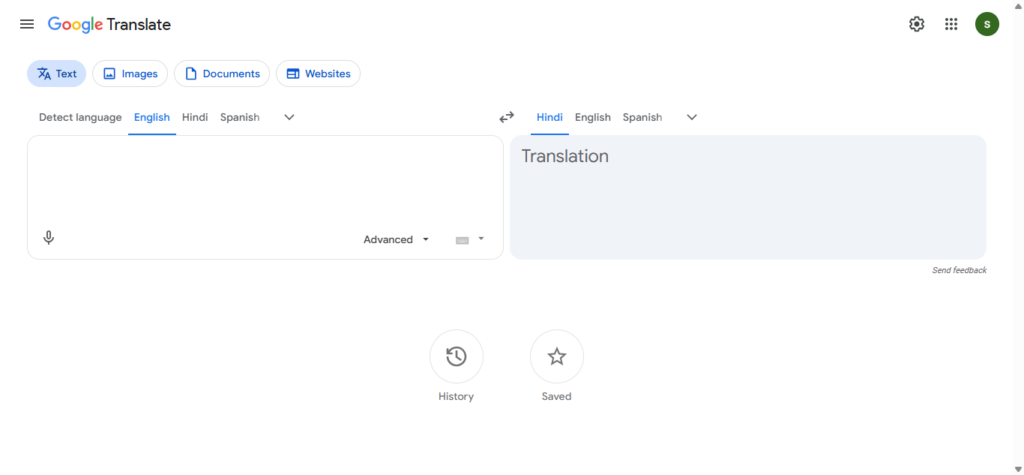
Translation between Hindi and English is a daily task for most government employees — court orders arrive in English, letters need to go in Hindi, central government circulars are bilingual, and regional office communications require local language versions. Google Translate handles most of this instantly. Bhashini, India’s own AI language translation platform from MeitY, is purpose-built for Indian languages including less common regional languages.
What they do:
- Instant translation between Hindi and English — both ways
- Bhashini supports 22 scheduled Indian languages plus many more dialects
- Voice input — speak in Hindi, get English translation (and vice versa)
- Document translation — paste entire paragraphs from circulars or orders
- Bhashini’s Anuvad tool for official document translation
- Bhashini’s Vaani tool for voice-based translation — useful for field officers
- Website translation — read English government websites in Hindi
- Transliteration — type in Hindi phonetically using English keyboard
- API integration for government portals and apps
- Bhashini is free, government-backed, and India-specific
Pricing: Both free. Bhashini is a government of India initiative — no charges.
Best for: Every government employee — translation is probably the single most used AI tool in government offices today. When the UP Review Officer used AI to translate English court orders into Hindi so he could brief subordinate officers, this is exactly what he was using. Bhashini is preferable for official use as it is a Government of India platform — no concerns about data privacy with a foreign service.
7. Grammarly — Catch Errors in English Official Correspondence
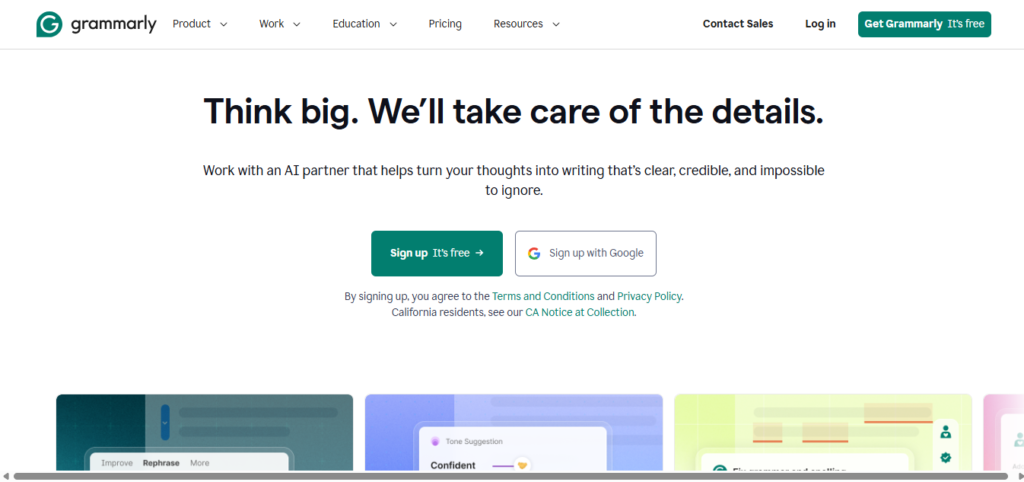
Government offices in India issue communications in English to other departments, ministries, the Supreme Court, international bodies, and foreign embassies. Errors in formal official English communication reflect poorly on the department. Grammarly works as a real-time writing assistant inside every application — catching grammar, spelling, punctuation, and clarity issues as you type.
What it does for government employees:
- Real-time grammar and spelling correction in English
- Formal tone suggestions — ensures official correspondence sounds appropriately professional
- Clarity improvements — flags unnecessarily complex sentences in official letters
- Works inside browsers, Microsoft Word, Outlook, and Google Docs simultaneously
- Catches errors that spell-check misses — wrong word choice, subject-verb disagreement
- Suggests more precise vocabulary for formal communication
- Checks punctuation in complex sentence structures common in government language
- Free version covers most basic needs
Pricing: Free basic version. Premium at ~₹1,000/month.
Best for: Government employees and officers who draft English correspondence — to the Ministry, the High Court, central departments, or international organisations. If your English official letters go through multiple rounds of correction by seniors, Grammarly catches the obvious errors before the file reaches them. The free version handles grammar and spelling; the premium version adds advanced tone and clarity suggestions.
8. eOffice (NIC) — Official Digital File & Document Management
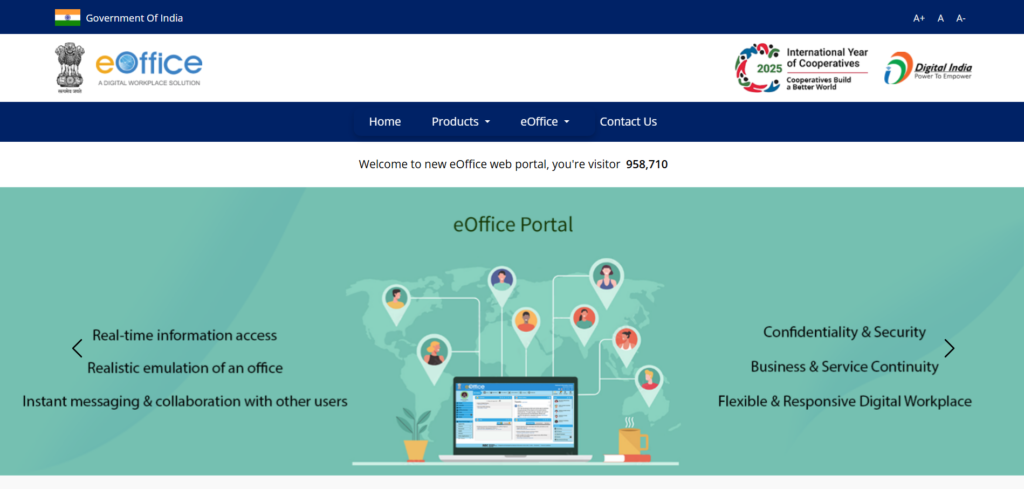
eOffice is NIC’s (National Informatics Centre) official digital workplace solution for government offices — and it is increasingly being integrated with AI features. It digitises the entire file management lifecycle: from the moment a DAK (letter/document) is received, through noting and drafting, to disposal. More importantly, it creates searchable digital records of all official files — eliminating the physical file chaos that plagues government offices.
What it does for government employees:
- Digital file creation, movement, and disposal — replacing physical files
- Electronic noting and drafting within the system
- DAK (document) receipt, tracking, and dispatch management
- Knowledge Management System — central repository of departmental documents
- APAR (Annual Performance Appraisal Report) processing
- Virtual office access — work on files from home or field
- Searchable document archive — find any file in seconds
- eSign integration for electronic signatures on official documents
- Workflow tracking — see where a file is at any moment
- Deployed across central government and many state governments
Pricing: Free for government employees — provided and maintained by NIC.
Best for: All central government employees and state government employees in departments where eOffice has been deployed. If your office still moves physical files for noting and approval, push for eOffice adoption — it eliminates lost files, reduces processing time, and creates an auditable trail. For offices already on eOffice, learn every feature including the Knowledge Management System and electronic dispatch module.
9. DigiLocker & UMANG — Digital Document Access for Citizen Services
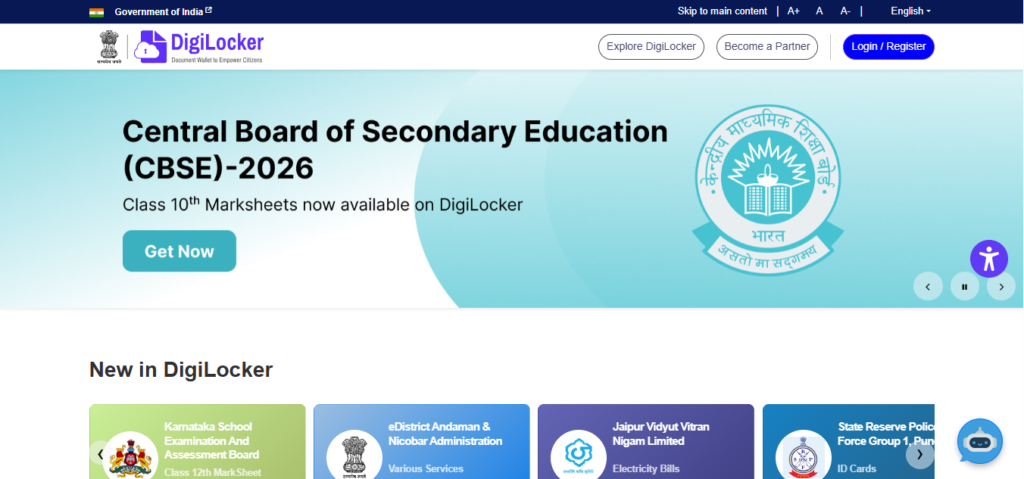
DigiLocker and UMANG are not just for citizens — they are essential tools for government employees dealing with citizen services. DigiLocker has enabled over 776 crore digital document verifications. UMANG aggregates services from thousands of central and state government departments. When a citizen submits a document via DigiLocker, government employees can verify it instantly — no physical copies needed.
What they do for government employees:
- DigiLocker: Instantly verify documents submitted by citizens — Aadhaar, PAN, driving licence, degree certificates, caste certificates
- Verify documents are authentic (issued by the issuing authority) without physical copies
- Entity Locker: Issue and manage official documents from your department digitally
- UMANG: Access 2,000+ pan-India government services from a single app
- UMANG: Submit and track interdepartmental service requests
- Check EPF (EPFO) balance, pension status, PMAY status — your own entitlements
- UMANG provides department-specific services for Railways, ESIC, income tax, and more
- Reduces paperwork in citizen grievance and service delivery
- Integrated with Aadhaar for instant authentication
- Both are free government apps
Pricing: Both 100% free.
Best for: Government employees who handle citizen-facing services — taluk offices, district collectors, sub-divisional offices, tehsil offices, and service delivery counters. If a citizen submits 10 documents for a scheme application, DigiLocker lets you verify all 10 in minutes instead of spending an hour checking physical copies against original documents.
10. Perplexity AI — Quick Research on Rules, Policies & Government Schemes
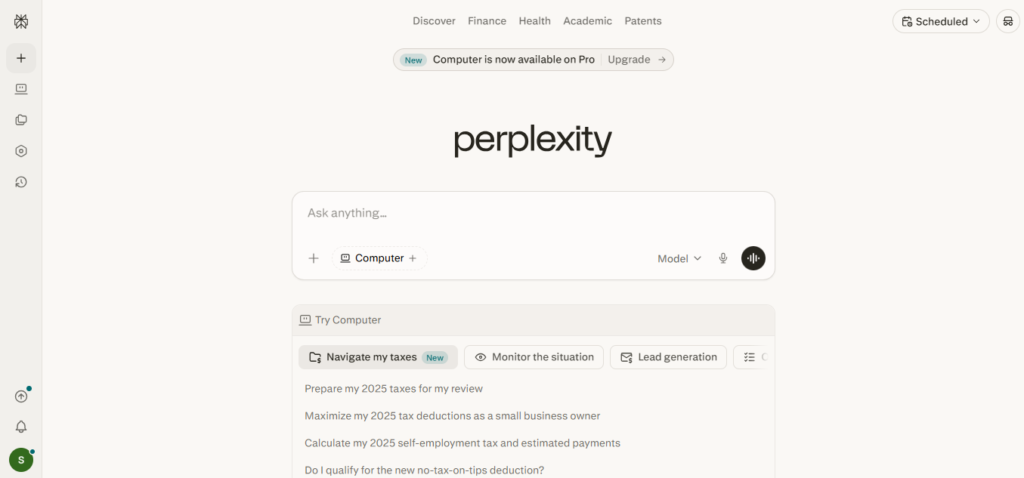
Government employees frequently need to quickly understand a new policy, look up which government scheme applies to a citizen’s case, check the latest orders on a subject, or understand a new act or rule. Perplexity AI provides direct, sourced answers with citations — faster than searching Google and safer than relying on ChatGPT’s training data alone.
What it does for government employees:
- Quick answers with source citations — know where the information came from
- Search for latest government orders, circulars, and scheme details with real-time web access
- Understand new acts and rules in plain language
- “What are the latest DOPT guidelines on work-from-home for central government employees?”
- “Which PM scheme covers housing loans for government employees?”
- Research precedents for RTI and service matter cases
- Compare provisions of different acts or rules
- Understand recently notified amendments to service rules
- Quick factual lookups during meetings and file processing
- Free tier with generous daily usage
Pricing: Free tier available. Pro at ~$20/month (~₹1,700/month).
Best for: Government employees who frequently need to research policy, rules, or scheme details during their work — and need cited, verifiable answers rather than a general AI response. When a citizen walks in with a complex scheme eligibility question, Perplexity lets you look it up quickly and accurately in front of them, rather than asking them to return after “checking with seniors.”
Quick Comparison: Which Tool Should You Try First?
| Your Daily Challenge | Start With This |
|---|---|
| Drafting official letters and memos | ChatGPT (free) |
| Long, complex documents and noting | Claude |
| Building AI skills officially with certificate | iGOT Karmayogi (free) |
| AI inside Word, Excel, Outlook | Microsoft Copilot |
| Finding answers from your own circulars | Google NotebookLM (free) |
| Hindi–English translation of orders | Google Translate / Bhashini (free) |
| English grammar in official correspondence | Grammarly |
| Digital file management | eOffice / NIC (free, govt provided) |
| Citizen document verification | DigiLocker + UMANG (free) |
| Quick research on schemes and rules | Perplexity AI |
The Government Employee’s Free AI Stack (₹0/month)
These five tools are free, immediately usable, and address the most common daily tasks:
- ChatGPT (free) — Draft letters, summaries, translations
- iGOT Karmayogi (free) — Official AI training with certificates
- Google NotebookLM (free) — Ask questions from your own circulars
- Google Translate / Bhashini (free) — Hindi-English translation
- DigiLocker + UMANG (free) — Citizen document verification & govt services
Add eOffice (free, NIC-provided) if your department is already on it — and push for adoption if it isn’t.
Important Note on Data Security
Government employees must exercise caution when using commercial AI tools with official data. Follow these guidelines:
Do: Use AI for drafting and summarising — but don’t paste classified or sensitive information into commercial AI platforms (ChatGPT, Claude, Perplexity). Treat these the same way you’d treat any external, non-government tool.
Do: Use government-provided platforms (iGOT, eOffice, Bhashini, DigiLocker) without restriction — these are designed for government use.
Prefer: Google NotebookLM for analysing government circulars and rules — the documents stay in your Google account, not in a shared training dataset.
Always: Apply your own professional judgment to every AI-generated draft. AI produces a first draft — your analysis, accuracy, and official responsibility remain with you.
As the UP Review Officer said: “AI makes it a better letter. Now AI is getting the exact pointers. But I still have to bring my own analysis and expertise to the table.”
Final Thoughts
The most significant shift in Indian government offices in 2026 is not the introduction of AI — it is the democratisation of information access. A clerk in a district office now has the same ability to draft a clear, accurate letter as a well-staffed central secretariat. A field officer can translate and understand a complex English order in seconds. A frontline service delivery worker can verify citizen documents without a 3-day waiting period.
Mission Karmayogi’s vision is simple: if civil servants understand the tools of the future, they’ll find ways to use them to serve the public better. The tools are already here. The training is free on iGOT. The opportunity is yours.
Start with one task — the most time-consuming thing you do daily. Use ChatGPT to do it in a quarter of the time. Then learn the next tool. In six months, your daily workflow will be unrecognisable — and your files will move faster.
Last Updated: April 2026 · All government platforms (iGOT, eOffice, DigiLocker, UMANG, Bhashini) are free for government employees. Commercial AI tools should not be used with classified or sensitive official data. Always verify AI-generated content before including in official records.
Suggested Resources
Get Connected
Interested Working With me? Let's connect!
Interested Working With me? Let's connect!
Grow Your Business with Our Digital Marketing Agency Don’t miss our future updates!