10 Must-Have AI Tools for Graphic Designers to Boost Creativity (2026)
By: Amit Sony
Author & Researcher
Release : min read
Table of Content:
- Midjourney — Gold standard for artistic image quality ($10/mo)
- Adobe Firefly — Commercially safe AI inside Photoshop/Illustrator (IP indemnification)
- Recraft Studio — Only AI that generates native SVG vectors (free tier)
- Canva — AI-powered design platform for everything (free plan)
- Figma AI — AI built into your UI/UX design workflow
- Ideogram — Best AI for readable text in images (~90% accuracy)
- Leonardo AI — Generation + editing + character consistency (150 free tokens/day)
- Kittl — AI-first branding & print-ready design (used by Pentagram, Netflix)
- Looka — AI logo + complete brand identity generator
- Remove.bg / Photoroom — Instant background removal & AI product photography
45% of creative professionals use generative AI to create higher quality work. AI tools have reduced logo design turnaround times by 50%. And McKinsey estimates that AI can automate up to 70% of the repetitive tasks that eat up a designer’s day.
If you’re a graphic designer in 2026 and you’re still manually cutting out backgrounds, tracing raster images into vectors, building mood boards from scratch, or spending three hours on a social media carousel that could take thirty minutes — you’re not just slower than your competitors. You’re leaving money on the table.
Here’s what has changed: AI has crossed the production threshold. Adobe Firefly is integrated directly into Photoshop and Illustrator. Recraft generates native SVG vector files — not rasterised approximations. Midjourney produces editorial-quality imagery that agencies use in real campaigns. Figma has AI built into layout generation and content drafting. These aren’t demo toys. They’re production tools that professional design teams use daily.
The key shift for designers: AI doesn’t replace creativity. It replaces the mechanical parts of the workflow — background removal, asset resizing, batch generation, style-consistent variations — so you can spend more time on the creative decisions that clients actually pay for.
1. MagicSchool AI — The All-in-One AI Platform for Educators
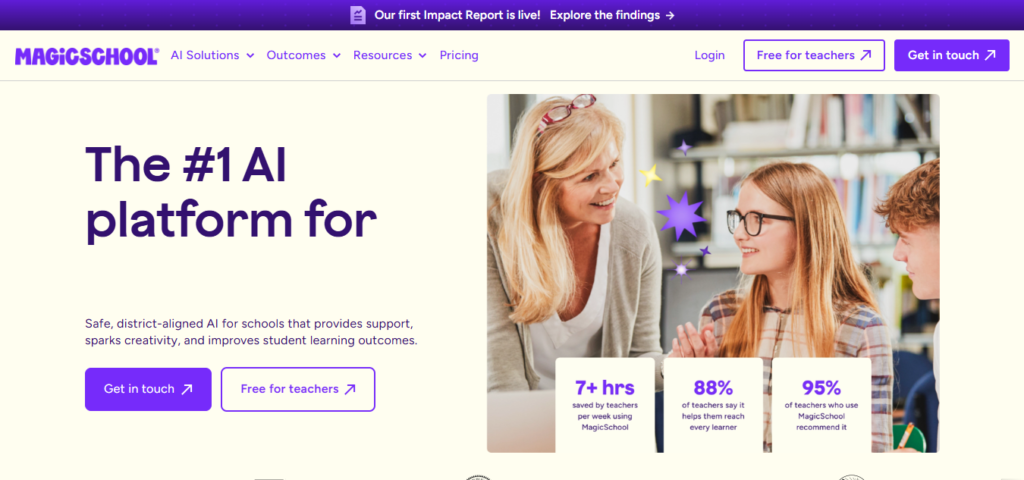
MagicSchool AI is the single most comprehensive AI platform built specifically for teachers. With over 80 AI-powered tools and 5 million+ teachers worldwide, it’s become the de facto “AI operating system” for schools. Unlike general AI tools like ChatGPT, every feature in MagicSchool is designed around real classroom needs — and it’s FERPA-compliant for student data safety.
What it does:
- 80+ specialised tools for lesson planning, rubric creation, quiz generation, worksheet creation, and presentation building
- Lesson Plan Generator creates standards-aligned plans from a topic or objective
- Rubric Maker builds detailed assessment rubrics in seconds
- Multiple Choice Quiz Maker with adjustable difficulty levels
- Worksheet Generator for practice activities and homework
- Presentation Generator for classroom-ready slide decks
- 50+ student-facing AI tools for guided learning
- One-click export to Google Docs, Google Classroom, Canvas, and Microsoft
- Free tier available for individual educators
- Free certification courses for professional development
Pricing: Free for individual teachers (with limits). Premium plans available for schools and districts — contact for pricing.
Best for: Every teacher who wants a single platform for all their classroom content creation. If you currently use 4–5 different tools for lesson plans, quizzes, rubrics, and presentations, MagicSchool consolidates everything into one place. Teachers report saving 7–10 hours per week.
1. Midjourney — The Gold Standard for Artistic Image Quality
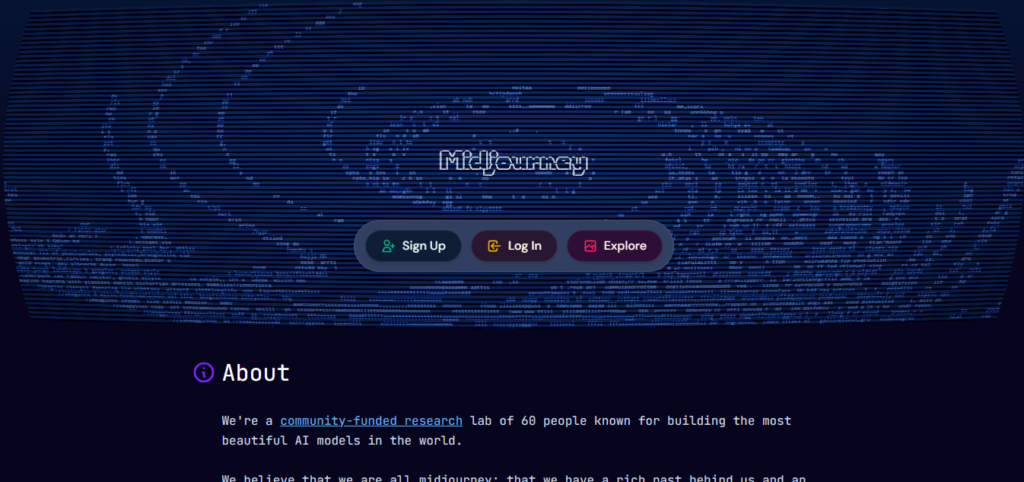
Midjourney remains the undisputed benchmark for aesthetic quality in AI image generation. While competitors race to add features, Midjourney focuses on one thing: making images that look stunning. The latest model produces results with a distinct artistic sensibility — richly detailed, cinematic, and compositionally sophisticated — that other generators still struggle to match.
What it does:
- Highest quality AI image generation for conceptual, editorial, and artistic imagery
- Exceptional at mood boards, concept art, campaign visuals, and stylised compositions
- Style Reference feature — maintain visual consistency across multiple generations
- Web interface plus Discord workflow for generation
- Multiple aspect ratios, stylisation controls, and “weirdness” parameters
- Variation modes for exploring directions from a base image
- Pan and zoom for extending existing compositions
- Multi-prompt weighting for precise creative control
- Community gallery for inspiration and style exploration
Pricing: Plans start at ~$10/month (Basic, ~200 generations). Standard at $30/month. Pro at $60/month. Mega at $120/month.
Best for: Designers who need high-impact conceptual imagery — mood boards, campaign art direction, hero images, editorial visuals, and creative exploration. If you’re presenting three visual directions to a client and need each one to look like a professional photo shoot, Midjourney delivers that quality consistently. It’s not a production tool (no editing built in) — it’s a creative engine you pair with Photoshop or Figma for the final output.
2. Adobe Firefly — Commercially Safe AI Inside Photoshop & Illustrator
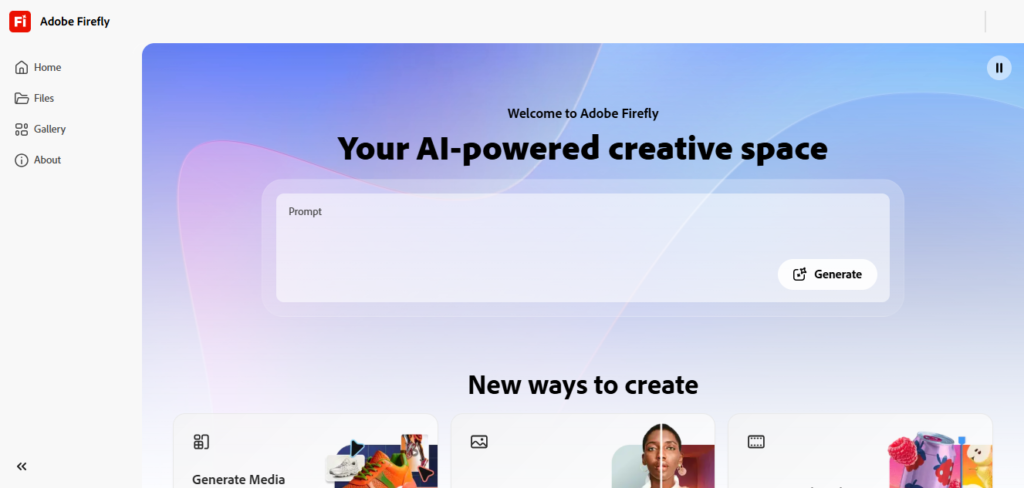
Adobe Firefly’s killer advantage isn’t raw aesthetic quality (Midjourney wins there) — it’s integration and commercial safety. Firefly is the AI engine powering Generative Fill in Photoshop, Text to Vector in Illustrator, and asset generation across Creative Cloud. It’s trained exclusively on Adobe Stock images, openly licensed content, and public domain material. That means Adobe offers IP indemnification — if someone claims your AI-generated image infringes their copyright, Adobe covers your legal defence.
What it does:
- Generative Fill in Photoshop — extend backgrounds, replace objects, add content without manual masking
- Text to Vector in Illustrator — generate editable SVG paths, icons, and patterns from prompts
- Text to Image — generate images with commercial licensing clarity
- Generative Expand — extend images beyond original crop boundaries
- Text Effects — AI-generated typography styling
- Text to Video and Image to Video — create short video clips from prompts
- Access to partner models: Runway Gen-4.5 (video), FLUX.2 (text rendering), ElevenLabs (audio)
- Content Credentials — verify how assets were created
- IP indemnification for commercially generated content
- Integrated across Photoshop, Illustrator, Express, and Creative Cloud
Pricing: Included in Creative Cloud plans. Standalone Firefly: Free plan (25 credits/month). Premium at $9.99/month (2,000 credits). Illustrator single app at $22.99/month. Full Creative Cloud at $59.99/month.
Best for: Designers already working in the Adobe ecosystem. If Photoshop and Illustrator are your daily tools, Firefly’s integration eliminates the need to export and import from separate AI platforms. The commercial safety and IP indemnification are critical for client work and agency projects where copyright liability matters.
3. Recraft Studio — The Only AI That Generates Native SVG Vectors
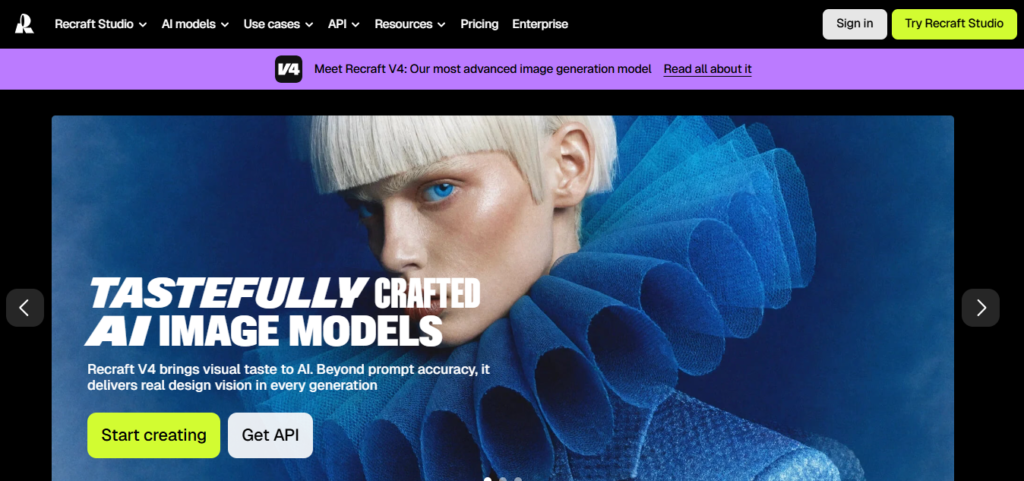
Recraft is the only major AI image generator that produces native vector graphics (SVG files). While every other tool outputs raster images (PNG, JPG) that require manual tracing, Recraft generates actual SVG files you can edit in Illustrator, Figma, or any vector editor. For graphic designers working on logos, icons, branding materials, and anything that scales from business card to billboard, this is a fundamental advantage.
What it does:
- Native SVG vector generation from text prompts — not raster-then-trace
- Style Lock — define a visual style once, apply consistently across a batch
- Brand identity toolkit — upload colour palettes and style guides for consistent output
- Generate matching icon sets in one go
- Mockup tools for placing artwork onto product surfaces
- Node-based workflow editor for chaining generation steps
- Text rendering with strong accuracy (better than Midjourney)
- Raster image generation alongside vectors
- 3D object generation from the same interface
- Free tier: 100 credits at signup + 20 free daily generations
Pricing: Free tier available (generous). Paid plans from ~$10/month for commercial rights and high-resolution exports.
Best for: Brand designers, logo designers, UI/UX teams, and icon designers. If your deliverables include vector files — logos, icon suites, brand elements, illustrations that need to work at any scale — Recraft is the only AI tool that generates production-ready vectors natively. You go from prompt to editable SVG without the tracing step.
4. Canva — AI-Powered Design Platform for Everything
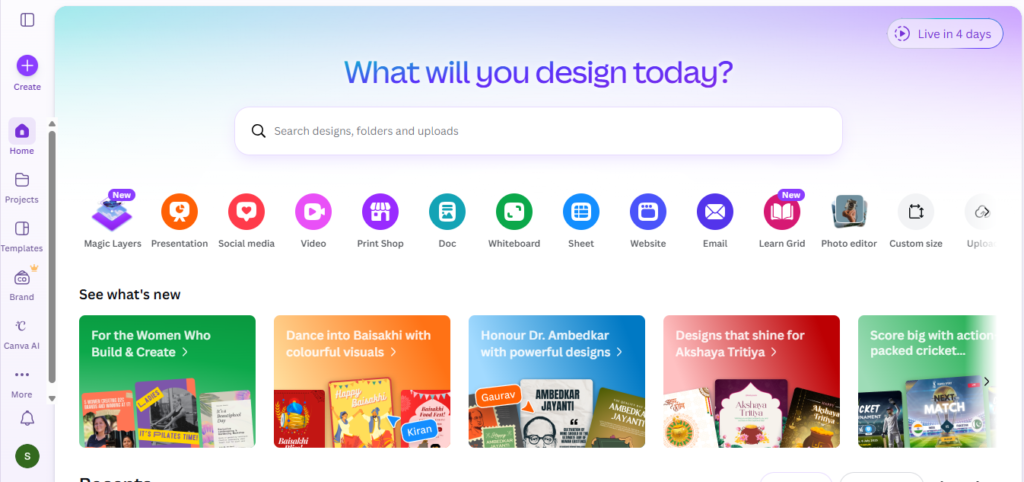
Canva has evolved from “the tool for non-designers” to a genuine production platform that many professional designers use daily — especially for social media content, presentation design, and rapid brand asset generation. Magic Write generates text, Magic Animate adds motion, Magic Switch resizes for different platforms, and Dream Lab (powered by their AI image model) generates custom images within your design workflow.
What it does:
- Dream Lab — AI image generation from text prompts in multiple styles (3D render, vector, illustration, sketch)
- Magic Write — AI text generation for copy, captions, and content
- Magic Animate — add motion to designs with one click
- Magic Switch — resize designs for different platforms without rebuilding layouts
- AI background removal and image editing
- Brand Kit — upload logos, colours, fonts for consistent application across all designs
- Thousands of professional templates for every format
- Direct scheduling to social media platforms
- Bulk creation — generate 50+ variations from one template
- AI logo generator with Dream Lab
Pricing: Free plan available. Pro at ~$12.99/month (~₹3,999/year in India). Canva for Education free for teachers. Teams plans available.
Best for: Designers who produce high-volume social media content, marketing materials, and presentation decks. If you create 50 Instagram posts, 20 stories, and 10 presentation decks per month for clients, Canva’s batch creation and Magic Switch make that feasible without spending hours on manual resizing. The Brand Kit feature is particularly valuable when managing multiple client brands.
5. Figma AI — AI Built Into Your Design System Workflow
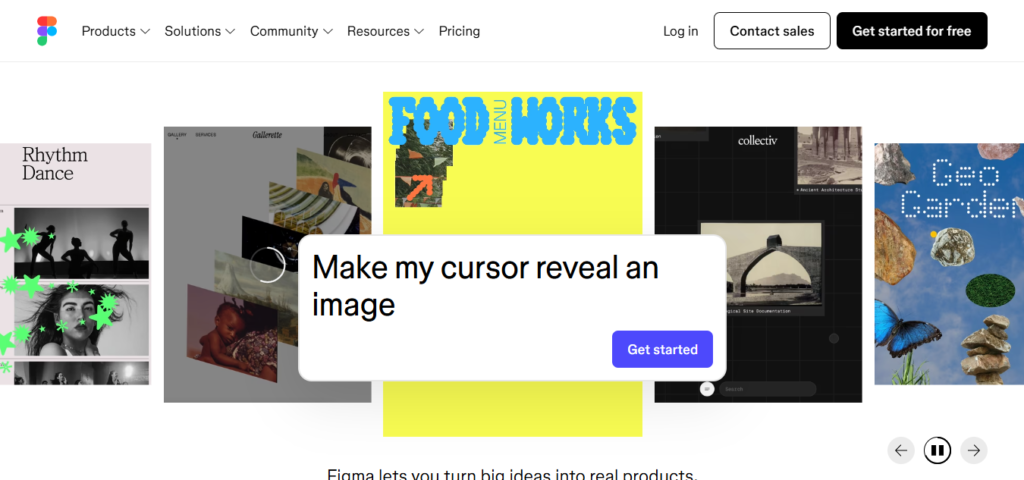
Figma has embedded AI directly into the design workflow — not as a separate tool, but as features accessible from the Actions menu and inline toolbar. Generate images from text prompts, apply smart fills to frames, remove and replace backgrounds, and leverage AI for layout generation and content drafting — all inside the collaborative design files where your team already works.
What it does:
- AI image generation from text prompts within Figma design files
- Smart fill — apply AI-generated content to frames automatically
- Background removal and replacement inline
- AI-assisted layout generation
- Content drafting for UI text and placeholder content
- Dev Mode — hand off final specs with AI-assisted documentation
- Component libraries and design tokens preserved during AI operations
- Real-time collaboration — designers, PMs, and developers in the same file
- Plugin ecosystem with AI-powered additions
- Browser-based — instant updates, no installs
Pricing: Free plan available. Professional at $15/editor/month. Organisation and Enterprise plans available.
Best for: UI/UX designers and product design teams who work in Figma daily. If your workflow involves designing interfaces, prototyping, and handing off to developers, Figma’s native AI features eliminate the need to leave the platform for asset generation. The collaborative nature means AI-generated assets go directly into shared design files.
6. Ideogram — Best AI for Text in Images (Posters, Banners, Social Media)
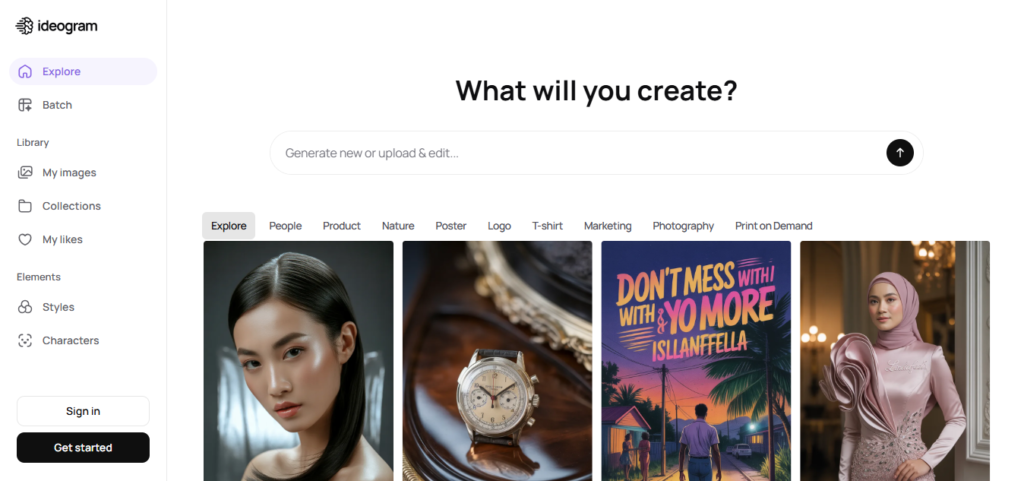
Every graphic designer knows the pain: you generate a beautiful AI image, but the text in it looks like gibberish. Ideogram solved this problem. It renders typography within AI-generated images with approximately 90% accuracy — readable headlines, logotypes, poster text, and social media copy that actually makes sense. For designers creating posters, social media graphics, banners, or any design combining imagery with text, this is a game-changer.
What it does:
- Typography rendering in AI images with ~90% accuracy — the best in the market
- Poster, banner, and social media graphic generation with readable text
- Magic Prompt — expands brief ideas into detailed generation prompts
- Style control through up to 3 reference images
- Batch generation — up to 500 prompts via CSV (Pro plans)
- Multiple aspect ratios and output sizes
- Realistic and stylised output options
- Remix mode for iterating on existing generations
- Commercial usage rights on paid plans
- Free tier available
Pricing: Free tier available. Basic at $8/month. Plus at $20/month. Pro at $60/month.
Best for: Designers who create posters, event graphics, social media content, banner ads, and any visual that combines imagery with text. If you’ve ever wasted an hour in Midjourney trying to get readable text on a poster and gave up, Ideogram handles it on the first try. Pair it with Canva or Photoshop for final refinements.
7. Leonardo AI — Generation + Editing + Character Consistency
Leonardo AI offers the best combination of generation quality and built-in editing among AI image platforms. The AI Canvas lets you paint selections, guide inpainting, and refine outputs without leaving the platform. Its character consistency feature (reference-based generation with LoRA custom model training) keeps the same face and style across multiple images — invaluable for branding campaigns, social media series, and storytelling projects.
What it does:
- AI image generation with multiple fine-tuned presets (Phoenix, Anime, Cinematic, Concept Art)
- AI Canvas — paint, inpaint, outpaint, and refine within the platform
- Character consistency — same face and style across multiple generations
- Custom model training (LoRA) for brand-specific style replication
- Real-time generation for rapid exploration
- Multiple model options for different aesthetic needs
- Video generation from images and prompts
- 150 daily tokens on free tier — generous for experimentation
- Closest free alternative to Midjourney in artistic quality
- Commercial licensing on paid plans
Pricing: Free tier (150 tokens/day). Apprentice at $12/month. Artisan at $30/month. Maestro at $60/month.
Best for: Designers, illustrators, and concept artists who need both generation and editing in one platform. If your projects require character consistency (same mascot, same model, same style across 20 social posts), Leonardo’s reference-based generation and LoRA training deliver that consistency. The free tier’s 150 daily tokens make it excellent for experimentation.
8. Kittl — AI-First Design Platform for Branding & Print
Kittl is used by design teams at Pentagram, Netflix, Ogilvy, and Uber — which signals serious professional capability. It’s an AI-first design platform with built-in branding and print workflows. Unlike pure image generators, Kittl combines AI generation with actual design tools: templates, typography controls, vector editing, and export for print-ready output.
What it does:
- AI image generation optimised for branding and design assets
- Built-in design editor with typography, layout, and vector tools
- Templates for logos, branding materials, merchandise, packaging, and social media
- Print-ready export — CMYK, bleed marks, high-resolution for physical production
- Multiple AI model options within the platform
- Brand kit management for client consistency
- Collaboration features for team-based design
- SVG, PNG, PDF export in various resolutions
- 10,000+ design templates and assets
- Creative Flows for production-level batch design
Pricing: Free plan available. Pro at $15/month. Expert at $30/month. Check website for current pricing.
Best for: Brand designers and freelancers who create logos, packaging, merchandise, and print collateral. If your output goes to physical production (t-shirts, business cards, packaging, signage), Kittl’s print-ready export with proper CMYK and bleed is something most AI image generators simply don’t offer.
9. Looka — AI Logo + Complete Brand Identity Generator
Looka is the best overall AI logo creator based on consistent design quality, customisation control, and comprehensive brand packages. Enter your business name, select preferences for style, colour, and icons, and Looka generates polished logo options. What sets it apart from cheaper logo generators: it provides complete brand identity kits — business cards, social media graphics, letterheads, and brand guidelines — all matching your chosen logo.
What it does:
- AI logo generation from business name and style preferences
- Extensive customisation — adjust colours, fonts, icons, layouts
- Complete brand kit generation — business cards, social media graphics, letterheads
- Brand guidelines document automatically created
- Vector file export (SVG, EPS, PDF, PNG) on paid plans
- 300+ logo templates and design variations
- Brand colour palette generation
- Social media kit — profile pictures, covers, and post templates
- Branded merchandise mockups
- One-time purchase model (no ongoing subscription for basic logo)
Pricing: Free to generate and preview. Brand Kit subscription at $96/year. One-time logo purchase options available.
Best for: Freelance designers who handle client branding on tight budgets, and small businesses that need a professional brand identity quickly. If a client needs a logo, business cards, social media kit, and brand guidelines — and can’t afford a ₹50,000+ branding project — Looka delivers a credible starting point. Designers can use it for initial concepts and then refine in Illustrator.
10. Remove.bg / Photoroom — AI Background Removal & Product Photography
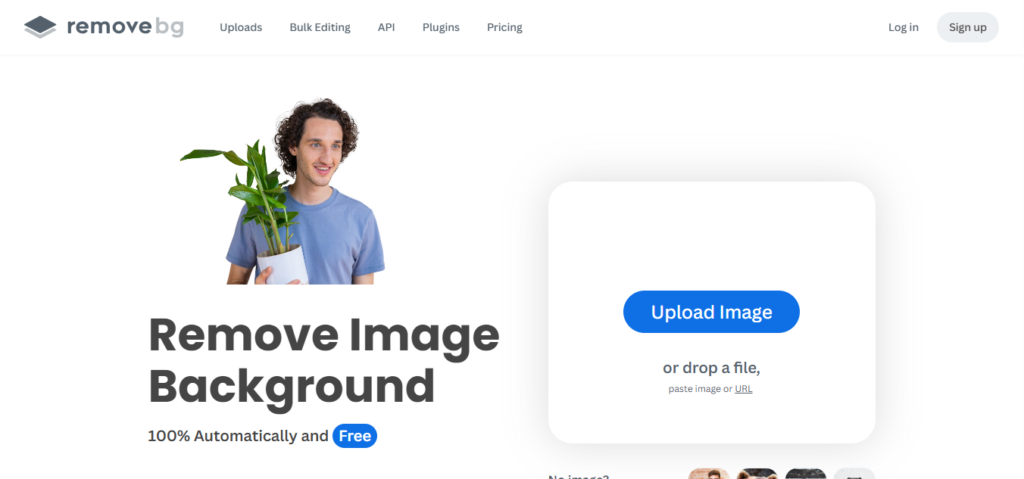
Background removal is one of the most time-consuming mechanical tasks in graphic design — and AI has made it nearly instant. Remove.bg handles complex edges (hair, fur, transparent objects) with remarkable accuracy. Photoroom goes further, offering AI-powered product photography: place any product on professional backgrounds, create e-commerce-ready images, and generate lifestyle mockups without a photo studio.
What they do:
- Instant background removal with hair-strand precision
- Batch processing — remove backgrounds from hundreds of images at once
- AI-generated professional product backgrounds
- Lifestyle mockup generation — place products in contextual scenes
- E-commerce-ready image formats and sizes
- Shadow generation for natural-looking composites
- Transparent PNG export
- API available for automated workflows
- Mobile apps for on-the-go editing
- Integrations with Canva, Shopify, and other platforms
Pricing: Remove.bg: Free (low-res). Subscription from ~$9/month for HD. Photoroom: Free plan available. Pro from ~$9.99/month.
Best for: E-commerce designers, product photographers, and any designer who spends time cutting out backgrounds. If you process 50+ product images per week for e-commerce clients, batch background removal saves hours of manual pen-tool work. Photoroom’s AI product photography is particularly valuable for small businesses that can’t afford professional photo shoots.
Quick Comparison: Which Tool Should You Try First?
| Your Design Need | Start With This |
|---|---|
| Best artistic image quality | Midjourney |
| AI inside Photoshop/Illustrator | Adobe Firefly |
| Native vector/SVG generation | Recraft |
| High-volume social media content | Canva |
| UI/UX design with AI assist | Figma AI |
| Text that’s readable in AI images | Ideogram |
| Generation + editing + character consistency | Leonardo AI |
| Branding and print-ready output | Kittl |
| Logo and brand identity creation | Looka |
| Background removal and product photos | Remove.bg / Photoroom |
The Designer’s AI Stack (What to Use Together)
Most professional designers in 2026 use 2–3 AI tools, not just one. Here’s how they combine:
Freelance Designer Stack:
- Midjourney (concepts and mood boards) + Adobe Firefly (Photoshop production) + Canva (social media deliverables)
Brand Designer Stack:
- Recraft (vector logos and icons) + Kittl (brand collateral and print) + Looka (quick brand kits for small clients)
Social Media Designer Stack:
- Ideogram (graphics with text) + Canva (templates and batch creation) + Remove.bg (background removal)
UI/UX Designer Stack:
- Figma AI (interface design) + Leonardo (asset generation) + Midjourney (concept exploration)
Final Thoughts
AI hasn’t replaced graphic designers. It’s replaced the parts of graphic design that weren’t creative — background removal, asset resizing, style-consistent batch generation, initial concept exploration, and mechanical production work.
The designers who thrive in 2026 are the ones who use AI to do in 30 minutes what used to take 3 hours — and spend those saved hours on the creative decisions, client relationships, and strategic thinking that AI genuinely cannot do.
Start with one tool that addresses your biggest time drain. If it’s backgrounds, try Remove.bg (free). If it’s concepts, try Midjourney ($10/month). If it’s vectors, try Recraft (free tier). The time you get back is time you can bill.
Last Updated: April 2026 · Prices and features are subject to change — always verify on the official website before purchasing.