
Smart Coding: Top 10 AI's Tools for Software Engineers (2026)
By: Amit Sony
Author & Researcher
Release : min read

Table of Content:
- Claude Code — #1 most-used & most-loved AI coding tool (terminal agent)
- Cursor — Most polished AI-native IDE (2M+ users)
- GitHub Copilot — Best value at $10/mo (free student pack)
- Windsurf — Best free tier + budget-friendly IDE
- Replit — Build & deploy full-stack apps from browser
- Bolt.new / Lovable — Vibe coding: idea to app in minutes
- Aider — Open-source AI pair programming
- Amazon Q Developer — AWS-focused development
- Tabnine — Self-hosted, privacy-first for enterprises
- OpenCode — Fully open-source, 75+ model support
95% of developers now use AI tools at least weekly. 75% use AI for half or more of their work. And Claude Code went from zero to the #1 most-used AI coding tool in just eight months.
If you’re still writing every line of code by hand in 2026, you’re not just slower — you’re working in a fundamentally different era than your peers. The shift isn’t coming. It already happened.
The conversation has moved far beyond simple autocomplete. We’re in the age of agentic development — where AI tools don’t just complete your sentences but autonomously plan, write, debug, test, and deploy multi-file systems based on a high-level description of what you want built. A developer can open a terminal, describe a feature, and watch an AI agent navigate the codebase, create files, run tests, and surface a working implementation.
For Indian developers specifically, pricing matters. Cursor removed India from its free student Pro plan in late 2025. Neither Cursor nor GitHub supports UPI for subscriptions. But there are genuinely usable free tiers — and for working professionals, the right tool at ₹1,500–₹4,000/month can save 10+ hours per week.
1. Claude Code — The #1 AI Coding Tool (Terminal-Native Agent)
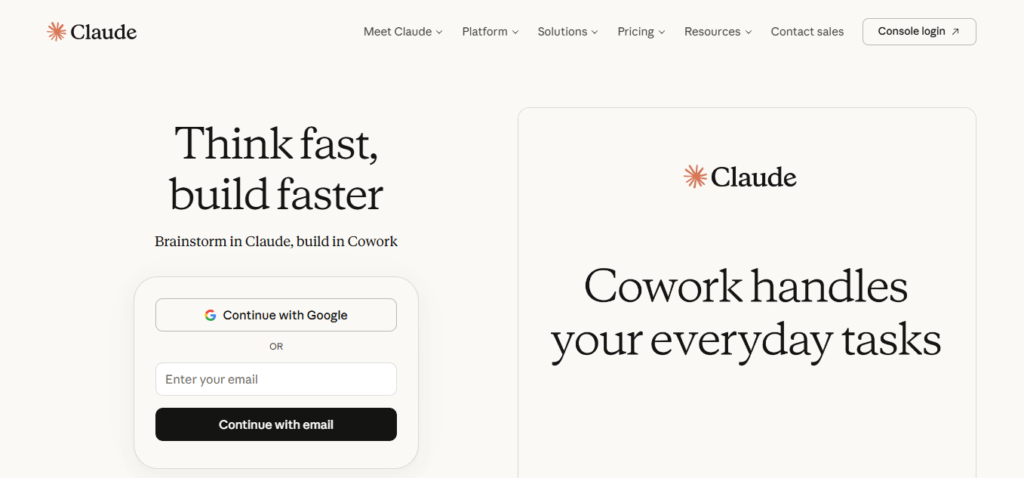
Claude Code rocketed from launch in May 2025 to the most-used and most-loved AI coding tool by early 2026. In The Pragmatic Engineer’s survey of nearly 1,000 developers, Claude Code led the pack — and was the most loved tool at 46%, far ahead of Cursor (19%) and GitHub Copilot (9%). Anthropic’s Claude models (Opus and Sonnet) dominate coding tasks by a wide margin, with more mentions than all other models combined.
Claude Code isn’t an IDE. It’s a terminal-native AI agent that reads your codebase, edits files, runs commands, and thinks through complex problems. You give it a task — “refactor the authentication system to use JWTs” — and it goes and does it.
What it does:
- Terminal-native AI coding agent — works alongside any IDE (VS Code, JetBrains, etc.)
- 1M token context window — can understand and work with massive codebases
- Autonomous multi-step execution — plans, codes, tests, and iterates
- Multi-agent parallel sessions — run 8 agents on different parts of your codebase simultaneously
- SWE-bench score of ~80.8% with Opus 4.6 — highest among all tools
- 5.5x more token-efficient than Cursor for identical tasks
- Deep file system access — reads, writes, and manages files directly
- Git integration — creates commits, manages branches
- MCP server support for extensibility
- Available via terminal, VS Code extension, JetBrains plugin, desktop app, and browser IDE
Pricing: Pro at ~$20/month. Max plans at $100/month (5x usage) and $200/month (20x usage). API usage also available.
Best for: Senior developers and architects who handle complex, multi-file tasks — large refactors, security audits, architectural changes, and codebase-wide modifications. If your work involves reasoning about system design rather than writing boilerplate, Claude Code’s architectural thinking is unmatched. Most developers use it alongside Cursor or Windsurf — Claude Code for heavy tasks, the IDE tool for daily coding.
2. Cursor — The Most Polished AI-Native IDE
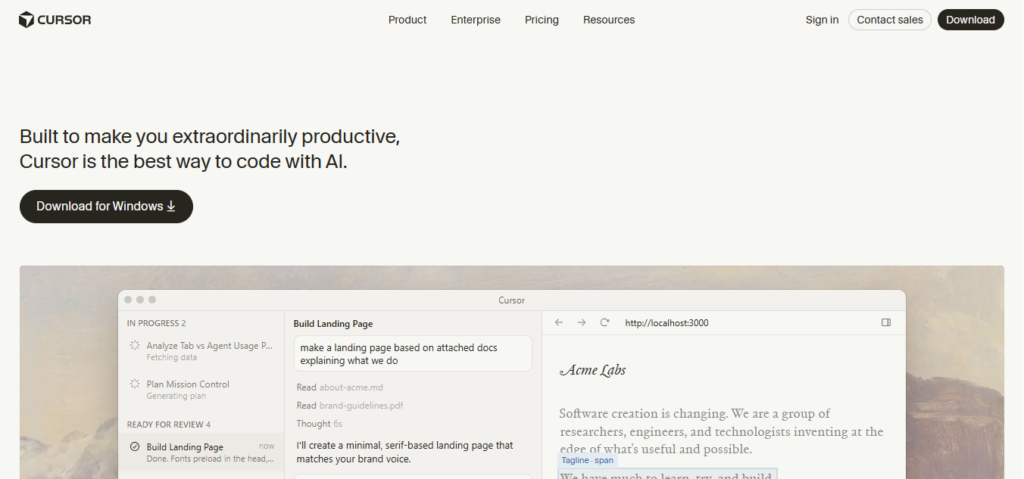
Cursor is a VS Code fork with AI deeply integrated into every workflow. With 2 million+ users and $500M+ ARR, it’s the most widely adopted AI coding IDE in 2026. Its Composer Agent Mode lets you describe tasks in natural language, and Cursor creates a plan, edits files across your project, and shows you diffs for approval. The autocomplete is the fastest and most context-aware in the market.
What it does:
- AI-native IDE built on VS Code — seamless transition for existing VS Code users
- Tab completion — context-aware code completion that understands your entire codebase
- Composer Agent Mode — describe a task, AI plans and executes multi-file changes
- Chat with codebase — ask questions and get answers grounded in your actual project
- Multi-model support — use Claude, GPT-5, Gemini, or other models per task
- Background Agents — AI works on tasks while you do other things
- OS-level sandboxing for security (added early 2026)
- Runs up to 8 parallel agents simultaneously
- JetBrains support added in 2026
- Largest community and most polished UX among AI coding tools
Pricing: Free tier available. Pro at $20/month ($20 credit pool). Pro+ at $60/month (3x usage). Ultra at $200/month (20x usage).
Best for: Developers who want AI seamlessly embedded in their editing experience. If you use VS Code today, switching to Cursor takes minutes — and the productivity gain is immediate. The visual diff-based workflow gives you control over every change, making it ideal for developers who want to review AI suggestions before they’re applied. Note for Indian developers: no UPI support; international credit card or PayPal required.
3. GitHub Copilot — Best Value & Ecosystem Integration
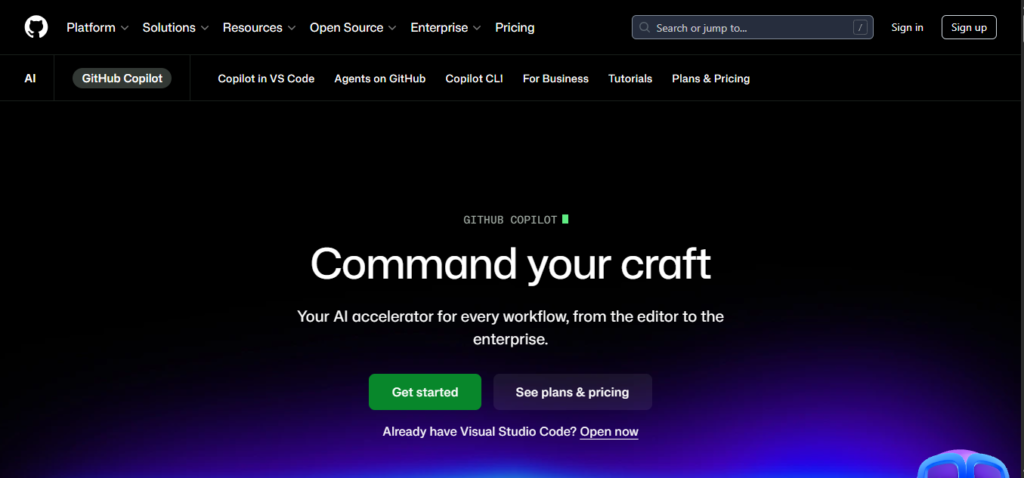
GitHub Copilot is no longer the market leader by excitement, but it remains the most pragmatic choice for many developers — especially teams already on GitHub. At $10/month for Pro, it’s the cheapest entry point with meaningful AI capabilities. The free tier gives you 2,000 completions and 50 premium requests per month — genuinely usable for learning and light development.
What it does:
- Inline code completions — fast, context-aware suggestions as you type
- Agent Mode — plans and executes multi-step coding tasks
- Chat in IDE — ask questions about your code within VS Code or JetBrains
- 300 premium requests/month on Pro plan with access to Claude Opus 4.6
- Free tier — 2,000 completions + 50 premium requests per month
- Deepest GitHub integration — pull requests, issues, actions
- Works in VS Code, JetBrains, Neovim, and more
- Copilot Workspace for collaborative AI-assisted development
- Enterprise features for team-wide deployment
- GitHub Student Developer Pack — free access for verified students
Pricing: Free tier available. Pro at $10/month. Business at $19/user/month. Enterprise at $39/user/month.
Best for: The best starting point for most developers. At $10/month, Copilot Pro gives you access to Claude Opus 4.6, 300 premium requests, a coding agent, and unlimited completions — more value per rupee than any competitor. For Indian students: apply for the GitHub Student Developer Pack for free access to Copilot and dozens of other tools. Approval typically takes 1–3 days.
4. Windsurf — Best Free Tier & Budget-Friendly AI IDE
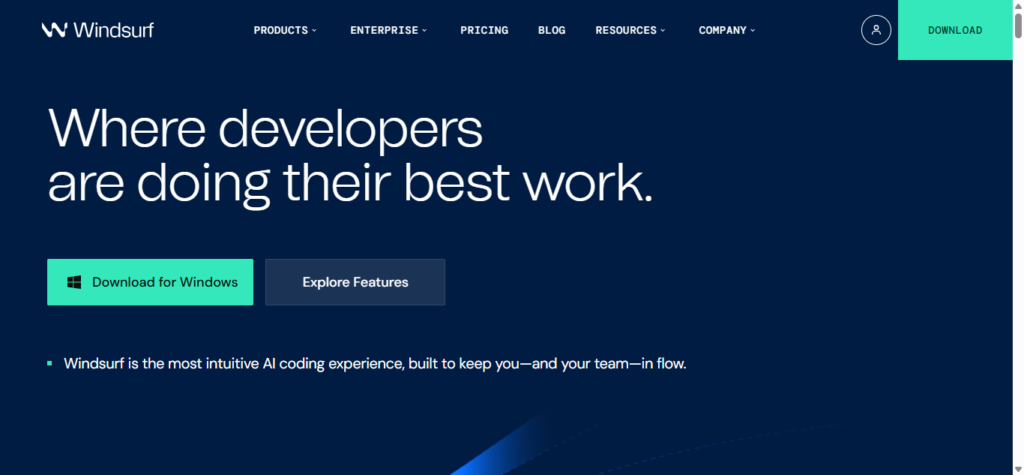
Windsurf (by Codeium, now under Cognition/Devin) is Cursor’s most direct competitor — and for budget-conscious Indian developers, it’s arguably the better choice. Its free tier is the most generous among all AI coding tools, and the Pro plan at $15–20/month undercuts Cursor while offering Cascade, its proprietary agentic engine that maintains persistent context across your entire work session.
What it does:
- AI-native IDE with Cascade — agentic engine that maintains session-level context
- Truly unlimited tab completions at no credit cost (even on free tier)
- Cascade remembers decisions and changes across your entire session
- Arena Mode — compare different AI models side by side
- Plan Mode for task planning before execution
- Parallel multi-agent sessions using Git worktrees
- Terminal integration — AI runs tests and fixes errors proactively
- Support for Claude, GPT, Gemini, and proprietary SWE-1.5 model
- Enterprise-grade security for regulated industries
- Clean, polished UI frequently described as “Apple-like”
Pricing: Free tier (generous). Pro at $15–20/month. Max at $200/month. Teams at $30/user/month.
Best for: Indian developers and students who want a capable AI coding IDE without paying Cursor prices. The free tier is genuinely usable for daily development — not just a trial. If you’re a freelancer or working at a bootstrapped startup where ₹1,500/month matters, Windsurf gives you 80% of Cursor’s capability at a lower cost (or free).
5. Replit — Build & Deploy Full-Stack Apps in the Browser
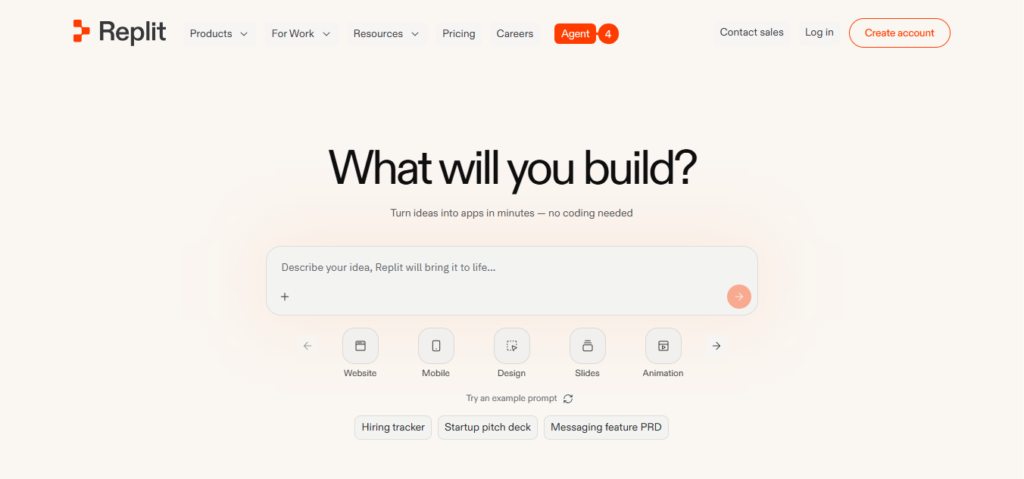
Replit has transformed from a simple online IDE into a comprehensive platform where the Replit Agent can build and deploy full-stack applications autonomously. For Indian students, Replit is especially valuable because it runs entirely in the cloud — you don’t need a powerful laptop. Describe what you want, and the agent handles environment configuration, database provisioning, and deployment.
What it does:
- Browser-based IDE — no local setup needed, works on any device
- Replit Agent — describe an app and it builds the entire thing
- Automatic environment configuration and dependency management
- Database provisioning and backend setup included
- One-click deployment — go from idea to live URL in minutes
- Real-time collaboration — work with teammates simultaneously
- Supports 50+ programming languages
- Ghostwriter AI for code completion and chat
- Mobile app for coding on the go
- Free tier available for learning and small projects
Pricing: Free tier for basic usage. Replit Core at $20/month. Teams plans available.
Best for: Students, beginners, and developers who want to go from idea to deployed app with minimal friction. If you don’t have a powerful laptop (common for Indian B.Tech students), Replit’s cloud-based approach means you can build complex software from a browser on any device. Also excellent for hackathons and rapid prototyping.
6. Bolt.new / Lovable — Vibe Coding: Idea to App in Minutes
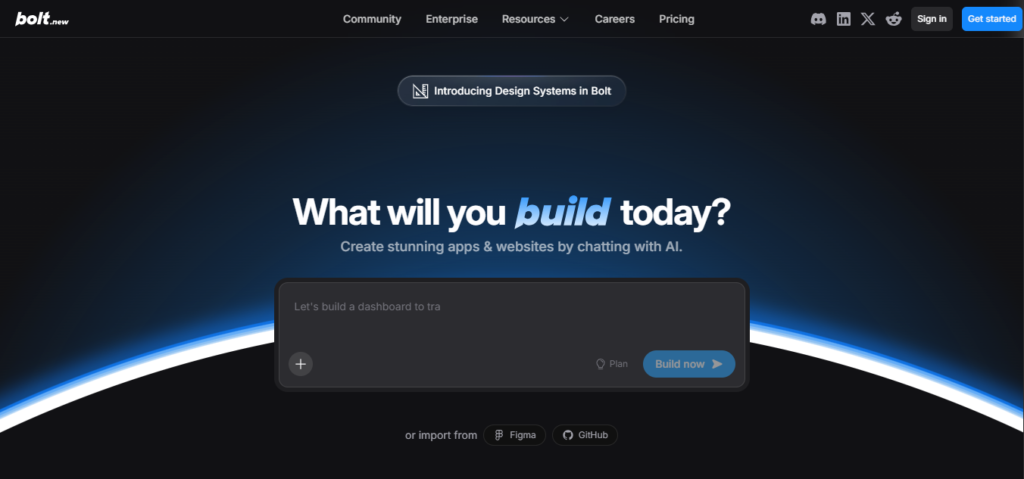
These tools represent the cutting edge of “vibe coding” — where you describe what you want in plain language and get a fully functional web application. Bolt.new and Lovable generate full-stack apps just from descriptions, handling frontend, backend, database, and deployment. For freelancers delivering client projects on tight deadlines, this is transformative.
What they do:
- Describe an app in natural language → get a working full-stack application
- Frontend, backend, database schema — all generated automatically
- Real-time preview as the app is being built
- One-click deployment to production
- Iterative refinement — describe changes and they’re applied instantly
- Support for React, Next.js, and modern frameworks
- Database integration and API setup included
- Authentication, payments, and common features available as templates
- Export code to continue development in your own IDE
- Ideal for MVPs, prototypes, and client demos
Pricing: Bolt.new offers 1M free tokens/month. Paid plans start at ~$20/month. Lovable has similar tiered pricing.
Best for: Freelancers, indie developers, and startup founders who need to ship MVPs fast. If a client needs a “quick demo by Friday,” these tools can produce a functional prototype in hours rather than weeks. Also excellent for non-technical founders who want to validate ideas before hiring a development team.
7. Aider — Open-Source AI Pair Programming in Your Terminal
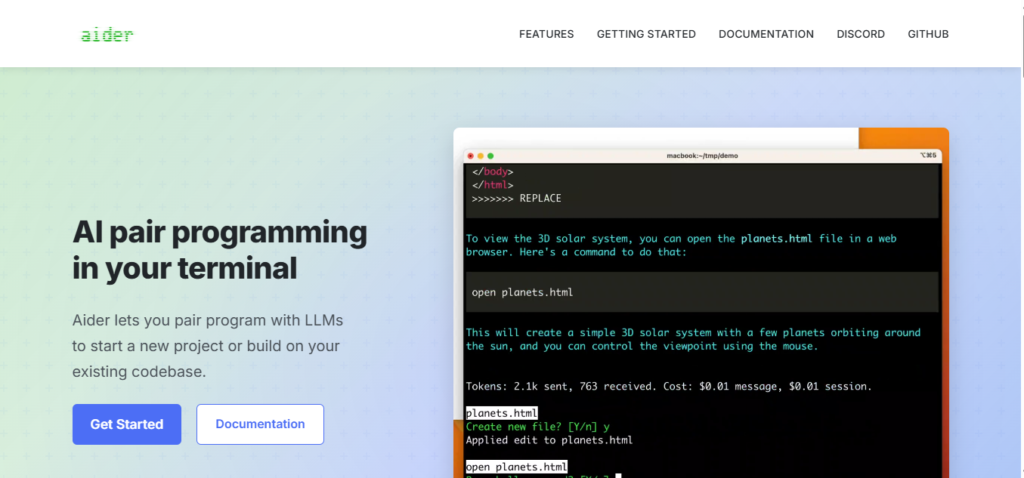
Aider is the leading open-source AI pair programming tool. It works in your terminal, connects to any AI model (Claude, GPT, Gemini, local models via Ollama), and edits your code with full Git integration. Every change Aider makes is automatically committed with a descriptive message, maintaining clean version control history. For developers who care about privacy and want full control, Aider is the answer.
What it does:
- Open-source terminal-based AI coding assistant
- Supports any AI model — Claude, GPT, Gemini, DeepSeek, local models via Ollama
- Full Git integration — every edit is auto-committed with descriptive messages
- Multi-file editing with codebase-aware context
- Works with your existing editor — no need to switch IDEs
- Voice coding support
- Image understanding for working with mockups and diagrams
- Map of your entire repository for context-aware suggestions
- Linting and testing integration
- Free (bring your own API key) — you only pay for the AI model usage
Pricing: Free and open-source. You pay only for the AI model API usage (bring your own key).
Best for: Developers who want full control over their AI tooling — model choice, data privacy, and Git workflow. If you work in regulated industries where sending code to third-party servers is restricted, Aider with a local model (via Ollama) keeps everything on your machine. Also great for open-source contributors who want transparent, auditable AI assistance.
8. Amazon Q Developer — Best for AWS-Centric Development
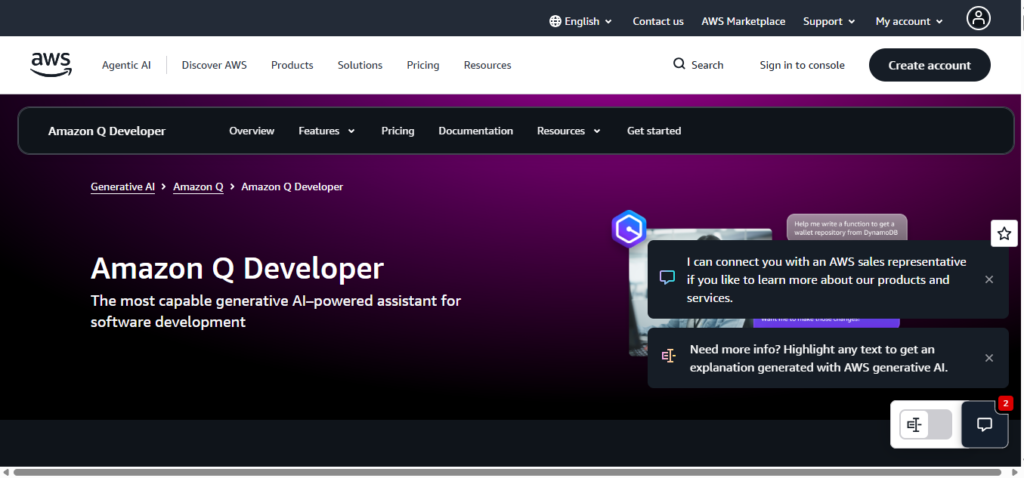
If your stack runs on AWS (and a huge percentage of Indian startups and enterprises use AWS), Amazon Q Developer is purpose-built for that ecosystem. It understands Lambda functions, infrastructure-as-code, CloudFormation templates, and AWS-native architectures better than any general-purpose AI tool. Plus, it offers 50 free agentic requests per month.
What it does:
- Code completions optimised for AWS services and patterns
- Infrastructure-as-code generation for CloudFormation, CDK, and Terraform
- Lambda function creation and debugging
- AWS architecture recommendations and best practices
- Security vulnerability scanning
- Code transformation — upgrade Java versions, modernise .NET apps
- 50 free agentic requests per month
- Deep integration with AWS Console, VS Code, and JetBrains
- Understands your AWS account context for relevant suggestions
- Enterprise features with SSO and team management
Pricing: Free tier with 50 agentic requests/month. Pro at $19/user/month.
Best for: Backend and DevOps engineers working primarily on AWS infrastructure. If you write Lambda functions, manage CloudFormation stacks, or build serverless architectures on AWS daily, Q Developer’s specialised understanding of AWS patterns will be more useful than a general coding assistant.
9. Tabnine — Best for Privacy-Conscious & Enterprise Teams
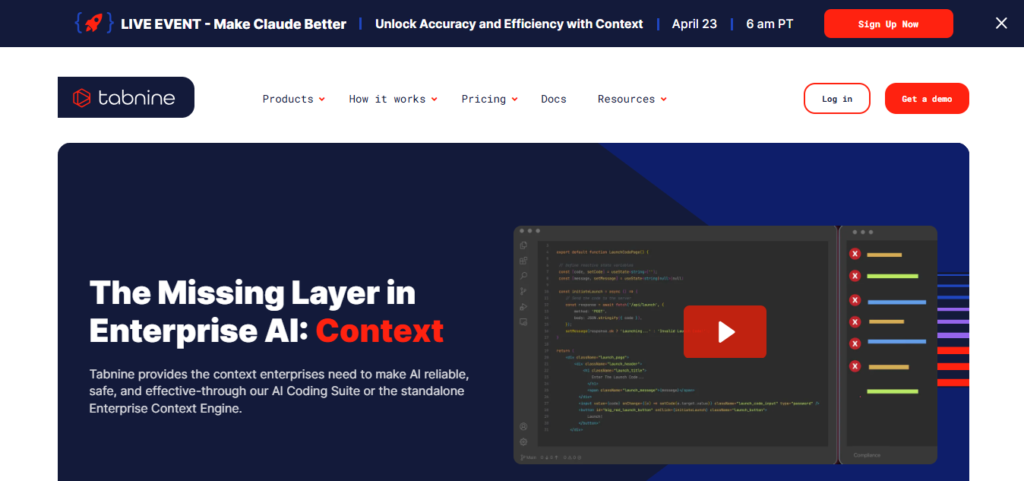
In a world where most AI coding tools send your code to external servers, Tabnine stands apart with its self-hosted deployment option. For Indian companies working on sensitive intellectual property, fintech applications, or government contracts, Tabnine lets you run AI-powered code completion entirely on your own infrastructure. No code ever leaves your network.
What it does:
- AI code completions with self-hosted deployment option
- Runs entirely on your infrastructure — zero data leaves your network
- Supports VS Code, JetBrains, Eclipse, and more
- Trained on permissively-licensed code only — no IP concerns
- Whole-line and full-function completions
- Natural language to code generation
- Code review and explanation features
- Team learning — adapts to your team’s coding patterns over time
- SOC 2 compliant with enterprise security features
- On-premise deployment for regulated industries
Pricing: Free basic plan. Pro plans available. Enterprise with self-hosting — contact for pricing.
Best for: Enterprise development teams, fintech companies, and government contractors where code privacy is non-negotiable. If your company policy prohibits sending source code to external APIs, Tabnine’s self-hosted option is the only serious AI coding tool that complies. Also valuable for teams that want AI assistance without legal concerns about code ownership.
10. OpenCode — Fully Open-Source, 75+ Model Support
OpenCode is the only fully open-source (MIT License) tool in the top tier of AI coding agents. With 126,000+ GitHub stars, it’s one of the fastest-growing open-source AI coding projects. Its core proposition is model freedom: support for 75+ LLM providers, from Claude Opus 4.6 and GPT-5 to Gemini and local models via Ollama. You’re never locked into any single vendor.
What it does:
- Fully open-source under MIT License
- Supports 75+ LLM providers — maximum model flexibility
- Terminal-based AI coding agent similar to Claude Code
- Can run entirely on local infrastructure with local models
- No vendor lock-in — switch models without switching tools
- TypeScript-based architecture with client/server model
- Remote Docker execution support
- Active open-source community with rapid feature development
- Go plan available at $10/month for managed experience
- Full control over AI tooling for privacy and customisation
Pricing: Free (open-source, bring your own API key). Go plan at $10/month for managed hosting.
Best for: Developers who believe in open-source, want maximum flexibility over model choice, or need to run AI coding tools entirely on local infrastructure. If you switch between Claude, GPT, and Gemini depending on the task — or want to experiment with new models as they launch — OpenCode gives you that freedom without changing tools.
Quick Comparison: Which Tool Should You Try First?
| Your Situation | Start With This |
|---|---|
| Want the best coding AI overall | Claude Code |
| Want a polished AI IDE (VS Code-like) | Cursor |
| Best value at lowest price | GitHub Copilot Pro ($10/mo) |
| Need a great free tier | Windsurf |
| Student with no powerful laptop | Replit |
| Need to ship an MVP fast | Bolt.new / Lovable |
| Want open-source + model freedom | Aider or OpenCode |
| AWS-heavy infrastructure work | Amazon Q Developer |
| Code privacy is non-negotiable | Tabnine (self-hosted) |
| Budget of ₹0/month | GitHub Copilot Free + Windsurf Free |
Indian Developer Pricing Guide
Since pricing in USD is a real consideration for Indian developers, here’s a quick breakdown:
- ₹0/month: GitHub Copilot Free (2,000 completions), Windsurf Free (generous), Aider + OpenCode (open-source, bring your own key)
- ~₹850/month ($10): GitHub Copilot Pro — best value in the market
- ~₹1,250–1,700/month ($15–20): Cursor Pro, Windsurf Pro, Claude Code Pro
- ~₹5,000/month ($60): Cursor Pro+ (heavy usage)
- ~₹8,500/month ($100): Claude Code Max 5x (power users)
Tip for students: Apply for the GitHub Student Developer Pack — you get Copilot Pro free, plus dozens of other developer tools. Approval takes 1–3 days.
Tip for teams: Give everyone GitHub Copilot Pro ($10/mo) for daily completions. Give senior engineers Cursor or Claude Code for complex work. This “tiered tool” approach cuts team AI tooling costs by 40–50%.
Final Thoughts
The developers who thrive in 2026 aren’t the ones who can type the fastest. They’re the ones who can direct AI agents effectively — describing what needs to be built, reviewing what the AI produces, and applying judgment about architecture, security, and user experience.
AI tools won’t replace developers. But developers who use AI will replace developers who don’t. The productivity gap is already measurable — 2x to 5x faster for experienced developers using the right tools.
Start with the free tiers. GitHub Copilot Free + Windsurf Free costs you nothing and covers 80% of what you need. When you’re ready to invest, $10/month for Copilot Pro is the single best value in AI coding today.
The question is no longer whether to use AI coding tools. It’s which combination unlocks your best work.
Last Updated: April 2026 · Prices and features change frequently in this space — always verify on the official website before purchasing. No UPI support on Cursor or GitHub as of writing — international credit card or PayPal required.
Suggested Resources
Get Connected
Interested Working With me? Let's connect!
Interested Working With me? Let's connect!
Grow Your Business with Our Digital Marketing Agency Don’t miss our future updates!