HeyGen is the safest pick for presenter and multilingual avatar videos, Sync.so is the most accurate for re-syncing real footage, and Kling AI suits characters you generate yourself. Free tiers exist but cap you at a few short, watermarked clips. Accuracy holds up best on short, clear, single-speaker video, and lip-syncing a real person needs their consent.
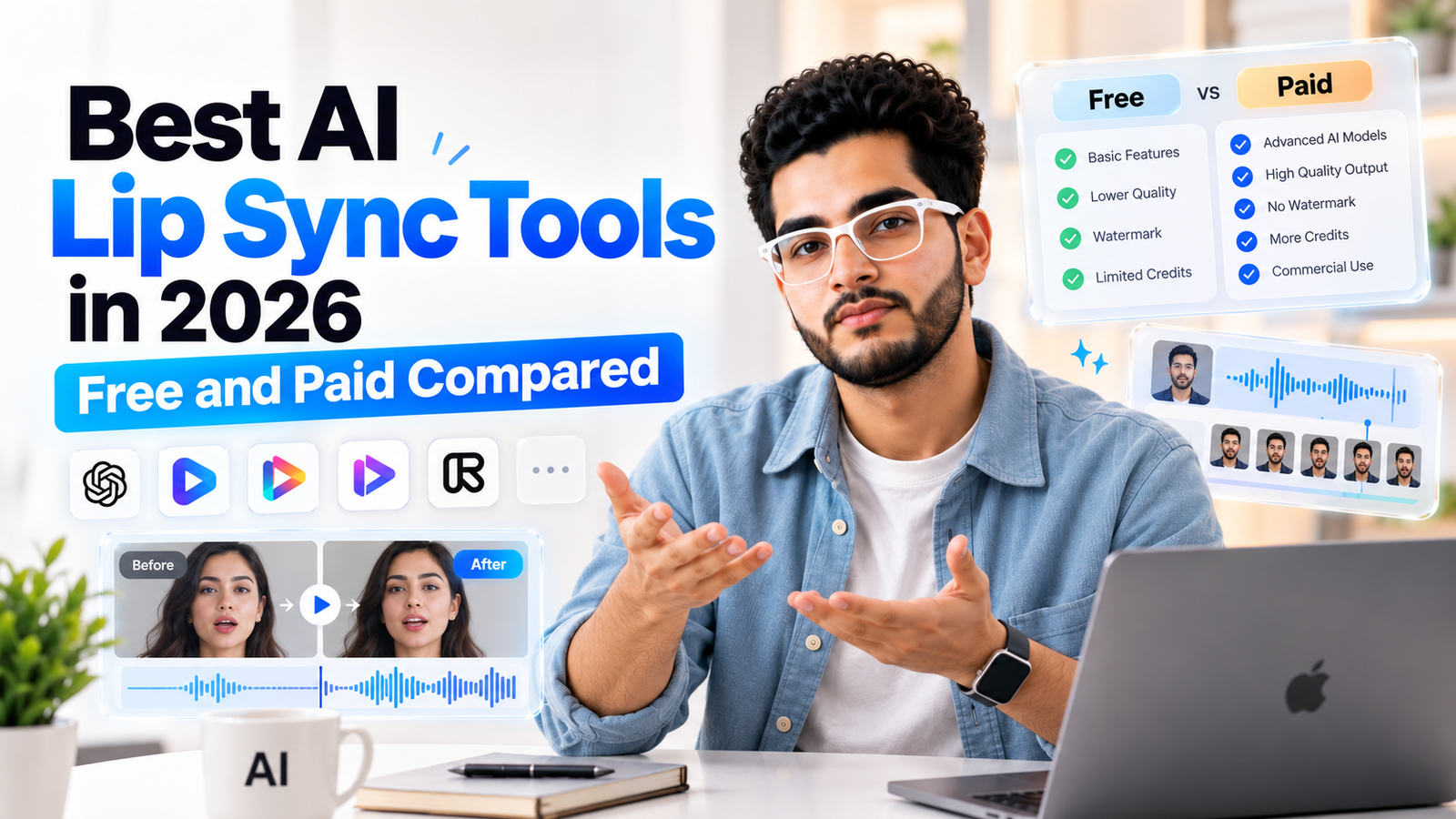
Search for the best AI lip sync tool and you'll find a wall of rankings, and a large share of them are published by tools that appear in their own lists. That's not unusual in this category, but it means the loudest "number one" claim is rarely the most reliable signal.
This guide sorts the tools by the job you actually have, cross-checks the names that show up across unrelated sources, and puts real per-minute costs next to the marketing. It also covers the part most roundups skip: what you owe the person whose face and voice you're syncing.
What Kind of Lip Sync Do You Actually Need?
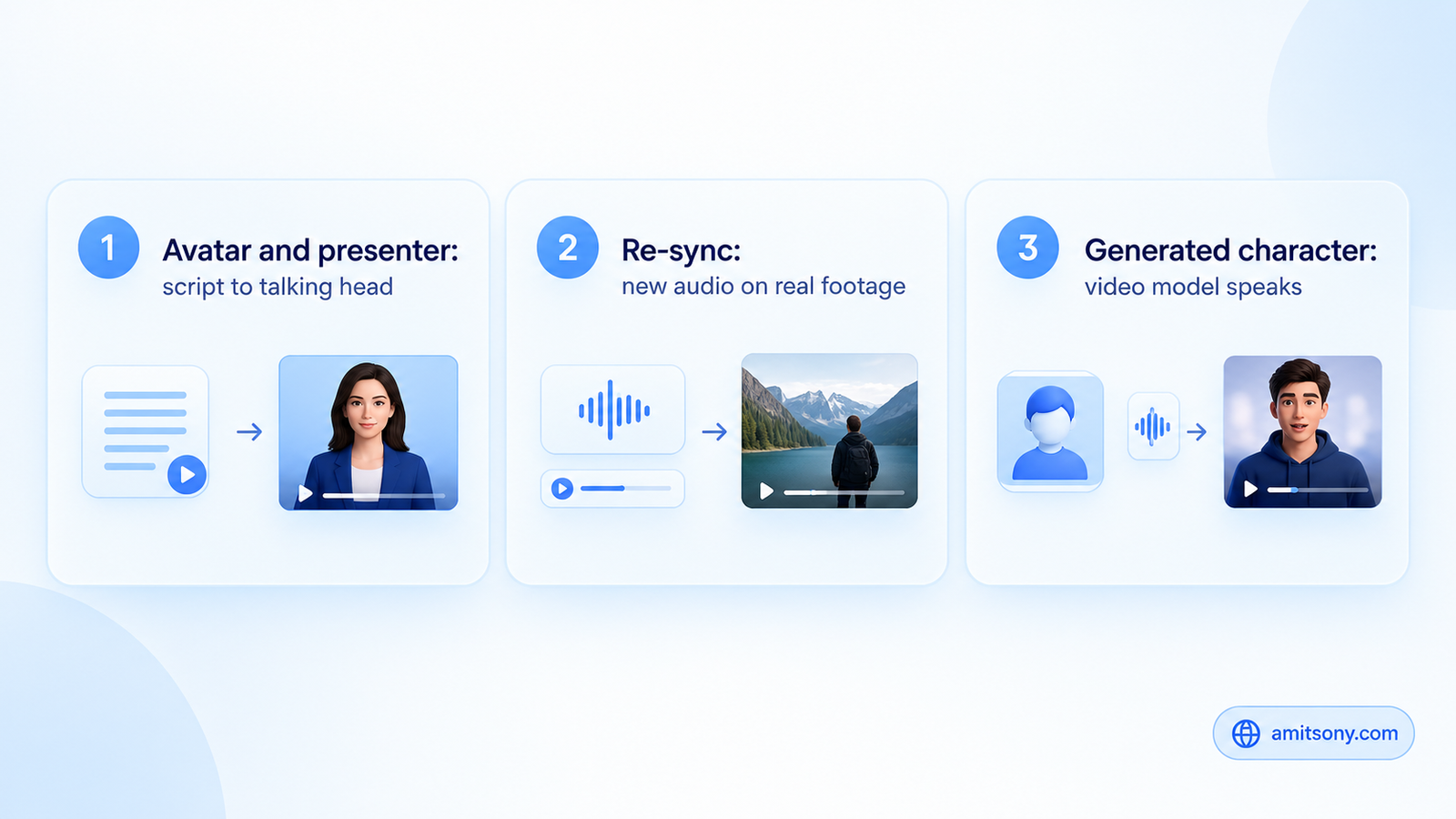
Three different problems get sold under one label. Presenter and avatar tools turn a script into a talking head, and they handle dubbing into other languages. Re-sync tools take footage you already shot and change the mouth movement to match new audio. Generated-character tools sit inside video models and make a character you created speak.
Most tools were built for one of these and added the others later. Independent testers keep noting that platforms that started as avatar products often feel bolted-on when you feed them real footage, while the ones built for real footage from day one handle hard shots better. Decide which problem you have before you compare prices.
Which Tool Is Best for Presenter and Multilingual Avatar Videos?
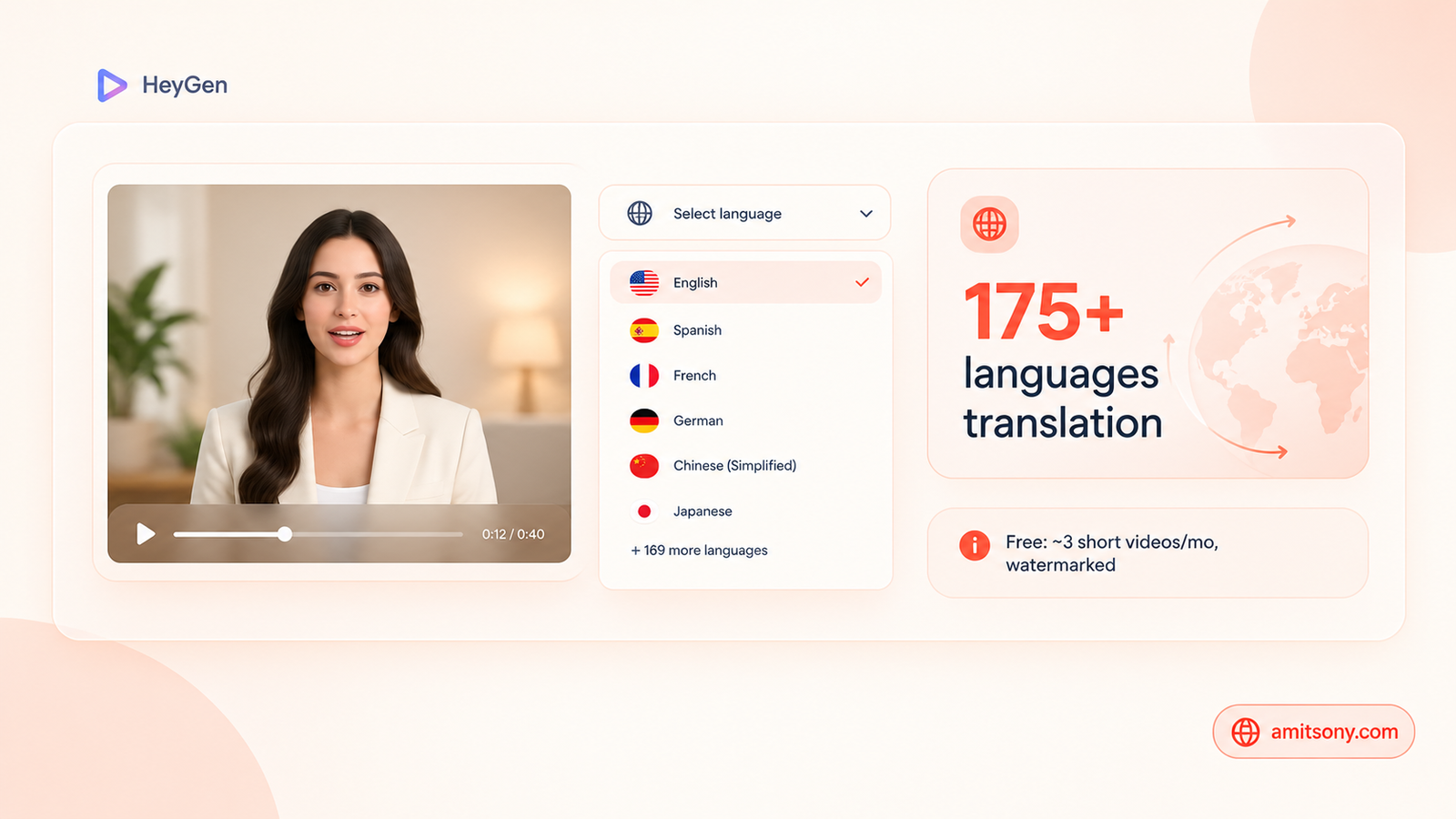
HeyGen shows up in nearly every comparison for presenter-style video, avatar libraries, and dubbing into other languages, with translation advertised across 175 or more languages. Its sync is tight on a single speaker facing the camera.
The free plan covers roughly 3 short videos a month, watermarked and at 720p. Paid plans start around $29/month. For developers, its API lists lip sync at roughly $0.0333 per second on Speed and $0.0667 per second on Precision, a figure taken from a competitor's comparison page, so confirm it on HeyGen's own pricing before you budget.
One honest criticism from hands-on testers: HeyGen is avatar-first, and its real-footage lip sync can feel like a secondary feature. Pick it for spokesperson, training, and localization work, not as your main tool for repairing live-action shots.
Which Tool Is Most Accurate on Real Footage?
Sync.so, formerly Sync Labs, is the name independent tests most often put first for natural, subtle mouth movement on real video. It's API-first, and it integrates with editors like Premiere Pro and DaVinci Resolve, which matters if lip sync is one step in a professional edit.
As listed by one comparison site, its lipsync-2 model runs about $0.04 to $0.05 per second, and the newer sync-3 about $0.107 to $0.133 per second, with three free generations a month. Pricing changes often, so check the vendor page.
It rewards technical users and tends to frustrate beginners. If you want a friendly web app that walks you through everything, start elsewhere. If accuracy on live footage is the whole point, it's the benchmark to beat.
Which Tool Is Best for Characters You Generated Yourself?
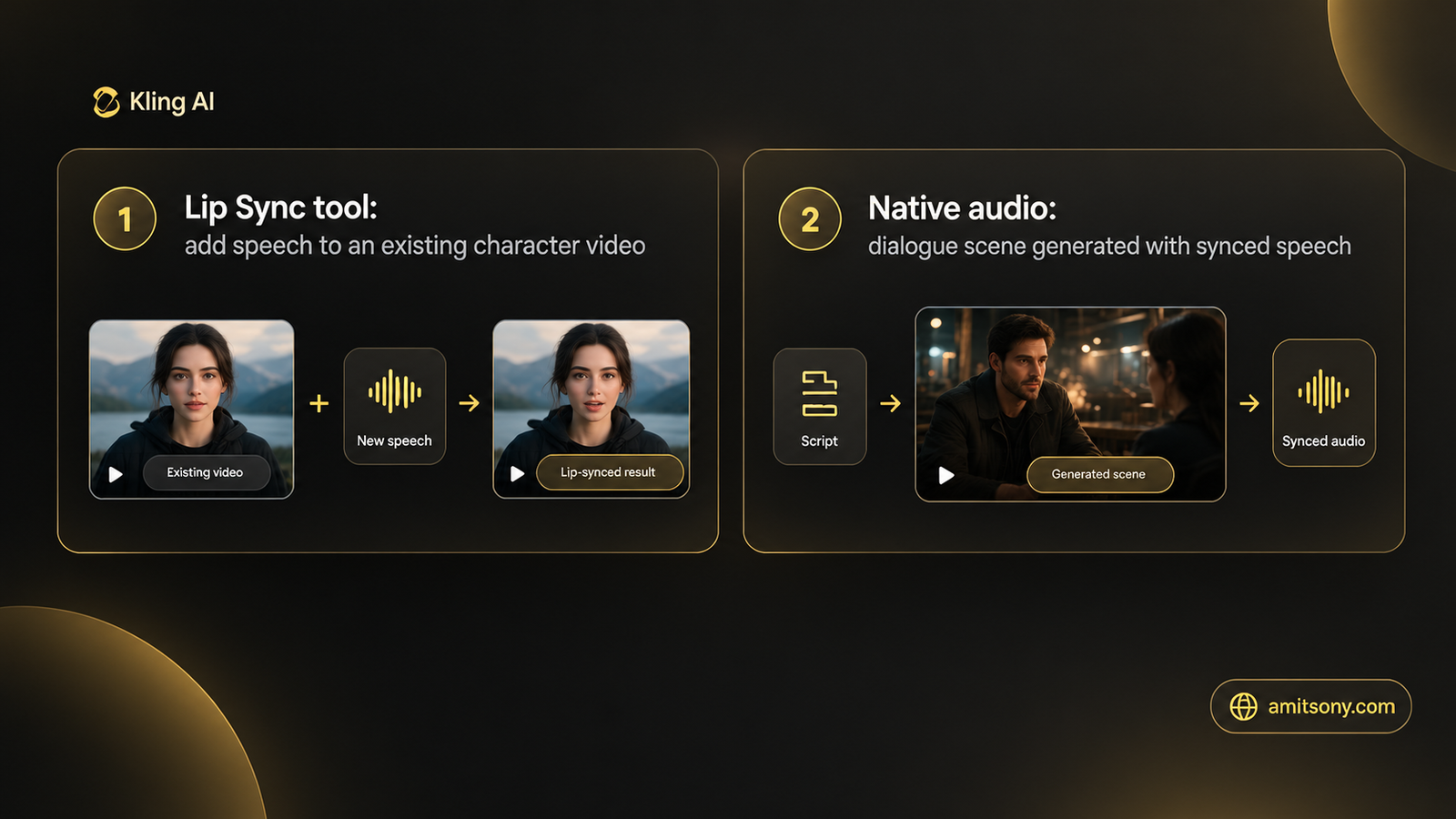
Kling AI offers two routes. Its Lip Sync tool adds new speech or singing to an existing character video, and the native audio in its newer video models can generate dialogue scenes where the speech, facial performance, and sound arrive together from the start.
A free tier of 66 daily credits is enough to test the workflow, though free credit availability can vary by region. At scale it gets expensive for long-form work, one tracker puts a short clip at roughly $0.35 per 5 seconds.
It's the strongest fit when the character already lives in a Kling video. It's not the simplest route for a quick talking-head clip, and testers consistently say so.
Which Option Is Quickest for a Free Test?
Magic Hour is a common pick for a fast, free first attempt, and notably it was ranked first by a competitor's own roundup, a better credibility signal than a tool ranking itself. One comparison describes its engine as English-centric, so test your language before relying on it.
Hedra is the other free-tier name that appears across several unrelated sources, usually recommended for expressive characters built from a single still image. Treat any free tier as a trial: the limits are small, watermarks are common, and long clips are usually locked behind a paid plan.
Where Do Voice Cloning and Lip Sync Meet?
ElevenLabs is the pick when voice is already your stack. Its Starter plan runs about $5/month, and lip sync sits on top of its voice tools, partly through partner models according to one comparison. That makes it convenient for a voice-first workflow, but not a dedicated sync specialist.
How Accurate Is AI Lip Sync Really?
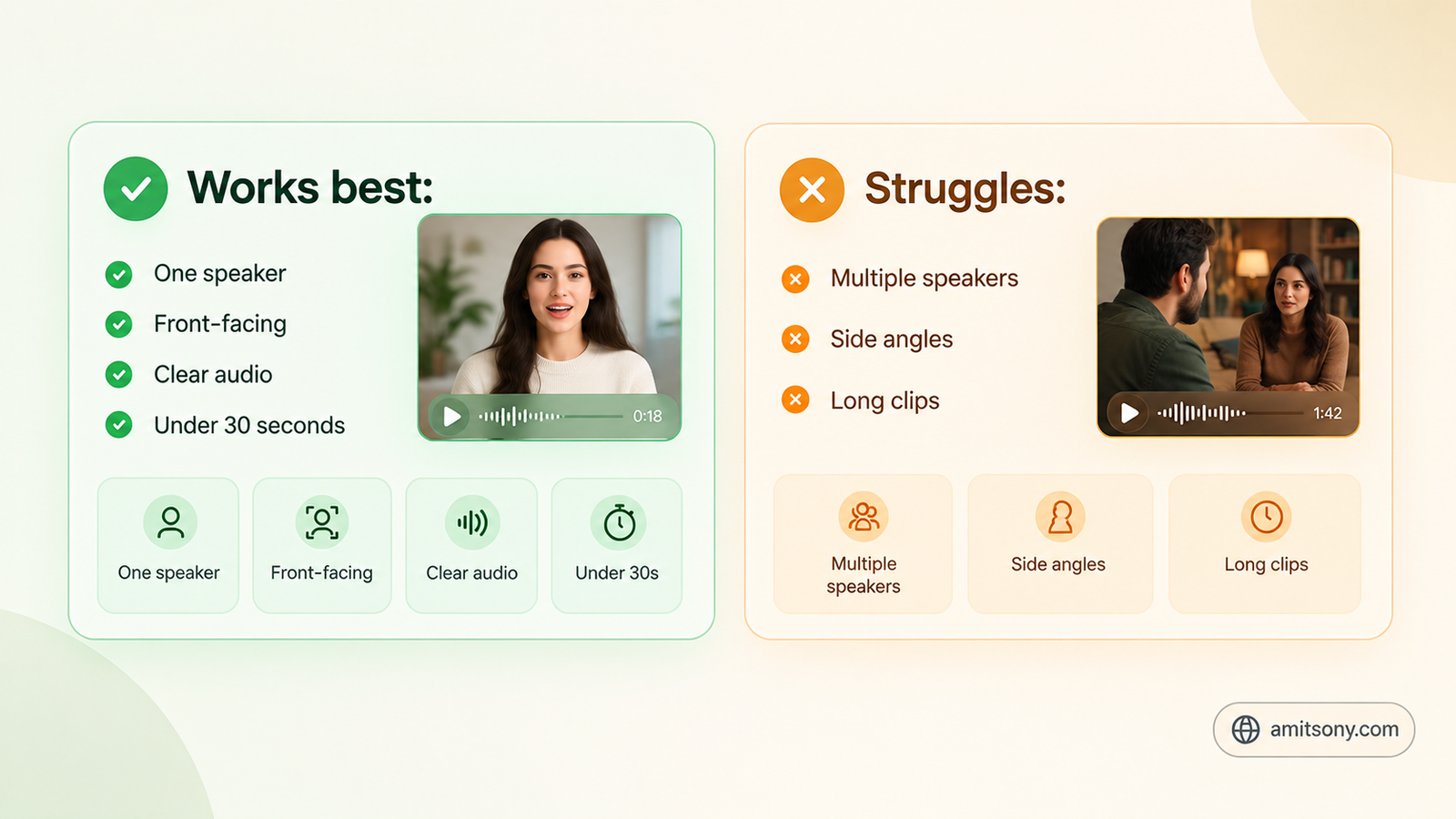
On clear audio with one speaker and a front-facing camera, the best tools are close to natural. In one blind test, clips under 30 seconds were often indistinguishable from real speech.
That headline number has a shadow. Accuracy drops with several speakers talking over each other, side-angle faces, and longer clips, and every vendor's demo reel is built from the easy cases. Test your own footage, not their sample, before you commit to a paid plan.
What Does a Minute of Lip Sync Actually Cost?
Per-second prices hide the real number, so convert them. At the listed rates, one minute of output costs roughly $2.00 to $4.00 on HeyGen's API, about $2.40 to $3.00 on Sync.so's lipsync-2, and around $6.40 to $8.00 on sync-3.
Subscription plans change the math. If you make a few short clips a month, a free tier or a $5 to $29 plan beats per-second billing. If you process hours of footage, the per-second API rate usually wins.
Is Lip-Syncing a Real Person Legal and Ethical?
Making a real person appear to say words they never said is a deepfake, even when the tool is friendly and the intent is harmless. Get the person's clear consent for their face and voice before you sync anything.
Disclosure rules now back this up. India's IT Amendment Rules, in force since 20 February 2026, require synthetic content to be labeled, and the EU AI Act's Article 50 has required deepfake disclosure since 2 August 2026, including for content that reaches EU viewers from outside the EU. This is general information, not legal advice, so check the rules for your own situation.
Which Tool Should You Pick?
Presenter videos and multilingual dubbing: HeyGen
Most accurate sync on real footage, especially in an editor workflow: Sync.so
Characters you generated in a video model: Kling AI
A fast free test: Magic Hour or Hedra
Voice-first workflow: ElevenLabs
Test with your own audio, keep clips short, and label what you publish. That habit matters more than which logo you pick.
Frequently Asked Questions
What is the best AI lip sync tool in 2026?
It depends on the job. HeyGen suits presenter and dubbing work, Sync.so is the most accurate on real footage, and Kling AI suits characters you generated yourself.
Is there a free AI lip sync tool?
Yes, several offer free tiers, including HeyGen at roughly 3 short watermarked videos a month, Sync.so with three free generations, and Kling with 66 daily credits. They are trials rather than full plans.
How much does AI lip sync cost per minute?
Roughly $2.00 to $4.00 on HeyGen's API, $2.40 to $3.00 on Sync.so's lipsync-2, and $6.40 to $8.00 on sync-3, based on listed per-second rates that can change.
Why does lip sync look wrong on some clips?
Accuracy is best on short, clear, single-speaker, front-facing video. Multiple speakers, side angles, and long clips are where tools struggle most.
Do I need permission to lip-sync someone's face and voice?
Yes. Get clear consent first, and label the result as synthetic. India's rules from February 2026 and the EU AI Act's Article 50 from August 2026 both require disclosure of synthetic or deepfake content.