Amit Sony

Top 10 Best Cursor AI Alternatives for Coding easy in 2025

1. GitHub Copilot

What is it?
GitHub Copilot is the industry-leading AI coding assistant created by GitHub and OpenAI. It integrates directly into VS Code, JetBrains, and Visual Studio.

Features

  • Autocompletes full lines or functions.
  • “Copilot Chat” for debugging, refactoring, and learning.
  • Deep integration with GitHub repositories.

Pricing

  • Free (for students)
  • Pro – $10 /month
  • Business – $19 /month

Comparison with Cursor

FeatureGitHub CopilotCursor AI
TypeAI assistant inside IDEFull AI-native editor
Offline Mode✅ (Limited)
Price$10 /mo$20 /mo
Ecosystem FitGitHub / VS CodeStandalone, VS Code based

2. Tabnine

What is it?
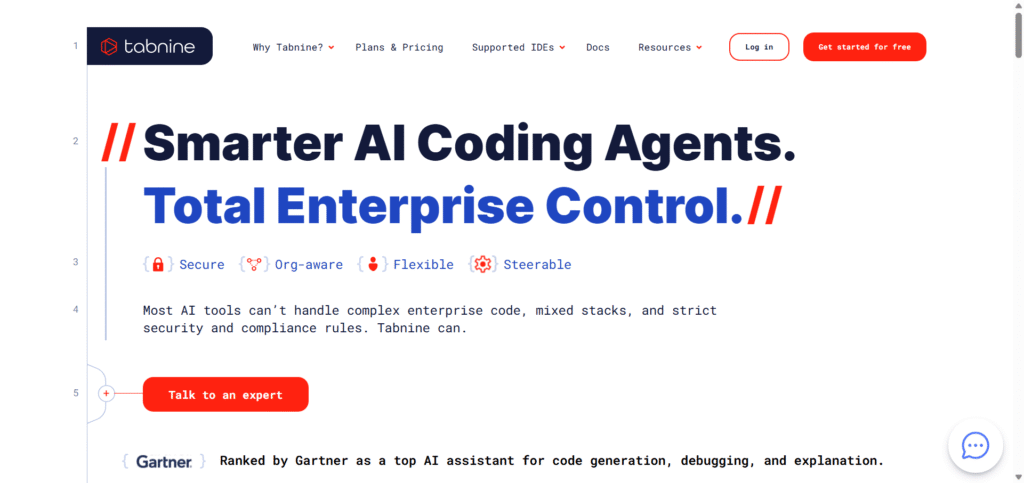
Tabnine is an AI code completion tool that emphasizes privacy and self-hosting, ideal for enterprise or security-sensitive teams.

Features

  • Local LLM deployment for privacy.
  • Context-aware code suggestions.
  • Team workspace support.

Pricing

  • Free basic plan
  • Pro – $12 /month
  • Enterprise – Custom pricing

Comparison with Cursor

FeatureTabnineCursor AI
Privacy✅ Self-hostCloud-based
FocusAutocompleteFull IDE assistant
Team Support
Price$12 /mo$20 /mo
 

3. Replit Ghostwriter

Replit Ghostwriter

What is it?

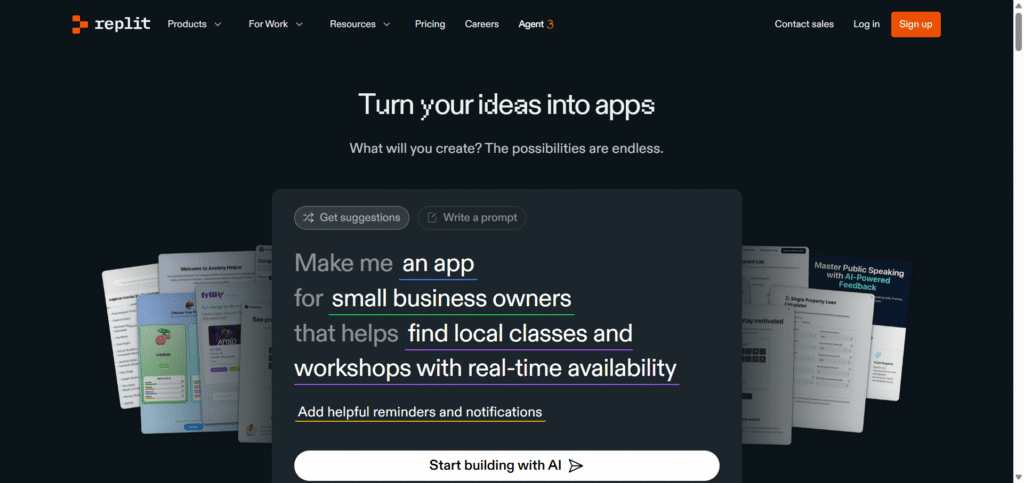
Replit Ghostwriter is an AI–powered coding assistant built directly into the Replit cloud IDE. It helps you write, refactor and understand code by using natural-language commands and real-time suggestions.
Replit itself is a browser-based development environment supporting many languages and instant deployment.

Key Features

  • Autocomplete & Generate Code: Ghostwriter can complete lines or functions, and even generate entirely new code blocks from your prompts.
  • Explain & Transform Code: Highlight existing code and ask Ghostwriter to explain it, or transform/refactor it.
  • Multi-Language Support: The Replit IDE supports over 50 programming languages, making Ghostwriter versatile across stacks.
  • Cloud Collaboration & Deployment: Since it’s browser-based, you can work anywhere, share projects and deploy instantly.

Pricing (Free or Paid)

  • Free “Starter” plan: gives access to Replit IDE and limited AI features.
  • Paid “Core” plan: around $15-$20 USD/month (billed annually) with full Ghostwriter access, AI-Agent features, $25/month compute credits, unlimited public/private projects.
  • Team/Enterprise: Higher tier plans (e.g., Teams ~$35-$40/user/month) with collaboration, private deployment, custom support. 

Comparison with Cursor AI

Here’s a quick comparison between Ghostwriter/Replit and Cursor AI to help you see where each sits:

FeatureReplit GhostwriterCursor AI
PlatformCloud browser-based IDE (Replit)AI-native code editor (VS Code based)
Best forBeginners, prototyping, multi-language, browser accessDeep local development, large codebases, advanced workflows
Price (approx)~$15-$20/month for full plan(~$20/month and up)
Deployment & collaborationInstant deployment, real-time collaboration built-inFocused on editor, less emphasis on “cloud deploy from the same tool”
Offline / local devRequires internet & cloud environmentBetter local environment support
 

4. Windsurf (Standalone)

What is it?
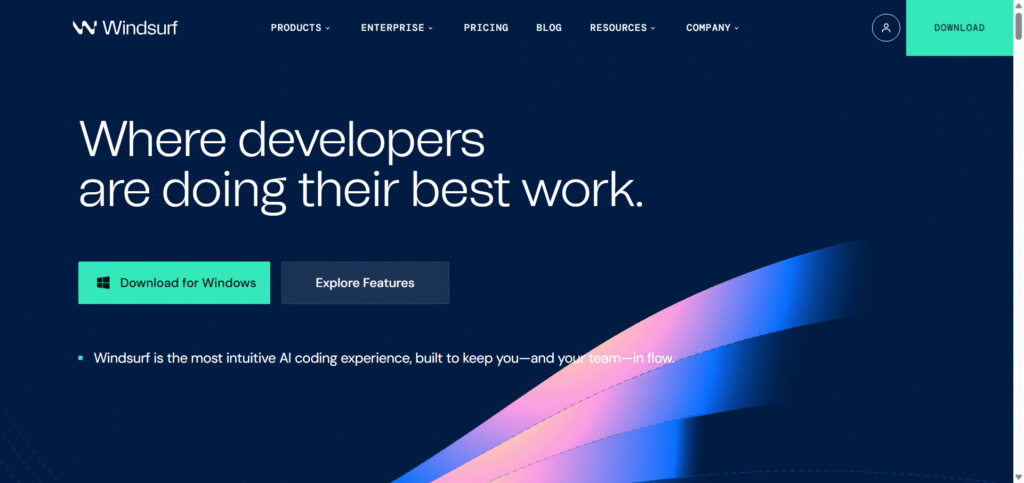
Windsurf is an AI-first IDE that lets developers code faster with agentic commands and multi-model support (OpenAI, Claude, Gemini).

Features

  • Codebase memory and rules.
  • Prompt credits system.
  • AI workflow automation.

Pricing

  • Free plan available
  • Pro – $15 /month
  • Teams – $30 /month

Comparison with Cursor

FeatureWindsurfCursor AI
FocusAI IDE with memoryEditor with agent mode
Price$15 /mo$20 /mo
IntegrationMultiple LLMsOpenAI only (for now)
 

5. Bito AI

Bito ai

What is it?
Bito goes beyond code generation — it helps review, refactor, and improve existing code bases.

Features

  • Code review & test suggestions.
  • Chat-based code explainer.
  • Team dashboards.

Pricing

  • Free plan available
  • Pro – $15 /month

Comparison with Cursor

FeatureBitoCursor AI
FocusCode reviewCode generation
Collaboration
Price$15 /mo$20 /mo

6. UI-Bakery AI

UI Bakery AI

What is it?
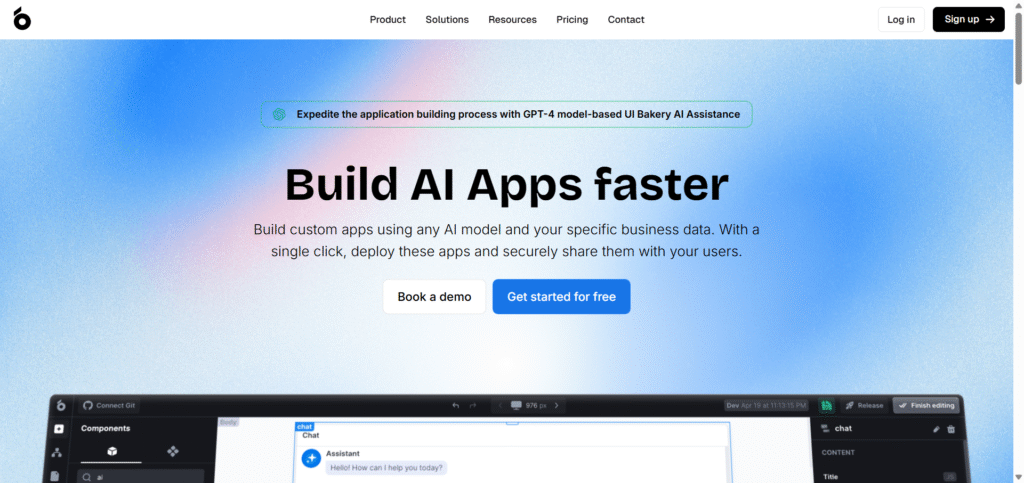
UI Bakery is a low-code platform with AI app generation. It creates full frontend and backend apps from text prompts.

Features

  • Drag-and-drop interface.
  • AI turns plain language into ready-to-deploy apps.
  • Connects to databases and APIs.

Pricing

  • Free trial available
  • Pro – $10 to $20 /month

Comparison with Cursor

FeatureUI BakeryCursor AI
GoalApp builderCode editor
Coding KnowledgeLowHigh
Price$10 – $20$20
Best forNon-codersDevelopers
 

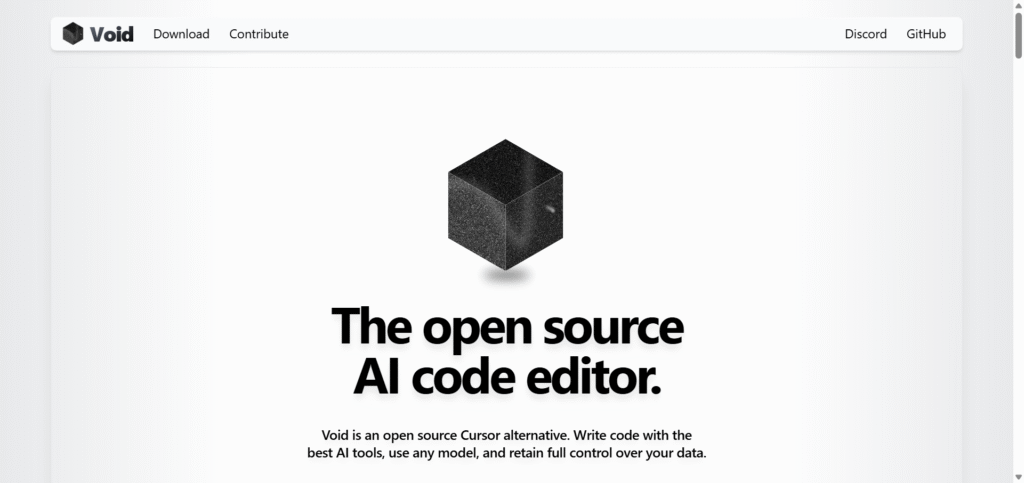
7. Void AI

Void AI

What is it?
Void is an open-source, privacy-first AI coding assistant that you can self-host locally.

Features

  • Offline LLM support (no cloud).
  • Extensible via plugins.
  • Supports Python, JS, Rust and more.

Pricing

  • Completely Free (Open Source)

Comparison with Cursor

FeatureVoid AICursor AI
HostingSelf-hostedCloud
PriceFree$20 /mo
PrivacyFull localLimited
Ideal forPrivacy focused devsGeneral users

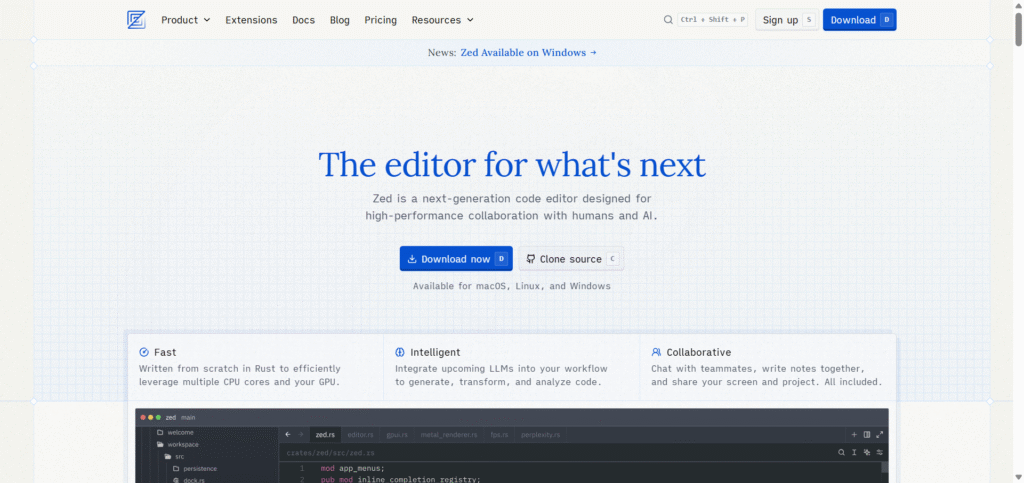
8. Zed Editor

What is it?
Zed is a lightweight, open-source text and code editor with built-in AI support and real-time collaboration.

Features

  • Lightning-fast performance.
  • AI suggestions and code actions.
  • Collaborative editing like Google Docs for code.

Pricing

  • Free (Open Source)


Comparison with Cursor

FeatureZed EditorCursor AI
SpeedVery fastModerate
Collaboration✅ Real-timeLimited
PriceFree$20 /mo


9. Continue.dev

Continue.dev

What is it?
Continue.dev is an open-source VS Code extension that adds AI code generation and chat to your existing IDE.

Features

  • Free and extensible.
  • Works with OpenAI, Claude, Gemini models.
  • Prompt engineering friendly.

Pricing

  • Free (Open Source)

Comparison with Cursor

FeatureContinue.devCursor AI
TypeVS Code extensionStandalone IDE
ModelsMultiple LLMsOpenAI only
PriceFree$20 /mo

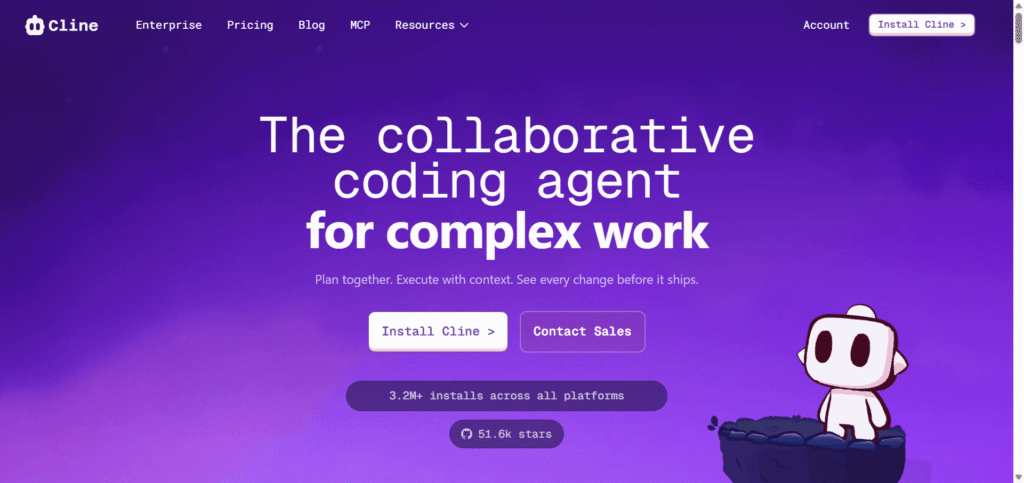
10. Cline AI

Cline ai

What is it?
Cline is a lightweight AI coding assistant that runs on top of VS Code and other editors, offering smart completion and chat.

Features

  • Code completion & generation.
  • Multi-model AI support.
  • Simple setup for beginners.

Pricing

  • Free version available
  • Premium – $9 to $15 /month

Comparison with Cursor

FeatureClineCursor AI
TypeVS Code pluginAI editor
Ease of useVery easyModerate
Price$9 – $15$20
Best forBeginnersPower users
 

Final Conclusion 

If you want an AI coding companion similar to Cursor AI, your choice depends on needs:

  • Best overall replacement: GitHub Copilot or Windsurf

  • For privacy/security: Tabnine or Void AI

  • For no-code app building: UI Bakery AI

  • For open-source freedom: Continue.dev or Zed Editor

  • For budget users: Cline or Codeium