All three launched or expanded in 2026: describe a goal, they plan and execute for hours, then return results. The real difference is cost and reach. Claude Cowork and ChatGPT Work both start around $20/month with deep local file access. Gemini Spark needs Google AI Ultra at $100 to $200/month but runs 24/7 on Google's servers.
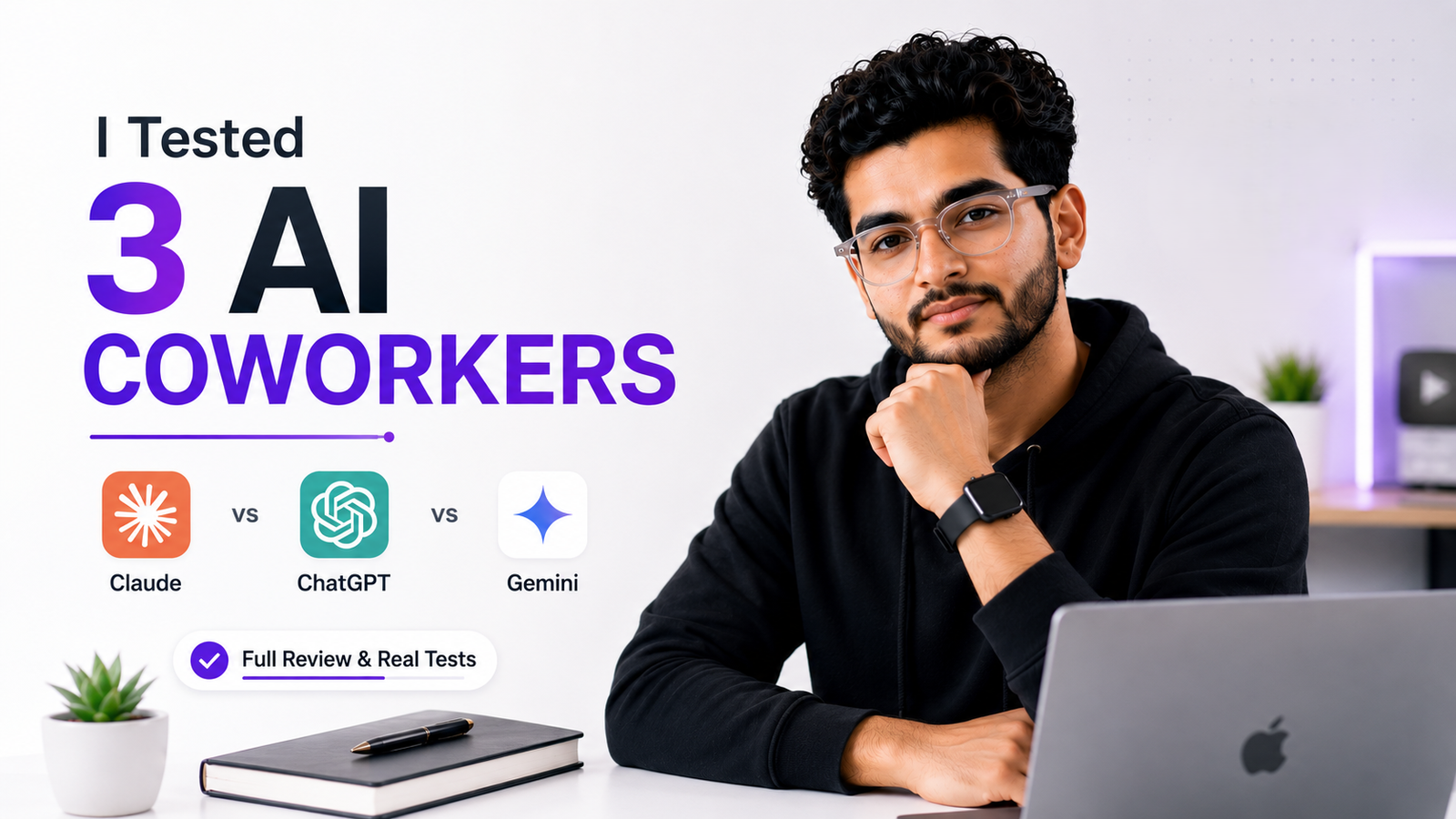
Three of the biggest AI companies spent 2026 racing toward the same idea: an agent that lives on your desktop, takes a goal instead of a prompt, and works independently for hours before handing back finished results. Claude Cowork went GA in April, ChatGPT Work launched at DevDay in July, and Gemini Spark arrived at Google I/O in May before reaching Mac in July.
All three promise roughly the same outcome. What actually separates them is cost, reach, and where the work happens, your device or a remote server. This comparison is built from each company's own documentation and pricing pages, checked as of August 2026.
What Do All Three Actually Have in Common?
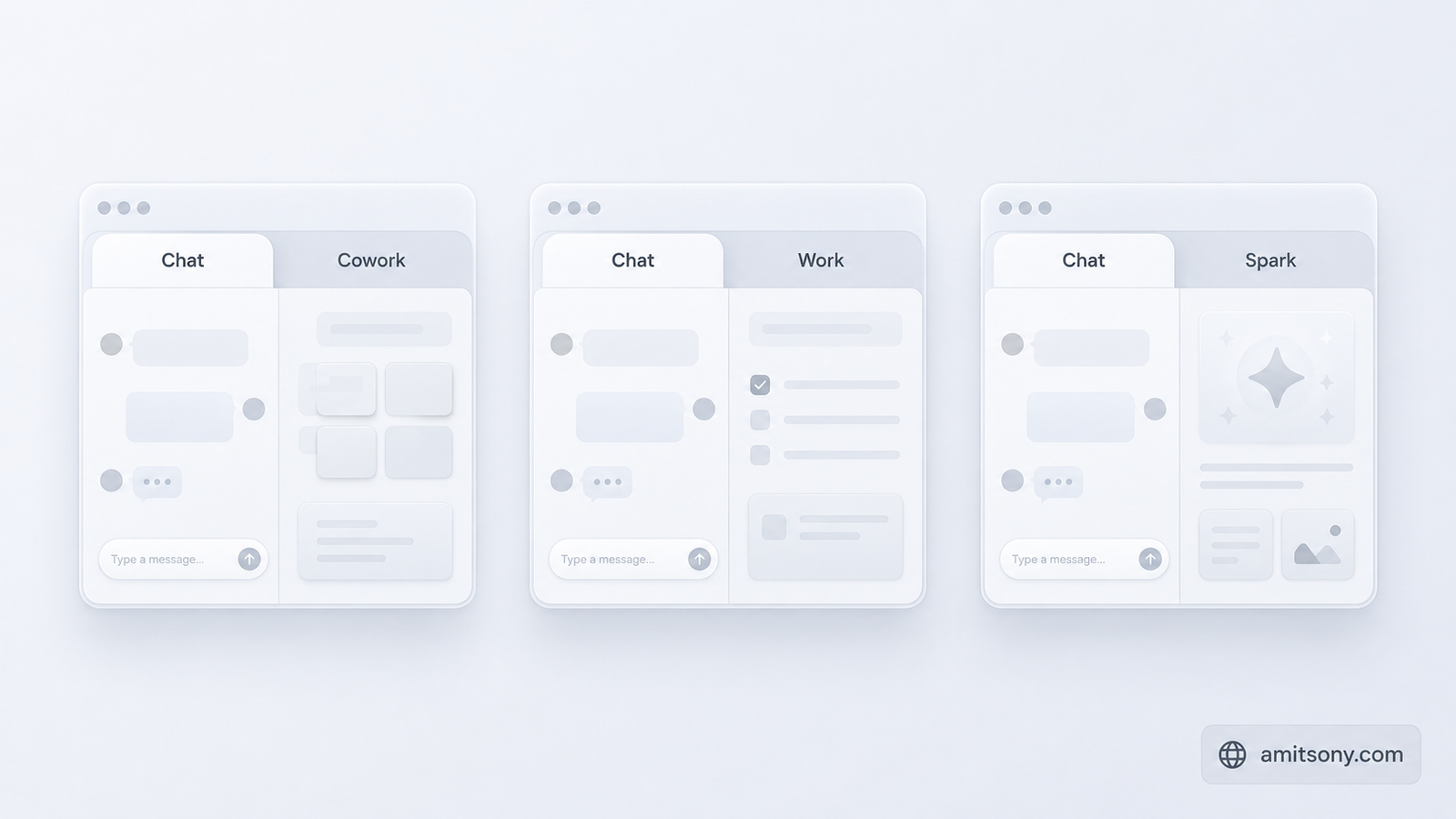
Each one lives inside an app you likely already have rather than existing as a separate download. Cowork is a tab inside Claude Desktop next to Chat and Code. Work is a mode inside ChatGPT alongside Chat and Codex. Spark is a mode inside the Gemini desktop app alongside regular Chat.
All three require your approval before high-stakes actions, sending money, submitting forms, or emailing on your behalf. None of them are fully unsupervised by design, even though all three can run for extended periods without you watching.
All three also connect to outside apps and services, whether through MCP connectors, Connected Apps, or a plugin marketplace, so the agent can pull real context instead of working from what you type alone.
How Much Does Each One Actually Cost to Get Started?
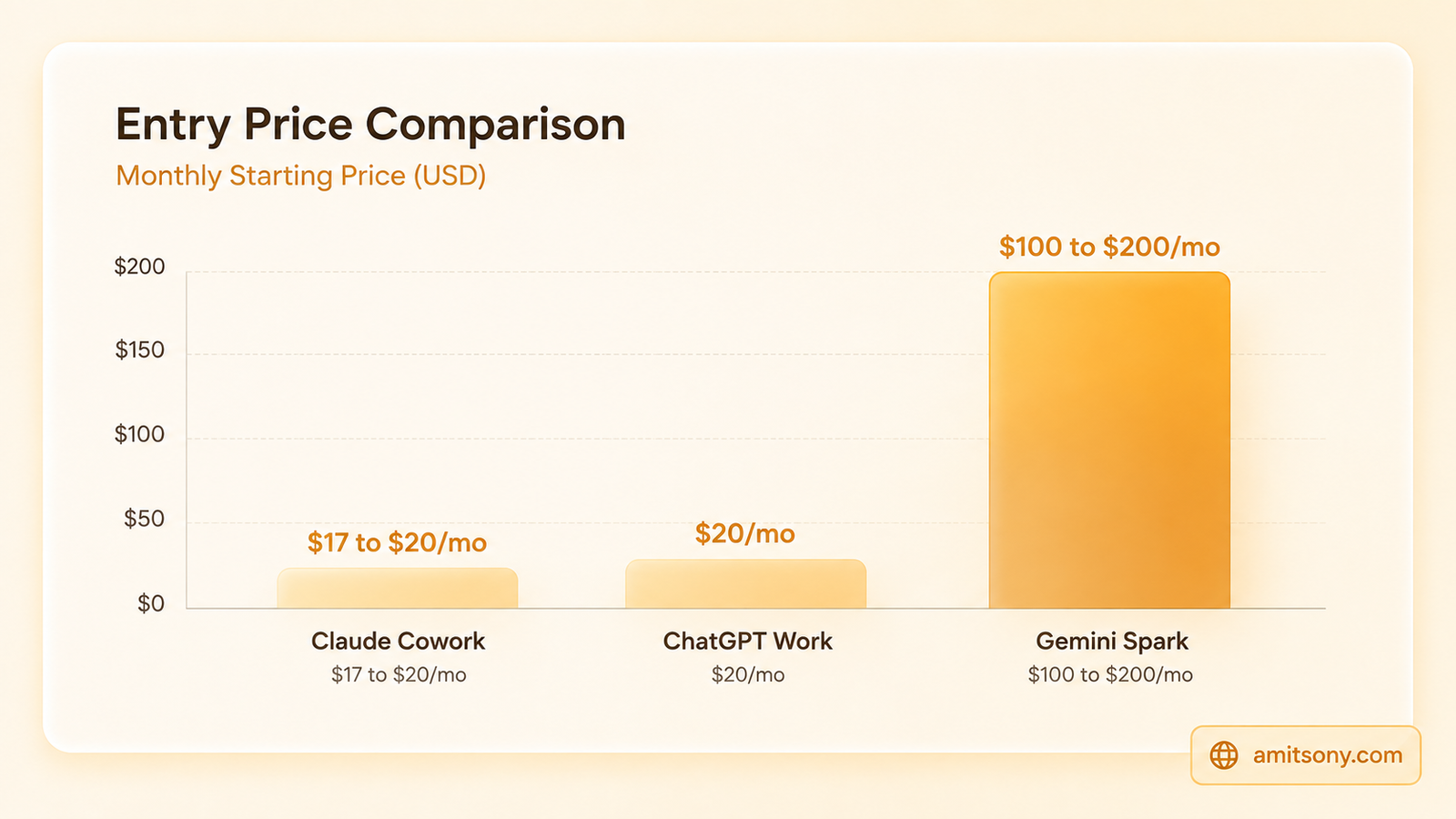
Claude Coworkclaude-cowork is included in every paid Claude plan, Pro at $17/month billed annually or $20/month monthly, up through Max, Team, and Enterprise. There's no separate fee, and no free tier includes it.
ChatGPT Work follows the same logic on OpenAI's side, included in paid plans starting at Plus for $20/month, with Pro from $100/month for heavier use. Free and Go plans, at $0 and $8/month, don't include it at all.
Gemini Spark is the outlier by a wide margin. It requires a Google AI Ultra subscription specifically, starting at $100/month for 5x usage limits or $200/month for the full 20x tier, well above what either competitor charges to get started. Google's cheaper Plus and Pro tiers don't unlock it at any price.
If budget is the deciding factor, Spark isn't in the same conversation as the other two. It's priced for people already committed to Google's most expensive tier, not as an entry point on its own.
Which One Gives You the Deepest Local File and System Access?
Claude Cowork goes furthest here. Beyond reading and editing local files, its Dispatch feature, in research preview on macOS, can see your screen, control your mouse and keyboard, and operate other applications directly, opening apps, browsing the web, filling in spreadsheets.
ChatGPT Work operates more through its connector directory, over 1,400 apps, than raw device control, closer to orchestrating existing tools than taking over your screen.
Gemini Spark takes the opposite approach by design. It connects through proper APIs to Gmail, Docs, Calendar, and a growing MCP partner list rather than reading your screen, which Google's own team describes as more reliable but more limited, it can only act on services it's actually been connected to.
Which One Is Best for Multi-Hour Autonomous Projects?
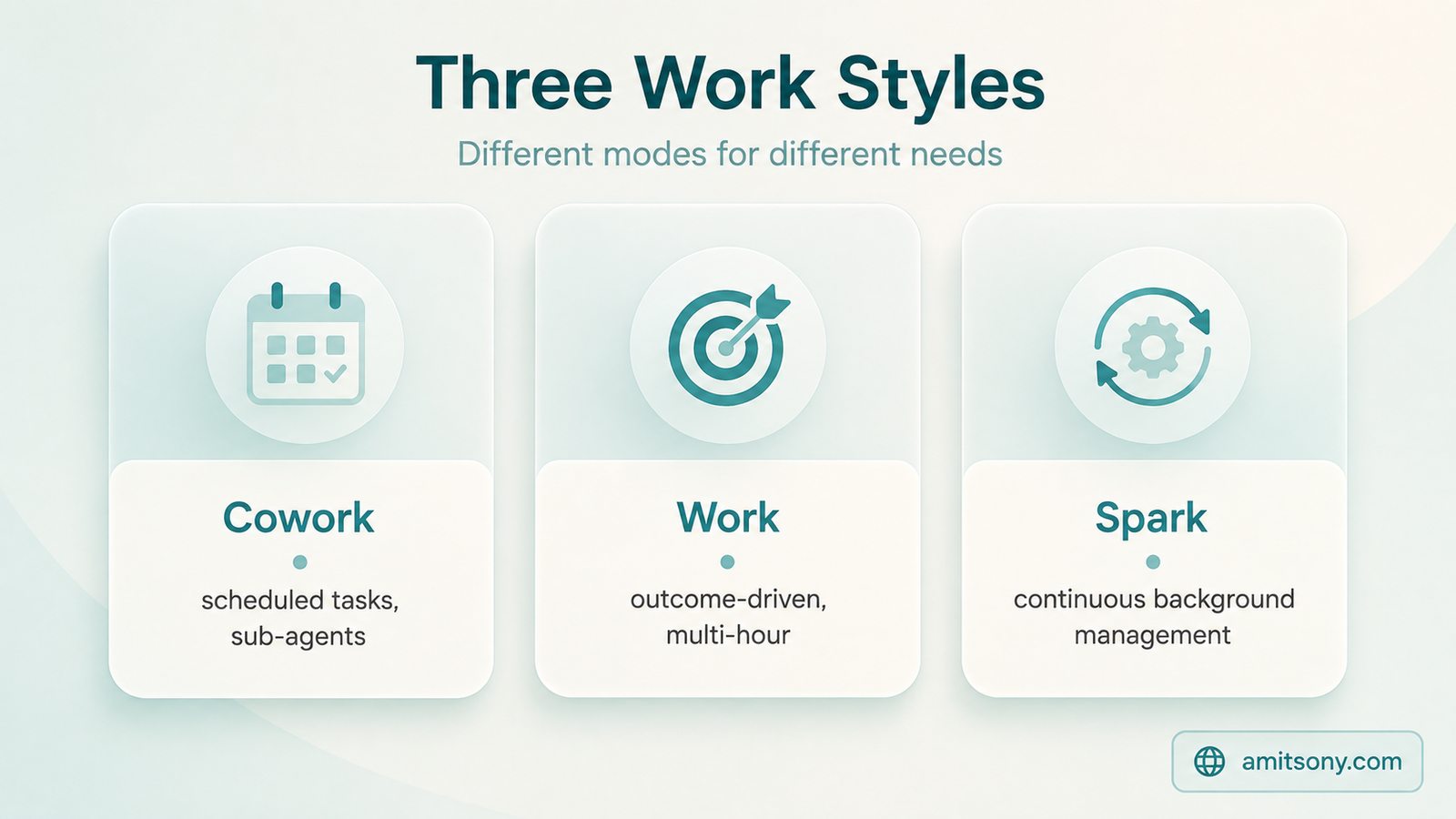
ChatGPT Work is the one built most explicitly around this framing, take an outcome instead of a prompt, and OpenAI's own case studies show it compressing weeks of research or lead-triage work into hours. Independent reviews describe it as reliable for repeatable, reviewable tasks, though not yet trustworthy for unsupervised work where every number must be exact.
Claude Cowork covers similar ground through scheduled recurring tasks, sub-agent coordination, and project workspaces, with vertical bundles already shipped for legal, small business, and marketing operations specifically.
Gemini Spark's version of this is framed around ongoing, always-on management rather than single big projects, a persistent agent handling your inbox and calendar continuously in the background, closer to a standing assistant than a one-off task runner.
Which One Runs Without Your Device Even Being On?

This is Gemini Spark's clearest differentiator. It runs on Google's own servers around the clock, Sundar Pichai's own framing at I/O was that you don't need to keep your laptop open for it to keep working.
Claude Cowork has started moving this direction too, since July 7, 2026 it's been in beta on claude.ai and mobile, where tasks continue as remote cloud sessions even without your device online, though the primary desktop experience still assumes your machine is on.
ChatGPT Work runs through the ChatGPT app itself rather than a persistent background service, so a session generally corresponds to you having it open, though scheduled tasks can still trigger and run to completion independently.
What Are the Real Hidden Costs and Gotchas?
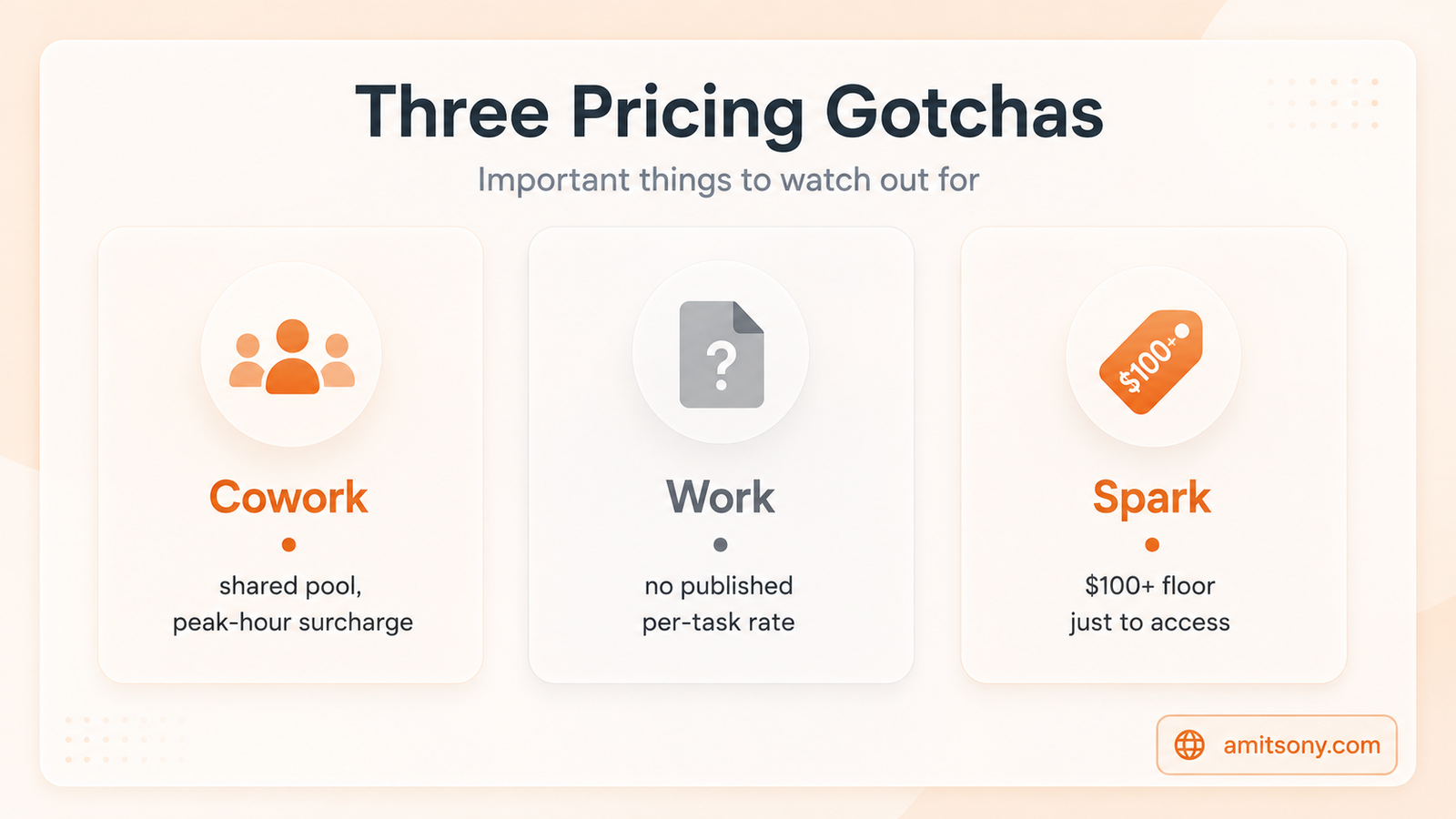
Claude Cowork's usage draws from the exact same pool as Claude Chat and Claude Code, a five-hour rolling window plus a weekly cap on top. Burn tokens in one surface and you lose capacity in the others. Anthropic also applies a 1.3x to 1.5x usage multiplier during weekday peak hours, 5am to 11am Pacific, so the same task costs meaningfully more if you run it first thing in the morning.
ChatGPT Work meters the same way against your plan's shared GPT-5.6 allowance, and OpenAI hasn't published a per-task rate, so the real cost of a long session is genuinely hard to predict in advance.
Gemini Spark's gotcha is upfront rather than hidden: the $100 to $200 monthly floor to access it at all, before you've run a single task. There's no lower-cost way to try it.
Every one of these three has a real catch. Read the fine print on usage pooling before you build a workflow around any of them running constantly.
Which Platforms Does Each Actually Run On?
Claude Cowork covers macOS and Windows, with feature parity since Windows reached general availability in February 2026, plus a newer web and mobile beta for remote sessions.
ChatGPT Work runs through the rebuilt ChatGPT desktop app, available broadly, though the Work entitlement itself depends on your plan rather than your operating system.
Gemini Spark is the most restricted right now: macOS only, and limited to Google AI Ultra subscribers in the United States, with wider availability described as coming later.
Which One Should You Actually Pick?
Cheapest way to try an agentic desktop tool: Claude Cowork or ChatGPT Work, both around $20/month
Deepest control over your actual computer: Claude Cowork, through Dispatch
Best documented for big, one-off multi-hour projects: ChatGPT Work
Best for continuous, always-on management: Gemini Spark, if you're already paying for AI Ultra
Avoid for now if: you need guaranteed unsupervised accuracy on anything with real financial or legal stakes, all three still want a human check
None of these three has solved the trust problem yet, they've solved the plumbing problem. Pick based on what app ecosystem you already live in, not which one has the flashiest demo.
Frequently Asked Questions
Is Claude Cowork cheaper than Gemini Spark?
Yes, significantly. Claude Cowork starts at $17 to $20/month on the Pro plan, while Gemini Spark requires a Google AI Ultra subscription starting at $100/month.
Which of the three works without my computer being turned on?
Gemini Spark, which runs continuously on Google's own servers. Claude Cowork has a newer remote beta on claude.ai and mobile for similar always-on sessions.
Does ChatGPT Work cost extra on top of my ChatGPT subscription?
No, it's included starting on the Plus plan at $20/month, but usage meters against your plan's shared allowance rather than being unlimited.
Which tool gives an AI the most control over my actual computer?
Claude Cowork, through its Dispatch feature, which can see your screen and control your mouse and keyboard directly, currently in research preview on macOS.
Can any of these three work completely unsupervised?
No. All three require approval before high-stakes actions like spending money or sending emails on your behalf, and independent reviews caution against unsupervised use for anything requiring exact accuracy.